$37.50 Original price was: $37.50.$9.99Current price is: $9.99.
Instant email delivery — your key and download link arrive within minutes.
100% secure payments with SSL encryption via Stripe

Activates on Microsoft’s servers

One key, one PC, activated for life. No subscription.
| Edition | Microsoft Windows 11 Pro (not Home, not N) |
| License term | Lifetime, one-time payment |
| Devices | 1 PC (5 PCs? see the 5 PC pack) |
| Works for | Clean install, reinstall, Home → Pro upgrade |
| Version | Latest Windows 11, 64-bit, any language |
| Activation | Online with Microsoft; phone activation if needed |
| Delivery | By email, usually within minutes |
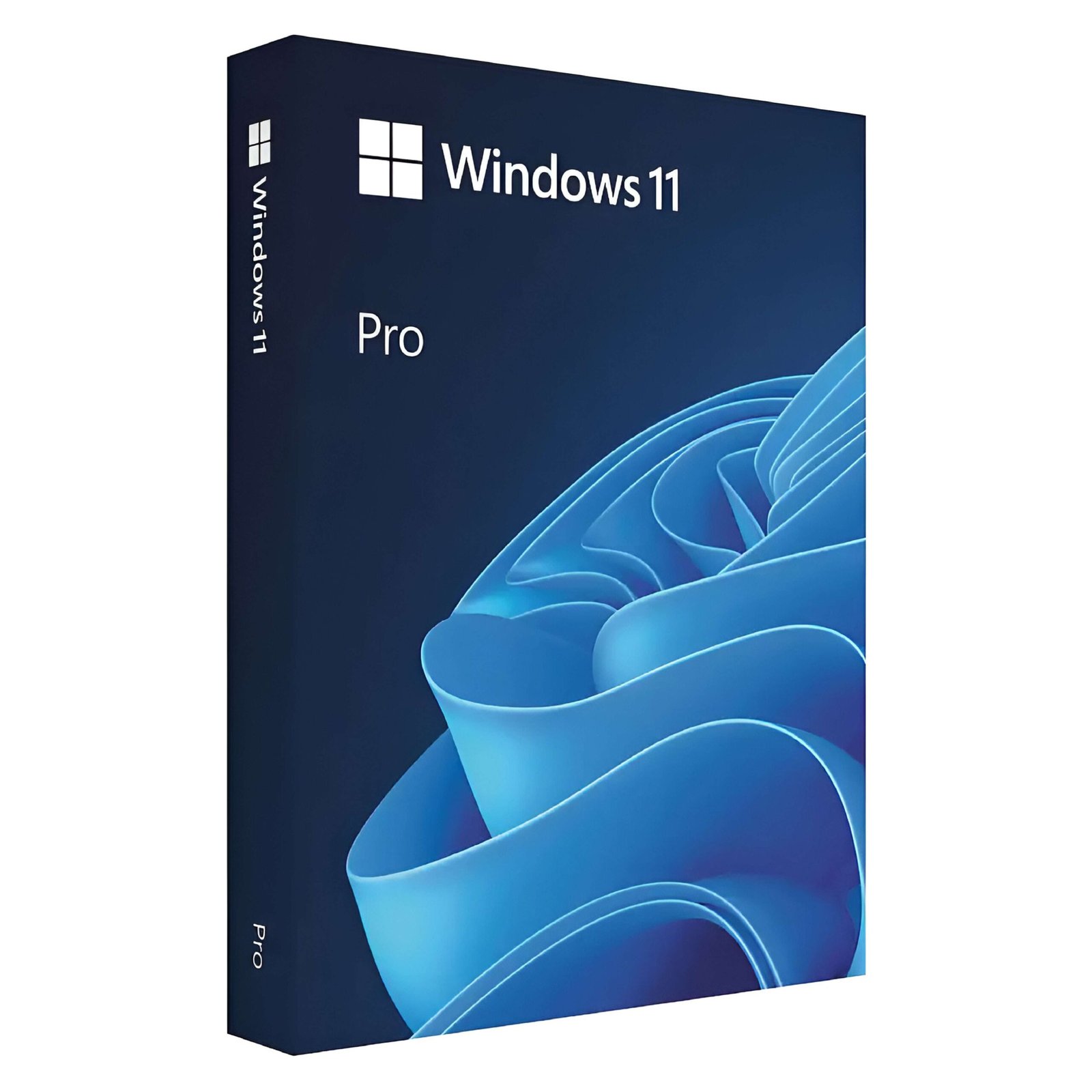
A Windows 11 Pro key is the 25-character product key that turns an installed copy of Windows 11 into a fully activated Windows 11 Professional system. This page sells exactly that: one genuine Windows 11 Pro product key for one PC, delivered by email with the official Microsoft download link and a step-by-step activation guide. It is a one-time purchase. There is no subscription, no renewal date and no monthly fee, so once your PC shows “Windows is activated” it stays activated for the life of that computer. Activation is Microsoft’s servers accepting the key; what you may do with the license (for example after a hardware change) is set by the license terms, not by activation or by linking a Microsoft account. Our Windows 11 activation guide explains the difference and the hardware-change troubleshooter.
You can use the key in two ways. On a PC that already runs Windows 11 Home, it upgrades the edition to Pro in place, keeping every file, app and setting. On a new build, an empty SSD or a reinstall, you download Windows 11 from Microsoft, install it and enter the key during setup or afterwards. Either way the key activates against Microsoft’s own activation servers, the same check every retail and OEM copy of Windows goes through.
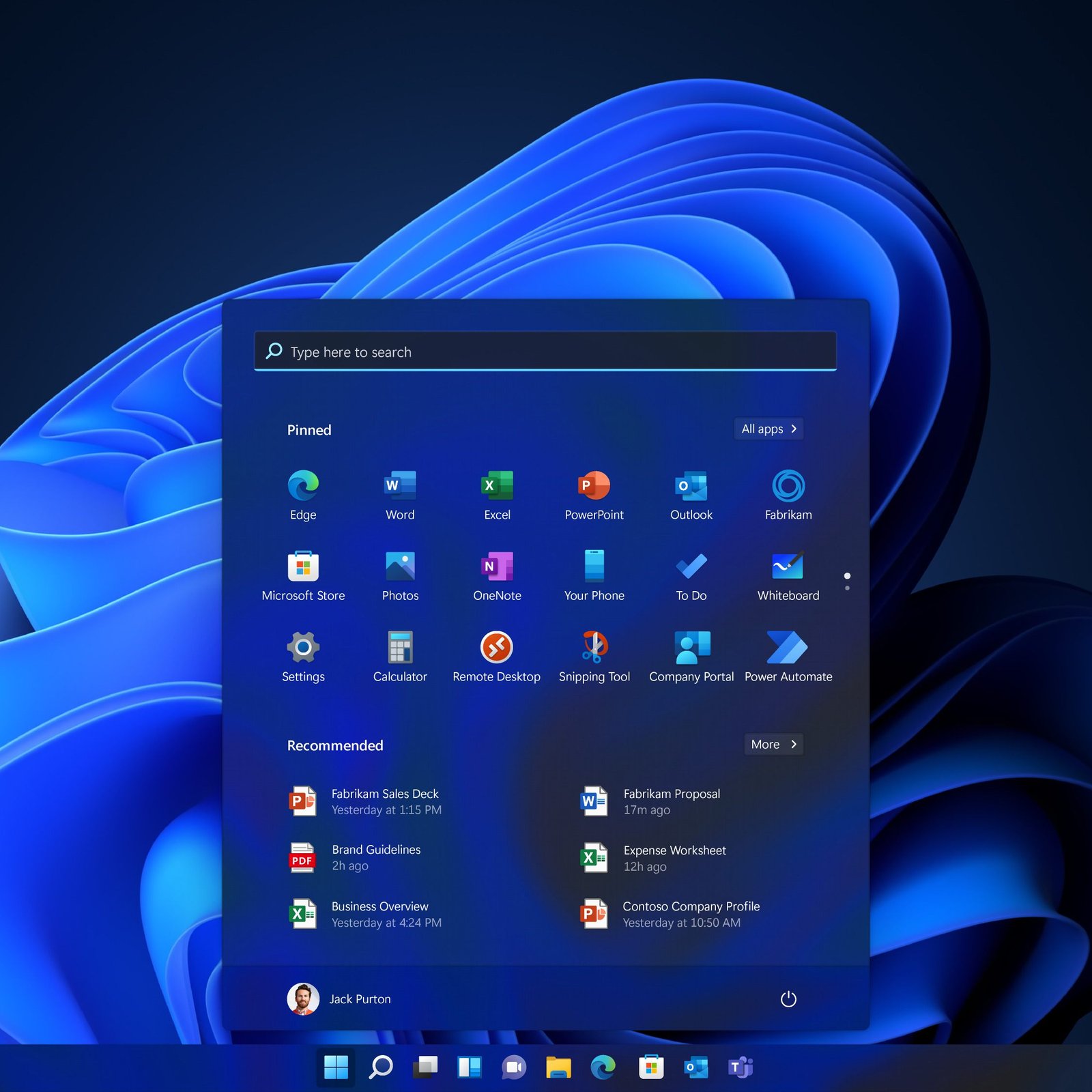
Windows 11 Pro contains everything in Windows 11 Home (the new Start menu, Snap layouts, widgets, Microsoft Edge, DirectStorage and Auto HDR for gaming) and adds the security, remote-access and management tools that professionals and small businesses rely on:
| Feature | Windows 11 Home | Windows 11 Pro |
|---|---|---|
| BitLocker encryption | Device encryption on some PCs only | ✔ Full BitLocker + BitLocker To Go |
| Remote Desktop host | — | ✔ |
| Hyper-V and Windows Sandbox | — | ✔ |
| Group Policy, domain and Entra ID join | — | ✔ |
| Maximum RAM / CPUs | 128 GB / 1 CPU | 2 TB / 2 CPUs |
| Best for | Browsing, study, casual gaming | Work, business, developers, power users |
Games run at the same speed on both editions, so the decision comes down to security and control. If you carry a laptop outside the house, work from home, manage more than one PC or run virtual machines, Pro is the better choice. Our full Windows 11 Home vs Pro comparison covers every difference in detail. If you only need the basics, the Windows 11 Home product key is the lower-cost option.
| Edition | Key difference | Choose it if |
|---|---|---|
| Windows 11 Pro | All Pro security and management tools, media apps included | You want the standard professional edition (most buyers) |
| Windows 11 Pro N | Same as Pro without Media Player and media apps (EU edition) | Your installation is already an N build |
| Pro for Workstations | Up to 6 TB RAM, 4 CPUs, ReFS and SMB Direct | You run server-grade workstation hardware |
| Windows 11 Enterprise | Adds Credential Guard, AppLocker and advanced deployment tools | An IT department manages your fleet |
The most searched question about editions is the difference between Windows 11 Pro and Enterprise. Enterprise is built for organisations with an IT team and central management, while Pro already includes everything a freelancer, home office or small company normally needs. Read Windows 11 Enterprise vs Pro for the full breakdown. Licensing several office PCs at once? The Windows 11 Pro 5 PC key pack costs less per computer.
Microsoft ended standard support for Windows 10 on 14 October 2025, which means no more free security updates for most Windows 10 PCs. If your hardware meets the Windows 11 requirements, moving to Windows 11 Pro gives you the current interface, a stronger security baseline (TPM 2.0 and Secure Boot) and years of feature and security updates. An activated Windows 10 Pro PC usually upgrades to Windows 11 Pro for free through Windows Update. A Windows 10 Home PC, a PC with an unactivated copy, or a new build needs a Windows 11 Pro product key. Our guides on Windows 10 end of support and upgrading Windows 10 to Windows 11 walk you through each scenario.
Already on Windows 11 Home? A Windows 11 Pro key can upgrade the edition in place: open Settings › System › Activation › Change product key, enter the key and select Next. Windows keeps your desktop, documents and programs and restarts once or twice as Windows 11 Pro. Microsoft documents this route for an activated copy of Windows 11 Home. On some PCs that shipped with Home, the direct route is rejected with error 0xC004F050; in that case use the two-step method (generic edition-switch key first, then your Pro key) described in our Windows 11 Home to Pro upgrade guide. If you would rather buy a product built for the upgrade, with both codes and the illustrated guide included, see the Windows 11 Home to Pro upgrade key.
Windows keys are sold as retail, OEM or volume licenses, and the terms differ. The Windows 11 Pro key on this page is a single-PC lifetime license: you pay once, activate one computer, and that computer stays licensed permanently, including through reinstalls and every Windows 11 feature update. It is not a trial and does not expire after a year. After activation the license is linked to that PC, so it should not be moved to a second machine. Replacing a motherboard counts as a new PC for activation, while swapping a drive or adding RAM does not. Our article on OEM vs retail Windows keys explains the license types, and activation after a hardware change covers what to do after upgrades.
| Component | Minimum | Recommended |
|---|---|---|
| Processor | 1 GHz, 2 cores, compatible 64-bit CPU | Intel 8th gen / AMD Ryzen 2000 or newer, 4+ cores |
| Memory | 4 GB RAM | 8–16 GB RAM |
| Storage | 64 GB | 256 GB SSD |
| Firmware and security | UEFI, Secure Boot capable, TPM 2.0 | Same, enabled in BIOS |
| Graphics and display | DirectX 12, WDDM 2.0; 720p, 9-inch | 1080p or higher |
To check TPM, press Win + R, type tpm.msc and press Enter. The full checklist, including how to enable TPM and Secure Boot in the BIOS, is in our Windows 11 requirements guide.
Microsoft lists Windows 11 Pro at $199.99 and the Home-to-Pro upgrade at $99.99. Boxed USB copies in big-box stores usually sell for about the same. The price for this key is shown at the top of this page and includes instant delivery, the download link, the activation guide and free activation support. If you also need Office, the Windows 11 Pro + Office 2024 Pro Plus bundle licenses both for less than buying them separately.
Low-priced Windows keys are everywhere, and some come from sellers who disappear when activation fails. Before you buy anywhere, look for four things: a real company with contact details, a written refund policy, activation help after the sale, and genuine customer reviews. At Kymakers every order gets a written 180-day refund on keys that have not been redeemed, a free replacement if a key ever stops working through no fault of yours, and support that will walk you through activation. Read is it safe to buy cheap Microsoft license keys? for a buyer’s checklist that applies to any store.
| Product | Microsoft Windows 11 Pro (Professional) product key |
| License | Lifetime, one-time purchase, 1 PC |
| Version | Latest Windows 11 release, 64-bit, all languages |
| Use | Clean install, reinstall, or Windows 11 Home to Pro upgrade |
| Activation | Online through Microsoft activation servers; phone activation available |
| Delivery | Email with key, official download link and guide, usually within minutes |
| Support | Free activation support; 180-day refund on unredeemed keys |
Browse every edition in our Windows 11 product keys category, or see how ordering works at Kymakers.
Still deciding? Our guide covers what every Windows 11 edition costs in 2026.
Further reading: find the Windows product key already on your PC before you buy, why a generic install key never activates, and what to do if a key is rejected.
Everything you need arrives in one email right after checkout: your Windows 11 Pro product key, the official Microsoft download link and our illustrated guide. Pick the path that matches your PC.
Work through four checks in order. 1) Edition: Settings › System › About must say Windows 11 Pro; a Pro key will not activate Home, Home N or Pro N. 2) Existing license: if Activation already says “Windows is activated”, the PC has a digital license and does not need the key. 3) Error code: enter the key from an elevated Terminal with slmgr /ipk then slmgr /ato to see the exact code, and look it up in Windows product key not working or, for KMS-related codes, how to fix activation error 0xC004F074. 4) Hardware change: a replaced motherboard needs the Activation troubleshooter with a linked Microsoft account; see the Windows 11 activation guide. Phone activation remains available for Pro: run slui 4, and use our Get Confirmation ID tool if you need help with the ID exchange. Still stuck? Reply to your delivery email and our team will help you activate.
 Microsoft Windows 11 Pro Product Key – Lifetime License | 1 PC
Sorry, no reviews match your current selections
$37.50 Original price was: $37.50.$9.99Current price is: $9.99.
One-Time Payment · No Subscription
$37.50 Original price was: $37.50.$9.99Current price is: $9.99.





The installation took a little longer than expected because of my previous Windows setup, but support helped me solve it.
Very reliable seller. The key was genuine, the instructions were clear, and the upgrade was successful.
The upgrade unlocked all the Pro features I needed. Very happy with the purchase.
The key worked immediately, and my PC upgraded to Windows 11 Pro without any problems.
Excellent experience from beginning to end. Fast delivery and a genuine activation key.