KYMAKERS SUPPORT CENTER
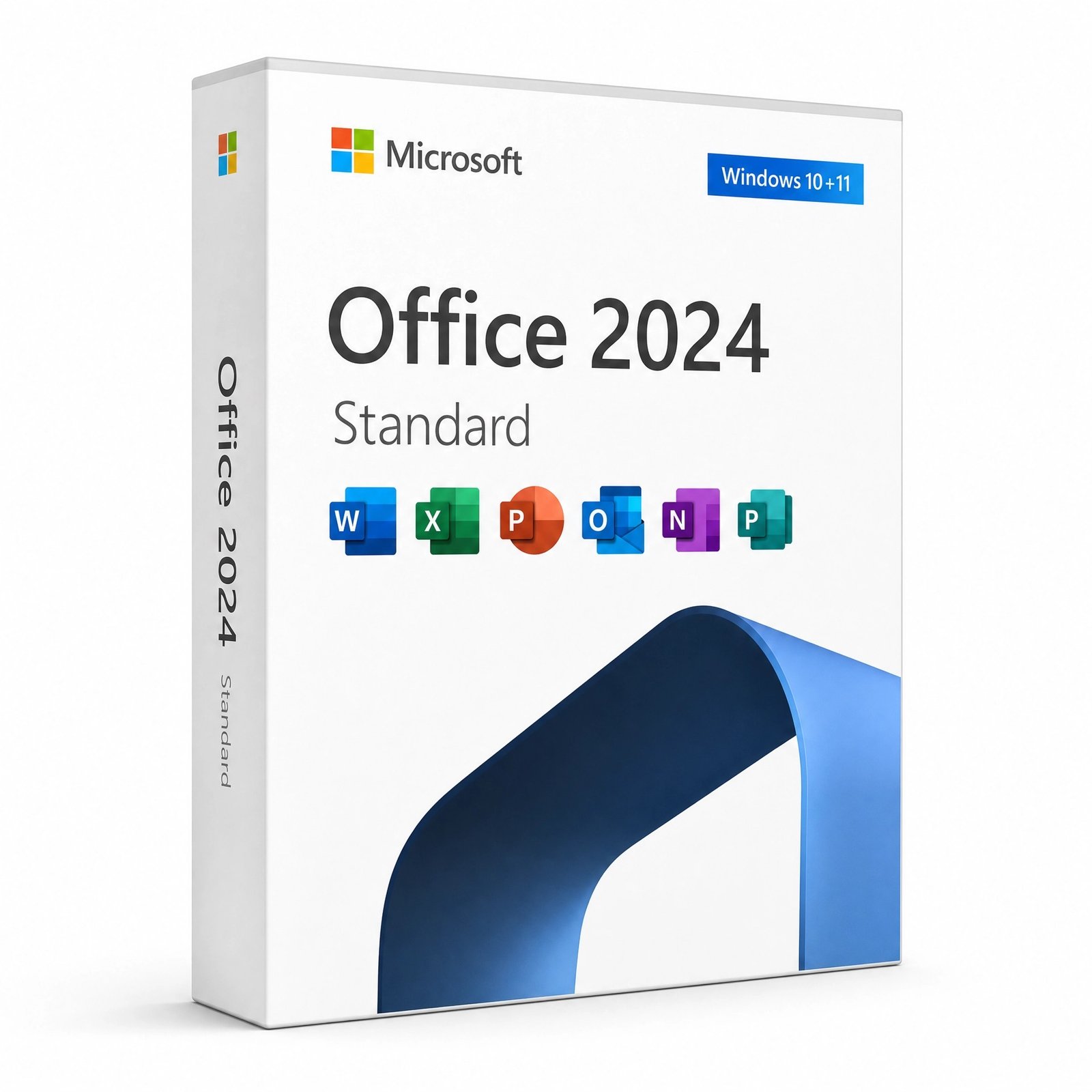
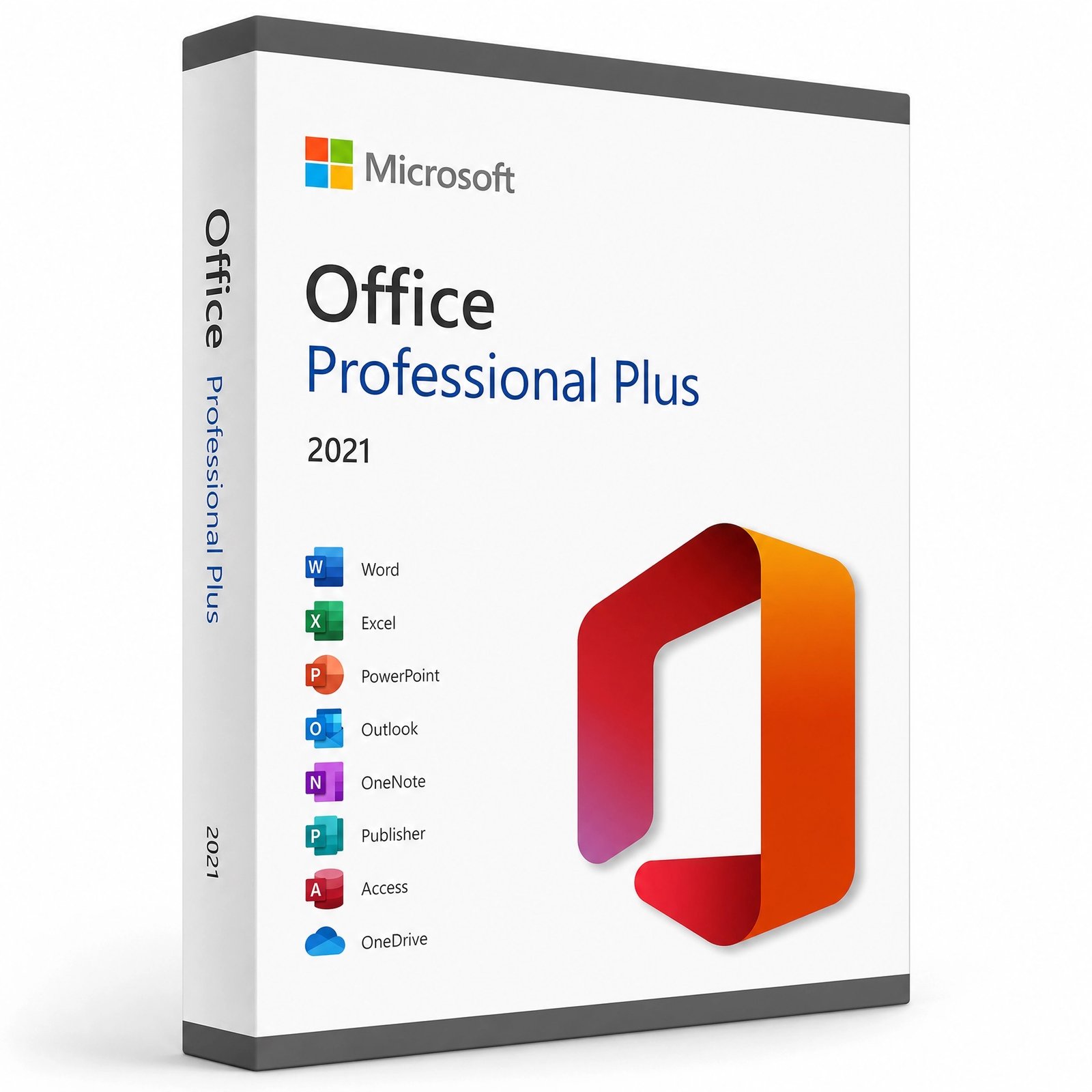
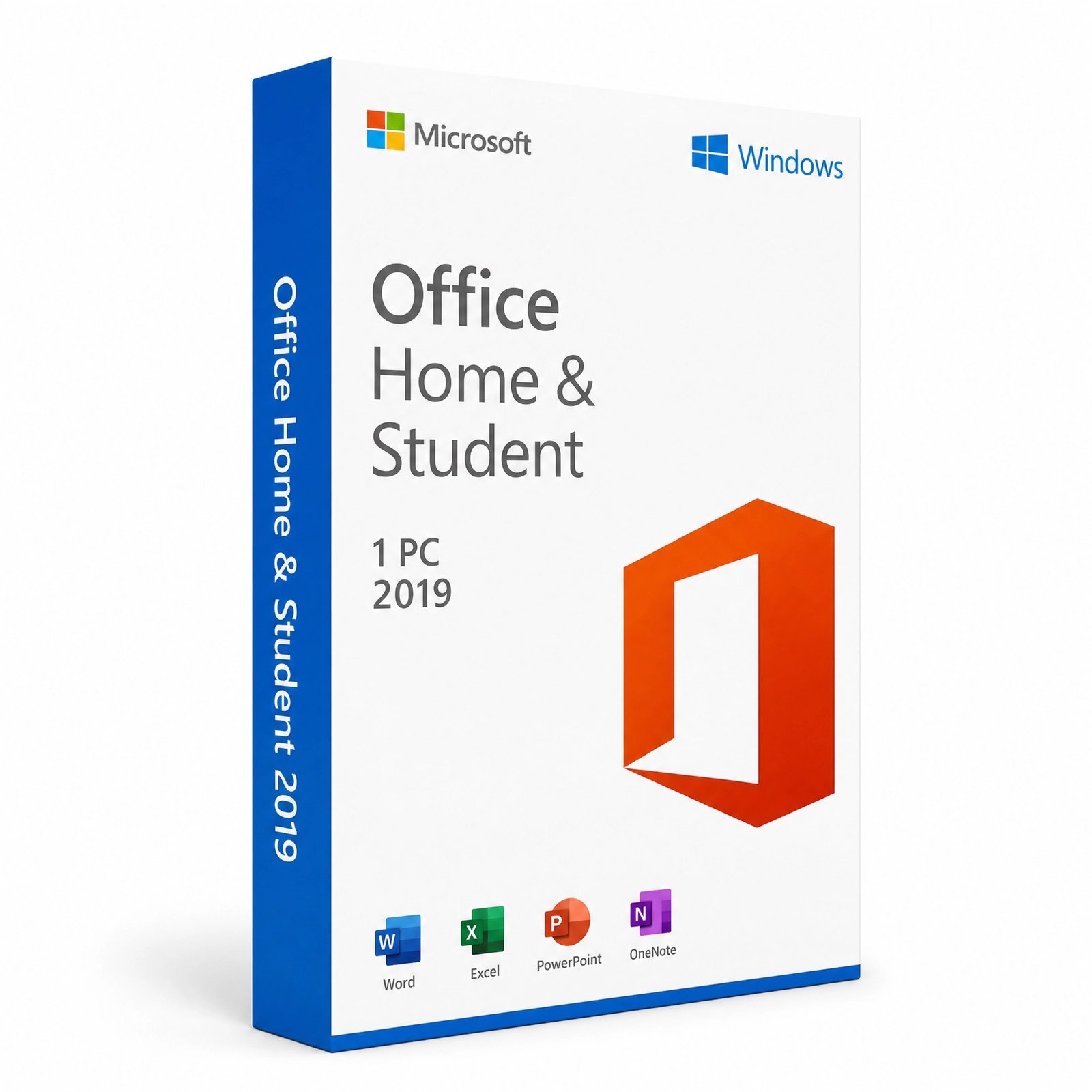
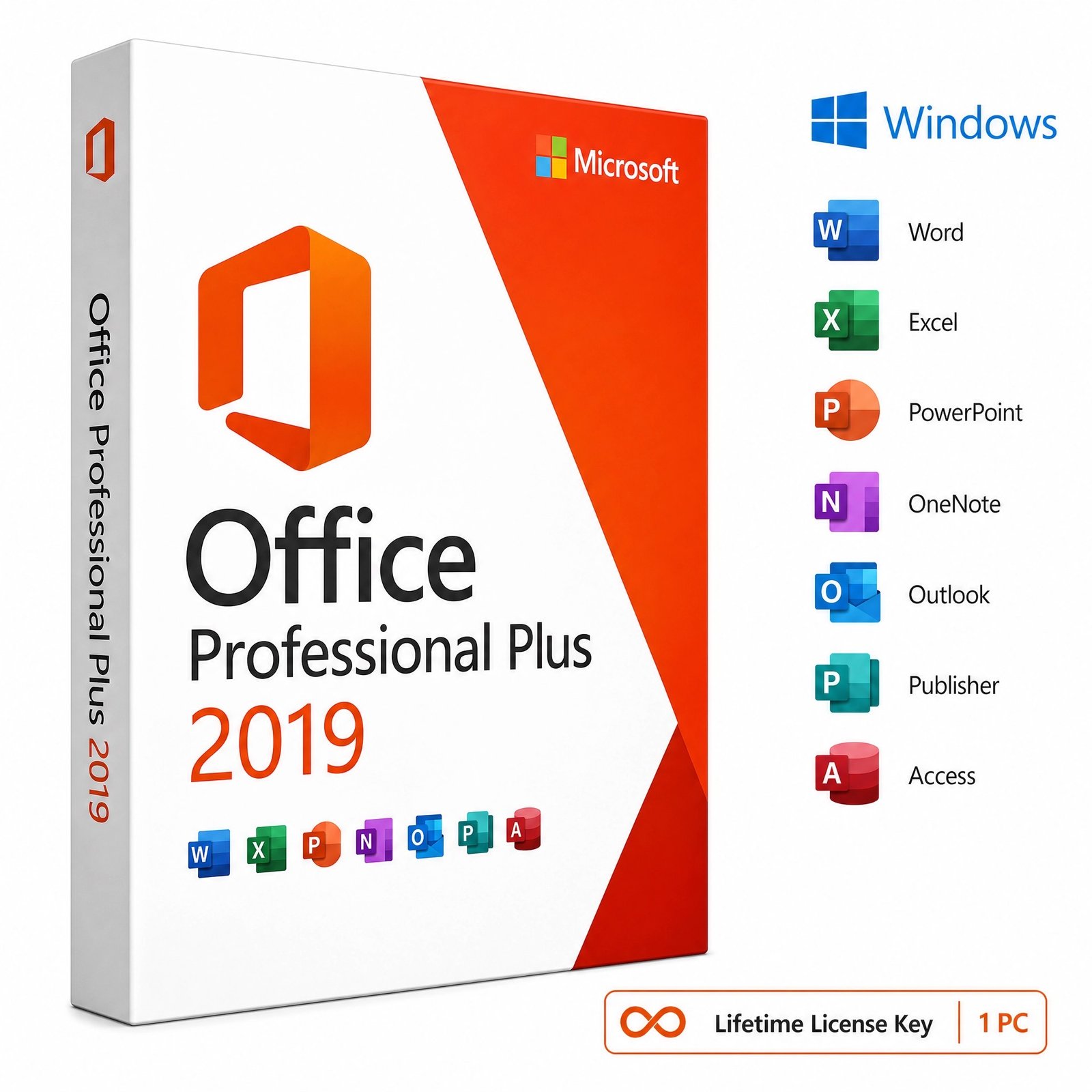
Bought a genuine Microsoft license from Kymakers? This page shows you exactly how to download, install and activate your product — whether it’s Windows 11, Windows 10, Windows Server, or Microsoft Office. Pick your product below for a full step-by-step guide using official Microsoft download sources and safe, legitimate activation.
Every Kymakers product follows the same easy process. Pick your product below for a detailed guide.
Get the official Microsoft installation file safely from the trusted source in the guide.
Run the installer and follow the on-screen prompts to set up your software.
Enter the product key you received by email to unlock your lifetime license.
Select your Microsoft product to open its dedicated download, install & activation guide.
How do I download, install and activate my Microsoft license key?
Choose your exact product from the list above, then follow its step-by-step guide. Each guide walks you through downloading the official Microsoft installer, installing it on your PC, and activating with your 25-character product key.
How do I activate Microsoft Office with a product key?
Install Office, open any app such as Word, then go to File → Account → Change Product Key, enter your key and activate. See the guide for your exact Office version above.
How do I activate Windows with a product key?
Open Settings → System → Activation → Change product key and enter your key, or run slmgr /ipk YOUR-KEY then slmgr /ato in Command Prompt. Full steps are in each Windows guide.
Where can I download Microsoft Office or Windows safely?
Every guide here uses official Microsoft download sources — the Media Creation Tool or ISO for Windows, and the Microsoft Office CDN or setup.office.com for Office — so your download is genuine and safe.
Are Kymakers license keys genuine and lifetime?
Yes. Kymakers keys are genuine, one-time-purchase lifetime licenses delivered instantly by email, with 24/7 support if you need help activating.
Where to Find Your Microsoft Product Key?
After you buy from Kymakers, your 25-character product key is emailed to you within seconds of purchase — check your inbox, and your spam or promotions folder if you don’t see it. Your key looks like this: XXXXX-XXXXX-XXXXX-XXXXX-XXXXX.
If you’ve already installed and activated your software and need to find your existing key later:
For Windows: open Command Prompt as administrator and run wmic path softwarelicensingservice get OA3xOriginalProductKey to display the embedded key.
For Office: the key isn’t shown after activation for security, but your license stays linked to your Microsoft account (for Office 2021/2024) or your original Kymakers email. Contact our support team any time to retrieve your purchase details.
Lost your email? Contact Kymakers support with your order number and we’ll resend your key.
How to Transfer Your Microsoft License to a New Computer
Your Kymakers license is a genuine perpetual license, so you can move it to a new PC when you upgrade. The process is simple:
Because each key activates one device at a time, uninstalling first ensures a clean transfer. If you hit an activation limit, our support team can help reset it — just get in touch.
Troubleshooting Common Activation Errors
“This product key didn’t work” / invalid key Double-check for confused characters — 0 vs O, 1 vs I, 5 vs S. Make sure you’re activating the exact product and edition your key is for: a Windows 11 Pro key won’t activate Home, and an Office Professional Plus key won’t activate Home & Business.
“This key has already been used” / activation limit reached This usually means the license is still active on a previous device. Uninstall it there first, then reactivate. If you’ve replaced hardware or reinstalled Windows, contact Kymakers support and we’ll help reset the activation.
Office asks for a subscription instead of a key Make sure you’ve downloaded the correct version. If Microsoft 365 was pre-installed, uninstall it first, then install the perpetual version from your guide.
Windows won’t activate over the internet Use the phone activation option: run slui 4 in Command Prompt to activate by phone if online activation is temporarily unavailable.
Still stuck? Our support team is available 24/7 — we’ll replace your key or issue a full refund within 24 hours if it won’t activate.
Can I install my Microsoft license on more than one computer? Each license activates one device, unless you purchased a multi-PC license (such as a 5-PC pack). The device count is shown on your product page. For more devices, you can purchase additional keys.
Can I transfer my license to another computer? Yes. Your Kymakers license is a perpetual license — uninstall it from the old device, then activate on the new one with your original product key.
How do I find my product key after activation? For Windows, run wmic path softwarelicensingservice get OA3xOriginalProductKey in Command Prompt. For Office, your license links to your Microsoft account or original purchase email — contact support to retrieve it.
What if I lost my product key email? Contact Kymakers support with your order number and we’ll resend your key right away.
Do I need to reinstall my software to activate a new key? Usually not. For Windows and Office, you can enter a new key on your existing installation — your files, apps and settings stay exactly as they are.
How long does activation take? Activation completes online in seconds once you enter your key. Your key itself arrives by email within seconds of purchase.
Can’t find your product or stuck during activation? Our support team is available 24/7 to help you get up and running.