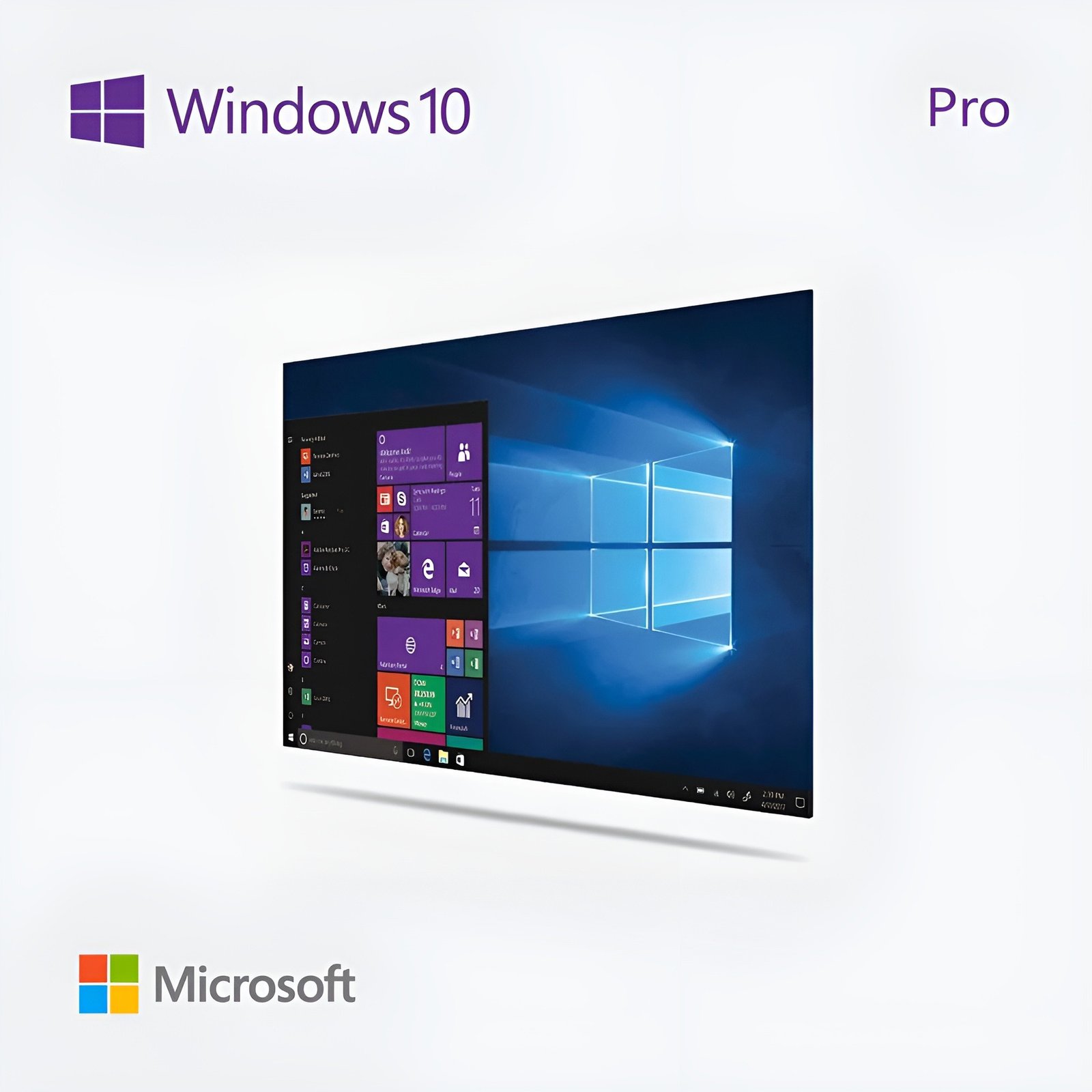
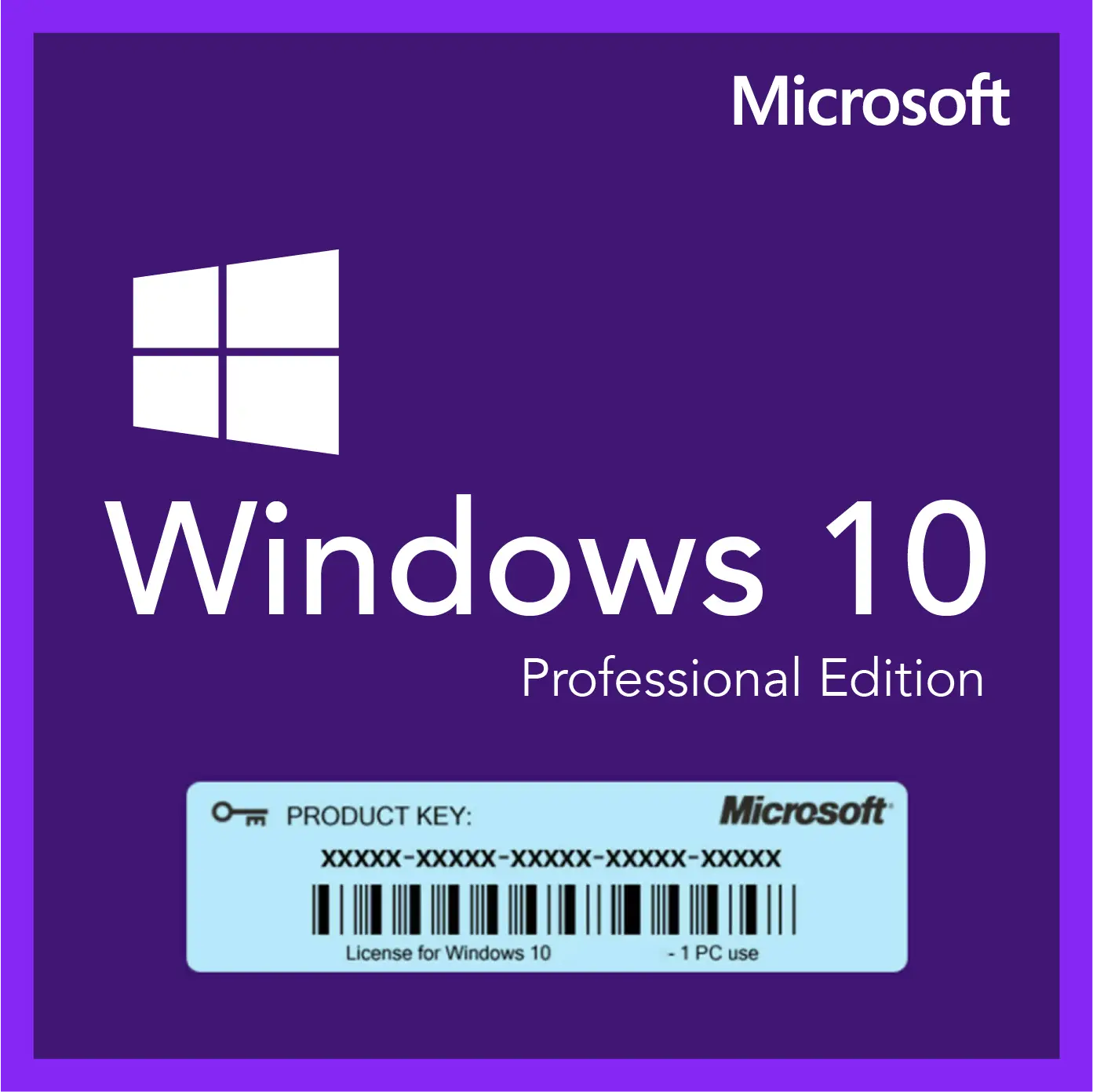
$39.00 Original price was: $39.00.$9.99Current price is: $9.99.
Instant email delivery — your key and download link arrive within minutes.
100% secure payments with SSL encryption via Stripe

Activates on Microsoft’s servers

The full Professional edition of Windows 10, paid once, for one computer.
| Edition | Microsoft Windows 10 Pro (Professional) |
| License term | Lifetime, no renewals |
| Devices | 1 PC (need five? there is a 5 PC pack) |
| Works for | Clean install or Home → Pro upgrade |
| Version | Windows 10 22H2, 32/64-bit; no TPM 2.0 needed |
| Updates | Microsoft patching ended Oct 14, 2025 |
| Activation | Online, or by phone |
| Delivery | Email, usually within minutes |
This listing sells one Windows 10 Pro product key: a genuine Microsoft license that activates Windows 10 Professional on a single computer. The key comes by email together with a link to Microsoft’s own Windows 10 download page and our illustrated activation guide. You pay once. Nothing renews, nothing is billed monthly, and the activation does not lapse after a trial period.
Most buyers use it in one of three situations: a PC that runs Windows 10 Home and needs the Pro tools, a rebuilt or second-hand computer with an empty drive, or an existing installation that shows the “Activate Windows” watermark. Windows 10 Pro still installs and activates exactly as it always has. What changed is the support status, which we explain plainly further down so you can decide whether Windows 10 Pro or Windows 11 Pro suits your hardware.
Windows 10 Pro is the business-ready edition of Windows 10: it keeps everything from Home and adds encryption, remote access, virtualization and central management. Day-to-day use looks identical, so the extra value sits in tools that Home simply does not include:
Windows 10 Pro is still a capable, stable operating system, but it no longer receives regular security patches, so it fits specific jobs rather than every PC. Microsoft ended support on October 14, 2025, and the consumer Extended Security Updates program covers home users only until October 12, 2027. Your license keeps working after those dates: Windows stays activated, your programs run and you can reinstall whenever you like. Microsoft has also said it will keep delivering Microsoft Defender Antivirus definition updates to Windows 10 for a while longer, which helps but does not replace system patches.
Where Windows 10 Pro still makes good sense:
For a computer you use online every day, plan a move to Windows 11 when your hardware allows it. Our guides to Windows 10 end of support and Windows 10 Extended Security Updates (ESU) set out what each date means for you.
| Capability | Windows 10 Home | Windows 10 Pro |
|---|---|---|
| Drive encryption | Device encryption on some hardware only | ✔ BitLocker and BitLocker To Go |
| Accept Remote Desktop connections | — | ✔ |
| Hyper-V and Windows Sandbox | — | ✔ |
| Group Policy Editor, domain and Entra ID join | — | ✔ |
| Update deferral (Windows Update for Business) | — | ✔ |
| RAM and CPU ceiling | 128 GB, 1 CPU | 2 TB, 2 CPUs |
| Typical buyer | Family PC, browsing, schoolwork | Home office, small business, IT users |
Game performance is the same on both, so pick Pro for its protection and control rather than for speed. Each difference is explained in our Windows 10 Home vs Pro comparison. If your needs stop at email and streaming, a Windows 10 Home product key costs less. Already running Home and only want to switch editions? The Windows 10 Home to Pro upgrade key is sold specifically for that.
| Product | Best for | Main difference from this key |
|---|---|---|
| Windows 10 Pro (this page) | One PC that needs Pro tools | — |
| Windows 10 Pro 5 PC pack | Small offices licensing several machines | Five separate keys in one order |
| Windows 10 Pro for Workstations | High-end towers with server-class parts | Up to 6 TB RAM, 4 CPUs, ReFS, SMB Direct |
| Windows 10 Enterprise | IT-managed company fleets | Adds AppLocker, Credential Guard, DirectAccess |
| Windows 10 IoT Enterprise LTSC 2021 | Fixed-purpose devices that need patches | Patched until January 13, 2032 |
If you need Windows 10 on hardware that will stay in service for years and must keep receiving security fixes, the LTSC edition is the honest recommendation, because its support runs to 2032. For a general-purpose desktop, Pro remains the most flexible choice.
Yes, on hardware that meets the Windows 11 requirements, an activated Windows 10 Pro installation typically upgrades to Windows 11 Pro at no extra cost and stays activated through its digital license. Run the PC Health Check app first: it reports whether TPM 2.0, Secure Boot and your processor pass. Because the edition carries over, buying Windows 10 Pro today does not lock you out of Windows 11 Pro tomorrow if you later replace the parts that block it. Step-by-step instructions are in how to upgrade Windows 10 to Windows 11. When a computer already passes every check, buying a Windows 11 Pro product key directly is usually the simpler route.
| Component | Microsoft minimum | What we recommend |
|---|---|---|
| Processor | 1 GHz or faster, or a system on a chip | Dual-core 64-bit CPU |
| Memory | 1 GB (32-bit) or 2 GB (64-bit) | 4 GB, or 8 GB if you use Hyper-V |
| Storage | 32 GB free space | SSD of 128 GB or more |
| Graphics | DirectX 9 with a WDDM 1.0 driver | Any GPU with a current Windows 10 driver |
| Display | 800 × 600 | 1366 × 768 or higher |
| Security chip | Not required | TPM helps BitLocker but is optional |
Hyper-V has extra needs of its own: a 64-bit processor with second-level address translation (SLAT), virtualization switched on in the BIOS and at least 4 GB of memory. BitLocker works best with a TPM, yet it can also unlock with a USB startup key or password on machines that lack one.
No, the license itself never expires: once activated, that computer stays licensed for as long as it runs. A “lifetime license for 1 PC” means a single payment covers one machine permanently, through reinstalls and repairs. It does not include future Windows versions, so any move to Windows 11 relies on Microsoft’s free upgrade path on eligible hardware rather than on this purchase. Once activated, the license stays with that machine and cannot be transferred to another. Swapping a drive or adding memory is fine; replacing the motherboard counts as a new PC.
It is, provided the seller stands behind the key. Microsoft stopped selling Windows 10 downloads on its own website after January 31, 2023, so today almost every Windows 10 Pro license is bought from third-party stores, and quality varies. Look for a named company, a written refund policy and real activation help. Kymakers, the store you are buying from, belongs to Makers Unity LLC, a Microsoft partner. If your key is still unredeemed you can get your money back within 180 days; if it ever fails through no fault of yours, the replacement is free; and activation help is a reply away. For red flags to watch for at any store, see is it safe to buy cheap Microsoft license keys?.
| Product | Microsoft Windows 10 Pro (Professional) product key |
| License | Lifetime license for one PC, paid once |
| Version | Windows 10 22H2, the final release; 32-bit and 64-bit; all languages |
| Hardware | No TPM 2.0 or Secure Boot requirement |
| Use | Clean install, reinstall or in-place upgrade from Windows 10 Home |
| Activation | Online through Microsoft; phone activation available |
| Delivery | Key, download link and guide sent by email, mostly within minutes |
| Support status | Microsoft support ended October 14, 2025; consumer ESU ends October 12, 2027 |
See every Windows 10 edition we carry in the Windows 10 product keys category, or read what happens after you order.
Your order email holds the Windows 10 Pro key, the Microsoft download link and our guide. Choose the route below that describes your computer.
When online activation will not complete, switch to phone activation: open the Run box with Windows + R, enter slui 4 and follow the prompts, with our Get Confirmation ID tool on hand for the code. The message “This edition can’t be activated with this key” means the installed edition is not Pro, so switch editions with Change product key or reinstall Windows 10 Pro. For codes such as 0xC004F074, see how to fix error 0xC004F074 and Windows key not working?. If none of that works, answer the delivery email and a support agent will finish the activation with you.
 Microsoft Windows 10 Pro Product Key – Lifetime License | 1 PC
Sorry, no reviews match your current selections
$39.00 Original price was: $39.00.$9.99Current price is: $9.99.
One-Time Payment · No Subscription
$39.00 Original price was: $39.00.$9.99Current price is: $9.99.





Really happy with this purchase. Activated without a hitch. Everything validated fine.
Instant delivery — exactly what I needed. Runs smoothly with no compatibility problems. Recommended.
Delivery wasn’t instant but came through within the hour. Took me a couple attempts to get it activated but it worked eventually. The product does work though, so can’t complain too much.
The key took a little while to arrive, maybe 20 minutes, but it showed up. Followed the instructions on the site and it activated without problems. Couldn’t justify the full retail price — this was a much smarter option.
Took a bit more effort than expected but got there. Took me a couple attempts to get it activated but it worked eventually. Runs smoothly with no compatibility problems. Might order again but would hope for a smoother experience.