
$45.00 Original price was: $45.00.$10.99Current price is: $10.99.
Instant email delivery — your key and download link arrive within minutes.
100% secure payments with SSL encryption via Stripe

Activates on Microsoft’s servers

Seven full desktop Office apps on one Windows PC, paid for once.
| Edition | Office Professional Plus 2019 for Windows |
| Apps included | Word, Excel, PowerPoint, Outlook, OneNote, Access, Publisher |
| License term | Lifetime, one-time payment |
| Devices | 1 PC (more PCs? see the 5 PC pack) |
| Platform | Windows 10 or 11 only |
| Support status | Microsoft support ended Oct 14, 2025 |
| Activation | Online, then works offline |
| Delivery | Email delivery, usually in minutes |
This page sells one genuine Office 2019 Professional Plus product key for one Windows PC. The key unlocks the complete Professional Plus 2019 suite, the top desktop edition of the Office 2019 generation that Microsoft released in 2018, with Word, Excel, PowerPoint, Outlook, OneNote, Access and Publisher installed side by side. You pay once, the license never expires, and nothing renews. Your order email carries the key, the official download link and our illustrated install guide.
Before you order, know the trade-off. Microsoft stopped releasing security updates for Office 2019 on October 14, 2025. The programs still install, activate and run normally, and the files they create are standard Office formats, but no new patches will arrive. That makes this key a sensible budget or offline choice rather than the best pick for a PC you plan to use online every day until the end of the decade. For that, we recommend Office 2024 Professional Plus, which Microsoft supports until October 9, 2029.
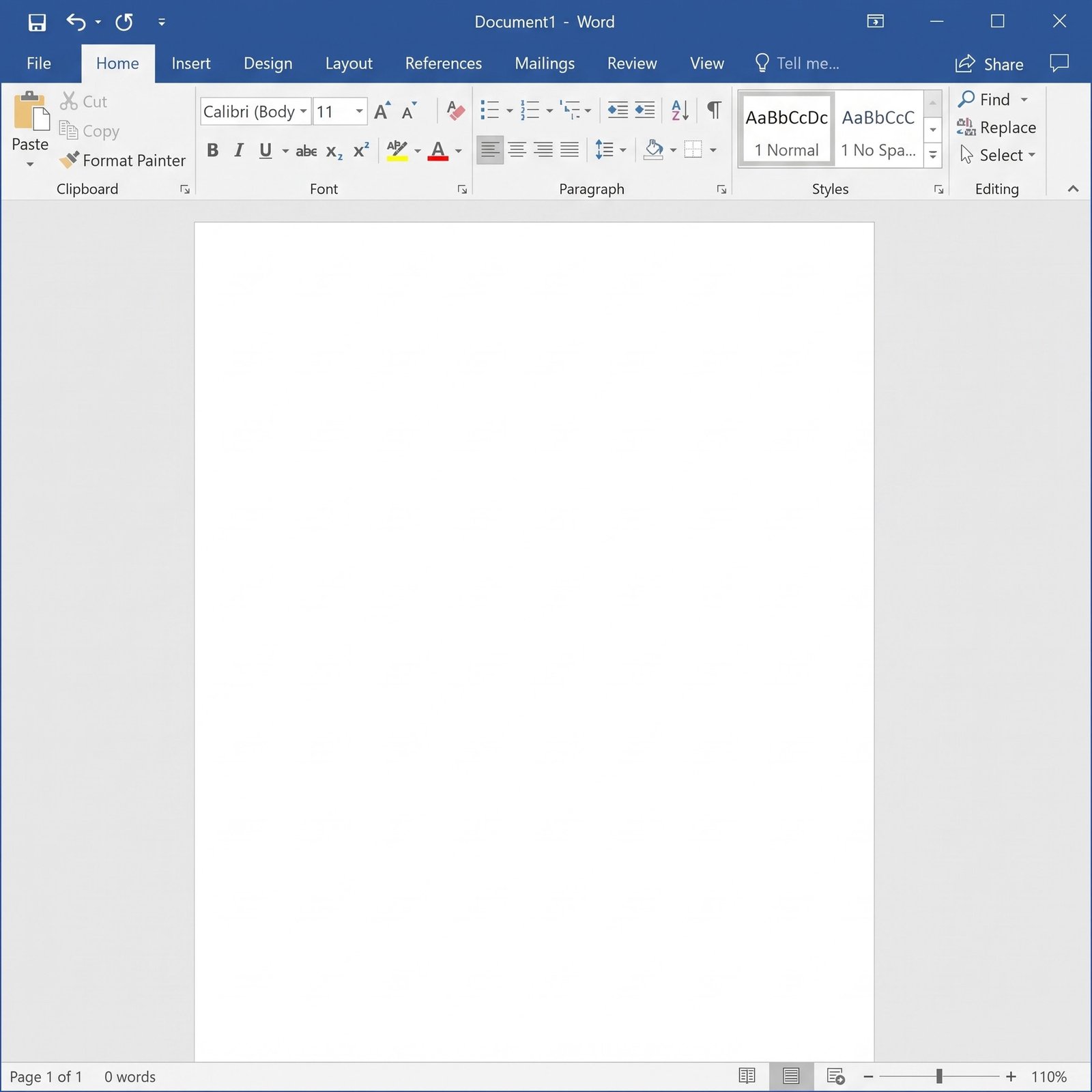
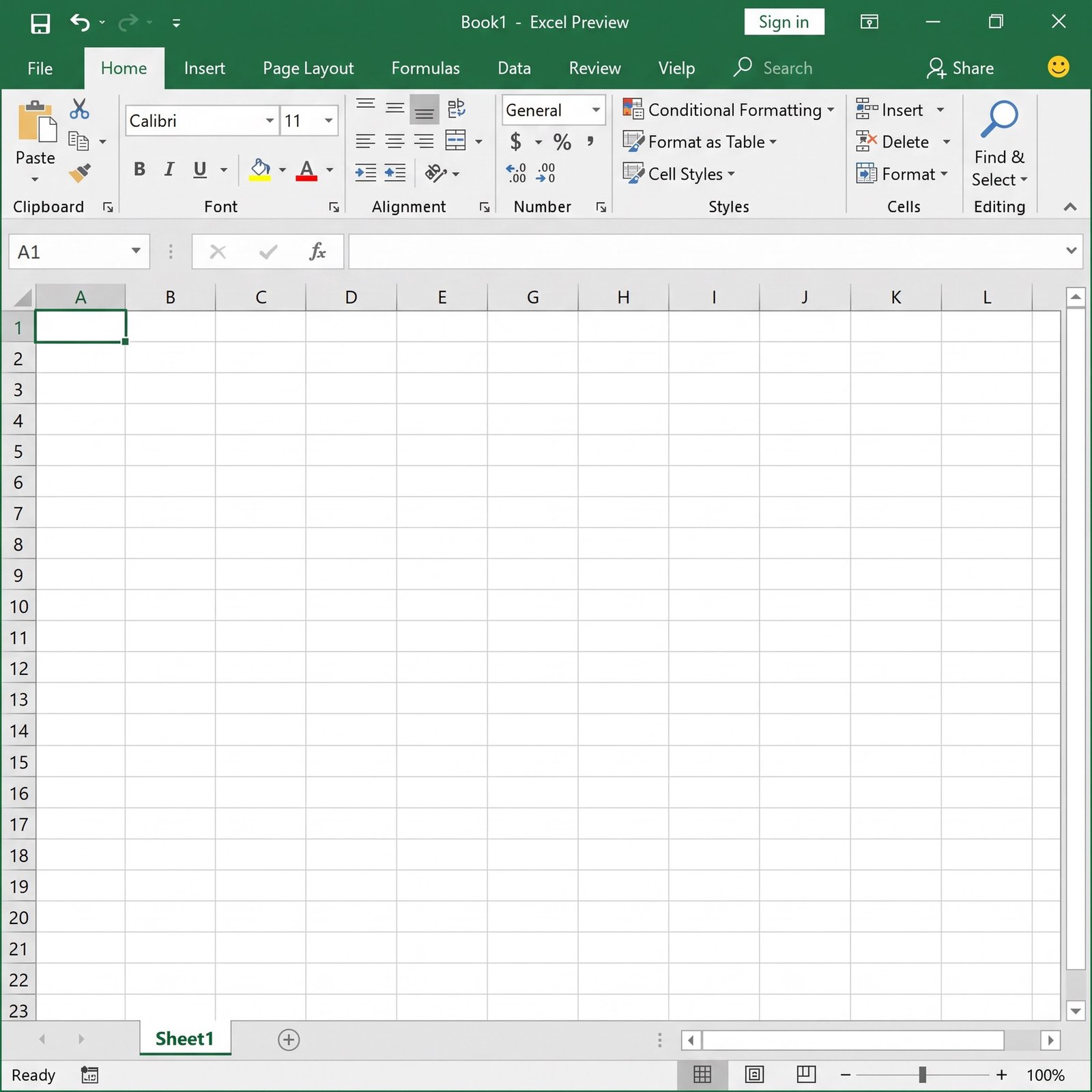
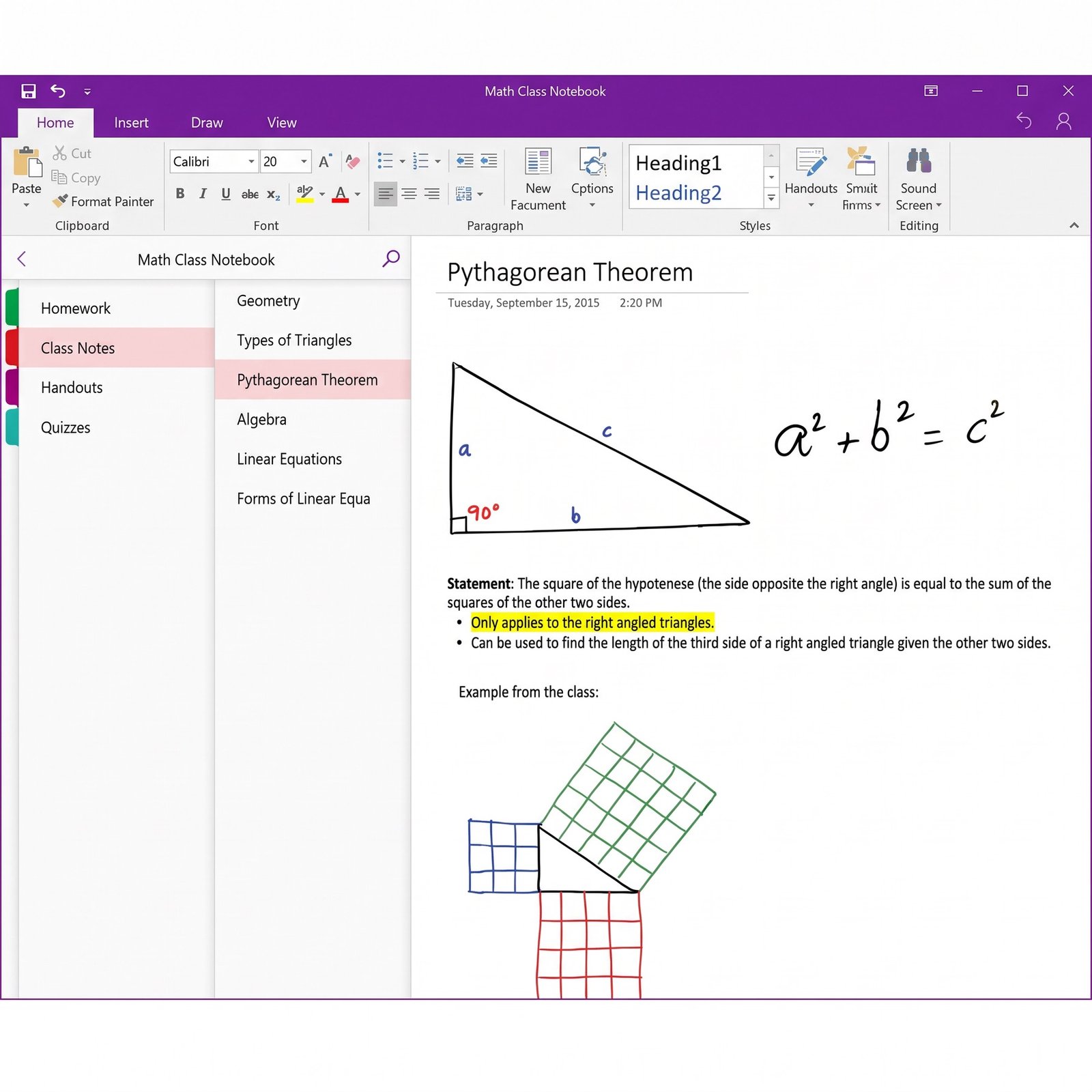
Yes. All three ship in Office 2019 Professional Plus, together with Word, Excel, PowerPoint and OneNote. Here is what each program brings to your desktop:
Publisher deserves a special mention. Microsoft retired Publisher, and Office 2024 no longer includes it, so if you still need to open and edit existing .pub files, a Professional Plus suite from 2019 or 2021 is now the practical way to keep that ability. Access is the other reason buyers pick this edition: small companies and schools still run inventory, membership and order databases built in Access, and the Home editions of Office never contained it.
| Feature | Office 2019 Pro Plus | Office 2021 Pro Plus | Office 2024 Pro Plus |
|---|---|---|---|
| Apps | Word, Excel, PowerPoint, Outlook, OneNote, Access, Publisher | The same seven apps | Six apps, no Publisher |
| Microsoft support | Ended Oct 14, 2025 | Ends Oct 13, 2026 | Until Oct 9, 2029 |
| XLOOKUP and dynamic arrays in Excel | — | ✔ | ✔ |
| Windows versions | Windows 10 and 11 | Windows 10 and 11 | Windows 10 and 11 |
| Best for | Budget, offline or older PCs that need Access and Publisher | Short-term use before its October 2026 end date | Everyday use with security updates for years |
The biggest practical gap between these versions is in Excel. XLOOKUP, FILTER, SORT, UNIQUE and the other dynamic array functions arrived with Office 2021, so a workbook built around them shows errors once it is recalculated in Excel 2019. If you exchange spreadsheets with colleagues on Microsoft 365, that matters more than any interface change. Our article on Office 2021 vs Office 2024 and the overview of every Microsoft Office version cover the remaining differences.
No. Microsoft ended support for Office 2019 on October 14, 2025, the same day Office 2016 and Windows 10 reached end of support. Since then, Office 2019 receives no security fixes, bug fixes or technical help from Microsoft. Nothing is switched off, though: the apps keep opening, editing and saving files, and your activation stays valid.
What changes is the risk profile. Booby-trapped documents are a common route for attacks, and any flaw discovered in Office 2019 from now on will stay unpatched. You lower that risk by keeping Windows and Microsoft Defender up to date, leaving macros disabled in files you did not create, and treating attachments from unknown senders with suspicion. On a PC that never goes online, such as a workshop machine or a lab computer, the concern is much smaller.
Yes. Microsoft no longer sells Office 2019 in its own store, but genuine product keys remain available and still activate. Lifetime here means a perpetual license for Office 2019 itself: you pay one time and keep using the version you bought on that PC for as long as the computer runs. It does not include a move to Office 2021, 2024 or any later release, because each new version needs its own key. If you switch to Office 2024 later, uninstall 2019 first and then install the new suite with its own key.
Not the right fit? If your PC still runs Windows 7 or 8.1, Office 2019 will not install; Office 2013 Professional Plus supports those systems. If you only need Word, Excel and PowerPoint for personal use, take a look at Office Home and Student 2019.
| Component | Requirement |
|---|---|
| Operating system | Windows 10 or Windows 11 (not Windows 7, 8.1 or macOS) |
| Processor | 1.6 GHz or faster, 2 cores |
| Memory | 4 GB RAM for 64-bit, 2 GB RAM for 32-bit |
| Storage | 4 GB of free disk space |
| Display | 1280 × 768 resolution |
| Graphics | DirectX 9 or later, WDDM 2.0 or higher on Windows 10 |
| Other | Internet connection for download and activation; .NET 3.5 for some features |
Office 2019 installs through Microsoft’s Click-to-Run technology, which streams the apps onto your PC as a self-contained package. Read what Microsoft Office Click-to-Run is to see how it differs from the older MSI installers. The 64-bit build is the default and the better choice for large Excel files; pick 32-bit only if an older add-in requires it.
Microsoft 365 is billed every month or year and always gives you the newest apps, cloud storage and continuous security updates. Office 2019 Professional Plus is a single purchase for one fixed version on one PC, with no cloud storage and, since October 2025, no further updates. If you mostly work offline, need Access or Publisher, and dislike recurring charges, the one-time key costs far less over several years. If you want the latest features on several devices, a subscription or a supported one-time version makes more sense. Our comparison of one-time purchase Office vs Microsoft 365 sets out both models side by side.
Yes, as long as you buy from a store that still answers after checkout: a named company, a written refund policy and real activation support are the signs to look for. Behind Kymakers is Makers Unity LLC, a Microsoft partner, and every order is covered by a 180-day refund on keys that have not been redeemed, a free replacement if a key ever stops working through no fault of yours, and free activation help when you reply to your delivery email. For a checklist you can apply at any store, read is it safe to buy cheap Microsoft license keys?.
| Product | Microsoft Office Professional Plus 2019 product key |
| Apps | Word, Excel, PowerPoint, Outlook, OneNote, Access, Publisher |
| License | Lifetime, one-time purchase, 1 Windows PC |
| Platform | Windows 10 or Windows 11, 32-bit or 64-bit |
| Support status | Microsoft support ended October 14, 2025 |
| Activation | Online with Microsoft; free help from our team if it fails |
| Delivery | Email with key, official download link and guide, usually within minutes |
| More PCs | Office 2019 Professional Plus 5 PC pack |
See every 2019 edition in our Microsoft Office 2019 category, or learn how ordering works at Kymakers.
Still deciding? Our guides cover Office 2016 and 2019 end of support and which Office 2024 edition to buy.
Your order email contains the Office 2019 Professional Plus key, the official download link and our guide. Clear out any other Office version first, then choose method A or B.
Setup refuses to start or reports another version? Office 2019 is a Click-to-Run suite, and Microsoft does not support it alongside Microsoft 365 apps or Office 2021/2024 on the same PC; our Office Click-to-Run explainer shows how to check what is installed. If online activation fails, the activation wizard offers a telephone option, and our Get Confirmation ID tool helps with that step. Our team also helps free of charge if you simply answer the delivery email.
 Microsoft Office 2019 Professional Plus – Product Key (1 PC)
Sorry, no reviews match your current selections
$45.00 Original price was: $45.00.$10.99Current price is: $10.99.
One-Time Payment · No Subscription
$45.00 Original price was: $45.00.$10.99Current price is: $10.99.

Exactly what I needed and it worked perfectly. Product activated successfully. No errors, no drama.
No complaints at all — everything worked as described. The key worked on the first attempt. Really pleased.
Key was delivered super fast, maybe 5 minutes after checkout. The key worked on the first attempt. Really pleased. Support team was helpful when I had a quick question before buying. Already recommended it to a colleague.
The key took a bit to come through, which was slightly frustrating, but it worked in the end. Activation was a bit fiddly the first time — had to try twice. The product does work though, so can’t complain too much.
Would recommend this to anyone looking for a cost-effective licence. The key worked on the first attempt. Really pleased.