$93.00 Original price was: $93.00.$24.75Current price is: $24.75.
Instant email delivery — your key and download link arrive within minutes.
100% secure payments with SSL encryption via Stripe

Activates on Microsoft’s servers

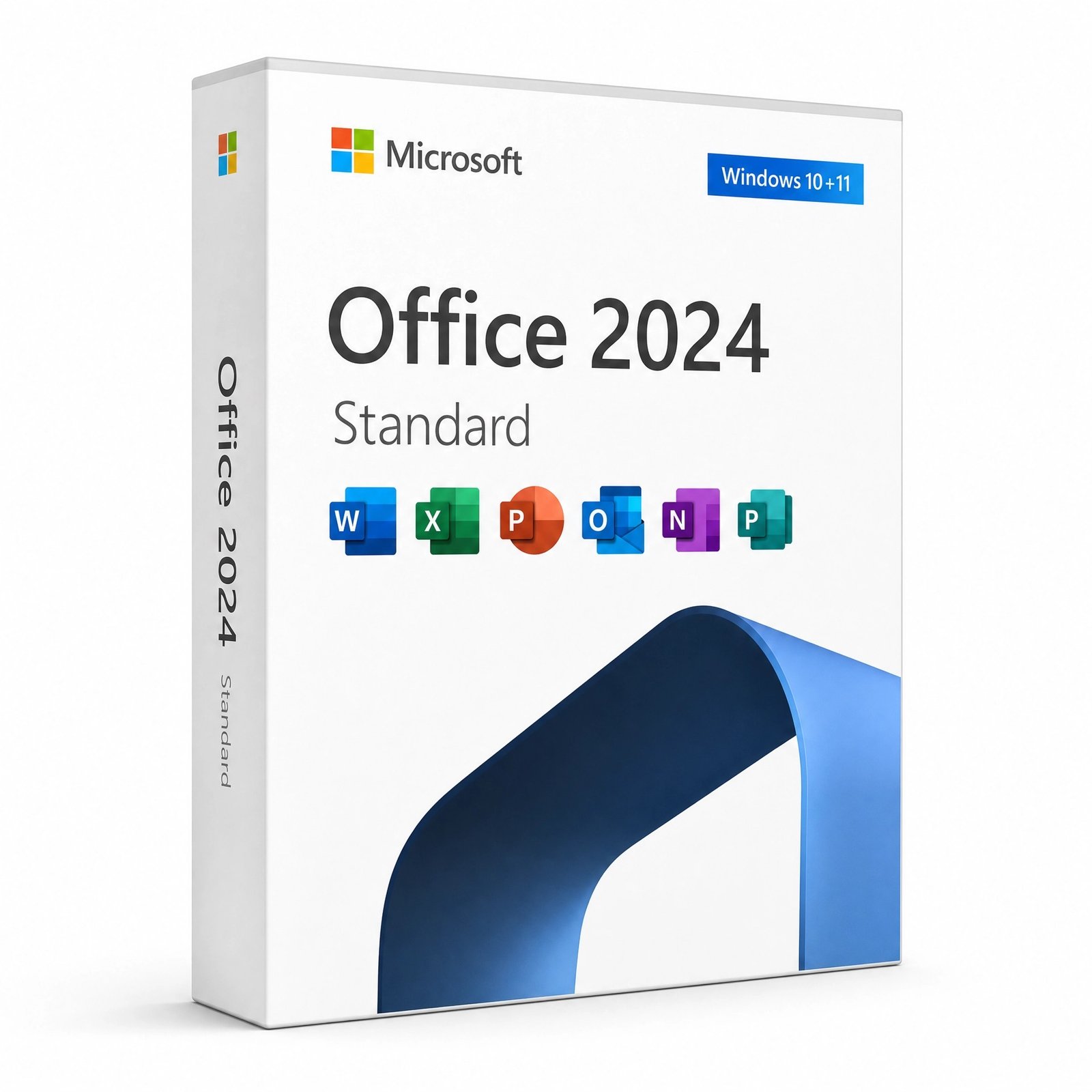
Five core Office 2024 apps for one Windows PC, without Access.
| Edition | Microsoft Office 2024 Standard (Office LTSC Standard 2024) |
| Apps included | Word, Excel, PowerPoint, Outlook, OneNote |
| Not included | Access (choose Professional Plus for databases) |
| License term | Lifetime, one-time payment |
| Devices | 1 Windows PC (not for Mac) |
| Activation | Online with Microsoft; phone activation if needed |
| Delivery | By email, usually within minutes |
Office 2024 Standard is the business edition of Office 2024 for people who live in documents, spreadsheets, slides and email but have no use for a database. This listing is one genuine product key that activates Office 2024 Standard on one Windows PC for good. Microsoft also calls this edition Office LTSC Standard 2024, where LTSC stands for Long-Term Servicing Channel: a fixed set of features that receives security and quality updates, instead of the monthly feature changes that come with a subscription.
The key arrives by email together with the official Office Deployment Tool link and our step-by-step guide. You install Word, Excel, PowerPoint, Outlook and OneNote from Microsoft’s servers, activate them with the key, and never see a renewal notice. Standard runs on Windows only; Mac owners should look at the edition flagged for macOS in the comparison further down.
Like every Office 2024 edition, Standard has no Publisher, which Microsoft has retired, and no bundled Teams client. Documents can be saved in OpenDocument Format 1.4 for colleagues who use other office suites.
The difference is Access. Office 2024 Professional Plus contains everything in Standard plus Access 2024, the desktop database app for building tables, queries, forms and reports. For the other five apps the editions match: the same Word, Excel, PowerPoint, Outlook and OneNote, the same 2024 features and the same October 9, 2029 support date.
| Question | Office 2024 Standard | Office 2024 Professional Plus |
|---|---|---|
| Word, Excel, PowerPoint, Outlook, OneNote | ✔ | ✔ |
| Access 2024 database app | — | ✔ |
| Can open and edit .accdb databases | No, Access is required | ✔ |
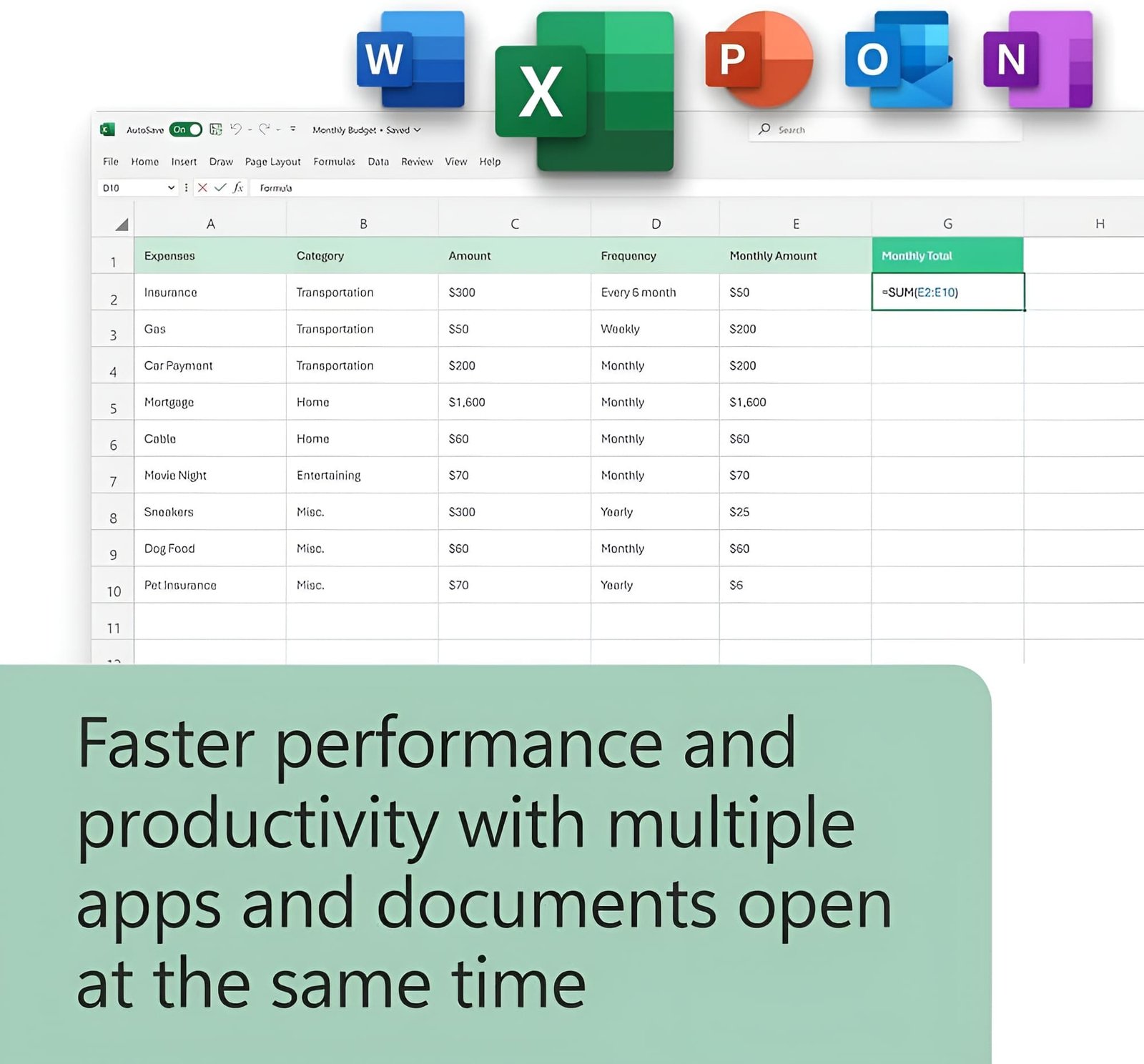
| Excel TEXTSPLIT, IMAGE, dynamic charts | ✔ | ✔ |
| Security updates until | October 9, 2029 | October 9, 2029 |
| Choose it if | Your work is documents, numbers and email | You build or use desktop databases |
Pick Standard if no one at the PC opens .accdb files. If a supplier, accountant or in-house tool depends on an Access database, start with Office 2024 Professional Plus instead. For one database user on an otherwise Standard setup, the standalone Access 2024 key is another route.
| Edition | Built for | Platform | Outlook | Access |
|---|---|---|---|---|
| Office 2024 Standard (this key) | Office staff, writers, sales and admin desks | Windows | ✔ | — |
| Office 2024 Professional Plus | Finance, operations, anyone using databases | Windows | ✔ | ✔ |
| Office Home & Business 2024 | Sole traders and teams on Mac or PC | Windows or macOS | ✔ | — |
| Pro Plus + Visio + Project 2024 | Project managers, engineers, process designers | Windows | ✔ | ✔ |
| Word 2024 or Excel 2024 | People who need one program only | Windows | — | — |
Single apps suit a desk that only ever writes or only ever calculates. Once two or more programs are in daily use, a suite such as Standard is usually the simpler purchase, and it brings Outlook along for free.
LTSC means Long-Term Servicing Channel. An LTSC release keeps the same features for its whole life and receives only security and reliability updates, which is why businesses that value predictability choose it. Office LTSC Standard 2024 will get those updates until October 9, 2029. It will not gain new features along the way, and it does not turn into the next Office version, which would be a new license. For many offices this stability is the point: training material, macros and templates keep working the same way for years.
Yes. Word, Excel and PowerPoint 2024 use the same .docx, .xlsx and .pptx formats that Office has used since 2007, so files from Office 2010, 2016, 2019 or 2021 open without conversion, and older .doc, .xls and .ppt files still open in compatibility mode. Macro-enabled workbooks and documents (.xlsm, .docm) keep their VBA code, although it is worth testing business-critical macros once after the move. In Outlook you can import your existing .pst data file or simply add your mail account again, and Exchange or IMAP mailboxes download automatically. One caution for mixed offices: colleagues on older Excel versions will see errors instead of results for new functions such as TEXTSPLIT, so agree on a version before sharing complex models.
Office 2021 stops receiving Microsoft security updates on October 13, 2026. It will still open files after that, but running an unpatched Outlook is a gamble, so 2024 is the edition to install today. Office 2024 Standard also brings the newer Excel functions, Aptos and PowerPoint Cameo that the 2021 release lacks. Our articles on Office 2021 vs Office 2024 and every MS Office version put the releases side by side.
| Component | Requirement |
|---|---|
| Operating system | Windows 11 or Windows 10 (not available for macOS) |
| Processor | 1.1 GHz or faster, dual-core |
| Memory | 4 GB RAM for 64-bit, 2 GB for 32-bit |
| Free disk space | 4 GB |
| Display | 1280 x 768 or higher |
| Account | Administrator rights to run the installer |
Microsoft recommends 64-bit Office for most people, and it is the usual choice in the configuration file. Keep in mind that Windows 10 has been out of support since October 14, 2025; if the PC qualifies, upgrading to Windows 11 Pro keeps both the operating system and Office patched.
You pay once: the price shown at the top of this page licenses one PC for the life of Office 2024. A Microsoft 365 plan is billed again every month or year for as long as you use it. Microsoft 365 does add cloud storage, Teams in business plans and continuous feature updates, so it fits teams that work mostly in the cloud. For a desk that needs dependable Word, Excel and Outlook, Standard avoids the recurring bill. See buying Microsoft Office without a subscription for the trade-offs.
Yes, provided the store has a refund policy and offers activation help. Makers Unity LLC, a Microsoft partner, runs Kymakers, and every key comes with free activation support, free replacement if it stops working through no fault of yours, and a 180-day refund for unredeemed keys. Our safety guide for cheap Microsoft license keys explains what to check before buying from any seller.
| Product | Microsoft Office 2024 Standard (Office LTSC Standard 2024) product key |
| Apps | Word, Excel, PowerPoint, Outlook, OneNote |
| License | Lifetime, one-time purchase, 1 Windows PC |
| Installation | Office Deployment Tool or direct download, files from Microsoft |
| Activation | Online with Microsoft; phone activation available |
| Updates | Security updates until October 9, 2029 |
More editions are listed in the Office 2024 category, and this page explains how buying from Kymakers works.
Still deciding? Our guide covers which Office 2024 edition to buy.
Your email holds the Office 2024 Standard key, the official download link and our guide; most PCs are finished in about 15 minutes.
An error about another Office product means remnants are still installed: clear them with SetupProd_OffScrub and run setup again (why Click-to-Run conflicts happen). To activate from the command line, run cscript ospp.vbs /act in the Office16 folder; if the online check is refused, phone activation with our Get Confirmation ID tool works instead. You can also reply to your delivery email for hands-on help.
Sorry, no reviews match your current selections
$93.00 Original price was: $93.00.$24.75Current price is: $24.75.
One-Time Payment · No Subscription
$93.00 Original price was: $93.00.$24.75Current price is: $24.75.





Received my Office 2024 LTSC Standard key quickly and activated it successfully on the first try.
Office 2024 LTSC Standard runs smoothly on my PC and includes everything I need for work.
Reliable and genuine Office license. I activated Office 2024 LTSC Standard without any issues.
Professional support and excellent communication. The installation process was simple.
Highly satisfied with this purchase. Activation completed in just a few minutes.