Yes — you can buy Microsoft Office without a subscription. Microsoft still sells perpetual licences alongside Microsoft 365, they just do very little to advertise them, which is why so many people assume the subscription is the only option left.
Here is what a one-time purchase actually gets you, what it does not, and how to tell the two apart when you are buying.
The Two Ways Microsoft Sells Office
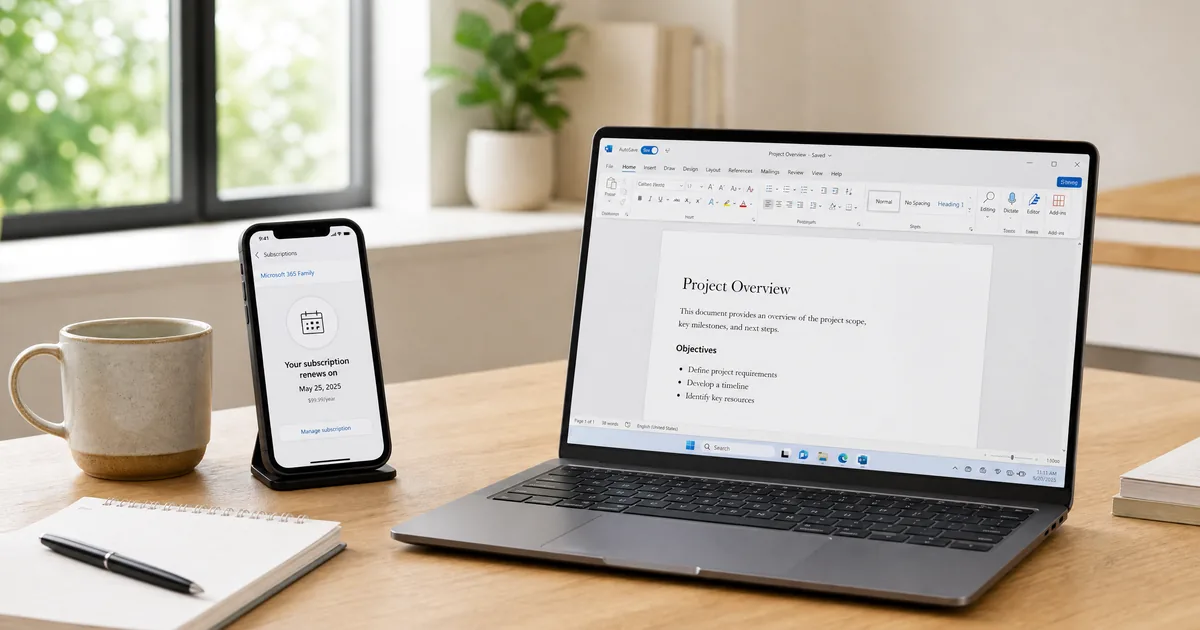
Microsoft 365 is a subscription. You pay every month or year, and in return get the Office apps, 1 TB of OneDrive per person, and a continuous stream of new features. Stop paying and the apps drop to read-only — your files stay, but you can no longer edit them.
Office 2024, 2021 and 2019 are perpetual licences. You pay once, and the software is yours indefinitely. It receives security updates for its support lifetime but no new features. There is no renewal date and no card on file.
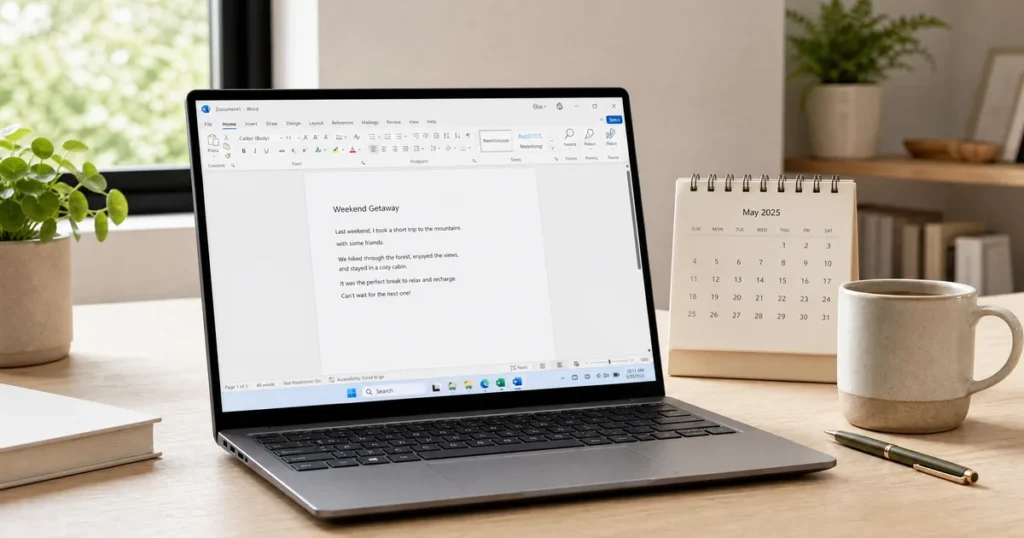
Both give you the same real desktop applications. Word is Word either way.
What You Give Up Without a Subscription
Being straight about the trade-offs, because they are real for some people:
- No 1 TB OneDrive per user. You keep the free 5 GB tier.
- No new features. The version you buy is the version you keep.
- One device per licence, rather than the five a Microsoft 365 Family seat allows.
- No mobile editing on larger tablets without a subscription.
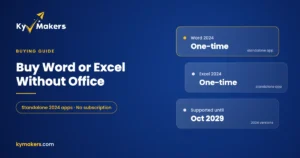
- A finite support window. Office 2024 is supported until 2029, Office 2021 until 2026.
If you already pay for cloud storage elsewhere, work on one main computer, and use Word and Excel rather than the newest AI features, none of these will affect you.
The Cost Over Five Years
This is the calculation that decides it for most people. A Microsoft 365 Personal subscription over five years costs several times what a one-time Office licence costs, and at the end of it you own nothing. The perpetual licence is still working.
The subscription justifies itself in two situations: a household needing five seats and 5 TB of storage, or a business that genuinely uses the collaboration and compliance tooling. Outside those, buying once is straightforwardly cheaper. Our one-time purchase vs Microsoft 365 comparison lays the numbers out.
Which Perpetual Version to Buy
Office 2024 — current, supported to 2029, best performance on new hardware. Available as Home & Business (adds Outlook) or Professional Plus (adds Access and Publisher).
Office 2021 — noticeably cheaper, and for Word, Excel and PowerPoint the day-to-day experience is nearly identical. Office 2021 Professional Plus is the value pick. See 2021 vs 2024 for what actually changed.
Office 2019 — only if budget is the deciding factor. Home & Student is the cheapest legitimate route to Word, Excel and PowerPoint.
Not sure which suits your household? Our guide to the best Microsoft Office for home use works through it by scenario.
How to Buy It Without Ending Up on a Subscription
Microsoft’s own store pushes Microsoft 365 hard, and the perpetual options sit further down the page under names like “Office Home 2024”. Read carefully — if the price is monthly or annual, it is a subscription.
Two things to watch when buying elsewhere. First, licence type: a retail licence transfers to a replacement computer, an OEM licence does not. Our OEM vs retail explainer covers the difference. Second, price: volume licences resold to consumers deactivate later, and a price far below everyone else usually means exactly that. We wrote about where the line sits in is it safe to buy cheap Microsoft license keys.
Microsoft’s official install guide for perpetual Office versions is the reference for getting it onto your machine once you have a key.
Questions & Answers
Can you buy Microsoft Office without a subscription in 2026?
Yes. Office 2024, 2021 and 2019 are all sold as one-time purchases. Microsoft promotes Microsoft 365 more heavily, but the perpetual licences remain available and fully supported.
Will Office stop working if I do not subscribe?
No. A perpetual licence keeps working indefinitely. Only Microsoft 365 reverts to read-only when payment stops.
Do I still get updates without a subscription?
Security updates yes, for the version’s support lifetime. New features no — those are subscription-only.
Is a one-time Office purchase cheaper than Microsoft 365?
For a single user on one computer, considerably. The subscription only wins where you need multiple seats and the full 1 TB of storage per person.
Can I install a perpetual Office licence on more than one computer?
One device per licence. For several machines, a 5-PC licence costs far less than five singles.
Does Office without a subscription include Outlook?
Only in Home & Business and Professional Plus. Home & Student includes Word, Excel and PowerPoint only.
Why Buy From Kymakers
- Perpetual licences only — no subscriptions, no renewal dates
- Genuine Microsoft keys that activate on Microsoft’s servers
- Instant email delivery with the official download link
- Licence type stated plainly on every listing
- Installation support and a money-back guarantee
Need just one app rather than the whole suite? Standalone Word 2024 and Excel 2024 are one-time purchases too.