$95.00 Original price was: $95.00.$17.50Current price is: $17.50.
Instant email delivery — your key and download link arrive within minutes.
100% secure payments with SSL encryption via Stripe

Activates on Microsoft’s servers

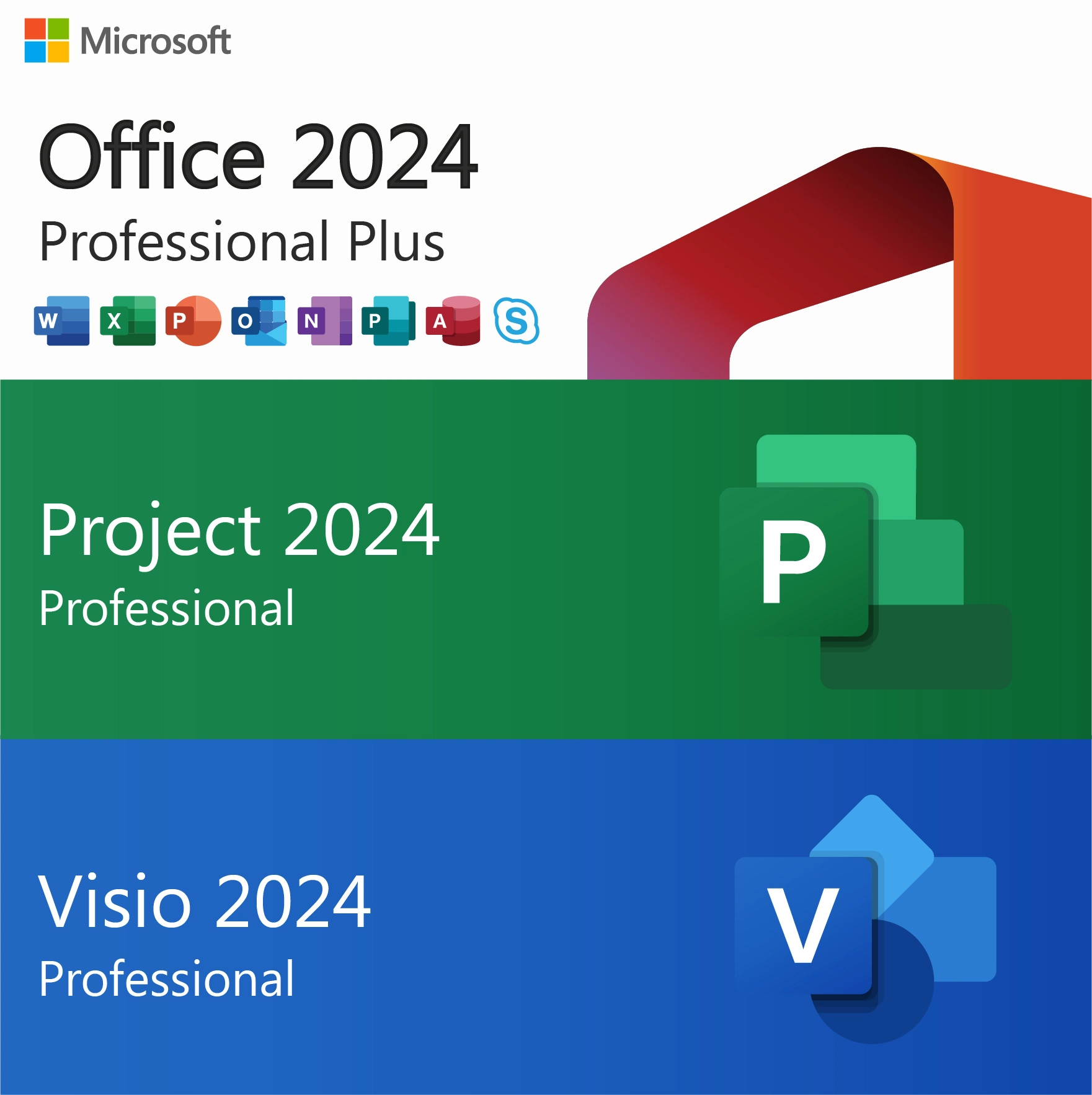
Three genuine keys for one PC: Office, Visio and Project 2024.
| Keys included | 3 (Office, Visio, Project) |
| Office apps | Word, Excel, PowerPoint, Outlook, OneNote, Access |
| Visio 2024 Professional | Flowcharts, org charts, network and floor plans |
| Project 2024 Professional | Gantt scheduling, resources, Team Planner |
| License term | Lifetime, one-time payment |
| Devices | 1 Windows PC for all three |
| Activation | Online with Microsoft; phone if needed |
| Delivery | By email, usually within minutes |
This bundle combines three Microsoft products that are normally bought one by one: Office 2024 Professional Plus, Visio 2024 Professional and Project 2024 Professional. You receive three genuine product keys, one for each product, and all three are installed and activated on the same Windows PC. The result is one workstation that can write the proposal, build the budget, draw the process map and schedule the delivery plan, without a single subscription.
The desktop Visio and Project apps are not part of any Office suite or standard Microsoft 365 plan; Microsoft sells them separately, either as one-time licenses or as their own subscriptions. Here they are permanent licenses with the same 2024 version and the same support date as your Office apps, and Microsoft’s Office Deployment Tool installs all three in one pass.
No. Word, Excel and Outlook come with Office, but Visio and Project have been standalone products in every Office generation, and Office 2024 is no exception. Microsoft 365 business plans also leave out the desktop Visio and Project apps; some of them include only a basic web version of Visio. Buying the three keys together is the simplest way to get the full desktop versions of all three on one computer.
| Key | What it installs | Typical tasks |
|---|---|---|
| Office 2024 Professional Plus | Word, Excel, PowerPoint, Outlook, OneNote, Access | Documents, budgets, email, databases, presentations |
| Visio 2024 Professional | Visio desktop app with professional templates and shape sets | Process maps, org charts, network and floor plans, engineering drawings |
| Project 2024 Professional | Project desktop app with scheduling and resource tools | Gantt timelines, critical path, resource allocation, status reports |
Visio Professional is the higher of Microsoft’s two Visio desktop editions, adding data and standards features such as data linking and BPMN and UML shapes that Visio Standard lacks:
Only need diagrams? The Visio 2024 Professional key is also sold on its own.
Project Professional is the full desktop scheduling tool, and the Professional edition includes views that Project Standard does not:
Wondering whether Microsoft Planner replaced Project? Planner is a lightweight, cloud-based task tool, while Project 2024 remains the desktop application for detailed schedules. Our comparison Microsoft Planner vs Project explains when each fits, and the Project 2024 Professional key is available separately if you need only scheduling.
The value of having all three on one PC shows up in the everyday hand-offs between them:
| Package | Office apps | Visio 2024 Pro | Project 2024 Pro | Keys |
|---|---|---|---|---|
| This bundle | Pro Plus, 6 apps incl. Access | ✔ | ✔ | 3 |
| Office 2024 Professional Plus | Pro Plus, 6 apps incl. Access | — | — | 1 |
| Office 2024 Standard | 5 apps, no Access | — | — | 1 |
| Office Home & Business 2024 | 5 apps, PC or Mac | — | — | 1 |
| Office 2024 Pro Plus 5 PC pack | Pro Plus on 5 PCs | — | — | 5 |
The bundle also costs less than buying Office 2024 Professional Plus, Visio 2024 and Project 2024 as three separate keys, and you follow one installation process instead of three. All three products install with the same Office Deployment Tool run; the bundle install guide shows the combined configuration file, and the Office 2024 Professional Plus install guide covers the Office part in more depth.
| Topic | Office + Visio + Project 2021 | Office + Visio + Project 2024 |
|---|---|---|
| Microsoft security updates | Ended October 13, 2026 | Until October 9, 2029 |
| Publisher in the Office suite | Included | Not included |
| Latest Excel functions and Aptos font | — | ✔ |
| Suits | Short-term or legacy use | New workstations needing years of updates |
The Office 2021 Pro Plus + Visio + Project bundle is the lower-priced set, but all three of its products left Microsoft support on October 13, 2026. For a project office that exchanges schedules and diagrams by email every day, staying on patched software matters, so the 2024 bundle is the safer long-term choice. Read more in Office 2021 end of support.
Yes. Visio 2024 opens .vsdx drawings as well as older .vsd files from previous Visio versions, and Project 2024 opens .mpp plans created in recent releases such as Project 2016, 2019 and 2021. Teams upgrading from older versions can keep their libraries of diagrams and schedules and simply carry on working.
| Component | Requirement |
|---|---|
| Operating system | Windows 11 (none of the three runs on macOS; Windows 10 Home and Pro are out of support and not on Microsoft’s supported list for Office LTSC 2024, Visio 2024 or Project 2024) |
| Processor | 1.1 GHz or faster, dual-core |
| Memory | 4 GB RAM minimum; 8 GB or more is comfortable for large plans and drawings |
| Disk space | 4 GB minimum; allow extra room for all three products |
| Display | 1280 x 768 or higher |
| Rights | Administrator account and internet connection for setup |
Install all three products from one Office Deployment Tool configuration. A Microsoft 365 installation on the same PC causes conflicts, so remove it first; our Office Click-to-Run explainer shows why the versions cannot be mixed.
Three keys in one order means three activations, so after-sale support matters. Kymakers belongs to Makers Unity LLC, a Microsoft partner. If any of the three keys stops working through no fault of yours, that key is replaced free, unredeemed keys are covered by our 180-day refund policy, and activation help is available by replying to your delivery email.
| Products | Office 2024 Professional Plus, Visio 2024 Professional, Project 2024 Professional |
| Keys | 3 genuine product keys, one per product |
| Devices | 1 Windows PC for all three |
| License | Lifetime, one-time purchase, no subscription |
| Installation | One Office Deployment Tool configuration for all three |
| Activation | Online with Microsoft; phone activation available |
| Updates | Security updates until October 9, 2029 |
More diagramming and scheduling licenses are in Visio & Project; also see how ordering at Kymakers works.
Still deciding? Our guides cover which Office 2024 edition to buy and Visio Standard vs Professional and Project Standard vs Professional.
All three products install together with Microsoft’s Office Deployment Tool, and each one is then activated with its own key.
Only one product activated? Run cscript ospp.vbs /dstatus to check each license, re-enter the missing key with /inpkey and run /act again. Conflict with Microsoft 365? Remove it under Settings › Apps and re-run the configuration; stubborn leftovers are cleared by SetupProd_OffScrub, and this Click-to-Run explainer covers the background. If online activation is refused, phone activation with our Get Confirmation ID tool works for each product, and our team helps when you reply to the order email.
 Office 2024 Pro Plus + Visio + Project 2024 Bundle – Lifetime Keys (1 PC)
Sorry, no reviews match your current selections
$95.00 Original price was: $95.00.$17.50Current price is: $17.50.
One-Time Payment · No Subscription
$95.00 Original price was: $95.00.$17.50Current price is: $17.50.





Professional and trustworthy seller. The Office 2024 Pro Plus + Visio + Project package activated successfully on the first try.
Best price I could find for Office 2024 Pro Plus including Visio and Project. Genuine working key and very professional support team.
Fast delivery and smooth activation process. The support team helped me during installation and everything is now working perfectly. Highly recommended!
I was hesitant at first, but the license worked exactly as described. Office 2024, Visio 2024, and Project 2024 all activated successfully.
Amazing customer service! They guided me step-by-step through the activation process. The bundle is complete and works great.