$127.50 Original price was: $127.50.$42.99Current price is: $42.99.
Instant email delivery — your key and download link arrive within minutes.
100% secure payments with SSL encryption via Stripe

Activates on Microsoft’s servers

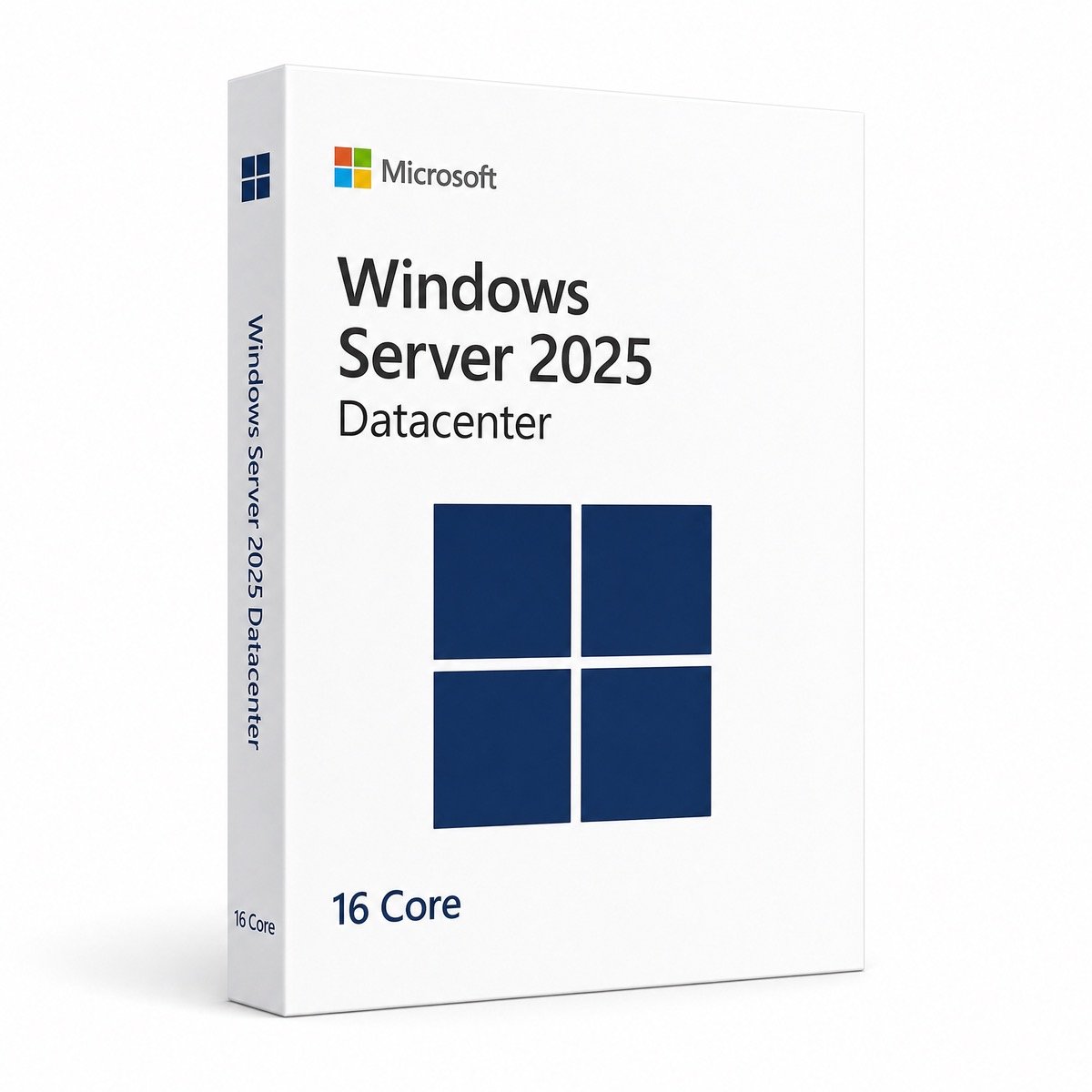
Datacenter’s 16-core base license: unlimited Windows Server VMs on one host.
| Edition | Windows Server 2025 Datacenter, 16 Core license |
| Cores covered | 16 physical cores (1×16, 2×8 or smaller hosts) |
| VM rights | Unlimited Windows Server VMs on the licensed host |
| License term | Lifetime, one-time payment |
| Best for | Hyper-V hosts and cluster nodes |
| Activation | Online, phone, or DISM from Evaluation |
| Delivery | By email, usually within minutes |
The Windows Server 2025 Datacenter 16 Core license is Datacenter sold in the unit Microsoft actually counts: physical cores. Sixteen cores is the minimum Microsoft requires for any server, and it fully covers a single processor with up to 16 cores or two processors with up to 8 cores each. Once those cores are licensed, the host may run an unlimited number of Windows Server virtual machines, which is what makes Datacenter the usual choice for dense virtualization.
You receive a genuine product key for Windows Server 2025 Datacenter, Microsoft’s ISO link and our setup guide by email. The license is perpetual, so there is no renewal date, and because the core count is part of the product, it is easy to show how each host is licensed during an audit or contract review. For an overview of the edition’s features, see the general Windows Server 2025 Datacenter page.
Datacenter pays off once a host runs enough Windows Server VMs that stacking Standard licenses would cost more than a single Datacenter license. Standard adds two VMs each time all cores are licensed again, so its cost climbs in steps while Datacenter stays flat:
| Windows Server VMs on one 16-core host | Standard 16 Core licenses needed | Datacenter 16 Core licenses needed |
|---|---|---|
| 2 | 1 | 1 |
| 6 | 3 | 1 |
| 10 | 5 | 1 |
| 14 | 7 | 1 |
| 20 | 10 | 1 |
To find your own break-even, divide the price of this license by the price of the Standard 16 Core license (each is shown at the top of its page) and multiply by two. The result is roughly the number of VMs at which Datacenter becomes cheaper. With Microsoft’s own list prices the crossover falls at about a dozen Windows Server VMs per host, and Datacenter also spares you from recounting every time a VM is added. Our Standard vs Datacenter guide walks through more scenarios.
Sixteen physical cores on one server. Microsoft counts physical cores only (not threads), requires at least 8 core licenses per processor and 16 per server, and expects every core in the host to be licensed:
| Host | Cores to license | This license alone? |
|---|---|---|
| Single 8-core CPU | 16 (minimum) | ✔ Covered |
| Single 16-core CPU | 16 | ✔ Covered |
| Dual 8-core CPUs | 16 | ✔ Covered |
| Dual 12-core CPUs | 24 | ✘ 8 more cores required |
| Single 32-core CPU | 32 | ✘ 16 more cores required |
Hosts above 16 cores need the remaining cores licensed as well. For Windows Server 2022 we also offer the Datacenter 32 Core license for dual 16-core machines; for 2025, send us your CPU details and we will tell you exactly what to order.
In a failover cluster, each node is licensed for its own physical cores. Give every node a Datacenter license that covers all of its cores and VMs can move freely between nodes during maintenance or a failure, because every host is already licensed for unlimited Windows Server guests. A three-node cluster of single-socket 16-core servers therefore needs three Datacenter 16 Core licenses, one per node. If only some nodes run Datacenter, you have to stop Windows Server VMs from failing over onto under-licensed hosts, which is why clusters are almost always licensed uniformly.
Not on Hyper-V. With the host activated as Datacenter, Windows Server guests use Microsoft’s public Automatic Virtual Machine Activation (AVMA) keys and activate against the host, so there are no per-VM keys to buy or track; guests from Windows Server 2012 R2 up to 2025 are supported. On VMware ESXi, Proxmox or other hypervisors the Datacenter license still grants unlimited VM rights, but AVMA does not work there, so each guest needs its own activation. Ask us before ordering if that is your setup.
Datacenter also contains every Standard role, so the host itself could run DNS or file services, although best practice is to keep a Hyper-V host dedicated to virtualization.
Both activate the same Windows Server 2025 Datacenter edition with identical unlimited VM rights and features. Choose this 16 Core listing when you want the core coverage spelled out host by host, for example on a cluster where each node must be documented or when a managed-services contract asks for the core count. If you are unsure which listing suits your hardware, send us the CPU model and number of sockets before you order and we will recommend one.
Pick 2025 unless something forces 2022. Windows Server 2025 receives security updates until November 15, 2034, against October 14, 2031 for Windows Server 2022, and adds the newer storage stack, GPU partitioning improvements and hotpatching. The Windows Server 2022 Datacenter 16 Core is still the better match when you are adding a node to an existing 2022 cluster. Our Windows Server buying guide goes through the remaining differences.
Core licenses cover the host and its unlimited Windows Server guests, not the people who use them. Every user or device that authenticates to any of those VMs needs a Windows Server CAL of version 2025 or newer, and Remote Desktop users need RDS CALs too. Browse our server CAL category, or read our RDS CAL guide to see how user and device CALs differ.
Windows Server 2025 needs a 64-bit processor of at least 1.4 GHz with SSE4.2 and POPCNT, 2 GB of RAM for Desktop Experience (512 MB for Server Core) and 32 GB of disk. A production virtualization host will want far more: enough memory for every VM plus a host reserve, NVMe or SSD storage, 10 GbE networking for live migration, and TPM 2.0 with Secure Boot enabled.
You pay once and the host stays licensed. Microsoft provides mainstream support for Windows Server 2025 until November 14, 2029 and extended security updates until November 15, 2034, so a host bought today can run for its whole hardware life on this license. Compared with renting Windows Server by the month, a one-time cost is easier to budget for long-lived hosts. Future Windows Server versions are not included, and the price is listed at the top of this page.
Kymakers is the store of Makers Unity LLC, a Microsoft partner. Every Datacenter 16 Core key comes with a 180-day refund on unredeemed keys, free replacement if it stops working through no fault of yours, and free activation help when you reply to your delivery email. Our guide to legit vs scam Windows keys explains how to spot a seller you can trust.
| Product | Microsoft Windows Server 2025 Datacenter, 16 Core license |
| Cores | 16 physical cores on one host |
| Virtualization | Unlimited Windows Server VMs on the licensed host |
| Guest activation | AVMA on Hyper-V hosts |
| License | Lifetime, one-time purchase |
| Support | Microsoft updates until November 15, 2034 |
| Not included | Windows Server CALs, RDS CALs |
Browse the Windows Server 2025 category or read how ordering works at Kymakers.
Still deciding? Our guides cover Windows Server 2025 licensing explained and Windows Server 2022 end of life.
Your delivery email includes the key, Microsoft’s ISO link and our guide. These are the steps for a 16-core Datacenter host.
Make sure the host really runs Datacenter (DISM /online /Get-CurrentEdition); a Standard host can be switched with DISM /Set-Edition:ServerDatacenter and this key. Isolated hosts can activate by phone through slui 4 and our Get Confirmation ID tool. For error codes, see error 0xC004F074 fixes and Windows key not working?, or reply to your delivery email for help.
 Microsoft Windows Server 2025 Datacenter 16 Core – Product Key
Sorry, no reviews match your current selections
$127.50 Original price was: $127.50.$42.99Current price is: $42.99.
One-Time Payment · No Subscription
$127.50 Original price was: $127.50.$42.99Current price is: $42.99.





Instant delivery — exactly what I needed. The software runs perfectly, no issues to report.
Delivery was quick. Had the code in my email before I even made a coffee. All the features I needed are there and working fine. Will definitely come back when I need another licence.
Received the code pretty quickly after the payment went through. Installation and activation took maybe 10 minutes total. Happy to recommend this to friends.
The download link and key showed up in my email really fast. The software runs perfectly, no issues to report.
Worked a treat. No issues at all with activation. Smooth process.