$28.50 Original price was: $28.50.$16.49Current price is: $16.49.
Instant email delivery — your key and download link arrive within minutes.
100% secure payments with SSL encryption via Stripe

Activates on Microsoft’s servers

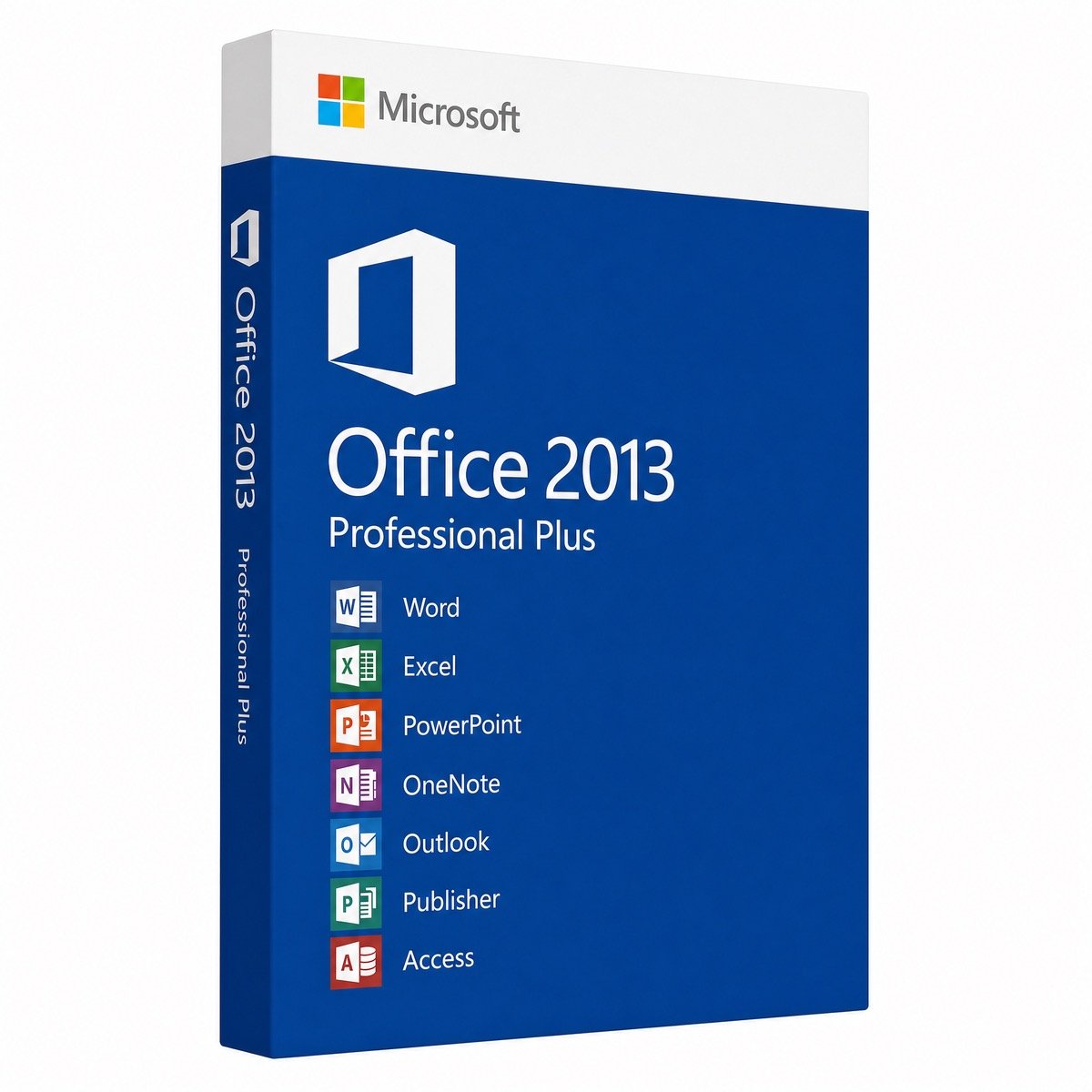
The full Office 2013 suite for Windows 7, 8.1, 10 and 11.
| Edition | Office Professional Plus 2013 |
| Apps included | Word, Excel, PowerPoint, Outlook, OneNote, Access, Publisher, InfoPath, Lync |
| License term | Lifetime, pay once |
| Devices | 1 PC |
| Platform | Windows 7, 8.1, 10 and 11 |
| Support status | Microsoft support ended Apr 11, 2023 |
| Installer | Offline image with setup.exe |
| Delivery | Sent by email, usually within minutes |
This listing is for one genuine Office 2013 product key for the Professional Plus edition, the most complete version of the Office 2013 suite. It activates Word, Excel, PowerPoint, Outlook, OneNote, Access, Publisher, InfoPath and Lync 2013 on a single Windows PC. The key ships by email together with a direct download link for the installation image and our activation guide. It is a perpetual license: one payment, no expiry date and no subscription.
We sell Office 2013 for a specific kind of buyer, and we want to be upfront about it. Microsoft ended all support for Office 2013 on April 11, 2023, so it has now gone more than three years without security updates. Its strength today is compatibility: it installs on Windows 7 and Windows 8.1 PCs that newer Office versions refuse, runs on modest hardware, and matches older business files, macros and add-ins. For an everyday internet-connected PC, Office 2024 Professional Plus is the version we recommend, with support until October 9, 2029.
| App | What it is used for |
|---|---|
| Word 2013 | Documents, with Read Mode and PDF Reflow for opening and editing PDF files |
| Excel 2013 | Spreadsheets with Flash Fill, Quick Analysis, recommended charts and recommended PivotTables |
| PowerPoint 2013 | Presentations with an improved Presenter View and smart alignment guides |
| Outlook 2013 | Email, calendar and contacts, with inline replies and quick peeks |
| OneNote 2013 | Digital notebooks for notes and research |
| Access 2013 | Desktop databases in the .accdb format |
| Publisher 2013 | Flyers, newsletters and print layouts |
| InfoPath 2013 | Electronic forms, mainly for older SharePoint systems |
| Lync 2013 | Business messaging client for organizations that still run Lync or Skype for Business Server |
Professional Plus also unlocks the Power Pivot and Power View business-intelligence features in Excel, plus the Inquire add-in for auditing workbooks, which the Home and Business suites of Office 2013 did not include. InfoPath and Lync matter mainly to companies that kept older SharePoint or Lync servers running; most buyers can leave them unticked during setup.
If none of these apply to you, a newer suite is the better buy, and the comparison below shows which one.
No. Microsoft’s extended support for Office 2013 ended on April 11, 2023, and the suite has received no security updates since. Your installation keeps working and stays activated, because nothing is switched off remotely. However, Microsoft does not support Office 2013 for connecting to Microsoft 365 services, so Outlook 2013 with a Microsoft 365 business mailbox may not work reliably. On an internet-connected PC, keep Windows fully updated, run current antivirus, disable macros in files you did not write and avoid opening unexpected attachments.
| Version | Windows support | Microsoft support | Best for |
|---|---|---|---|
| Office 2013 Pro Plus (this page) | Windows 7, 8.1, 10, 11 | Ended Apr 11, 2023 | Windows 7/8.1, legacy files, low-spec PCs |
| Office 2016 Pro Plus | Windows 7 SP1 to Windows 11 | Ended Oct 14, 2025 | Older PCs that want a slightly newer suite |
| Office 2019 Pro Plus | Windows 10, 11 | Ended Oct 14, 2025 | Budget Access and Publisher on Windows 10/11 |
| Office 2024 Pro Plus | Windows 10, 11 | Until Oct 9, 2029 | Daily use with security updates (no Publisher) |
| Office 2010 Pro Plus (5 PC) | Windows XP SP3 to Windows 10 | Ended Oct 13, 2020 | Even older machines, including Windows XP |
Office 2016 received updates two and a half years longer than 2013 but is now unsupported too. The move to 2024 is the one that brings current security patches, Excel’s dynamic arrays and modern co-authoring. For a fuller history of each release, see our guide to Microsoft Office versions.
Yes. Office 2013 Professional Plus installs on Windows 7, Windows 8.1, Windows 10 and Windows 11, in 32-bit or 64-bit. That breadth is the main reason it is still in demand: one suite for a mixed fleet of old and new PCs. Bear in mind that Windows 7 itself has been unsupported since January 14, 2020, so a Windows 7 machine running Office 2013 is best kept offline or used for one dedicated task. Rebuilding such a machine? A Windows 7 Professional key pairs naturally with this suite.
| Component | Minimum requirement |
|---|---|
| Operating system | Windows 7, 8.1, 10 or 11 |
| Processor | 1 GHz or faster x86 or x64 with SSE2 |
| Memory | 1 GB RAM (32-bit) or 2 GB RAM (64-bit) |
| Disk space | 3 GB available |
| Display | 1024 × 576 or higher |
| .NET Framework | 3.5, 4.0 or 4.5 for some features |
On Windows 7, double-clicking the downloaded .img or .iso file does not mount it, so you will need a free extraction tool first; the How to Download tab shows the workaround.
Yes. Office 2013 reads and writes the same .docx, .xlsx and .pptx formats used by Office 2024 and Microsoft 365, and it still opens the older .doc, .xls and .ppt files from Office 97–2003. Content created with newer features may not behave identically: a workbook using XLOOKUP or dynamic arrays returns errors when recalculated in Excel 2013, and chart types added after 2013 appear as placeholders. For plain documents, spreadsheets and slides, exchanging files with newer versions works smoothly.
It means a perpetual license for Office 2013 on one PC. You pay once, and the activated suite stays licensed through reinstalls on that computer for as long as it runs. It does not convert into Office 2016 or later, and it includes no subscription services. Because no further updates will ever ship, the version you install today is the version you keep. If you prefer not to subscribe but want a current version, our guide to buying Office without a subscription lists the current one-time options.
Older Office keys are widely resold and seller quality varies, so the guarantees behind the key matter more than the listing. Kymakers, operated by Makers Unity LLC, a Microsoft partner, backs every Office 2013 key with free activation support, a free replacement if the key ever stops working through no fault of yours, and a 180-day refund on any key that has not been redeemed. Our checklist on whether it is safe to buy cheap Microsoft license keys shows how to judge any store.
| Product | Microsoft Office Professional Plus 2013 product key |
| Apps | Word, Excel, PowerPoint, Outlook, OneNote, Access, Publisher, InfoPath, Lync |
| License | Lifetime, one-time purchase, 1 PC |
| Platform | Windows 7, 8.1, 10 and 11; 32-bit or 64-bit |
| Support status | Microsoft support ended April 11, 2023 |
| Installation | Direct download image, setup.exe with product key |
| Delivery | Emailed key plus installer link and guide, normally within minutes |
See all suites in our Microsoft Office category, or read how Kymakers orders work.
Your email includes the Office 2013 Professional Plus key and a direct download link for the installer. Plan on about 15 minutes from download to activation.
“This product key has already been used” usually means a character was mistyped or the key went into a different product; check each character, then reply to your delivery email so we can verify or replace the key. When the PC cannot activate over the internet, look for a telephone activation choice in the wizard; where it appears, our Get Confirmation ID tool can assist.
Sorry, no reviews match your current selections
$28.50 Original price was: $28.50.$16.49Current price is: $16.49.
One-Time Payment · No Subscription
$28.50 Original price was: $28.50.$16.49Current price is: $16.49.




Key arrived fast, much quicker than I expected. No issues so far after a few weeks of use.
Key was delivered super fast, maybe 5 minutes after checkout. No issues so far after a few weeks of use. Already recommended it to a colleague.
Received the code pretty quickly after the payment went through. Runs smoothly with no compatibility problems. Recommended.
The product works fine, but the email instructions could be clearer for beginners.
Support replied within a few hours and helped me fix an activation error. Satisfied with the service.