
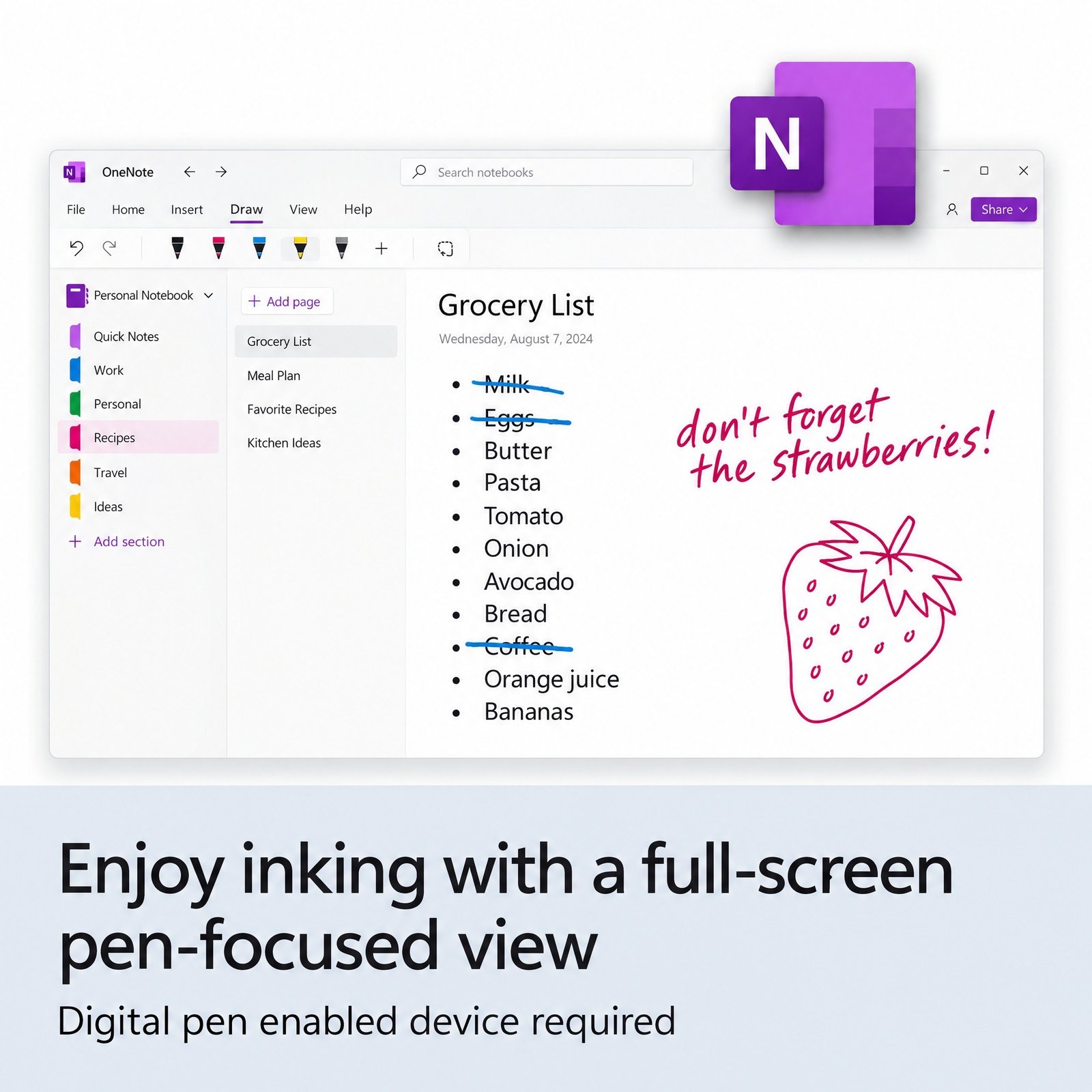
$67.00 Original price was: $67.00.$14.90Current price is: $14.90.
Instant email delivery — your key and download link arrive within minutes.
100% secure payments with SSL encryption via Stripe

Activates on Microsoft’s servers

The complete Office 2024 desktop suite for one Windows PC, paid once.
| Edition | Microsoft Office 2024 Professional Plus (Windows) |
| Apps included | Word, Excel, PowerPoint, Outlook, OneNote, Access |
| License term | Lifetime, one-time payment, no subscription |
| Devices | 1 Windows PC (5 PCs? see the 5 PC pack) |
| Version | Office 2024, 64-bit or 32-bit, any language |
| Activation | Online with Microsoft; phone activation if needed |
| Delivery | By email, usually within minutes |
This page sells one genuine Office 2024 Professional Plus product key for one Windows PC. The 25-character key activates the most complete desktop edition of Office 2024, with Word, Excel, PowerPoint, Outlook, OneNote and Access installed locally on your computer rather than streamed from the cloud. You pay once, Microsoft activates the key once, and the apps stay licensed on that PC with no renewal date, no monthly charge and no plan to manage.
Your order email contains the key, a link to Microsoft’s free Office Deployment Tool and our setup guide, so every installation file comes straight from Microsoft’s servers. Professional Plus is the business-grade edition that companies traditionally roll out across their desks, which is why it includes Access, the desktop database that the Standard and Home & Business editions leave out. Activation runs against Microsoft’s own servers, the same check that every legitimate copy of Office passes. Microsoft’s name for this edition is Office LTSC Professional Plus 2024; our explainer covers what LTSC means.
A single key installs and activates six desktop applications:
Two familiar names are missing on purpose. Publisher is not part of any Office 2024 edition because Microsoft has retired it, and Microsoft Teams is not bundled with the suite either. If you rely on old Publisher files, keep the copy you already own or convert those files to Word or PDF before switching.
Office 2024 is the first one-time-purchase release since Office 2021, and it brings several improvements that were previously limited to Microsoft 365 subscribers:
Our article on Office 2024 new features explains each change in more detail.
Access is the deciding app, and only the Professional Plus editions include it. This table shows exactly what each Office 2024 product in our store installs:
| Office 2024 product | Word, Excel, PowerPoint | Outlook | OneNote | Access | Visio & Project |
|---|---|---|---|---|---|
| Home & Business 2024 | ✔ | ✔ | ✔ | — | — |
| Standard 2024 | ✔ | ✔ | ✔ | — | — |
| Professional Plus 2024 (this key) | ✔ | ✔ | ✔ | ✔ | — |
| Professional Plus 5 PC pack | ✔ on 5 PCs | ✔ | ✔ | ✔ | — |
| Pro Plus + Visio + Project 2024 | ✔ | ✔ | ✔ | ✔ | ✔ Visio 2024 and Project 2024 Professional |
If nobody on the PC ever opens a database, Office 2024 Standard is the lower-priced choice and keeps the other five apps. If you work on a Mac, Home & Business is the only 2024 suite here that installs on macOS. And if Access is the one program you are missing, the standalone Access 2024 product key adds it without the rest of the suite.
| Topic | Office 2021 Professional Plus | Office 2024 Professional Plus |
|---|---|---|
| Microsoft security updates | Ended October 13, 2026 | Until October 9, 2029 |
| Publisher | Included | Not included (retired) |
| Excel TEXTSPLIT, IMAGE and dynamic charts | — | ✔ |
| Default font | Calibri | Aptos |
| PowerPoint Cameo | — | ✔ |
| Best for | Short-term use or Publisher users | New installs that need years of updates |
Office 2021 reached the end of Microsoft support on October 13, 2026. The apps still open and save files, but they no longer receive security fixes, which matters for anything that handles email attachments or shared spreadsheets. Office 2024 Professional Plus is supported until October 9, 2029. Read what changed when Office 2021 reached end of support before choosing. Publisher, which Office 2021 Professional Plus included, was retired by Microsoft in October 2026 and is not in any Office 2024 edition; if you still need it for old .pub files, the Office 2021 Professional Plus key includes it, with no further updates.
Yes. Office 2024 Professional Plus is a perpetual license: one payment activates it permanently on one PC, and it never asks for a renewal. “Lifetime” describes the life of this Office version on that computer. You can reinstall it on the same PC after a Windows reset, it keeps working offline once activated, and Microsoft ships security and stability updates for it until October 9, 2029. What it does not include is a free move to the next major Office release; a future version is a separate purchase, which is the trade-off for never paying a subscription.
That support date is a security milestone, not a shut-off switch. After October 2029 the apps will still open, edit and save files, but newly discovered vulnerabilities will not be patched, so most businesses plan their next upgrade around then.
| Component | Requirement |
|---|---|
| Operating system | Windows 11 (Microsoft also supports Windows 11 LTSC 2024, Windows 10 LTSC 2019/2021 and Windows Server 2022/2025; Windows 10 Home and Pro reached end of support on October 14, 2025 and are not on Microsoft’s supported list) |
| Processor | 1.1 GHz or faster, 2 cores |
| Memory | 4 GB RAM (Microsoft’s figure for Office LTSC 2024; 64-bit recommended) |
| Storage | 4 GB of free disk space |
| Display | 1280 x 768 resolution or higher |
| Internet | Needed to download, install and activate |
Choose the 64-bit edition unless you depend on old 32-bit add-ins, ActiveX controls or VBA code written only for 32-bit Office; 64-bit handles large Excel workbooks and big Access files better. Windows 10 Home and Pro stopped receiving Microsoft updates on October 14, 2025 and are not on Microsoft’s supported list for Office LTSC 2024, so a Windows 11 PC is the supported home for Office 2024. Setting up a new machine anyway? The Windows 11 Pro + Office 2024 Pro Plus bundle licenses both in one order. Installation takes about 20 minutes with Microsoft’s free Office Deployment Tool; the Office 2024 Professional Plus install guide walks through every step and the common errors.
Our price for Office 2024 Professional Plus is the price shown at the top of this page, paid once. Microsoft 365 is billed every month or every year for as long as you use it, and its apps drop to read-only mode when the subscription lapses. In return Microsoft 365 adds cloud storage, Copilot features and continuous feature upgrades. For a single PC used mainly for documents, spreadsheets, databases and email, a one-time license is typically the lower long-term cost. Compare both models in Office one-time purchase vs Microsoft 365.
It is safe when the seller stands behind the key after the sale. Before ordering from any store, check that a registered company runs it, that it publishes a written refund policy and that someone will answer if activation fails. Kymakers is operated by Makers Unity LLC, a Microsoft partner. Every order is covered by a 180-day refund on unredeemed keys, a free replacement if a key stops working through no fault of yours, and free activation help when you reply to your delivery email. The checklist in our article on buying cheap Microsoft license keys safely lists the warning signs to look for anywhere.
| Product | Microsoft Office 2024 Professional Plus product key |
| Apps | Word, Excel, PowerPoint, Outlook, OneNote, Access |
| License | Lifetime, one-time purchase, 1 Windows PC |
| Platform | Windows 11 (64-bit recommended; 32-bit available). Not for macOS |
| Installation | Microsoft’s Office Deployment Tool, files downloaded from Microsoft |
| Activation | Online with Microsoft; phone activation available |
| Support | Security updates until October 9, 2029; free activation help from Kymakers |
See every edition in the Microsoft Office 2024 category or read how ordering works at Kymakers.
Still deciding? Our guide covers which Office 2024 edition to buy.
Your order email includes the Office 2024 Professional Plus key, the link to Microsoft’s Office Deployment Tool and our setup guide; allow about 15 minutes in total.
If setup reports a conflict, a previous Click-to-Run Office is still on the PC: remove it completely with the SetupProd_OffScrub tool and see what Microsoft Office Click-to-Run is. If online activation is blocked, choose phone activation and use our Get Confirmation ID tool. Still stuck? Reply to your delivery email and we will finish the activation with you.
 Microsoft Office 2024 Professional Plus Product Key – Lifetime License | 1 PC
Sorry, no reviews match your current selections
$67.00 Original price was: $67.00.$14.90Current price is: $14.90.
One-Time Payment · No Subscription
$67.00 Original price was: $67.00.$14.90Current price is: $14.90.


I had a question during activation and the KyMakers support team responded quickly. They helped me complete the activation the same day.
I purchased Office 2024 Professional Plus from KyMakers and everything worked exactly as expected. The key activated successfully and all the apps are running perfectly. Great value for the price.
The key activated successfully and all Office applications are genuine and fully functional. I’ll definitely purchase from KyMakers again.
Installation was easy after uninstalling my previous Office version. Everything works perfectly now.
I had to use phone activation, which was unexpected, but KyMakers helped me complete it. Office is now fully activated.