
$157.50 Original price was: $157.50.$39.99Current price is: $39.99.
Instant email delivery — your key and download link arrive within minutes.
100% secure payments with SSL encryption via Stripe

Activates on Microsoft’s servers

One genuine key that activates Office on up to 5 PCs.
| Product key | 1 key, activates up to 5 PCs |
| Edition | Microsoft Office 2024 Professional Plus (Windows) |
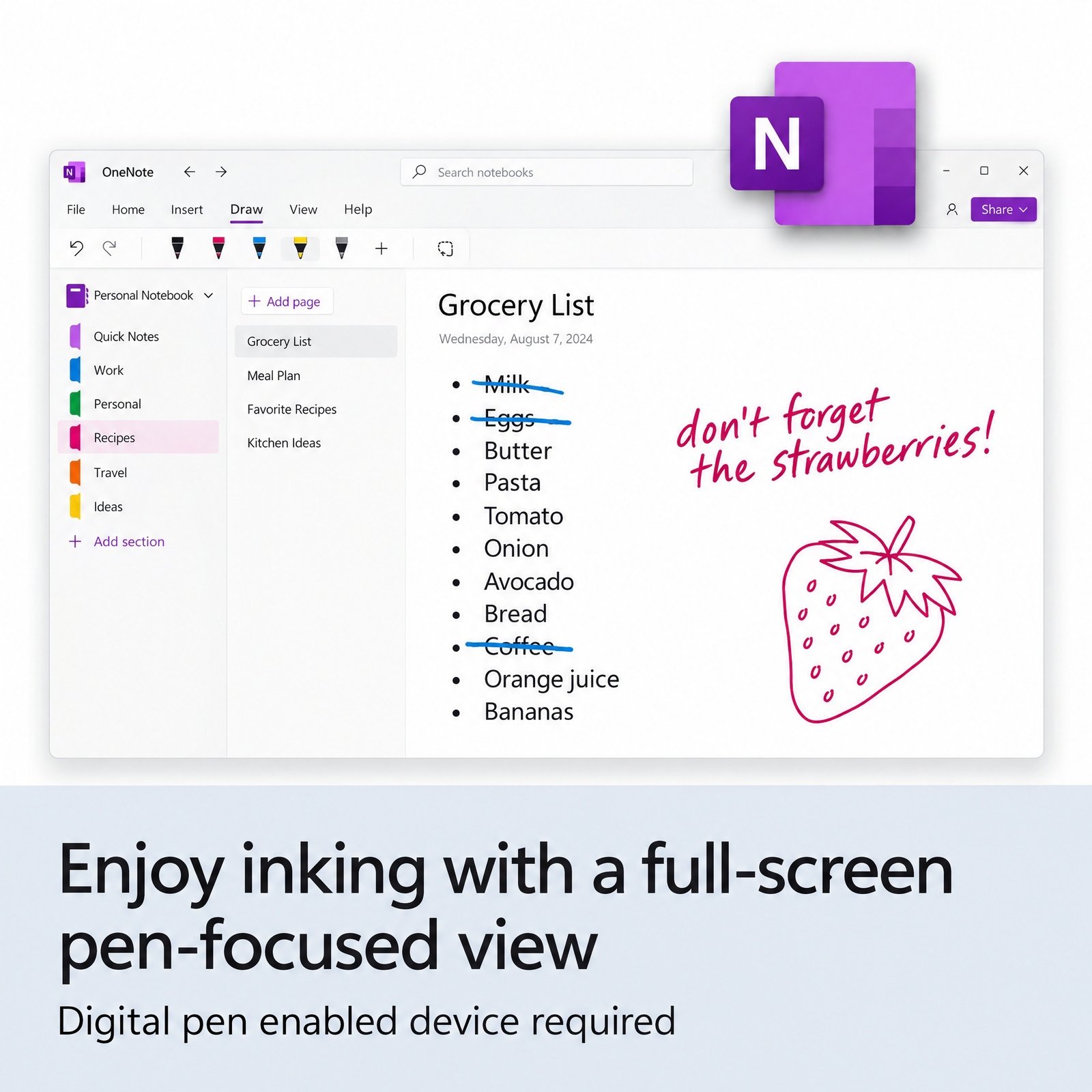
| Apps on every PC | Word, Excel, PowerPoint, Outlook, OneNote, Access |
| License term | Lifetime per PC, one-time payment |
| Deployment | Install now or add PCs later |
| Activation | Online with Microsoft; phone activation if needed |
| Delivery | One key by email, within minutes |
The Office 2024 Professional Plus 5 PC pack is one genuine Microsoft product key that activates up to five Windows computers, and each activation permanently licenses the PC it is used on. You receive a single 25-character key by email and enter that same key on every machine, so each desk in your office gets its own activation. A company, a school office, a clinic front desk or a family with several PCs can move every computer to the same edition in one checkout.
The key unlocks the full Professional Plus suite, meaning Word, Excel, PowerPoint, Outlook, OneNote and Access on each of the five PCs. You do not have to activate all of them on the same day: set up three computers this week and the other two when new hardware arrives. Because the installation files come from Microsoft through the free Office Deployment Tool, every copy is clean, current and identical.
You get one product key that activates up to 5 PCs. The same key is entered on each computer, and every activation licenses Office 2024 Professional Plus on that machine. Record-keeping stays simple: keep a short list of the desks you have activated, and if one PC is retired the other four activations are unaffected. It also means the pack licenses five PCs, not five users. A person who works on two computers uses two of the five activations, while a shared reception PC used by several staff members uses only one.
Up to five Windows PCs, all activated with the same key. The table shows how the 2024 options in our store scale with the number of computers you need to license:
| Office 2024 option | Keys in the order | Computers covered | Access | Typical buyer |
|---|---|---|---|---|
| Professional Plus, 1 PC | 1 | 1 Windows PC | ✔ | Single desk or home office |
| Professional Plus 5 PC pack (this page) | 1 (up to 5 activations) | 5 Windows PCs | ✔ on all five | Small office, classroom, family |
| Standard, 1 PC | 1 per PC bought | 1 Windows PC each | — | Desks that never need databases |
| Home & Business 2024 | 1 | 1 PC or 1 Mac | — | Mixed Mac and Windows teams |
| Pro Plus + Visio + Project 2024 | 3 (one per product) | 1 Windows PC | ✔ | Project managers and planners |
For six to nine computers, combine this pack with single keys; for ten, buy two packs. Single keys and packs are the same edition, so a mixed purchase still gives you a uniform Office 2024 setup across the office.
All five installs can also read and write OpenDocument Format 1.4 files. Publisher is not part of Office 2024, and Microsoft Teams is installed separately. The Office 2024 new features guide covers each improvement in depth.
Installing five computers goes much faster if you prepare once and repeat. This is the approach small IT teams use with the Office Deployment Tool: Each PC follows the same procedure as a single key; the Office 2024 Professional Plus install guide has the configuration file, and the edition comparison explains why this pack includes Access while Standard does not.
If one PC refuses to activate online, choose the telephone option in the Office activation wizard, and our support team helps by email. The How to Download tab lists the exact commands, and our explainer on Office Click-to-Run describes how the installer works behind the scenes.
| Topic | Office 2021 Pro Plus 5 PC | Office 2024 Pro Plus 5 PC |
|---|---|---|
| Microsoft security updates | Ended October 13, 2026 | Until October 9, 2029 |
| Publisher | Included | Not included (Publisher retired October 2026) |
| Excel TEXTSPLIT, IMAGE, dynamic charts | — | ✔ |
| Default font | Calibri | Aptos |
| Sensible for | Short-term or legacy setups | New rollouts that must stay patched |
Office 2021 dropped out of Microsoft support on October 13, 2026. The software keeps running, but an office full of unpatched copies is a real risk, especially for Outlook, which opens attachments from strangers every day. The Office 2021 Professional Plus 5 PC pack remains an option only if Publisher (retired by Microsoft in October 2026, with no further updates) is essential; otherwise the 2024 pack gives your team security updates until October 9, 2029. Background reading: Office 2021 end of support.
Over a few years it usually is, because the pack is paid once and the price shown at the top of this page covers all five computers. It also costs less per PC than buying five single Professional Plus keys. Microsoft 365 business plans charge per user every month or year. They do include things this pack does not, such as Teams, hosted business email, OneDrive cloud storage and the right for each user to install the apps on several devices. If your team mainly needs dependable desktop Office on fixed PCs, owning the licenses avoids a bill that grows with every new hire. Compare the two models in one-time purchase vs Microsoft 365.
Upgrading the operating system at the same time? The Windows 11 Pro 5 PC key pack matches this pack one-for-one.
| Item | What each computer needs |
|---|---|
| Windows | Windows 11 with an administrator account (Windows 10 Home and Pro are out of support and not on Microsoft’s supported list for Office LTSC 2024) |
| Processor and memory | 1.1 GHz dual-core CPU, 4 GB RAM |
| Disk space | 4 GB free |
| Screen | 1280 x 768 or higher |
| Network | Internet access to activate; installation files can come from a shared folder |
Windows 10 has not received free security updates since October 14, 2025, so treat any Windows 10 desk in the rollout as a candidate for Windows 11 while you are touching it anyway.
Licensing five PCs at once raises the stakes, so the seller’s after-sale policy matters more than the price. Check who runs the store, whether the refund terms are in writing and whether anyone helps with activation. Kymakers is run by Makers Unity LLC, a Microsoft partner. If the key ever stops working through no fault of yours, we replace it free; a key you have not redeemed falls under our 180-day refund policy, and activation help is one email reply away. More guidance: how to tell legit keys from scams.
| Product | Microsoft Office 2024 Professional Plus, 5 PC pack |
| Product key | 1 key, activates up to 5 Windows PCs |
| Apps per PC | Word, Excel, PowerPoint, Outlook, OneNote, Access |
| License | Lifetime, one-time purchase, no subscription |
| Installation | Office Deployment Tool, files from Microsoft |
| Activation | Same key on each PC, online; phone activation available |
| Updates | Security updates until October 9, 2029 |
Browse the other editions in Microsoft Office 2024 or see how Kymakers orders work.
Still deciding? Our guide covers which Office 2024 edition to buy.
One email delivers a single product key that activates up to 5 PCs, plus the Office Deployment Tool link; prepare the files once, then repeat the install on each PC with the same key.
A setup conflict on one machine usually means leftover Click-to-Run files from an older Office; SetupProd_OffScrub removes them, and our Click-to-Run explainer shows why they clash. If a PC cannot activate online, use phone activation with the Get Confirmation ID tool. For anything else, reply to your order email and tell us which PC is affected and what error it shows.
 Microsoft Office 2024 Professional Plus – 5 PC Product Key Pack
Sorry, no reviews match your current selections
$157.50 Original price was: $157.50.$39.99Current price is: $39.99.
One-Time Payment · No Subscription
$157.50 Original price was: $157.50.$39.99Current price is: $39.99.





This is exactly what I needed for my setup. Delivery was almost instant, which I really appreciated. No regrets at all with this purchase.
There was no bloatware or extra junk bundled with the install. Everything went smoothly from start to finish. Ending on a high note, this was worth every penny.
Really glad I decided to go with this. On top of that, delivery was almost instant, which I really appreciated, and activation went through on the first try. Would order again in a heartbeat.
My IT-averse brain expected way more trouble than I got. On top of that, checkout was quick and I was done in under two minutes, and activation went through on the first try. I walked away from this purchase genuinely satisfied.
Worked out fine, just wasn’t quite instant. I had it running on my machine in under ten minutes. Small gripe aside, I’d still tell others to try it.