Windows 11 Pro for Workstations is the edition that sits above Pro, costs $309 at Microsoft instead of $199.99, and confuses almost everyone who comes across it. Is it faster? Is it for gamers? Do you need it for a powerful PC?
For most powerful PCs, no. It exists for a specific kind of machine: workstations with server-class processors, huge amounts of memory or very fast storage and networking. If yours is one of them, it unlocks things Pro can’t do. If not, it behaves exactly like Pro. Here’s how to tell which camp you’re in.
The short version
| Windows 11 Pro | Windows 11 Pro for Workstations | |
|---|---|---|
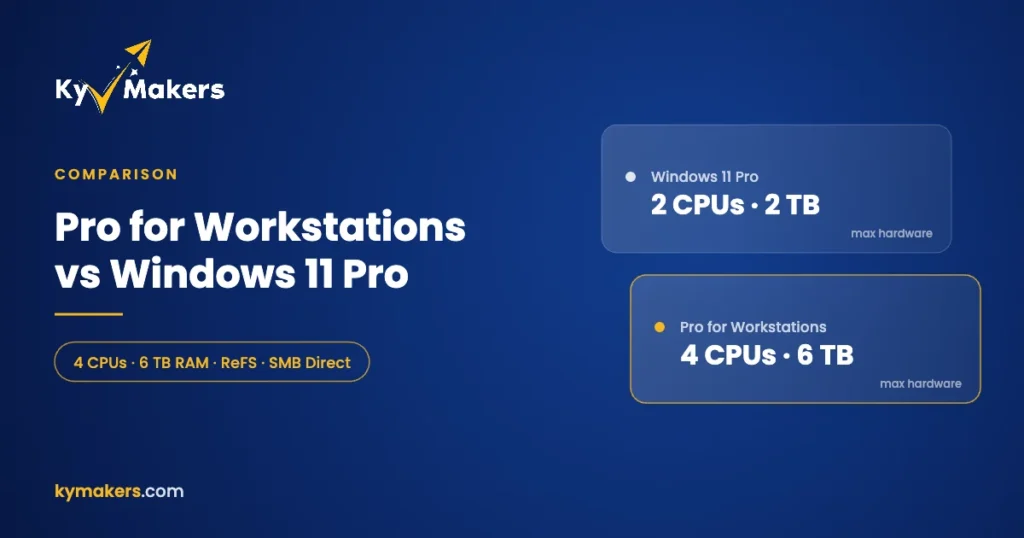
| Maximum CPUs (sockets) | 2 | 4 |
| Maximum RAM | 2 TB | 6 TB |
| Create ReFS volumes | No | Yes |
| Persistent memory (NVDIMM-N) | No | Yes |
| SMB Direct (RDMA networking) | No | Yes |
| Everything in Pro: BitLocker, Hyper-V, Remote Desktop, domain join | Yes | Yes |
| Hardware requirements | Windows 11 standard | Same as Pro |
| Microsoft list price | $199.99 | $309 |
Microsoft’s own product page sums it up as “up to 4 CPUs and 6TB of memory” with support for persistent memory. It also notes something people miss: if your PC couldn’t take the free Windows 11 upgrade because of the hardware requirements, it can’t run Pro for Workstations either. It isn’t a way around TPM 2.0.
What each extra feature actually does
Up to four processors and 6 TB of RAM
This is the headline, and it only matters for multi-socket machines. A desktop with one Ryzen 9 or Core Ultra 9 processor, even with 192 GB of RAM, is nowhere near Pro’s limits. You only need the higher ceiling for dual or quad Xeon and EPYC workstations, or builds with more than 2 TB of memory. Those are rare outside simulation, scientific computing and large-scale rendering.
ReFS, the Resilient File System
ReFS is Microsoft’s file system for big, important data. It checks data integrity and repairs corruption on mirrored storage on its own, and it handles very large volumes well. Windows 11 Pro can read ReFS volumes but can’t create new ones. Pro for Workstations can. If you keep terabytes of project files on a Storage Spaces mirror, that’s worth having.
Persistent memory
Non-volatile memory modules (NVDIMM-N) sit in RAM slots but keep their contents when the power goes off. Pro for Workstations can use them as extremely fast storage. The hardware is uncommon and pricey, so if you’re not sure whether you have it, you don’t.
SMB Direct
With network cards that support RDMA, SMB Direct moves files between the workstation and a server with very little CPU load and very low latency. Video editors pulling 8K footage straight from a file server and engineers loading big datasets from network storage feel the difference. Ordinary gigabit or 2.5 GbE networking doesn’t benefit.
Is Pro for Workstations faster for gaming or editing?
Not by itself. On a single-socket PC with ordinary storage and networking, the scheduler, drivers and performance are the same as Pro. You’ll sometimes read that it’s faster because it includes the “Ultimate Performance” power plan. That plan is also available on Pro if you enable it with one powercfg command, and on most desktops it makes little difference anyway.
If you’re a gamer or a creator on a single high-end CPU, buy Windows 11 Pro and spend the difference on hardware.
Who should buy it
- Dual-socket Xeon or EPYC workstations.
- Machines with more than 2 TB of RAM.
- Workstations storing critical data on ReFS volumes or Storage Spaces mirrors.
- Studios and labs with RDMA network cards and fast file servers.
- PCs fitted with persistent memory modules.
If two or more of those apply, Windows 11 Pro for Workstations is the right license. If none do, Pro covers you.
Upgrading from Pro to Pro for Workstations
You don’t need to reinstall. On a PC running Windows 11 Pro, go to Settings > System > Activation > Change product key and enter a Pro for Workstations key. Windows switches editions in place, restarts, and keeps all your files and apps. The same works the other way round for a fresh install: install Windows 11, choose Pro for Workstations, and activate with the key.
Our Pro for Workstations install and activation guide walks through both routes. Keys from Kymakers arrive by email within minutes with the official download link. If activation needs a hand, reply to the email and support will help.
What about Windows 10 Pro for Workstations?
There’s a Windows 10 version too, with the same extra features. Windows 10 reached end of support in October 2025, but Pro for Workstations is eligible for Microsoft’s consumer Extended Security Updates, which now run until 12 October 2027. For a workstation that can’t meet Windows 11’s requirements, a Windows 10 Pro for Workstations key plus ESU buys time. For anything new, go with Windows 11. See our Windows 10 ESU guide for how to enroll.
How it compares with Enterprise
Windows 11 Enterprise also includes ReFS, SMB Direct and the larger hardware limits, plus security and management tools for big IT departments. It’s normally sold through volume licensing. For a single workstation or a small studio, Pro for Workstations gives you the hardware features without the enterprise overhead. Read Windows 11 Enterprise vs Pro if you’re weighing all three, and our Windows 11 price guide for what each edition costs.
Pro for Workstations: FAQ
Do I need Windows 11 Pro for Workstations for a Threadripper PC?
Only if you have more than 2 TB of RAM or need ReFS, persistent memory or SMB Direct. A single Threadripper sits within Pro’s two-socket limit.
Can Windows 11 Pro for Workstations run without TPM 2.0?
No. It has the same hardware requirements as Windows 11 Pro. If you need Windows 11 on older hardware, look at Windows 11 IoT Enterprise LTSC.
Can I go from Pro to Pro for Workstations without reinstalling?
Yes. Enter the Pro for Workstations key under Change product key and Windows upgrades in place.
Does Pro for Workstations include Hyper-V and BitLocker?
Yes. It includes everything in Windows 11 Pro.
Is it a subscription?
No. It’s a one-time license, the same as Pro.