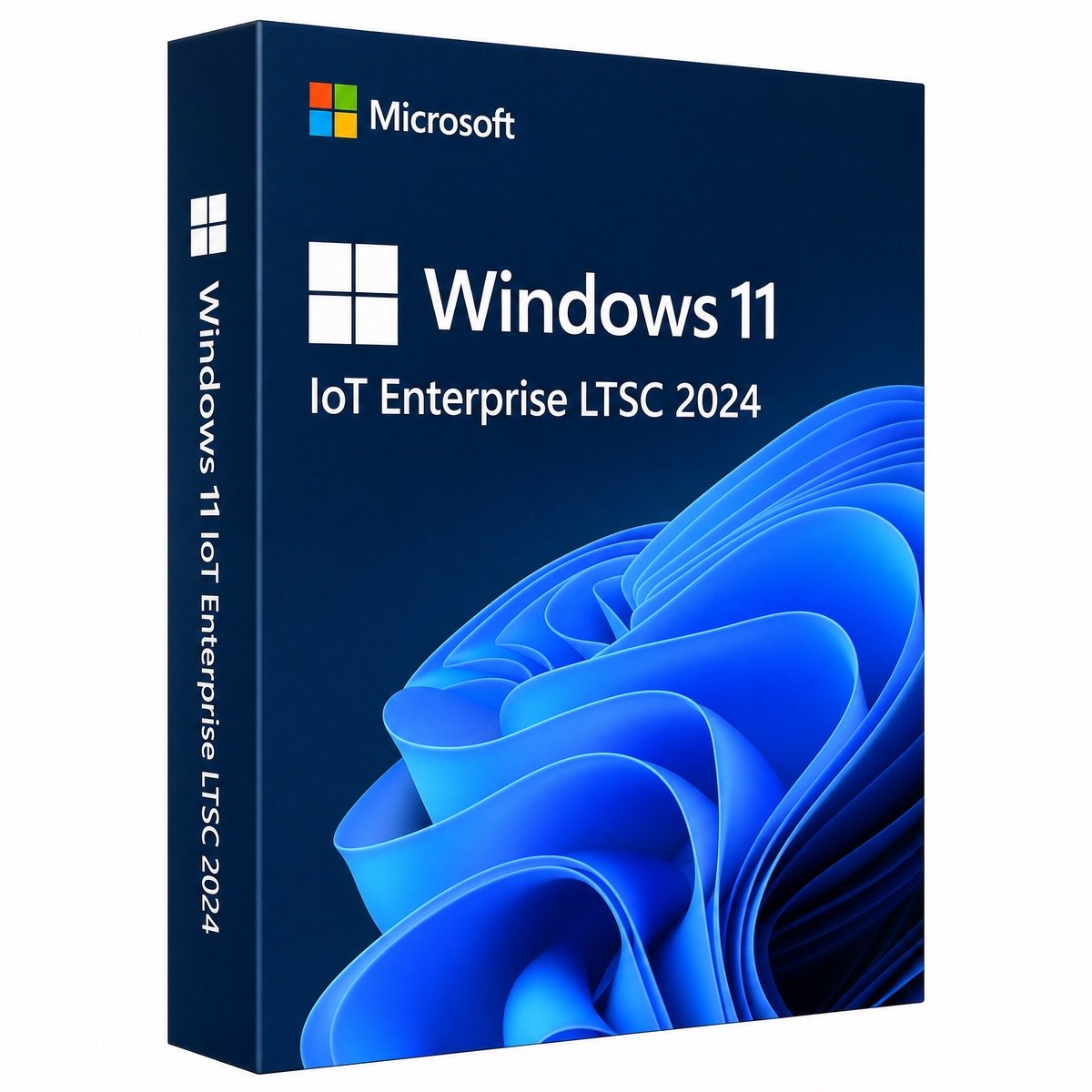
$57.00 Original price was: $57.00.$13.99Current price is: $13.99.
Instant email delivery — your key and download link arrive within minutes.
100% secure payments with SSL encryption via Stripe

Activates on Microsoft’s servers

A frozen Windows 11 build with security updates until October 2034.
| Edition | Windows 11 IoT Enterprise LTSC 2024 (24H2) |
| License term | Lifetime, one-time payment |
| Devices | 1 device (PC, kiosk, POS or industrial) |
| Servicing | Security updates only, until Oct 10, 2034 |
| Not included | Store, feature updates, consumer apps |
| Hardware | 64-bit CPU; TPM 2.0 and Secure Boot optional |
| Activation | Online, or by phone if offline |
| Delivery | Email, usually within minutes |
This listing is for one genuine Windows 11 IoT Enterprise LTSC 2024 product key, a lifetime license for a single device. LTSC 2024 is the long-term edition of Windows 11, version 24H2: the build stays the same for its entire life and receives monthly security and quality fixes, but no feature updates, no Microsoft Store and none of the bundled consumer apps. The IoT Enterprise variant carries the longest support window Microsoft offers for Windows 11, through October 10, 2034.
It is built for machines that should behave exactly the same next year as they do today: self-service kiosks, point-of-sale terminals, digital signage players, factory HMIs, laboratory instruments and thin clients. It is also chosen by people who want a quiet, predictable Windows 11 desktop for a dedicated task. You install it from an ISO and activate it with the key in your order email.
LTSC stands for Long-Term Servicing Channel. Microsoft releases an LTSC build of Windows only every few years and then services it without changing its features. Regular Windows 11 editions get a feature update every year that can move settings, add apps and change the interface; an LTSC device simply keeps its 24H2 feature set and installs the monthly security update. For equipment that has been tested, certified or documented in a particular state, that stability is the whole point.
The IoT and non-IoT variants differ mainly in lifespan. Windows 11 Enterprise LTSC 2024 is supported until October 9, 2029, while Windows 11 IoT Enterprise LTSC 2024 is supported until October 10, 2034, twice as long. Both use the same Windows 11 version 24H2 code base.
Software installs the usual way, from .exe or .msi installers, which is how most line-of-business, industrial and point-of-sale software is delivered anyway.
Yes, Windows 11 LTSC is available, and this key is one way to license it for a single device. Here is how it compares with the general-purpose editions:
| Windows 11 Pro | Windows 11 Enterprise | Windows 11 IoT Enterprise LTSC 2024 | |
|---|---|---|---|
| Feature updates | Every year | Every year | None, build fixed at 24H2 |
| Support | 24 months per version | 36 months per version | Until Oct 10, 2034 |
| Microsoft Store and consumer apps | ✔ | ✔ (can be disabled) | — |
| TPM 2.0 required | Yes | Yes | No, optional |
| Write and keyboard filters, Shell Launcher | — | ✔ | ✔ |
| Best for | Everyday work PCs | Managed corporate fleets | Kiosks, POS, industrial and fixed-purpose devices |
| Windows 11 IoT Enterprise LTSC 2024 | Windows 10 IoT Enterprise LTSC 2021 | |
|---|---|---|
| Based on | Windows 11, version 24H2 | Windows 10, version 21H2 |
| Security updates until | October 10, 2034 | January 13, 2032 |
| Interface | Windows 11 Start menu, Snap layouts, tabbed Explorer | Classic Windows 10 desktop |
| TPM 2.0 | Optional | Not required |
| Choose it for | New deployments that should last into the 2030s | Fleets already standardized on Windows 10 software |
For new projects, LTSC 2024 gives you nearly three more years of updates and the current interface. LTSC 2021 remains a good fit when your application vendor has certified only Windows 10.
No. Microsoft relaxed several Windows 11 hardware requirements for IoT Enterprise LTSC 2024: TPM 2.0 and UEFI Secure Boot are optional rather than mandatory, and the memory and storage minimums are lower than for standard Windows 11. That is why it is popular for capable machines that fail the regular Windows 11 check. It is not a free pass for any old computer, though: you still need a 64-bit processor, and features such as BitLocker with automatic unlock and Windows Hello work best with a TPM, so keep TPM and Secure Boot on where the hardware has them.
| Component | Requirement | Recommended |
|---|---|---|
| Processor | 64-bit x64 or Arm64 | Dual-core or better, recent generation |
| TPM | Optional | TPM 2.0 enabled for BitLocker and Windows Hello |
| Secure Boot | Optional | UEFI with Secure Boot turned on |
| Memory and storage | Lower minimums than Windows 11 Pro | 4 GB+ RAM and an SSD of 64 GB+ for a responsive device |
Microsoft publishes separate hardware guidance for IoT Enterprise devices, so check it before rolling out a production fleet. For standard desktop editions, see our Windows 11 requirements guide.
Is LTSC good for gaming? Games from launchers such as Steam install and run normally, but without the Store and Xbox app you lose Game Pass and some Store-only titles, so a gaming PC is better off with Windows 11 Home or Pro.
Microsoft will ship security updates for Windows 11 IoT Enterprise LTSC 2024 until October 10, 2034. That is roughly eight years from today, without ever having to install a feature update. For comparison, mainstream Windows 10 lost support on October 14, 2025, as our Windows 10 end of support article explains. A device deployed on LTSC 2024 now can stay in service, patched, until its hardware retires.
Microsoft normally supplies IoT Enterprise through device makers and specialist embedded distributors, preinstalled on finished hardware, and sells the non-IoT LTSC through volume licensing. That works for manufacturers but not for someone who needs one license for one machine. Here you buy a single product key at the price shown at the top of this page, receive it by email and activate the device yourself. Because Microsoft intends IoT Enterprise for dedicated, fixed-purpose devices, choose Windows 11 Pro instead for an ordinary home or office computer.
One payment licenses one device, with no subscription and nothing to renew. The device remains activated after reinstalls and for as long as you use it, including after support ends in 2034, although it will no longer receive security updates then. The key does not include the next LTSC release; moving to a future version needs a new license. A replacement motherboard counts as a new device for activation purposes.
LTSC keys attract more dubious sellers than most products, so check the guarantees. Behind Kymakers is Makers Unity LLC, a Microsoft partner. You get a 180-day refund on unredeemed keys, a free replacement if the key ever stops working through no fault of yours, and free help with activation, including phone activation for offline devices. Our article cheap Windows keys: legit vs scam explains how to tell the difference.
| Product | Microsoft Windows 11 IoT Enterprise LTSC 2024 product key |
| License | Lifetime, one-time purchase, 1 device |
| Version | Windows 11 version 24H2, long-term servicing, 64-bit |
| Support | Security and quality updates until October 10, 2034 |
| Activation | Online with Microsoft; phone activation for offline devices |
| Delivery | Key, ISO download source and guide by email, usually within minutes |
| Cover | Free activation help, free replacement, 180-day refund on unredeemed keys |
More editions are listed in our Windows 11 product keys category; ordering is explained in how it works at Kymakers.
Still deciding? Our guide covers Windows 11 LTSC 2024 explained.
LTSC is installed from an ISO image rather than the Media Creation Tool. Your order email has the key, the Microsoft download source and our guide.
Kiosks and machines without internet can activate by phone: press Win + R, type slui 4 and follow the prompts, with our Get Confirmation ID tool as a helper. A time-limited evaluation installation cannot be converted with a full key, so reinstall from full media if that is what you used. For error codes, see activation error 0xC004F074 and Windows key not working?, or simply answer your delivery email and we will step in.
 Microsoft Windows 11 IoT Enterprise LTSC 2024 – Lifetime License | Product Key
Sorry, no reviews match your current selections
$57.00 Original price was: $57.00.$13.99Current price is: $13.99.
One-Time Payment · No Subscription
$57.00 Original price was: $57.00.$13.99Current price is: $13.99.





Very professional service. The instructions were clear, and activation was completed on the first try. I would definitely purchase from Kymakers again.
Affordable price, fast delivery, and a fully working license. My system is activated and running great. I’m very happy with both the product and the support.
The activation didn’t go through on my first attempt because I had entered one character incorrectly. After checking the key carefully, it activated immediately. Happy customer.
I accidentally downloaded the wrong installation image at first. Support pointed me to the correct one, and everything worked perfectly afterward. Very satisfied.
Excellent service from start to finish. Instant delivery, easy activation, and a great price. Highly recommended.