$59.00 Original price was: $59.00.$18.99Current price is: $18.99.
Instant email delivery — your key and download link arrive within minutes.
The complete Visual Studio — everything in Professional plus Live Unit Testing, IntelliTest, advanced debugging and architecture tools, on a perpetual key.
100% secure payments with SSL encryption via Stripe

Activates on Microsoft’s servers

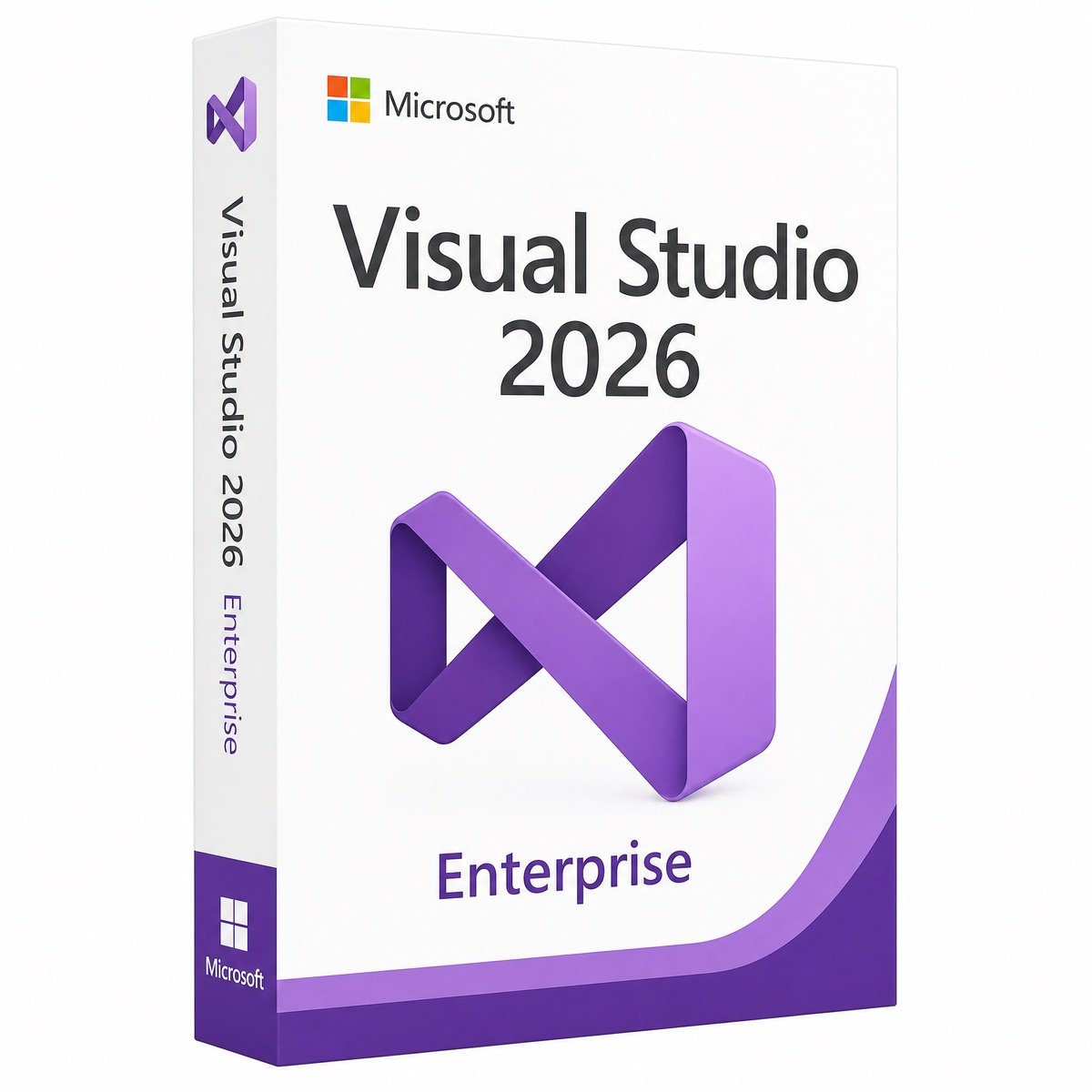
Buy a genuine Visual Studio Enterprise 2026 license key and unlock everything Microsoft builds into its flagship IDE. Enterprise 2026 sits on top of the new AI-native platform — embedded C# and C++ agents, Profiler and Debugger agents, GitHub Copilot integration, roughly 30 percent lower memory use and solution loads about twice as fast as VS 2022 — and adds the tools that keep large codebases correct: Live Unit Testing, IntelliTest, advanced diagnostics and architecture validation.
If you’re a solo developer or a small team without heavy QA automation, Visual Studio Professional 2026 covers you for much less. Enterprise pays for itself where quality tooling is the bottleneck: test-heavy teams, regulated industries, large legacy codebases and architects enforcing structure across hundreds of projects. Licensing the rest of your stack? SQL Server 2022 Enterprise and Windows Server Datacenter are in the same store.
| Tool | What it does for the team |
|---|---|
| Live Unit Testing | Runs the tests affected by your edit as you type — broken code is visible before you even save |
| IntelliTest | Generates unit tests automatically by exploring your code’s branches and edge cases |
| Advanced debugging & diagnostics | Snapshot-style analysis for bugs that only happen in production |
| Architecture tools | Dependency diagrams and validation rules that stop architectural drift in large solutions |
| Everything in Professional 2026 | AI agents, Copilot integration, .NET 10, full commercial development rights |
Enterprise seats through subscription programs renew every year, forever, and lapse the moment budgets hiccup. A standalone Visual Studio Enterprise 2026 license is one payment: enter the key in the IDE and that user is licensed permanently, commercial rights included. For consultancies and companies buying a handful of senior-developer seats, the one-time price against year-on-year seat costs is not a close comparison.
| Component | Recommended |
|---|---|
| Operating system | Windows 11 (64-bit) or Windows 10 64-bit, current build |
| Processor | 4+ cores recommended |
| Memory | 8 GB minimum, 16 GB recommended (Live Unit Testing benefits from more) |
| Storage | SSD recommended; space depends on selected workloads |
Visual Studio 2026 reached general availability on November 11, 2025 and is Microsoft’s current release, at the very start of its support lifecycle under the fixed policy. It installs side by side with VS 2022, opens 2022 projects unchanged and runs 4,000+ existing extensions — adoption is incremental, not a migration project.
Why buy from KYMakers? Genuine Microsoft license key, instant email delivery with the official download, 180-day money-back guarantee, lifetime license and free 24/7 activation support.
Step 1 — Get your key. Complete checkout and your genuine Visual Studio Enterprise 2026 product key arrives by email within minutes, with the official download link and these instructions.
Step 2 — Download and install. Run the official Visual Studio 2026 installer, choose the Enterprise edition when prompted, select your workloads and let the installer finish.
Step 3 — Enter the key in the IDE. Open Visual Studio, go to Help, Register Product, choose Enter a product key and paste yours. Enterprise activates permanently — Live Unit Testing, IntelliTest and the architecture tools unlock immediately.
Step-by-step guide: How to activate your Microsoft product key. Free 24/7 support until everything runs.
| Requirement | Recommended |
|---|---|
| OS | Windows 11 / Windows 10 (64-bit) |
| CPU / RAM | 4+ cores / 16 GB for Live Unit Testing on large solutions |
| Disk | SSD; size depends on workloads selected in the installer |
| Internet | Required for download; AI features use online services |
Tip: already running Professional 2026? Enter the Enterprise key under Help, Register Product — the edition upgrades in place, no reinstall.
Before you buy
Good to know
Sorry, no reviews match your current selections
$59.00 Original price was: $59.00.$18.99Current price is: $18.99.
One-Time Payment · No Subscription
$59.00 Original price was: $59.00.$18.99Current price is: $18.99.




I wasn’t familiar with the installation process, but the instructions were easy to follow. Everything was activated successfully.
Fast email delivery and clear instructions. The license activated on the first attempt, and everything is running perfectly.
Excellent experience from start to finish. Fast delivery, working license, and responsive customer support.
At first, I thought the key wasn’t working, but I had copied an extra space by mistake. After correcting it, the activation completed instantly.
I experienced an activation message at first, but customer support quickly identified the issue and helped me fix it. Very satisfied with the purchase.