$129.00 Original price was: $129.00.$42.99Current price is: $42.99.
Instant email delivery — your key and download link arrive within minutes.
100% secure payments with SSL encryption via Stripe

Activates on Microsoft’s servers

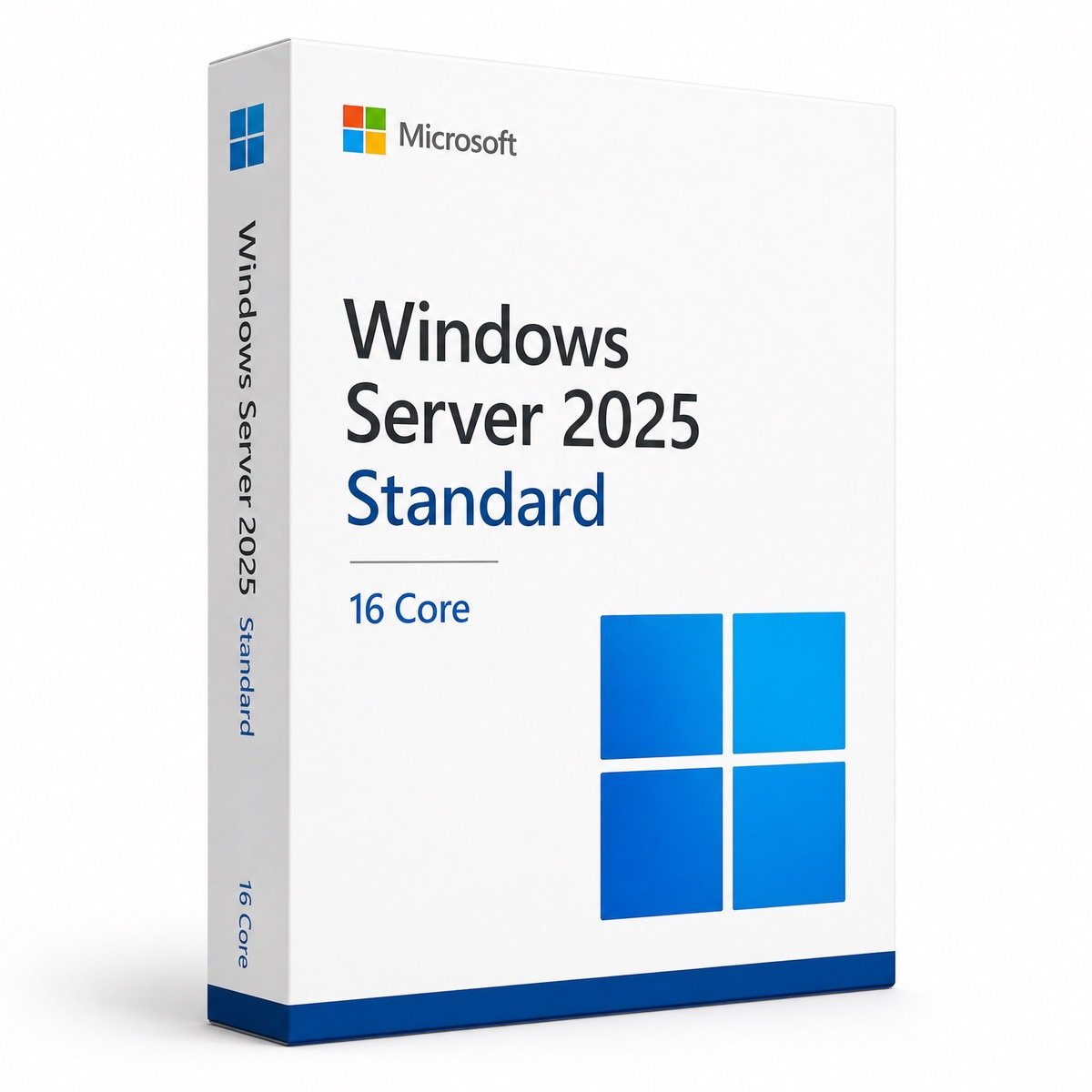
Microsoft’s 16-core base license for one Standard host, paid once.
| Edition | Windows Server 2025 Standard, 16 Core license |
| Cores covered | 16 physical cores (1×16, 2×8 or smaller hosts) |
| VM rights | 2 Windows Server VMs; stack licenses for more |
| License term | Lifetime, one-time payment |
| Works for | New host, hardware refresh, in-place upgrade |
| Activation | Online, phone, or DISM from Evaluation |
| Delivery | By email, usually within minutes |
Microsoft sells Windows Server by the physical core, and the Windows Server 2025 Standard 16 Core license is the base unit every host starts with. This listing gives you a genuine product key for Windows Server 2025 Standard together with 16-core coverage, which is exactly what Microsoft requires for a single-processor server with up to 16 cores or a dual-processor server with up to eight cores per CPU. It is a one-time purchase with no renewal.
The key activates the same Standard edition as any other Windows Server 2025 Standard license, with every core role and Hyper-V included. What changes is the paperwork: the 16-core coverage is part of the product you order, which helps when an auditor, a finance team or a managed-services contract asks how a host is licensed.
Windows Server 2025 is licensed per physical core, with three rules that apply to every server, large or small:
Virtual processors inside your VMs do not change the count for Standard, because it is the physical host that gets licensed. Client Access Licenses for users or devices sit on top of this and are bought separately.
For most single-socket servers and many dual-socket ones, yes. Count the physical cores per processor in the BIOS or Task Manager, apply the 8-per-CPU minimum, then compare the total with 16:
| Server hardware | Core licenses required | Covered by one 16 Core license? |
|---|---|---|
| 1 CPU with 4, 6 or 8 cores | 16 (server minimum) | ✔ Yes |
| 1 CPU with 12 or 16 cores | 16 | ✔ Yes |
| 2 CPUs with 4 cores each | 16 (8 per CPU minimum) | ✔ Yes |
| 2 CPUs with 8 cores each | 16 | ✔ Yes |
| 1 CPU with 24 cores | 24 | ✘ No, 8 more cores needed |
| 2 CPUs with 16 cores each | 32 | ✘ No, 16 more cores needed |
If your host has more than 16 physical cores, every extra core must be licensed too, for example with a second 16-core license. Ask us before ordering and we will confirm what your hardware needs. On the previous generation, the Windows Server 2022 Standard 32 Core license covers a dual 16-core host in a single purchase.
Two Windows Server virtual machines per fully licensed host. Standard grants its virtualization rights in pairs: each time you license all physical cores, you gain two more Windows Server VMs (operating system environments).
| Windows Server VMs on a 16-core host | Standard 16 Core licenses needed |
|---|---|
| 1–2 | 1 |
| 3–4 | 2 |
| 5–6 | 3 |
| 7–8 | 4 |
| Many, or a number that keeps growing | Consider Datacenter 16 Core (unlimited VMs) |
Linux and other non-Windows guests do not consume these rights. Because the stacking cost climbs with every pair of VMs, hosts that will run a large or growing number of Windows Server guests are usually cheaper to license with Datacenter.
On the same 16-core server, both editions install from the same media and share the same core roles; the differences lie in virtualization rights and software-defined infrastructure.
| Feature | Standard 16 Core | Datacenter 16 Core |
|---|---|---|
| Windows Server VMs | 2 per license | Unlimited |
| Storage Spaces Direct | — | ✔ |
| Software-Defined Networking | — | ✔ |
| Automatic VM Activation | — | ✔ (Hyper-V hosts) |
| Hotpatching (Azure Arc), SMB over QUIC | ✔ | ✔ |
| Best for | Domain, file or app server with a few VMs | Dense Hyper-V and cluster hosts |
Our Standard vs Datacenter explainer works through a priced example, and the general Windows Server 2025 Standard page covers the edition’s roles in more detail.
Licensing aside, there are practical reasons to put Windows Server 2025 on a new 16-core machine rather than an older release:
Desktop Experience also adopts the Windows 11 look, so admins used to Windows 11 desktops find their way around quickly.
You can upgrade in place from Windows Server 2012 R2, 2016, 2019 or 2022, keeping roles and data, as long as you stay on the same installation option: Server Core stays Core and Desktop Experience stays Desktop Experience. Many admins prefer a clean install on new hardware followed by a role migration, which leaves the old server available as a fallback. Either way the new installation needs a Windows Server 2025 license, because licenses for earlier versions do not carry forward. Our guide to Windows Server 2019, 2022 and 2025 summarizes what changed between the three current generations.
Core licenses cover the server; they do not cover the people using it. Each user or device that connects to Windows Server 2025 needs a Windows Server CAL of the same or a newer version, and Remote Desktop Services users need RDS CALs as well. Browse our server CAL category or go straight to the Windows Server 2025 RDS CAL for 50 users.
| Item | What to check |
|---|---|
| CPU | 64-bit, 1.4 GHz or faster, SSE4.2 and POPCNT; up to 16 physical cores for this license |
| RAM | 2 GB minimum with Desktop Experience; plan extra memory for each VM on top of the host |
| Storage | 32 GB minimum; NVMe or SSD for the OS and VM volumes |
| Network | Gigabit Ethernet or faster; a separate NIC for VM traffic is advisable |
| Firmware | UEFI, Secure Boot, TPM 2.0 and CPU virtualization extensions enabled |
No. The license is perpetual: once activated, the host stays licensed for as long as you run Windows Server 2025 on it. Microsoft provides mainstream updates until November 14, 2029 and security updates until November 15, 2034. The license does not include upgrades to a future version, and the price shown at the top of this page is the whole cost, with no annual fee.
Server licensing mistakes are expensive, so buy from a store that will answer questions before and after checkout. Behind Kymakers stands Makers Unity LLC, a Microsoft partner, and every key comes with a 180-day refund on unredeemed keys, a free replacement if it stops working through no fault of yours, and free activation support by email. The checklist in our guide to buying Microsoft keys safely applies to any seller.
| Product | Microsoft Windows Server 2025 Standard, 16 Core license |
| Cores | 16 physical cores on one server |
| Virtualization | 2 Windows Server VMs per fully licensed host |
| License | Lifetime, one-time purchase |
| Activation | Online, by phone, or DISM conversion from Evaluation |
| Support | Microsoft updates until November 15, 2034; free activation help |
| Not included | Windows Server CALs and RDS CALs |
Compare every edition and version in our Windows Server licenses category, or see how ordering works at Kymakers.
Still deciding? Our guides cover Windows Server 2025 licensing explained and Windows Server 2022 end of life.
After checkout you receive one email with the key, Microsoft’s ISO link and our setup guide. Pick the route that fits your host.
A Standard key only activates a Standard installation, so confirm the edition with DISM /online /Get-CurrentEdition. Hosts without internet access can activate by phone with slui 4, and our Get Confirmation ID tool helps if the automated line is difficult. See also fixing error 0xC004F074 and Windows key not working?, or reply to your order email and we will work through it with you.
 Microsoft Windows Server 2025 Standard 16 Core – Product Key
Sorry, no reviews match your current selections
$129.00 Original price was: $129.00.$42.99Current price is: $42.99.
One-Time Payment · No Subscription
$129.00 Original price was: $129.00.$42.99Current price is: $42.99.





No complaints at all — everything worked as described. Followed the instructions on the site and it activated without problems.
Worked a treat. Couldn’t justify the full retail price — this was a much smarter option. Does exactly what it says on the tin. 10/10 would order again.
Does the job perfectly. Product activated successfully. No errors, no drama.
Instant delivery — exactly what I needed. Product activated successfully. No errors, no drama. Asked a question via chat and got a response pretty fast. 10/10 would order again.
Pleasantly surprised by how smooth the whole thing was. Delivery wasn’t instant but came through within the hour. All the features I needed are there and working fine.