$61.99 Original price was: $61.99.$17.50Current price is: $17.50.
Instant email delivery — your key and download link arrive within minutes.
100% secure payments with SSL encryption via Stripe

Activates on Microsoft’s servers

One genuine key for up to five Windows PCs, no subscription.
| Product key | 1 key, activates up to 5 PCs |
| Apps on each PC | Word, Excel, PowerPoint, Outlook, OneNote, Access, Publisher |
| License term | Lifetime, one payment |
| Devices | 5 Windows PCs, same key on each |
| Platform | Windows 10 or 11 |
| Business use | Allowed |
| Support status | Microsoft support ended Oct 14, 2025 |
| Delivery | One key by email, within minutes |
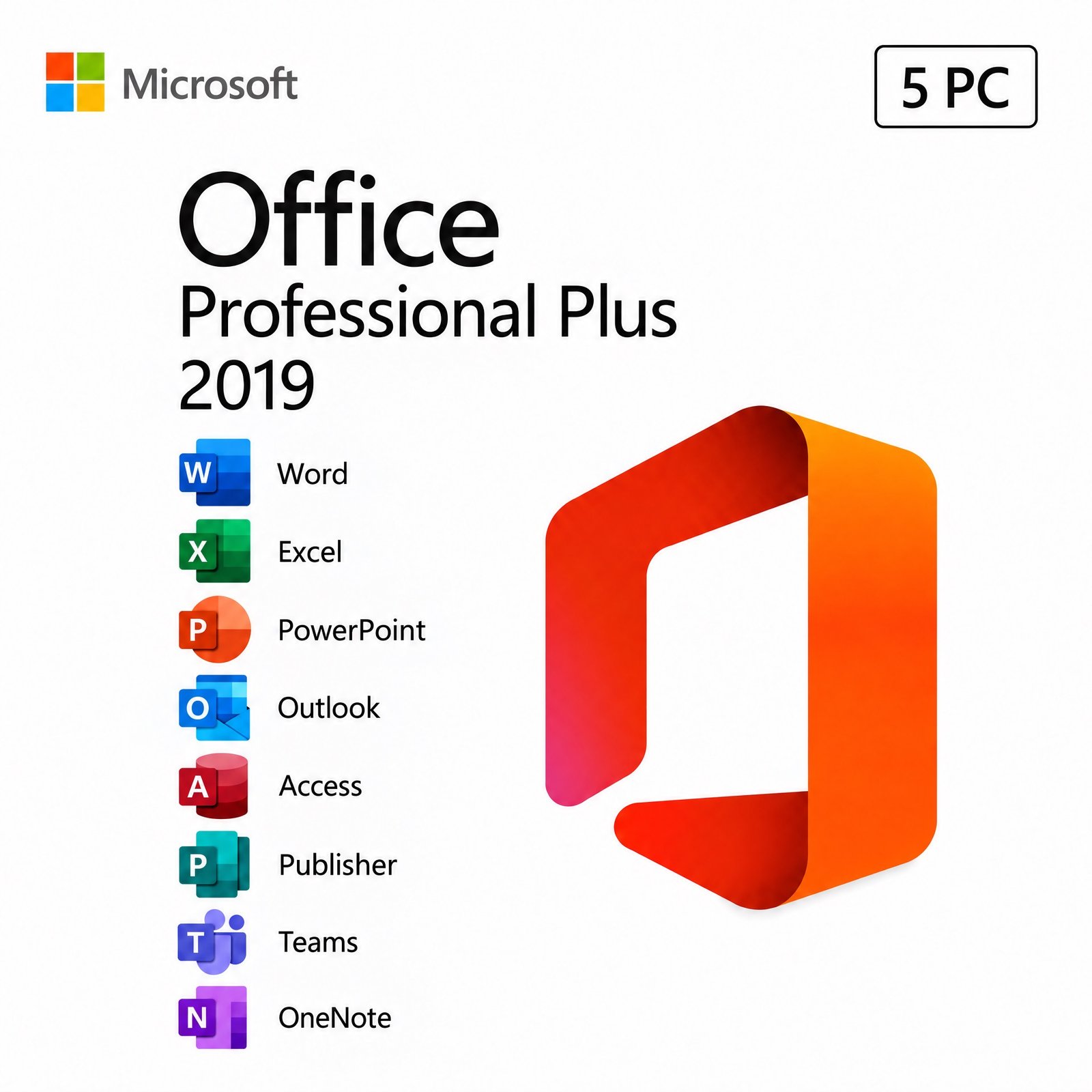
The Office 2019 Professional Plus 5 PC pack contains one genuine Microsoft product key, delivered in one email, that activates up to five Windows computers. The same key activates the full Professional Plus 2019 suite on each of them, so a single order covers a small office, a training room or a household with several desktops. Every PC gets the same seven desktop apps: Word, Excel, PowerPoint, Outlook, OneNote, Access and Publisher. You pay once for the pack, and none of the five licenses ever needs renewing.
The pack is aimed at buyers who want one Office version across several machines without a per-user subscription. Be aware that Microsoft ended Office 2019 support on October 14, 2025, so these apps no longer receive security patches. For a team that works online all day and plans to keep its PCs for years, the Office 2024 Professional Plus 5 PC pack is the longer-lasting option, supported until October 9, 2029.
One key for five PCs. The pack is a single genuine product key that activates up to 5 PCs, and once an activation is used on a computer it stays with that machine. This setup has two advantages for small teams. First, you do not need every computer ready on day one: activate two PCs this week and keep three activations for new hires or replacement desktops. Second, there is only one code to store and look after, and if the key ever stops working through no fault of yours, we replace it free.
We suggest keeping a simple record as you deploy: the PC name, the user and the activation date, so you always know how many of the five activations remain. To confirm that a machine is activated, open Command Prompt as administrator and run cscript “C:\Program Files\Microsoft Office\Office16\OSPP.VBS” /dstatus (use Program Files (x86) for 32-bit Office); the output shows the license status and the last five characters of the installed key.
| App | What a small team uses it for |
|---|---|
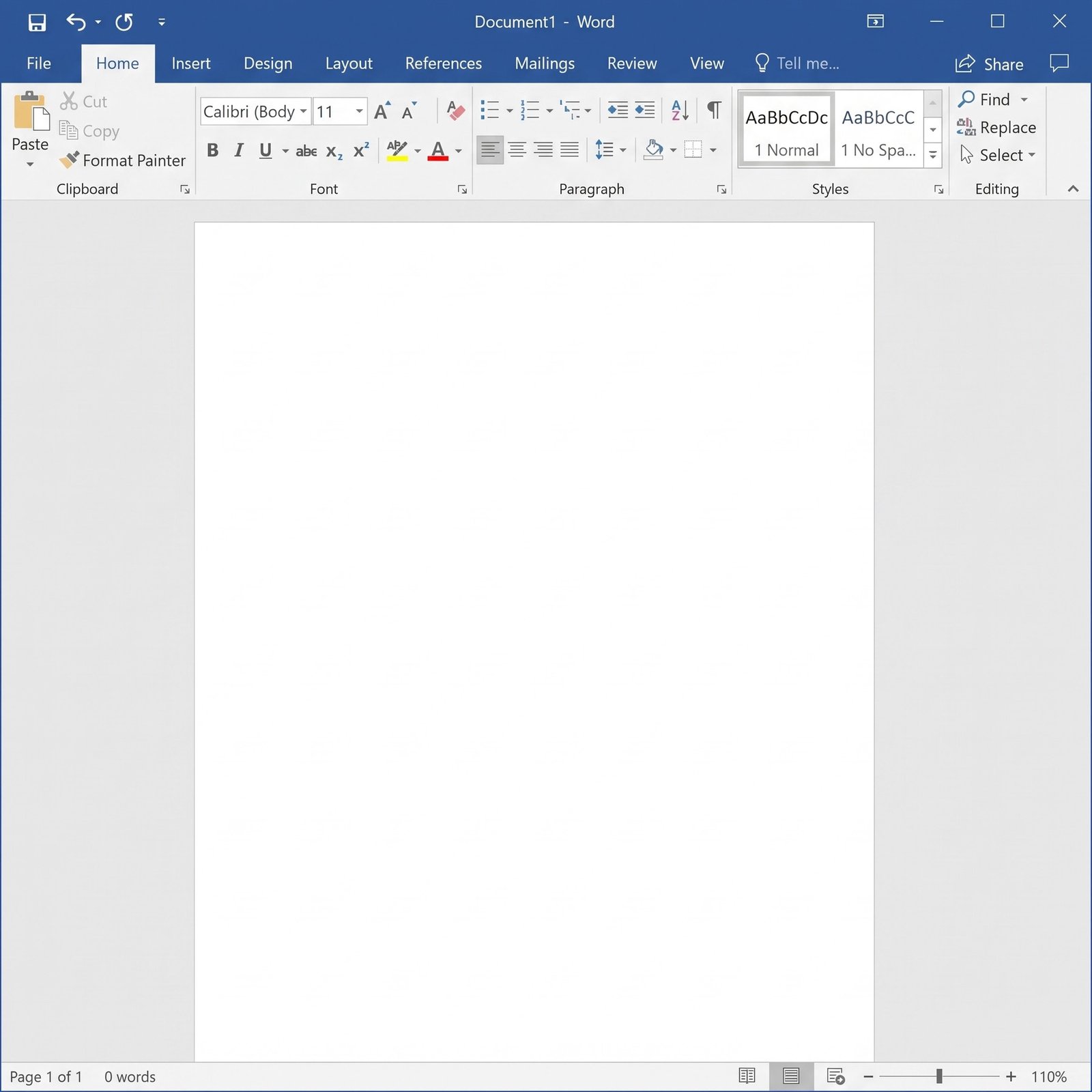
| Word 2019 | Contracts, letters, reports and mail merge |
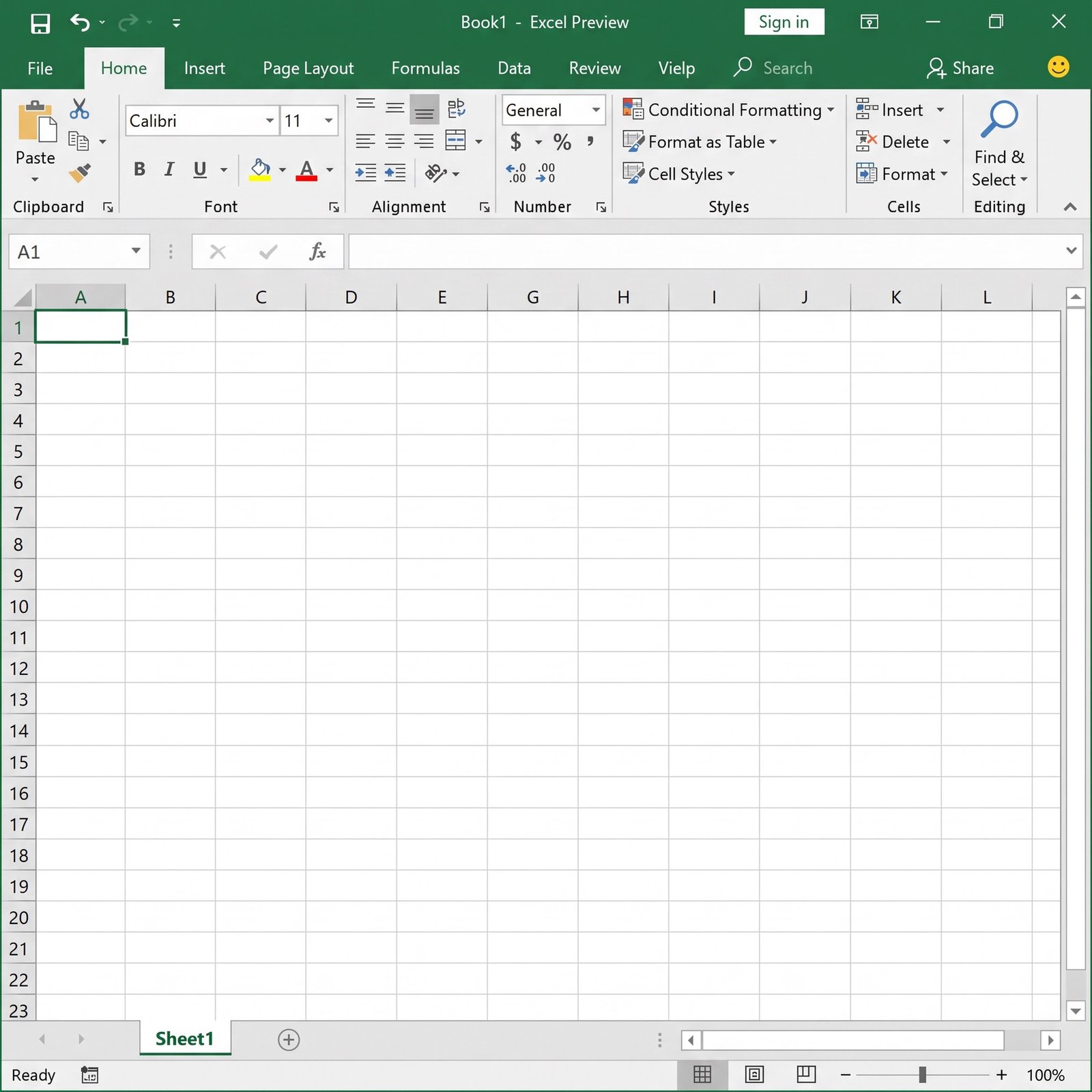
| Excel 2019 | Budgets, price lists and reporting with TEXTJOIN, IFS and map charts |
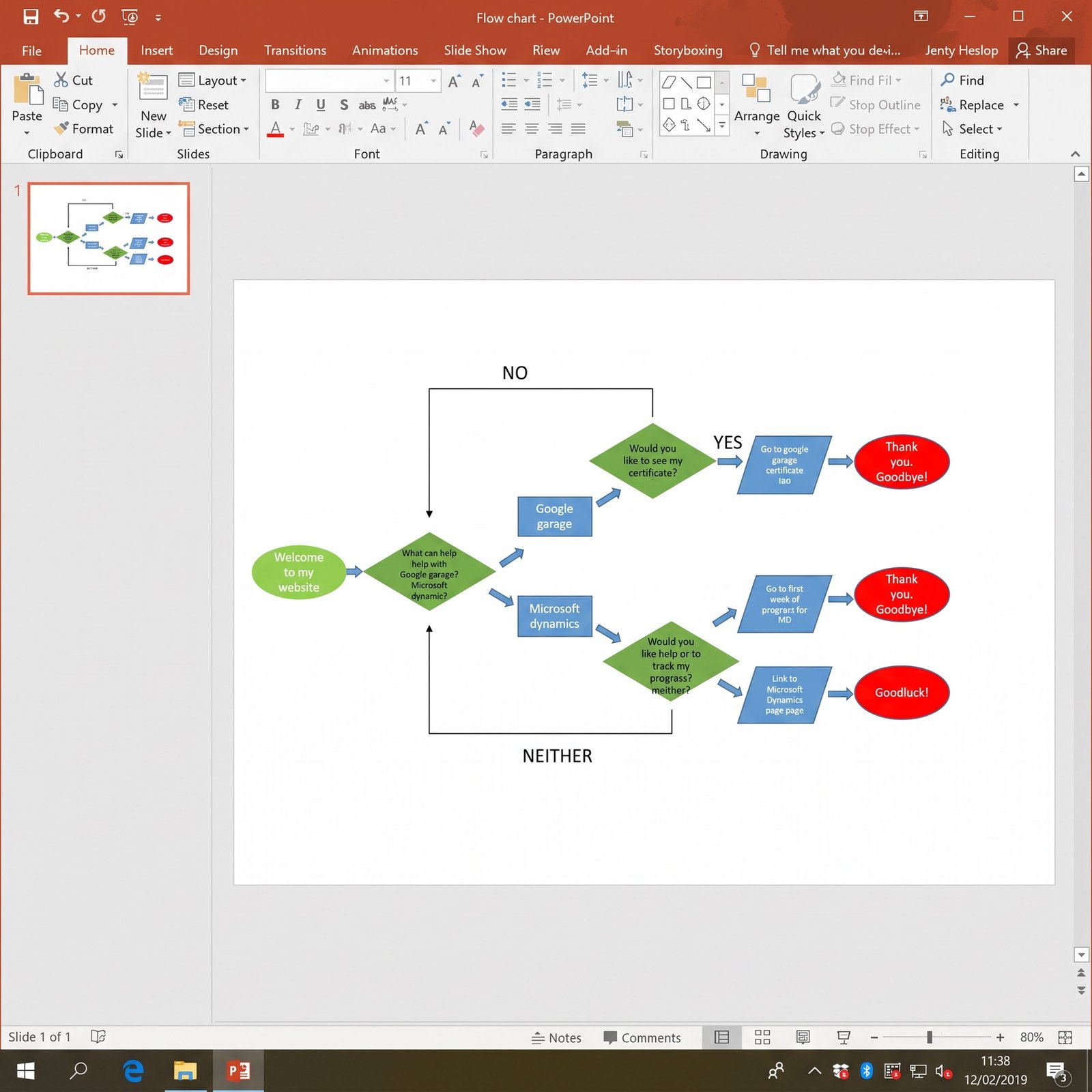
| PowerPoint 2019 | Sales decks and training slides with Morph and Zoom |
| Outlook 2019 | Email, shared calendars and contacts with Focused Inbox |
| OneNote | Meeting notes, procedures and checklists |
| Access 2019 | Inventory, customer and order databases kept on the network |
| Publisher 2019 | Flyers, menus, newsletters and labels |
Because all five PCs run identical versions, templates, macros and Access front ends behave the same on every desk, which removes a common source of support calls in offices with mixed Office versions. Publisher is worth flagging: Microsoft retired it and left it out of Office 2024, so a team that maintains .pub files keeps them editable with a 2019 or 2021 Professional Plus license.
| Option | PCs covered | Microsoft support | Best for |
|---|---|---|---|
| Office 2019 Pro Plus 5 PC pack (this page) | 5 | Ended Oct 14, 2025 | Budget rollouts on offline or older Windows 10/11 PCs |
| Office 2019 Pro Plus single key | 1 | Ended Oct 14, 2025 | Adding one more PC |
| Office 2021 Pro Plus 5 PC | 5 | Ends Oct 13, 2026 | Teams that need Publisher on a slightly newer suite |
| Office 2024 Pro Plus 5 PC | 5 | Until Oct 9, 2029 | Teams online all day (no Publisher) |
| Office 2016 Pro Plus 5 PC | 5 | Ended Oct 14, 2025 | Fleets that still include Windows 7 or 8.1 PCs |
Buying the pack instead of five single-PC keys lowers the cost per computer, and with one key for all five desks your records stay in one place. If you need six to ten PCs, order a second pack or add single keys; licenses of the same edition combine freely.
Yes. Professional Plus is the business edition of Office 2019, so commercial work is allowed, unlike with Home and Student. Access and Publisher make it particularly handy for shops, clinics, workshops and nonprofits that keep their own databases and design their own printed material. Before you deploy, think about data protection: because Office 2019 is out of support, a business that handles customer records or payments on these PCs should weigh that against its security obligations, or choose the 2024 pack instead.
It depends on how the computers are used. Office 2019 still installs, activates and opens every modern Office file, and the end of support in October 2025 did not disable a single feature. What stopped is the flow of security fixes. For PCs that stay offline, run one line-of-business task, or will be replaced within a year or two, the pack remains good value. For laptops that handle email and web downloads every day, the risk of unpatched flaws grows over time, and newer Office is the safer investment. To weigh the newer suites, read Office 2021 vs Office 2024.
The How to Download tab lists the exact screens for both installation methods, and the same steps apply on every PC. If an activation fails, the telephone option in the Office activation wizard and our support team will get it done.
| Component | Minimum per PC |
|---|---|
| Windows | Windows 10 or Windows 11, 32-bit or 64-bit |
| Processor | 1.6 GHz, dual-core |
| RAM | 4 GB for 64-bit Office, 2 GB for 32-bit |
| Free disk space | 4 GB |
| Screen | 1280 × 768 |
| Network | Internet access for installation and activation |
Mixed fleets are common. If one desktop in the office cannot run Windows 10 or 11, Office 2019 will not install on it, and that machine needs an older suite such as Office 2013 Professional Plus or a hardware refresh.
Each of the key’s five activations carries a perpetual license for Office 2019 Professional Plus on its PC. There is no annual fee, no seat count to renew and no expiry, and after reinstalling Office on the same computer you simply enter the same key again. The license covers Office 2019 only, so moving any PC to Office 2024 in the future means buying a 2024 key for it. Compared with paying for a Microsoft 365 subscription for five users every year, a one-time pack pays for itself quickly, though you give up cloud storage and continuous updates.
Licensing several PCs at once raises the stakes, so check the seller before you pay. Kymakers is run by Makers Unity LLC, a Microsoft partner, and every pack comes with free activation support by reply to your order email, a free replacement if the key ever stops working through no fault of yours, and a 180-day refund if the key has not been redeemed. Our guide is it safe to buy cheap Microsoft license keys? lists the warning signs to watch for anywhere.
| Product | Microsoft Office Professional Plus 2019, 5 PC pack |
| Product key | 1 key, activates up to 5 PCs |
| Apps per PC | Word, Excel, PowerPoint, Outlook, OneNote, Access, Publisher |
| License | Lifetime, one-time purchase, commercial use allowed |
| Platform | Windows 10 and Windows 11 |
| Support status | Microsoft support ended October 14, 2025 |
| Delivery | One email with the key, the download link and the guide |
| Support | Free activation help for every PC; 180-day refund if the key is unredeemed |
Other Office 2019 editions are listed in the Microsoft Office 2019 category; for the ordering process, see how buying from Kymakers works.
Still deciding? Our guides cover Office 2016 and 2019 end of support and which Office 2024 edition to buy.
Your email contains one product key that activates up to 5 PCs, plus the official download link. Repeat the steps below on each computer, entering the same key every time.
If setup reports a conflict, another Click-to-Run product is probably still installed; our Click-to-Run guide explains how to find it. Where online activation is blocked, use the telephone option in the activation wizard together with our Get Confirmation ID tool. If the key will not activate on a PC, reply to the delivery email with the PC name and the error and we will help, or replace the key if it has stopped working through no fault of yours.
 Microsoft Office 2019 Professional Plus – 5 PC Product Key Pack
Sorry, no reviews match your current selections
$61.99 Original price was: $61.99.$17.50Current price is: $17.50.
One-Time Payment · No Subscription
$61.99 Original price was: $61.99.$17.50Current price is: $17.50.


Delivery was quick. Had the code in my email before I even made a coffee. Does exactly what it says on the tin.
The key landed in my inbox within a few minutes of paying. Runs smoothly with no compatibility problems. Recommended.
Got the activation code almost instantly — no waiting around. Activation was straightforward — entered the key and it went through first try. Support team was helpful when I had a quick question before buying. Recommended.
Delivery wasn’t instant but came through within the hour. Activation was a bit fiddly the first time — had to try twice.
Mixed feelings, but overall alright. Activation was a bit fiddly the first time — had to try twice. Everything works exactly as expected. Probably use them again but with lower expectations on timing.