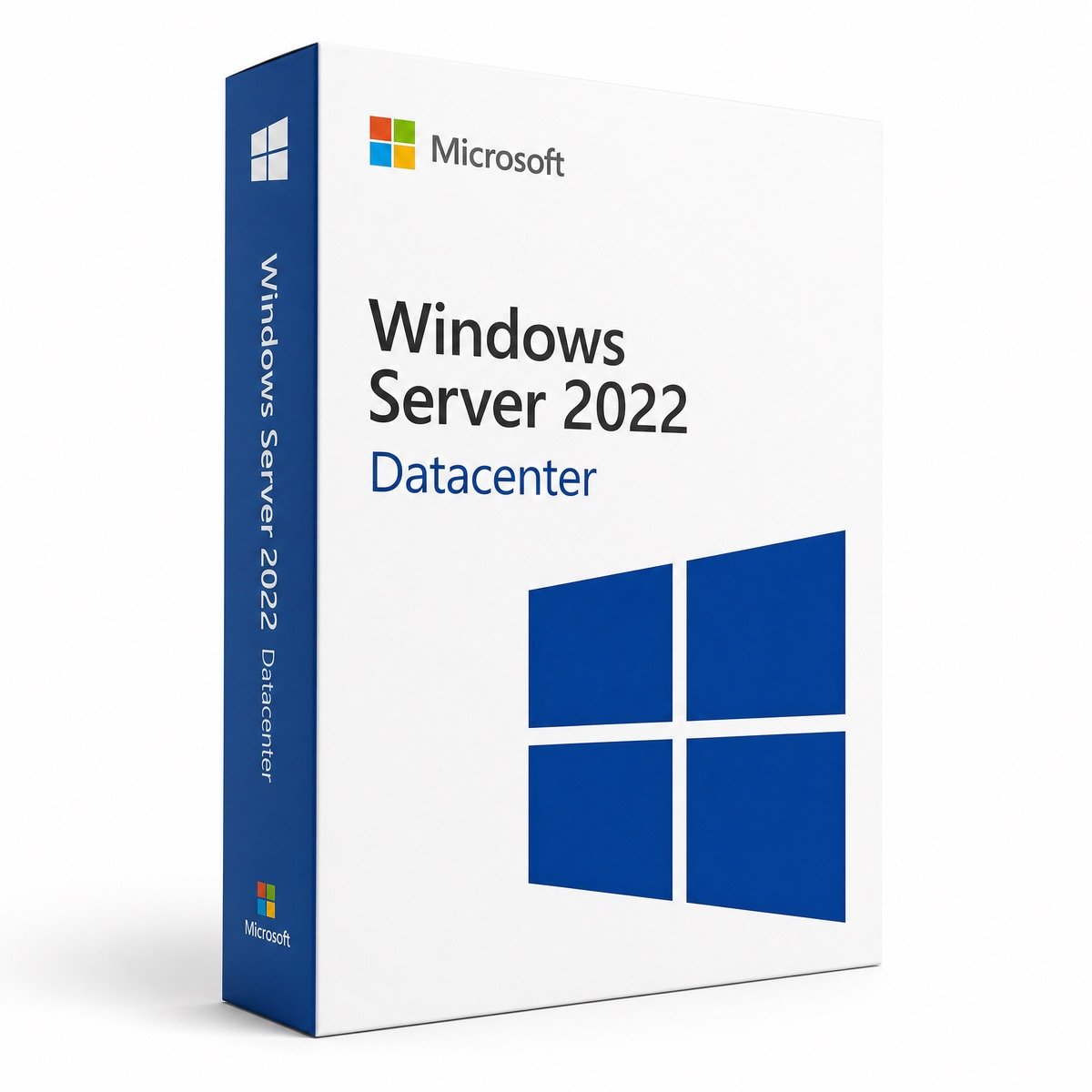
$72.00 Original price was: $72.00.$15.99Current price is: $15.99.
Instant email delivery — your key and download link arrive within minutes.
100% secure payments with SSL encryption via Stripe

Activates on Microsoft’s servers

One licensed host, as many Windows Server VMs as it can run.
| Edition | Windows Server 2022 Datacenter (not Azure Edition) |
| Cores | Standard 16-core license: 1 server, up to 16 cores |
| VM rights | Unlimited Windows Server VMs on the licensed host |
| License term | Lifetime, one-time payment |
| Works for | Hyper-V hosts, clusters, evaluation conversion |
| Activation | Settings, slmgr or DISM; AVMA for guests |
| Delivery | By email, usually within minutes |
This listing is a genuine Windows Server 2022 Datacenter product key, the edition Microsoft designed for heavily virtualized hosts and software-defined infrastructure. We sell it as a standard 16-core server license, which covers one physical server with up to 16 cores and grants Datacenter’s signature right: unlimited Windows Server virtual machines on that host. The key is delivered by email with the official Microsoft download link and our installation guide, for a one-time payment.
Datacenter runs the same Windows Server 2022 code as Standard, with the same roles and management tools. What changes is the license and a set of datacenter-only features for storage, networking and VM security that make it the foundation for Hyper-V clusters and private clouds.
Everything else, from Active Directory and DNS to IIS, Hyper-V, secured-core server, TLS 1.3 and SMB AES-256 encryption, is identical in both editions.
| Your situation | Better fit | Why |
|---|---|---|
| Physical server with no VMs | Standard | Datacenter rights would go unused |
| Host with 1 or 2 Windows Server VMs | Standard | Two VMs are already included |
| Host with several Windows Server VMs, and growing | Datacenter | No re-licensing of cores for each extra pair of VMs |
| Two-node or larger hyperconverged cluster | Datacenter | Storage Spaces Direct is Datacenter only |
| VMs that move between cluster nodes | Datacenter | Every node can run any number of guests |
| Shielded or encrypted VMs required | Datacenter | Host Guardian Service support |
Each extra pair of Windows Server VMs on Standard means licensing all of the host’s cores again, so compare that cost with a single Datacenter license using the prices shown on each product page. Datacenter also removes the need to count VMs at all. For a host that will stay at one or two VMs, the Windows Server 2022 Standard key is the economical choice. Our full Windows Server Standard vs Datacenter guide works through examples.
This product is sold as a standard 16-core Windows Server 2022 Datacenter license: one physical server with up to 16 cores, the minimum Microsoft requires per server. That suits single-processor hosts and dual-processor servers with two 8-core CPUs.
| Host | Physical cores | License |
|---|---|---|
| 1 × 8-core CPU | 8 (counted as 16) | This license |
| 1 × 16-core CPU | 16 | This license |
| 2 × 8-core CPUs | 16 | This license |
| 2 × 12-core CPUs | 24 | Datacenter 32 Core |
| 2 × 16-core CPUs | 32 | Datacenter 32 Core |
For larger hosts, every physical core still has to be licensed: the Windows Server 2022 Datacenter 32 Core license covers dual-processor servers with up to 32 cores, and the Datacenter 16 Core listing states the core count explicitly for procurement records.
AVMA is one of the most practical Datacenter benefits. Once the Hyper-V host runs an activated copy of Windows Server 2022 Datacenter, guest VMs running Windows Server 2022, 2019, 2016 or 2012 R2 can activate themselves against the host. You install Microsoft’s published AVMA key inside each guest, keep the Hyper-V Data Exchange integration service enabled, and the guest activates without contacting the internet. It keeps working when VMs move between Datacenter hosts in a cluster. AVMA handles activation only; the licensing itself comes from the Datacenter license on the host.
These three features are why many teams buy Datacenter even when VM counts are modest. Storage Spaces Direct turns local SSDs and HDDs in two or more servers into a resilient storage pool, so a small cluster no longer needs a SAN. Software-defined networking lets you build isolated virtual networks, load balancers and gateways in software. Shielded VMs protect sensitive workloads, such as domain controllers or finance systems, by encrypting the VM and refusing to start it on an unapproved host. Every node in a Storage Spaces Direct cluster must run Datacenter, so plan one license per server.
| Windows Server 2022 Datacenter | Windows Server 2025 Datacenter | |
|---|---|---|
| Mainstream support ends | October 13, 2026 | November 14, 2029 |
| Extended support ends | October 14, 2031 | November 15, 2034 |
| Unlimited VMs, S2D, SDN | ✔ | ✔ |
| Typical reason to choose | Software certified for 2022, matching existing clusters | New deployments wanting the longest support |
Windows Server 2022 Datacenter is a mature, widely certified release, and clusters normally run the same version on every node, with mixed versions supported only temporarily during a rolling upgrade. If you are building a brand-new host and your applications support it, the Windows Server 2025 Datacenter key gives about three more years of updates. See Windows Server 2019 vs 2022 vs 2025 for the details.
Setup asks you to choose between Desktop Experience, which includes the full Windows interface, and Server Core, which has no desktop and is managed with PowerShell, Windows Admin Center or remote tools. Server Core is popular for Hyper-V hosts because it has a smaller attack surface, needs fewer updates and leaves more resources for VMs. You cannot convert between the two after installation, so decide before you install. The same Datacenter key works with either option.
Yes. Unlimited VMs does not mean unlimited users. Every user or device that accesses a Windows Server instance on the host, physical or virtual, needs a Windows Server CAL, and Remote Desktop Services users need RDS CALs as well. The CAL requirement is the same for Standard and Datacenter. See Windows Server CALs, RDS CALs explained and our server CALs category.
Yes. It is a genuine Microsoft product key for Windows Server 2022 Datacenter that activates through Microsoft’s own activation servers, and the license is perpetual: no expiry, no renewal, and no included upgrade to later versions. The store is operated by Makers Unity LLC, a Microsoft partner, with a 180-day refund on unredeemed keys, free replacement if a key stops working through no fault of yours, and free activation support by email. Our Windows Server buying guide covers what to check before any server license purchase.
| Product | Microsoft Windows Server 2022 Datacenter product key |
| Cores | Standard 16-core server license (up to 16 physical cores) |
| Virtualization | Unlimited Windows Server VMs and Hyper-V containers on the licensed host |
| Datacenter features | Storage Spaces Direct, SDN, Shielded VMs, unlimited Storage Replica, AVMA |
| License | Lifetime, one-time purchase |
| Activation | Settings, slmgr or DISM; phone activation available |
| Excludes | Windows Server CALs, RDS CALs |
| Delivery | Email with key, official download link and guide |
Compare all editions in the Windows Server 2022 category or read how it works at Kymakers.
Still deciding? Our guides cover Windows Server 2022 end of life and Windows Server 2025 licensing explained.
Your Datacenter key, the official Microsoft ISO link and our guide arrive together by email. Choose the path for your host.
slmgr /ipk with the key followed by slmgr /ato.DISM /online /Get-CurrentEdition; an evaluation reports ServerDatacenterEval.DISM /online /Set-Edition:ServerDatacenter /ProductKey:XXXXX-XXXXX-XXXXX-XXXXX-XXXXX /AcceptEula.slmgr /dlv. Convert before installing Active Directory, because domain controllers cannot be converted.slmgr /ipk; the guest then activates against the host.Make sure the installed edition is Datacenter and that the key was entered in full. Offline hosts can activate by phone: run slui 4 and use our Get Confirmation ID tool. For error codes, read how to fix 0xC004F074 and Windows key not working?, and reply to your delivery email for free help.
 Microsoft Windows Server 2022 Datacenter – Product Key (Lifetime)
Sorry, no reviews match your current selections
$72.00 Original price was: $72.00.$15.99Current price is: $15.99.
One-Time Payment · No Subscription
$72.00 Original price was: $72.00.$15.99Current price is: $15.99.





Glad I went with kymakers for this. Had to wait a bit longer than I hoped for the email, but it arrived. The software runs perfectly, no issues to report.
Got the activation code almost instantly — no waiting around. Activation was straightforward — entered the key and it went through first try. Happy to recommend this to friends.
Worked a treat. The savings compared to the official price are significant. Runs smoothly with no compatibility problems. Already recommended it to a colleague.
Instant delivery — exactly what I needed. The key worked on the first attempt. Really pleased. 10/10 would order again.
The key took a bit to come through, which was slightly frustrating, but it worked in the end. Had a minor hiccup during activation but a quick restart sorted it. The product does work though, so can’t complain too much.