$63.00 Original price was: $63.00.$14.49Current price is: $14.49.
Instant email delivery — your key and download link arrive within minutes.
100% secure payments with SSL encryption via Stripe

Activates on Microsoft’s servers

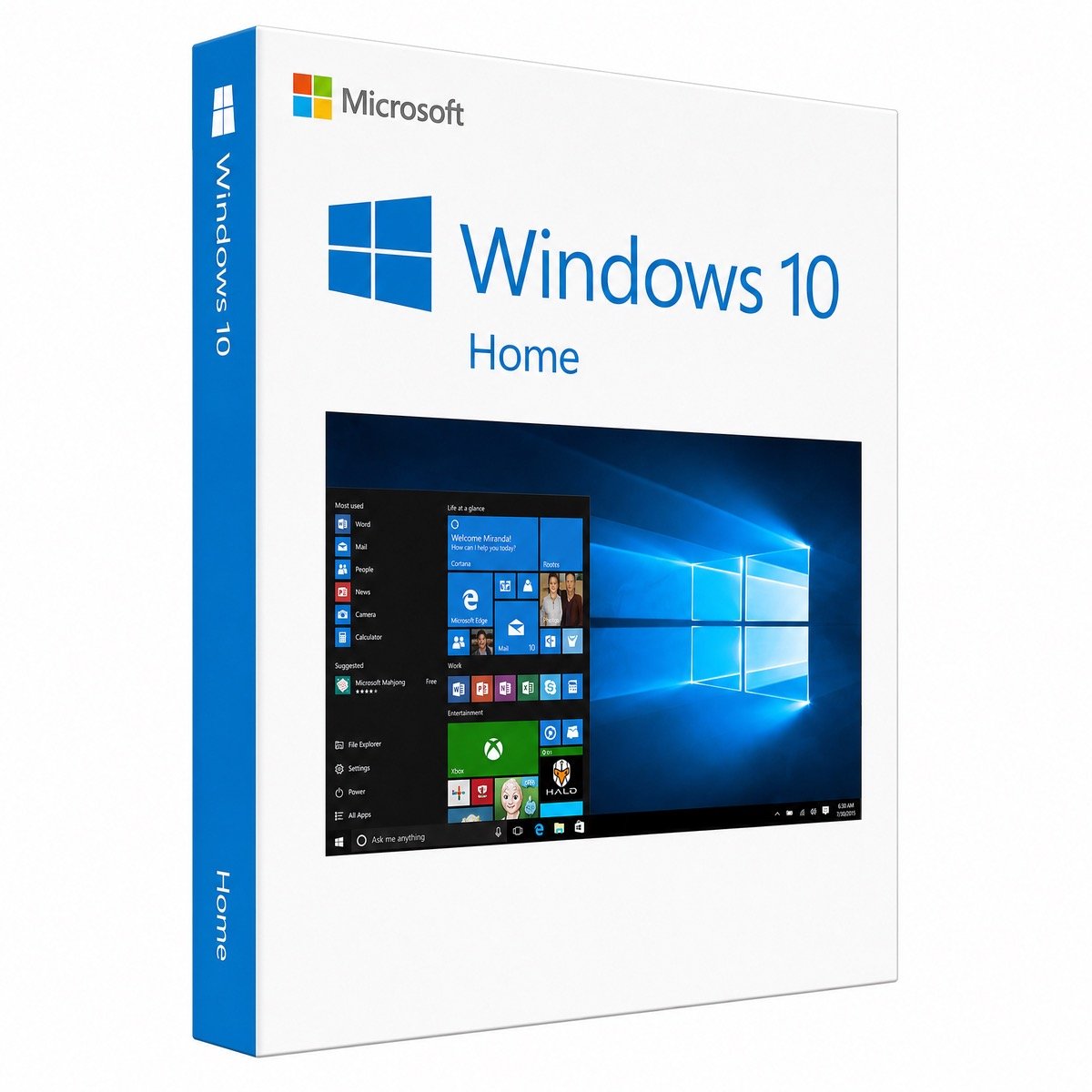
Everyday Windows 10 for one home computer, with a single payment.
| Edition | Microsoft Windows 10 Home |
| License term | Lifetime, no yearly fee |
| Devices | 1 PC |
| Works for | New install, reinstall, watermark removal |
| Version | Windows 10 22H2, 32-bit or 64-bit |
| Hardware | No TPM 2.0 or Secure Boot needed |
| Updates | No Microsoft updates since Oct 14, 2025 |
| Delivery | Email, typically minutes after payment |
A Windows 10 Home key is the 25-character code Microsoft uses to confirm that a copy of Windows 10 Home is properly licensed. This page sells one of those keys for one computer. It arrives by email with the link to Microsoft’s Windows 10 download page and our setup guide, and a single payment covers that PC from then on: no annual charge, no account plan, no expiry date on the activation.
Home is the edition most families, students and casual users need. It browses, streams, prints, video-calls and plays games exactly as well as the pricier editions, and it installs on older hardware that Windows 11 rejects. If your laptop or desktop is a few years old and works fine apart from a missing or invalid license, this is usually the least expensive way to make it legitimate again.
Windows 10 Home includes the complete consumer desktop that hundreds of millions of people already know. Here is what you get once it is activated:
Personalization (wallpaper, colors, lock screen) only fully unlocks after activation, which is one of the first things people notice on an unlicensed PC.
Yes, Windows 10 needs a valid license to be activated, even though Microsoft lets anyone download the installer. Without one, the desktop carries an “Activate Windows” watermark, settings such as wallpaper and themes are locked, and Settings keeps reminding you that Windows is not activated. Our article on the “Activate Windows” watermark explains why it appears and how a key removes it. You do not pay again each year: Windows 10 is licensed per computer with a one-time purchase, unlike Microsoft 365, which is a subscription.
| If you mainly… | Windows 10 Home | Windows 10 Pro |
|---|---|---|
| Browse, stream, email and do homework | ✔ Ideal | ✔ (more than you need) |
| Play PC games | ✔ Same performance | ✔ Same performance |
| Need full-disk BitLocker on a laptop you carry | Device encryption on some models only | ✔ |
| Want to reach this PC by Remote Desktop | — | ✔ |
| Run virtual machines or Windows Sandbox | — | ✔ |
| Join a company domain or use Group Policy | — | ✔ |
For the first two rows Home is all you need. If any of the last four describe you, look at the Windows 10 Pro product key instead. Bought Home and later find you need Pro? You can switch without reinstalling using the Windows 10 Home to Pro upgrade key. Every difference is listed in our Windows 10 Home vs Pro guide.
Microsoft ended support for Windows 10 on October 14, 2025, which means the operating system no longer receives regular security fixes. The consumer Extended Security Updates program stretched that for home users, but it closes on October 12, 2027. Your Windows 10 Home license is not affected: the PC remains activated and every installed program keeps running. The risk is in going online with an unpatched system over the long term.
If you keep a Windows 10 Home PC, a few habits lower that risk:
For the full timeline, see what Windows 10 end of support means and our explainer on Windows 10 ESU.
Yes, an activated Windows 10 Home PC that meets the Windows 11 hardware requirements can move to Windows 11 Home for free. The free path keeps the same edition, so Home becomes Windows 11 Home, not Windows 11 Pro. If you want Windows 11 Pro afterwards, add a Windows 11 Home to Pro upgrade key. If the PC fails the check because of TPM 2.0, Secure Boot or the processor generation, Windows 10 Home is still a sensible choice for it. Read how to upgrade Windows 10 to Windows 11 for the steps. On a brand-new, Windows 11-ready computer, a Windows 11 Home product key is the better buy.
| Part | Microsoft minimum | Comfortable for everyday use |
|---|---|---|
| CPU | 1 GHz processor or SoC | Any dual-core from roughly the last ten years |
| RAM | 1 GB for 32-bit, 2 GB for 64-bit | 4 GB or more |
| Disk | 32 GB | An SSD makes an old PC feel far quicker |
| Graphics card | DirectX 9 or later, WDDM 1.0 driver | Integrated graphics are fine |
| Screen | 800 × 600 resolution | HD or better |
| TPM / Secure Boot | Neither required | Not needed for Home |
These modest minimums are why Windows 10 Home is so popular for reviving 2012–2018 laptops. Swapping an old hard drive for a small SSD often makes a bigger difference than any software setting.
It means you pay once and that one computer stays licensed permanently. Reinstalling Windows, replacing the hard drive or adding memory does not use up the license, while a new motherboard counts as a different PC. “Lifetime” covers Windows 10 Home itself; it does not include future Windows versions, which is why the move to Windows 11 Home depends on Microsoft’s free upgrade for eligible hardware. Keep your delivery email somewhere safe, and if you ever need to look up the key on the PC itself, our guide on how to find your Windows 10 product key shows where it is stored.
Yes. Microsoft stopped selling Windows 10 Home on its own website at the end of January 2023, but genuine keys still activate through Microsoft and stores like ours continue to sell them. What you pay is the price shown at the top of this page, with email delivery and activation help included. Very cheap keys sold through marketplace listings are where most problems happen; cheap Windows keys: legit vs scam shows the warning signs. Kymakers is run by Makers Unity LLC, a Microsoft partner, refunds keys not yet redeemed for up to 180 days and replaces any key that stops working through no fault of yours.
| Product | Microsoft Windows 10 Home product key |
| License | Lifetime, single payment, one computer |
| Version | Final Windows 10 release (22H2), 32-bit or 64-bit, any language |
| Hardware | No TPM 2.0 or Secure Boot needed |
| Use | New installation, reinstall, or activating an unlicensed Windows 10 Home |
| Activation | Online with Microsoft, or by phone |
| Delivery | Key, Microsoft download link and setup guide by email, typically in minutes |
| Support status | No patches since October 14, 2025; the consumer ESU window closes October 12, 2027 |
Compare all editions in the Windows 10 keys category, or see how buying at Kymakers works from checkout to activation.
After checkout you receive the Windows 10 Home key, Microsoft’s download link and our guide in one email. Follow the path that matches your computer.
A Home key only activates the Home edition, so the error “This edition can’t be activated with this key” tells you Pro is installed; reinstall Home or choose a Pro key instead. To activate by phone, run slui 4 from the Run box and use our Get Confirmation ID tool if needed. Removing the watermark is covered in how to remove “Activate Windows”, and other errors in Windows key not working? and error 0xC004F074. You can also reply to your order email for one-to-one help.
Sorry, no reviews match your current selections
$63.00 Original price was: $63.00.$14.49Current price is: $14.49.
One-Time Payment · No Subscription
$63.00 Original price was: $63.00.$14.49Current price is: $14.49.





Key arrived fast, much quicker than I expected. Activated without a hitch. Everything validated fine. Support team was helpful when I had a quick question before buying. 10/10 would order again.
Got the activation code almost instantly — no waiting around. The software runs perfectly, no issues to report. Would buy from kymakers again.
Key was delivered super fast, maybe 5 minutes after checkout. No issues at all with activation. Smooth process. Support team was helpful when I had a quick question before buying. Happy to recommend this to friends.
The download link and key showed up in my email really fast. Activated without a hitch. Everything validated fine. Happy to recommend this to friends.
Had to wait a bit longer than I hoped for the email, but it arrived. The key worked on the first attempt. Really pleased. Couldn’t justify the full retail price — this was a much smarter option.