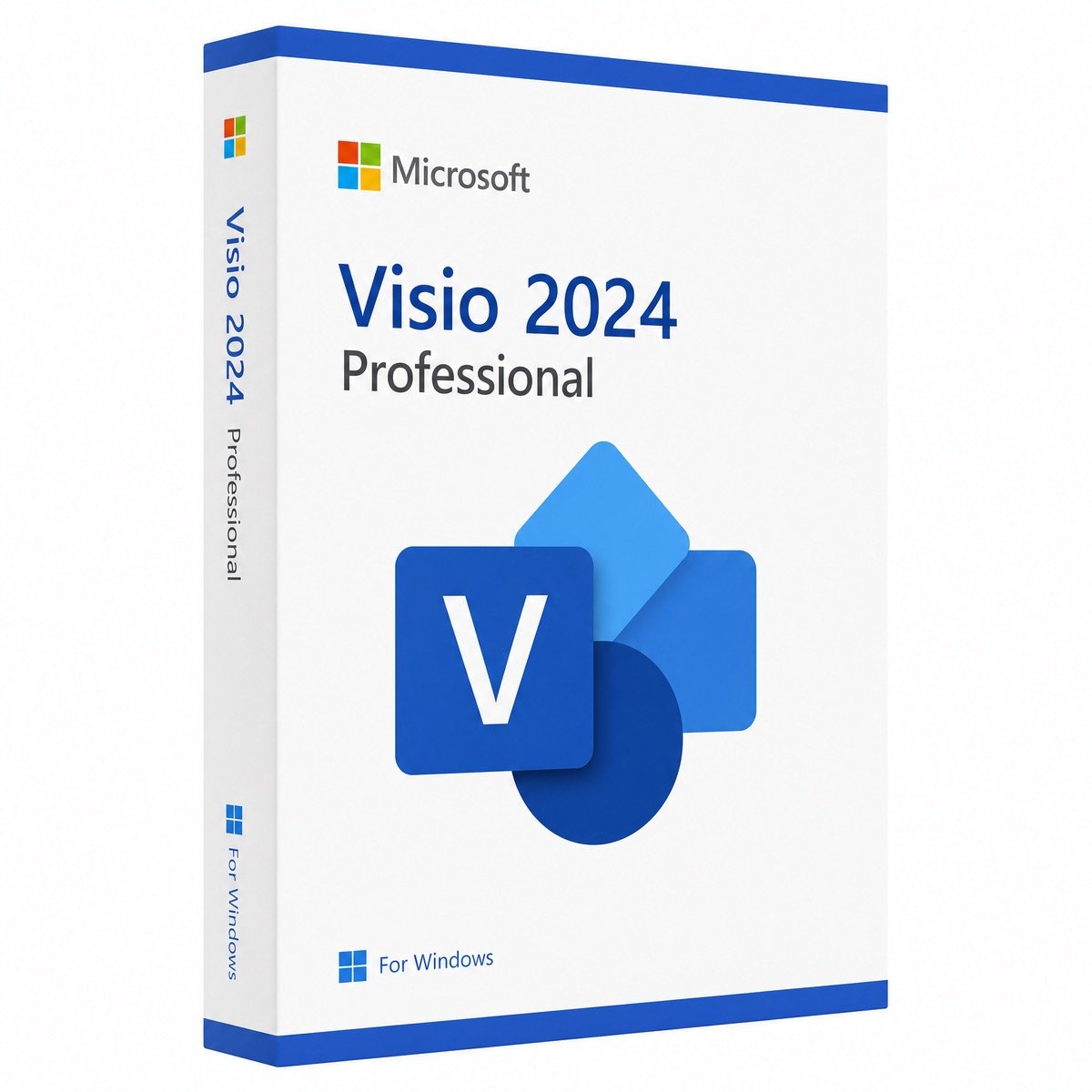
$73.50 Original price was: $73.50.$16.99Current price is: $16.99.
Instant email delivery — your key and download link arrive within minutes.
100% secure payments with SSL encryption via Stripe

Activates on Microsoft’s servers

Professional diagramming for Windows, paid once and supported until October 2029.
| Edition | Microsoft Visio 2024 Professional (not Standard) |
| License term | Perpetual, single payment |
| Devices | 1 Windows PC |
| Use | Fresh install or reinstall |
| Platform | Windows 11 / Windows 10 only |
| Support | Patched by Microsoft to Oct 9, 2029 |
| Activation | Inside Visio, online or by phone |
| Delivery | Email, typically within minutes |
This listing is for one genuine Microsoft Visio 2024 Professional product key. It activates the current perpetual release of Microsoft’s desktop diagramming software on a single Windows PC, with no subscription, no renewal date and no monthly charge. Visio 2024 is the newest version you can buy outright, and Microsoft supports it with security updates until October 9, 2029.
Your order email brings the key, the official download link and our step-by-step guide. Visio installs as its own application, so you do not need an Office suite to use it, but it pairs well with Excel for data-driven diagrams and with Word and PowerPoint when you publish them.
Visio is used to turn processes, systems and spaces into clear, accurate diagrams. Unlike drawing in PowerPoint, Visio shapes snap together with connectors that stay glued when you rearrange the page, can carry their own data and follow recognized notations. Typical uses include:
| Capability | Visio Standard 2024 | Visio Professional 2024 |
|---|---|---|
| Basic flowcharts, org charts, timelines and simple network diagrams | ✔ | ✔ |
| BPMN 2.0, UML and database model templates | — | ✔ |
| Detailed network, rack and engineering templates | — | ✔ |
| Link shapes to Excel, SQL Server or SharePoint data with Data Graphics | — | ✔ |
| Rule-based diagram validation (for example BPMN) | — | ✔ |
Standard is enough for occasional flowcharts and org charts. Professional is the edition for IT, process, software and facilities work, and the desktop edition that binds shapes to live data and refreshes them. If you are unsure, Professional is the safer buy because it opens and edits everything a Standard user creates.
A data-linked diagram is a drawing whose shapes are connected to rows in an external source, so the picture changes when the numbers do. In Visio 2024 Professional you import an Excel workbook, an Access or SQL Server table or a SharePoint list from the Data tab, then drag each row onto the shape it describes, such as a server, a desk or a process step. Data Graphics turn the linked values into callouts, icons, color fills or progress bars. When the source is updated, a refresh pulls in the new values without redrawing anything. Typical examples are a network map showing each device’s status, an office plan colored by occupancy and a process diagram that displays cycle times.
Not the desktop app. Microsoft 365 business and enterprise plans include only a lightweight web version of Visio for basic diagrams, and the Office 2024 suites include no Visio at all. The full Visio Professional application, with its Professional templates and data linking, comes either from a one-time key like this one or from a Visio Plan 2 subscription. If you need the Office apps as well, pair this key with Office 2024 Professional Plus or choose the Office 2024 Pro Plus + Visio + Project 2024 bundle.
| Option | Payment | Desktop app | Good for |
|---|---|---|---|
| Visio in Microsoft 365 (web) | Included with many work plans | No | Viewing and simple diagrams |
| Visio Plan 1 | Monthly, per user | No, web app only | Browser-based diagramming |
| Visio Plan 2 | Monthly, per user | Yes, while subscribed | Teams that want continuous feature updates |
| Visio 2024 Professional (this key) | Once, per PC | Yes, permanently licensed | Owning the full app with no recurring fee |
The subscription plans make sense for teams that work in the browser or want each new feature as soon as it ships. A perpetual Visio 2024 key suits anyone who diagrams regularly on one Windows PC and would rather pay a single time, at the price shown at the top of this page; over a few years it avoids the per-user fee entirely. Our article on one-time purchase vs Microsoft 365 sets out the trade-offs in more detail.
Buy 2024 unless you have to match an existing 2021 installation. The two versions share the .vsdx file format and most of the same templates, so the main difference is time: Visio 2021 loses security updates on October 13, 2026, while Visio 2024 stays supported until October 9, 2029. If your PC runs Office 2021 and you cannot change it, the Visio 2021 Professional key belongs to that version family. Our overview of Microsoft Office versions shows how the release families line up.
It can, as long as both use the same installation technology and version family, which is a Microsoft requirement rather than a store rule. A clash typically appears when a Microsoft 365 subscription installed through Click-to-Run meets a volume-style Visio package, or when an older MSI-based Office or an Office from another release year is on the PC. Setup then stops with a message that the products cannot be installed together.
To fix it, remove the conflicting Office, install Visio 2024 and reinstall Office from the matching family. Keep the bitness consistent as well, since 32-bit and 64-bit Office products cannot share a PC. For the background, read what Microsoft Office Click-to-Run is.
| Component | Requirement |
|---|---|
| Windows | Windows 11 or Windows 10; there is no macOS edition |
| CPU | Two cores at 1.1 GHz or more |
| RAM | 4 GB for 64-bit Visio, 2 GB for 32-bit |
| Storage | 4 GB of available disk space |
| Screen | At least 1280 x 768 |
| Internet | Needed for download and activation |
Colleagues on a Mac, or anyone without a license, can still view the .vsdx diagrams you share through OneDrive or SharePoint in Visio for the web, so one desktop seat often covers a whole team’s viewing needs.
Lifetime here means perpetual: the Visio 2024 Professional activation never expires on the PC you install it on, and you never pay again to keep using it. Microsoft’s security and quality updates for the 2024 release are included. A future major release of Visio is not, and it would need a new key. You may reinstall on the same PC as often as you like, but the key licenses one computer only.
Yes, from a seller that remains accountable after the sale. The company behind Kymakers is Makers Unity LLC, a Microsoft partner. Your Visio key is covered by a 180-day refund if it has not been redeemed, a free replacement should it ever stop working through no fault of yours, and free activation support when you reply to the delivery email. A checklist that applies to any seller is in our article is it safe to buy cheap Microsoft license keys?
| Product | Microsoft Visio 2024 Professional product key |
| License | Perpetual license for one PC, bought once |
| Runs on | Windows 11 or Windows 10 in 32-bit or 64-bit |
| File formats | .vsdx, .vsdm and older .vsd; export to PDF, SVG and image files |
| Activation | File › Account › Change Product Key in Visio; phone activation available |
| Supported until | October 9, 2029 |
| After purchase | Email delivery in minutes, free activation support, 180-day refund on unredeemed keys |
Planning projects as well as drawing them? See Project 2024 Professional, browse all Visio and Project licenses and read how buying at Kymakers works.
Still deciding? Our guide covers Visio Standard vs Professional.
Your key, the official download link and our illustrated guide arrive in one email; Visio 2024 is usually running within 15 minutes.
Visio 2024 needs the same installation technology and version family as the Office already installed. When setup refuses because a Microsoft 365 Click-to-Run copy, an MSI-based Office or an older Office release is present, uninstall it from Settings › Apps (our SetupProd_OffScrub.exe guide covers Microsoft’s clean-removal tool), install Visio 2024, then put back Office from the 2024 family with the same 32-bit or 64-bit choice.
If Visio rejects the key, check that you installed Visio 2024 Professional and not Standard, Visio 2021 or a trial build. From an administrator Command Prompt in C:\Program Files\Microsoft Office\Office16, cscript ospp.vbs /dstatus lists every installed license, and /inpkey: followed by /act re-enters and activates the key. For telephone activation, the Get Confirmation ID tool helps with the Confirmation ID, and Office Click-to-Run explained explains common install conflicts. Our team answers replies to your delivery email too.
Sorry, no reviews match your current selections
$73.50 Original price was: $73.50.$16.99Current price is: $16.99.
One-Time Payment · No Subscription
$73.50 Original price was: $73.50.$16.99Current price is: $16.99.





Smooth experience from start to finish. and the activation was instant. Very happy with the service!
I was worried about buying a digital key, but everything went smoothly. Great communication and fast response time.
After purchase, I received clear instructions and the key worked immediately. Very professional store.
I was hesitant at first, but the Visio 2024 key activated without any problems. Genuine product and smooth experience.
Fast delivery and the key activated instantly. Visio 2024 is running flawlessly on my PC. Highly recommend this seller.