$550.50 Original price was: $550.50.$199.00Current price is: $199.00.
Out of stock
Instant email delivery — your key and download link arrive within minutes.
100% secure payments with SSL encryption via Stripe

Activates on Microsoft’s servers

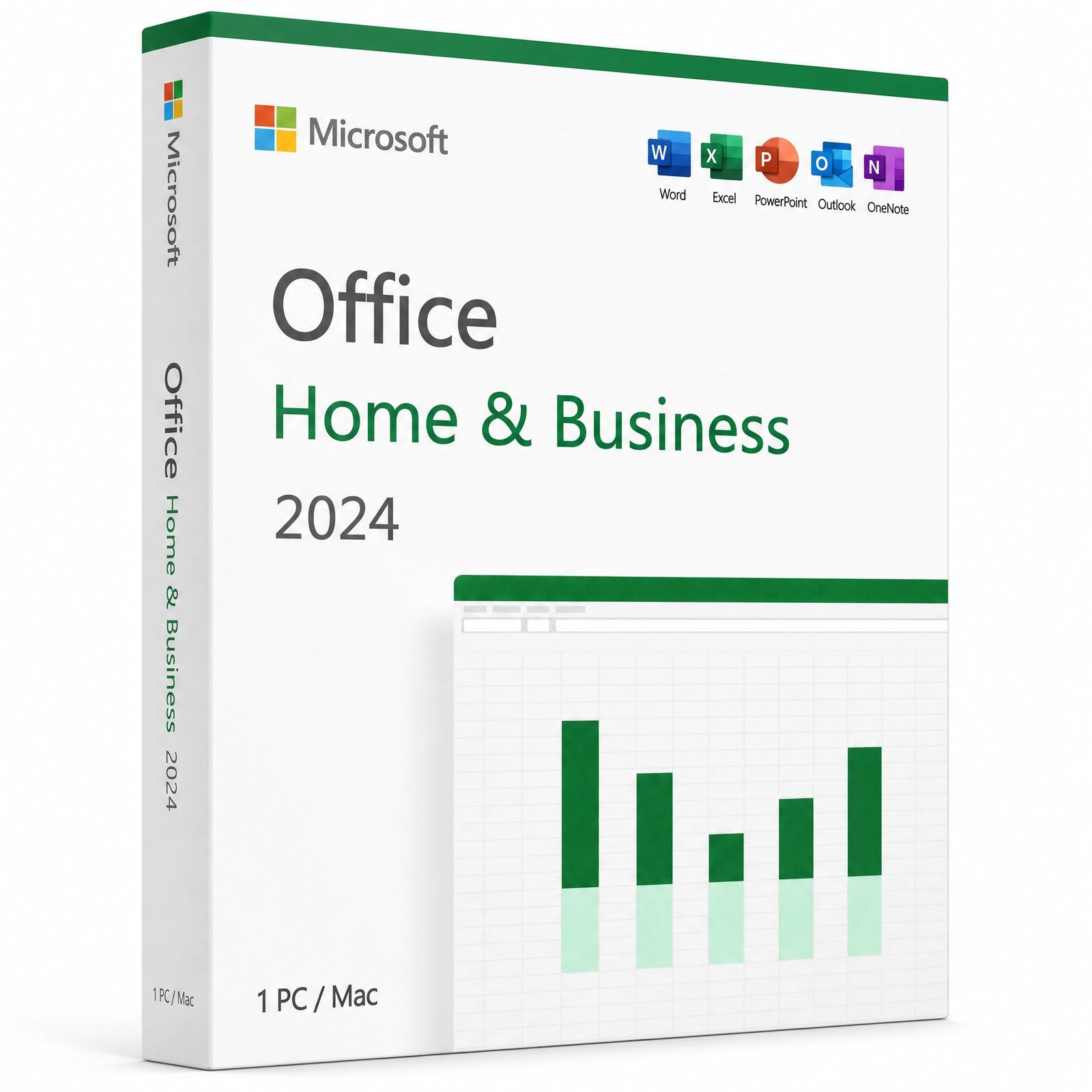
Office 2024 for one PC or one Mac, licensed for business use.
| Edition | Microsoft Office Home & Business 2024 |
| Apps included | Word, Excel, PowerPoint, Outlook, OneNote |
| Platform | 1 Windows PC or 1 Mac (your choice) |
| Commercial use | Allowed, for business and work |
| License term | Lifetime, one-time payment |
| Linked to | Your Microsoft account (reinstall anytime) |
| Activation | Redeem at setup.office.com, then sign in |
| Delivery | By email, usually within minutes |
Office Home & Business 2024 is Microsoft’s one-time-purchase Office for small businesses, freelancers and households that also work from home. One product key licenses Word, Excel, PowerPoint, Outlook and OneNote on one device, and that device can be either a Windows PC or a Mac. Unlike the Professional Plus and Standard editions, Home & Business is redeemed to your Microsoft account, so the license lives with your account rather than with a configuration file on a single computer.
After checkout the key reaches you by email. You redeem it once at setup.office.com, and from then on Office Home & Business 2024 appears in your Microsoft account, ready to install on your PC or Mac and to reinstall whenever you need it. There is no subscription, no trial period and nothing to renew.
It is the Office edition designed for people who use Office to earn a living but do not need a corporate volume agreement. Two things set it apart from Microsoft’s home-only edition: Outlook is included, and the license terms allow commercial use. Everything installs as full desktop apps:
Access, Publisher and Teams are not part of Home & Business 2024. If you need a database on Windows, Office 2024 Professional Plus includes Access. Our Office 2024 edition comparison sets the four editions side by side, and if you are moving from Office 2021, Office 2021 end of support explains what changed on October 13, 2026.
Compared with the 2021 release, the 2024 apps bring a refreshed Fluent-style look and Aptos as the default font, so new documents look more modern without extra formatting. Excel gains text and array functions that previously required a Microsoft 365 subscription, including TEXTSPLIT, VSTACK and TAKE, plus the IMAGE function for showing product photos inside a cell. PowerPoint adds Cameo for presenting with your live camera on a slide, Outlook search returns better matches, and Word, Excel and PowerPoint support OpenDocument Format 1.4 for clients who use other office suites. A few tools differ slightly between the Windows and Mac versions, so check our Office 2024 new features overview if one particular feature matters to your work.
Yes. Commercial use is exactly what the “Business” in the name covers: you can write client documents, run company spreadsheets and send work email with it. That is the key difference from Microsoft’s home editions, whose license terms are limited to non-commercial use. Each license covers one device, so a business with three staff members on three computers needs three licenses, one redeemed per person or per machine.
Office 2024 editions differ not only in their apps but in where they install and what the license is tied to:
| Office 2024 product | Runs on | How you install it | License is tied to |
|---|---|---|---|
| Home & Business 2024 (this key) | Windows PC or Mac | Redeem at setup.office.com, install from your Microsoft account | Your Microsoft account |
| Professional Plus 2024 | Windows only | Office Deployment Tool | The activated PC |
| Standard 2024 | Windows only | Office Deployment Tool or direct download | The activated PC |
| Professional Plus 5 PC pack | Five Windows PCs | Office Deployment Tool on each PC | Each activated PC |
For Mac owners the choice is simple: Home & Business 2024 is the full Office 2024 suite in our store that installs on macOS. If you only write documents, the Word 2024 for Mac key is a lighter option, and our guide to Microsoft Office for MacBook compares the Mac choices in more detail.
Yes. One Home & Business 2024 key covers one device, either a PC or a Mac, not one of each. If you work on a Windows desktop in the office and a MacBook on the road, you need two keys, each redeemed to a Microsoft account. Files move freely between the two: Word, Excel and PowerPoint documents created on the PC open normally on the Mac and the other way round.
No. Macs ship with Apple’s Pages, Numbers and Keynote, and Microsoft Office is a separate purchase. Office Home & Business 2024 runs natively on Apple silicon Macs, including the MacBook Air, and on Intel Macs that run a supported macOS version, so a MacBook Air handles Word, Excel, PowerPoint and Outlook comfortably.
| Topic | Home & Business 2024 | Microsoft 365 subscription |
|---|---|---|
| Payment | Once | Every month or year |
| Devices | 1 PC or 1 Mac | Several devices per user, depending on plan |
| Cloud storage | Free OneDrive tier of your Microsoft account | 1 TB per user on most plans |
| New features | No; security updates until October 9, 2029 | Continuous while subscribed |
| If you stop paying | Nothing to stop; it keeps working | Apps switch to read-only mode |
A subscription makes sense when you need lots of cloud storage or Office on many devices. For one computer used for client work, owning Home & Business 2024 outright is predictable: the price shown at the top of this page is the whole cost. More detail in Office one-time purchase vs Microsoft 365.
Office 2021 loses Microsoft security support on October 13, 2026. The Office 2021 Home & Business for Mac still installs and runs, but for a new purchase the 2024 edition gives three more years of security updates, plus Aptos and the newer Excel functions. Our Office 2021 end of support explainer covers what changes after the cutoff, and owners of Office 2016 or 2019 for Mac, which lost support on October 14, 2025, face the same decision today.
| Component | Windows PC | Mac |
|---|---|---|
| Operating system | Windows 11 (Windows 10 reached end of support on October 14, 2025) | One of the three most recent macOS versions |
| Memory | 4 GB RAM | 4 GB RAM |
| Free disk space | 4 GB | 10 GB |
| Display | 1280 x 768 | 1280 x 800 |
| Account and internet | Microsoft account; internet to redeem and activate | Microsoft account; internet to redeem and activate |
No Microsoft account yet? Our guide to creating a Microsoft account walks you through it. Use an email address you plan to keep, because the license stays attached to that account for as long as you use Office 2024.
Buy from a store that will still answer after the sale. Makers Unity LLC, a Microsoft partner, operates Kymakers. Each key is redeemed on Microsoft’s own site at setup.office.com, comes with free activation support, and is covered by a free replacement if it stops working through no fault of yours. Keys that have not been redeemed can be returned under our 180-day refund policy. Our legit vs scam checklist shows what to watch for elsewhere.
| Product | Microsoft Office Home & Business 2024 product key |
| Apps | Word, Excel, PowerPoint, Outlook, OneNote |
| Devices | 1 Windows PC or 1 Mac |
| Use | Home and commercial use |
| Account | Redeemed to your Microsoft account at setup.office.com |
| License | Lifetime, one-time purchase |
| Updates | Security updates until October 9, 2029 |
See every Mac option in Microsoft Office for Mac, or read how it works at Kymakers.
Still deciding? Our guide covers which Office 2024 edition to buy.
Home & Business 2024 is redeemed to your Microsoft account first, then installed on your Mac or PC from that account in about 15 minutes.
If setup.office.com says the key has already been redeemed, sign in with the account you used the first time; Office is waiting under that account. No account yet? Follow our Microsoft account sign-up guide first. On Windows, a failed install usually means leftovers from an older Office, which SetupProd_OffScrub removes (more on Click-to-Run). On a Mac, check that macOS is one of the three latest versions. Anything else, reply to your delivery email.
Sorry, no reviews match your current selections
$550.50 Original price was: $550.50.$199.00Current price is: $199.00.
One-Time Payment · No Subscription
Out of stock
$550.50 Original price was: $550.50.$199.00Current price is: $199.00.
Out of stock





Followed the instructions and everything activated smoothly.
Kymakers provides fast and professional service.
Installed Office 2024 HB on my Mac with no issues at all.
Best price I found for Office 2024 Home & Business.
The key worked on first attempt. Very satisfied.