$104.99 Original price was: $104.99.$18.99Current price is: $18.99.
Instant email delivery — your key and download link arrive within minutes.
100% secure payments with SSL encryption via Stripe

Activates on Microsoft’s servers

One key activates the full 2016 suite on five PCs.
| Edition | Microsoft Office Professional Plus 2016 for Windows |
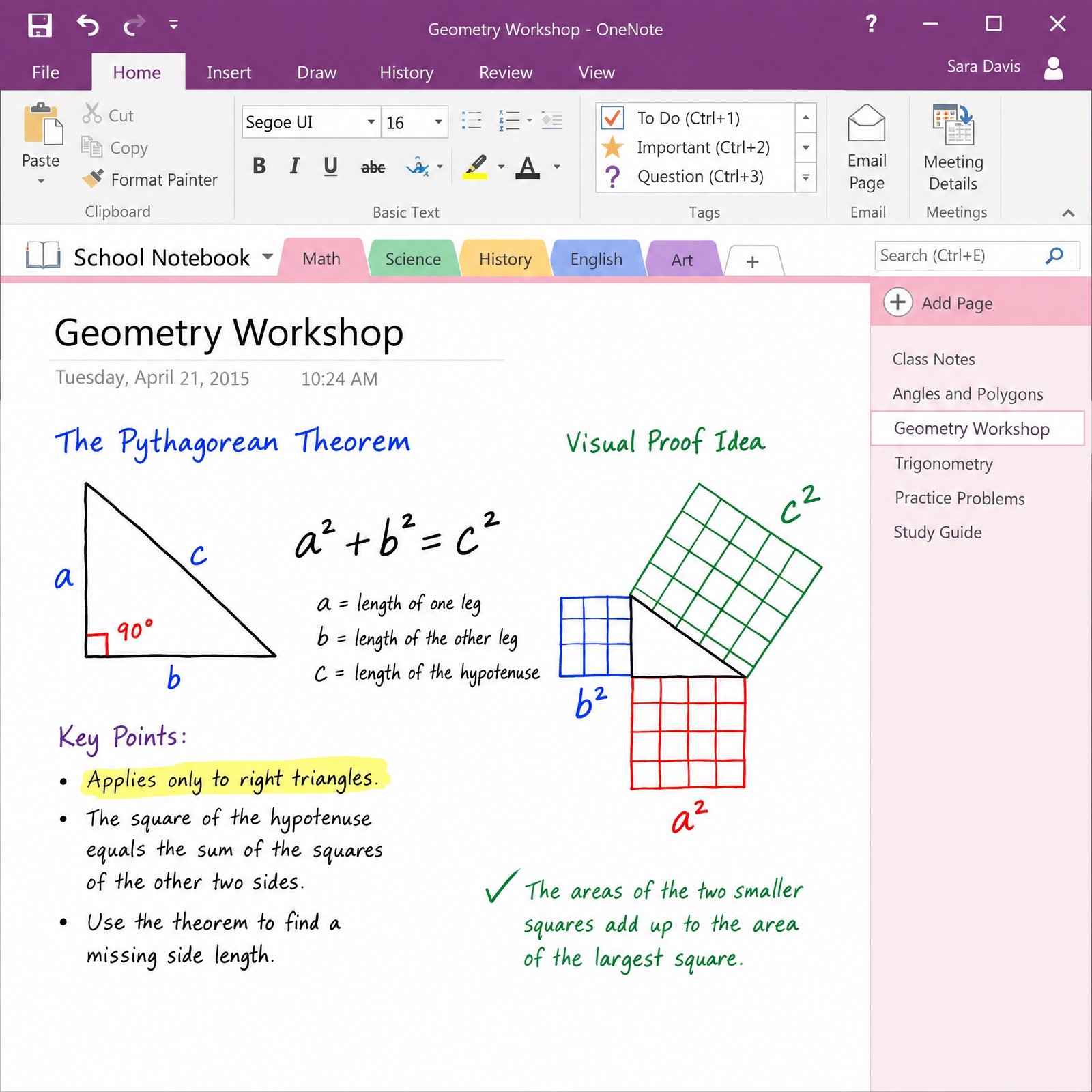
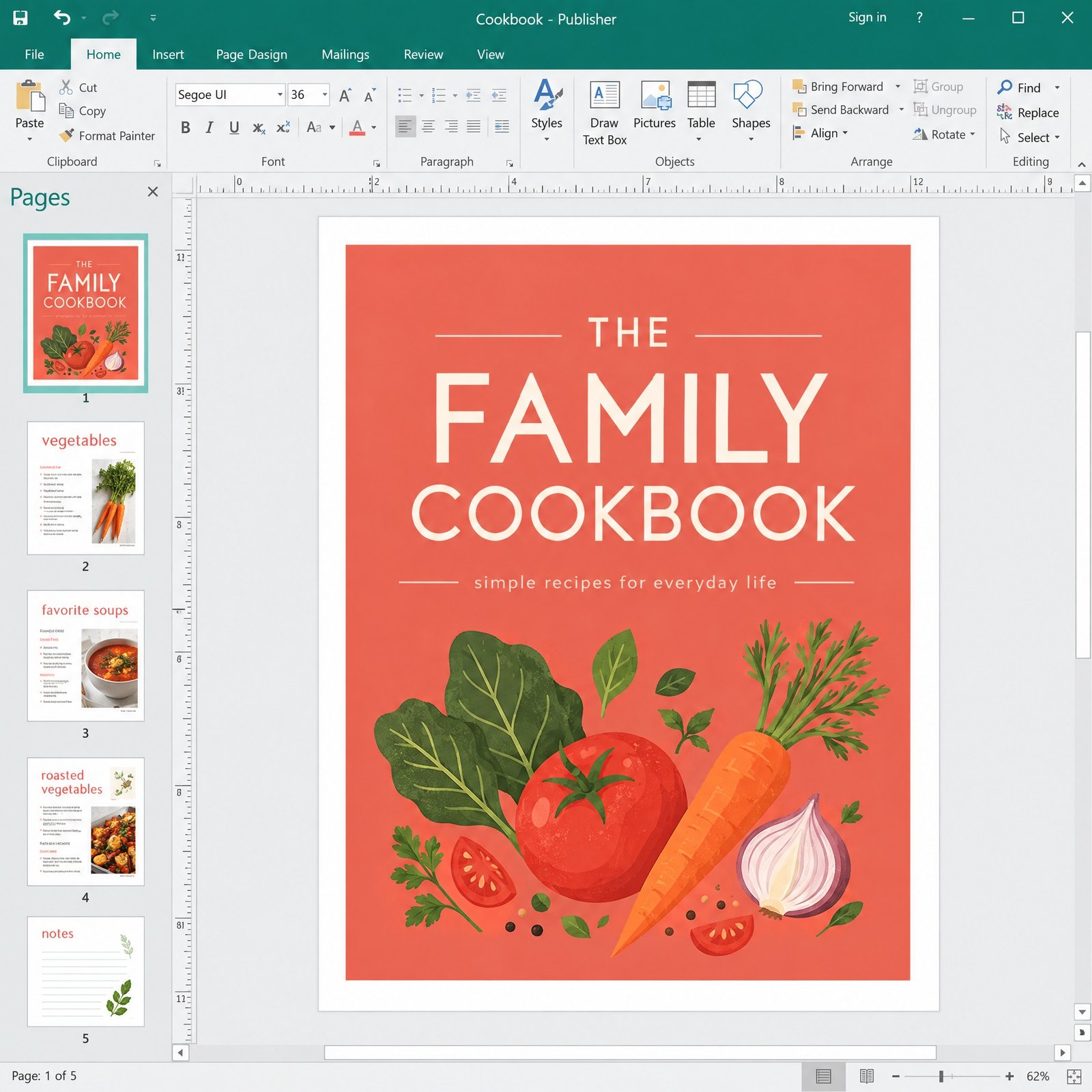
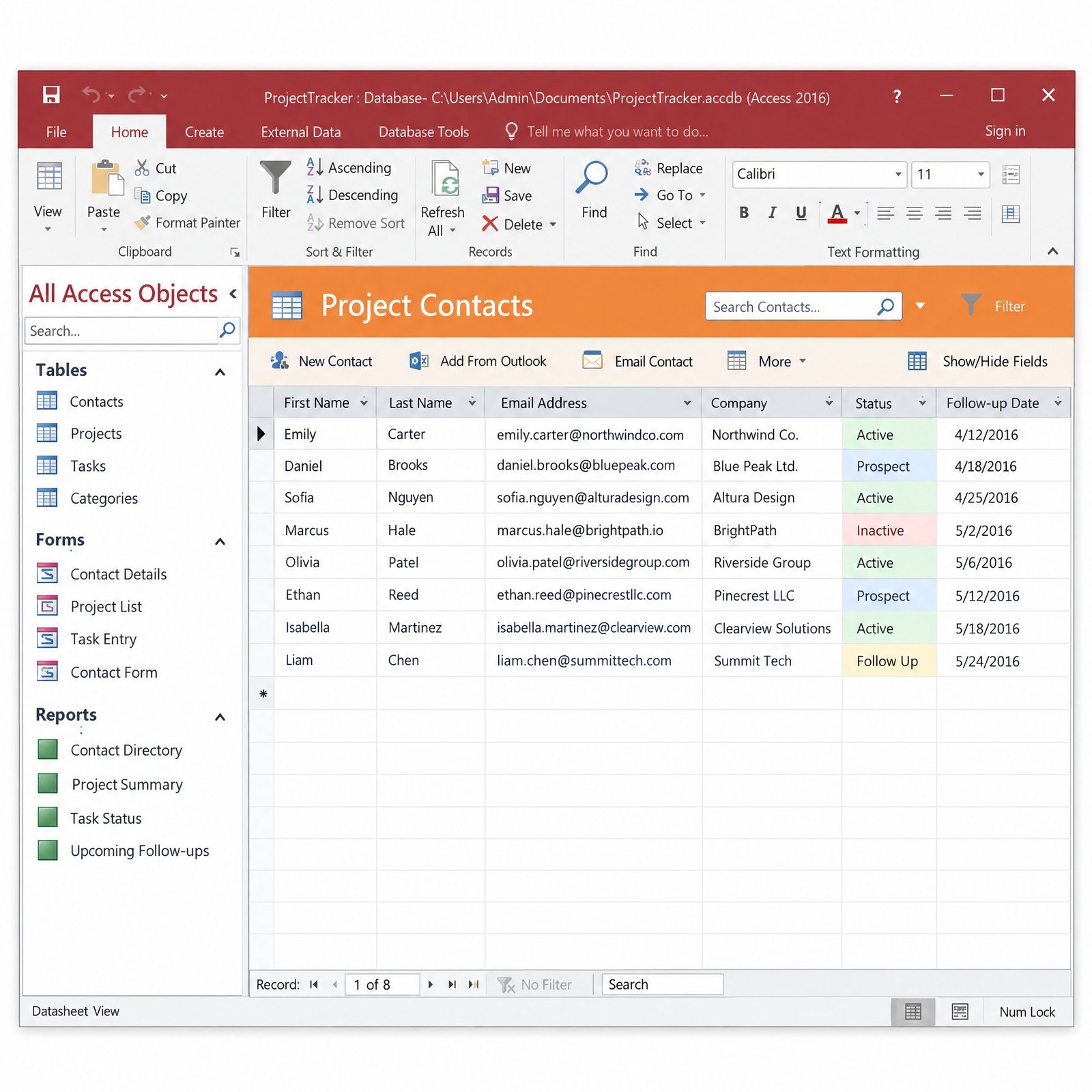
| Apps on every PC | Word, Excel, PowerPoint, Outlook, OneNote, Access, Publisher, Skype for Business |
| Product key | 1 key, activates up to 5 PCs |
| License term | Lifetime, single payment |
| Commercial use | Allowed |
| Platform | Windows 7 SP1 through Windows 11 |
| Support status | Microsoft updates ended October 14, 2025 |
| Delivery | One key by email, within minutes |
This listing is one genuine product key that activates Office 2016 Professional Plus on up to five Windows PCs, the practical size for a small office, a family business or a training room. Every one of the five computers gets the same seven desktop apps (Word, Excel, PowerPoint, Outlook, OneNote, Access and Publisher) plus the Skype for Business client. The product key arrives by email within minutes of payment, together with download options and a step-by-step guide, and you pay a single time rather than a per-user subscription.
Office 2016 has reached the end of its support life. Microsoft stopped releasing security and quality updates on October 14, 2025, although the apps continue to install, activate and work. Businesses buy this pack today for specific reasons: keeping older Windows 7 or 8.1 machines productive, matching the Office version that existing macros and Access front-ends were built for, or equipping offline workstations on a tight budget. If none of those apply to you, the newer 5 PC packs compared below are the better investment.
Mixed Office versions cause small, constant problems in a shared office. An Excel model built with Office 2024 functions breaks on a 2016 machine, a Word template behaves differently on two desks, and an Access front-end compiled in one version throws reference errors in another. Licensing all five PCs with Office 2016 Professional Plus removes those differences: everyone sees the same ribbon, the same features and the same file behavior, and a fix found on one PC usually solves the same issue on the others.
Consistency matters most when your business depends on tools that were written once and never rewritten, such as a VBA invoicing workbook, a mail-merge routine that pulls addresses from an Access table, or a set of Publisher templates for price lists. Keeping them on a single, known version is often cheaper than paying someone to modernize them.
| Pack | Microsoft support | Windows | Publisher | Choose it if |
|---|---|---|---|---|
| Office 2016 Pro Plus 5 PC (this pack) | Ended Oct 14, 2025 | 7 SP1, 8.1, 10, 11 | ✔ | Some PCs run Windows 7 or 8.1, or you need legacy compatibility |
| Office 2019 Pro Plus 5 PC | Ended Oct 14, 2025 | 10, 11 | ✔ | Your other PCs already run Office 2019 |
| Office 2021 Pro Plus 5 PC | Ends Oct 13, 2026 | 10, 11 | ✔ | You want XLOOKUP and Publisher for the short term |
| Office 2024 Pro Plus 5 PC | Until Oct 9, 2029 | 10, 11 | — | You want security updates for years (our recommendation) |
The decision usually comes down to two questions. Do any of your five PCs run Windows 7 or 8.1? If so, Office 2016 is the newest Professional Plus release they can run. Do you need security updates? If yes, and every PC runs Windows 10 or 11, the Office 2024 pack is the long-term answer, while Office 2021 only stays supported until October 13, 2026. Licensing a single computer only? The Office 2016 Professional Plus 1 PC key is the smaller license.
No. Office 2016 left Microsoft’s extended support on October 14, 2025, so there are no more security patches, and Microsoft no longer supports Office 2016 connections to Microsoft 365 services such as Exchange Online. That does not stop the software from working, but it should shape how you use it. If your business must meet a security standard or a cyber insurance condition that requires supported software, Office 2016 is not the right purchase. Our explainer on Office 2021 end of support describes what an end date means in practice, and the same applies here.
For offices that keep the pack, a few habits reduce risk: keep Windows Update running on every PC, block macros in files that come from the internet, leave Protected View on for attachments, and give the most email-heavy roles the most up-to-date machine.
| Component | Minimum per PC | Notes |
|---|---|---|
| Windows | 7 SP1, 8.1, 10 or 11 | Mixed versions across the five PCs are fine |
| Processor | 1 GHz x86/x64 with SSE2 | Practically any business PC still in service |
| Memory | 2 GB RAM | 4 GB or more for Access and large Excel files |
| Disk | 3 GB free | Plus room for local Outlook data files |
| Display | 1280 × 800 | Multiple monitors work normally |
| Network | Internet for activation | Offline use afterwards |
It means five computers stay licensed for Office 2016 Professional Plus with no expiry date and no recurring charge. Each PC is activated once with the pack’s single product key and remains activated, including when you reinstall Office on that same machine. The pack does not cover a sixth computer, it is not a per-user license that follows people between devices, and it does not include upgrades to Office 2021 or 2024. If you replace one of the five computers, contact our support before reinstalling so we can tell you how activation will behave on the new hardware.
Microsoft 365 business plans charge per user, every month or year, and include cloud email, Teams, OneDrive storage and always-current apps. If your team needs hosted email and file sharing, that bundle is hard to beat. If you already have email elsewhere and only need desktop Office on five machines, a one-time license removes a recurring cost line from your budget. The price shown at the top of this page covers all five PCs for as long as you use them. Our comparison of one-time purchase vs Microsoft 365 sets out the pros and cons for businesses.
Multi-PC Office licenses attract some of the worst sellers online, so judge any store by what happens after payment. At Kymakers, Makers Unity LLC, a Microsoft partner, handles every order, and the pack is covered by a 180-day refund if the key has not been redeemed. If the key ever stops working through no fault of yours we replace it at no cost, and our team helps you activate each PC when you reply to the delivery email. Our guide to spotting legit vs scam key sellers lists the warning signs.
| Product | Microsoft Office Professional Plus 2016, licensed for 5 PCs |
| Apps per PC | Word, Excel, PowerPoint, Outlook, OneNote, Access, Publisher, Skype for Business |
| License | Lifetime, one-time purchase, commercial use allowed |
| Product key | 1 key, activates up to 5 Windows PCs |
| Platform | Windows 7 SP1, 8.1, 10, 11; 32-bit or 64-bit |
| Support status | Microsoft updates ended October 14, 2025 |
| Delivery | Product key, download options and guide by email, usually within minutes |
| Help | Free activation support for every PC; 180-day refund if the key is unredeemed |
Browse the full Office 2016 range, or read how ordering works at Kymakers before you buy.
Still deciding? Our guides cover Office 2016 and 2019 end of support and which Office 2024 edition to buy.
The delivery email for this pack includes one product key that activates up to 5 PCs and our illustrated guide; repeat the steps below on each of the five computers with the same key.
A blocked or failed installation is usually caused by leftovers from an older Office: remove them with SetupProd_OffScrub.exe, and read about Click-to-Run Office if a newer version keeps getting in the way. For PCs that refuse online activation, choose telephone activation and use our Get Confirmation ID tool. Any PC still not activated? Reply to the delivery email with the error message and we will sort it out.
 Microsoft Office 2016 Professional Plus Product Key – Lifetime License | 5 PC
Sorry, no reviews match your current selections
$104.99 Original price was: $104.99.$18.99Current price is: $18.99.
One-Time Payment · No Subscription
$104.99 Original price was: $104.99.$18.99Current price is: $18.99.





Delivery was quick. Had the code in my email before I even made a coffee. No issues so far after a few weeks of use. Already recommended it to a colleague.
Paying and getting my order confirmed took no time at all. Kymakers made the whole process easy from checkout to activation. This was way cheaper than I expected and still fully legit. I was cautious buying a license from a third party but it turned out great. Bookmarking this for the next time I need a license.
Not flawless, but I’d still recommend it. Office 2016 (5 PC) has been running great since I installed it. The whole ordering process felt smooth from click to confirmation. Would probably buy from here again despite the small issue.
Went in a little nervous about buying a key online, came out impressed. The license arrived in my inbox before I’d even closed the browser tab. Highly recommend to anyone looking for the same thing.
Paying and getting my order confirmed took no time at all. This was refreshingly drama-free. This is going to be my go-to from now on.