$88.50 Original price was: $88.50.$19.49Current price is: $19.49.
Instant email delivery — your key and download link arrive within minutes.
100% secure payments with SSL encryption via Stripe

Activates on Microsoft’s servers

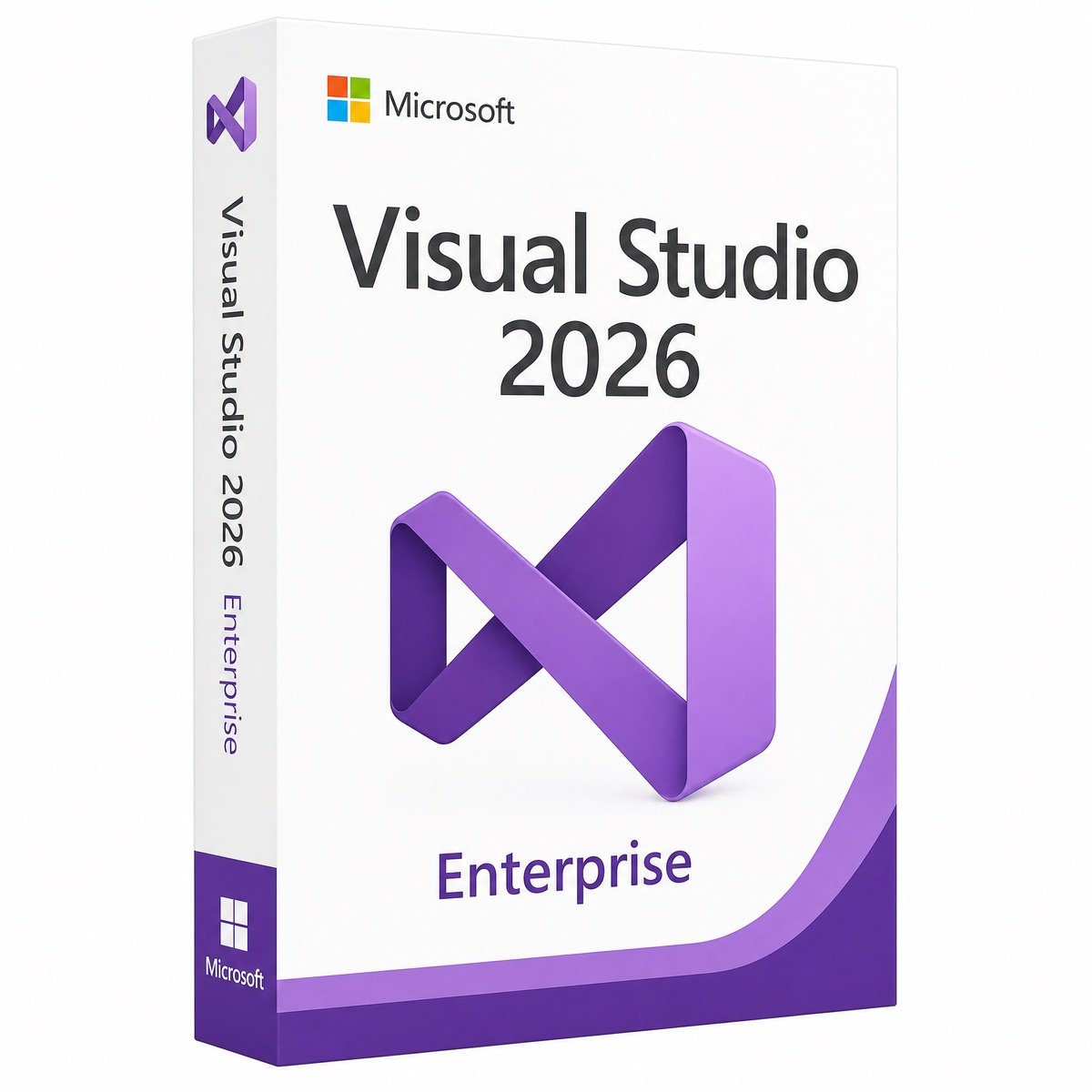
Visual Studio 2026 with every Enterprise testing and diagnostics tool, unlocked once.
| Edition | Visual Studio Enterprise 2026 |
| License term | Pay once; subscription benefits excluded |
| Users | 1 developer (licensed per user) |
| Includes | Full IDE plus Enterprise-only tools |
| Not included | Azure credits, dev/test downloads, training |
| Activation | Unlock with a Product Key (Help › Register Visual Studio) |
| Delivery | By email, usually within minutes |
What you receive is a genuine product key that unlocks Visual Studio Enterprise 2026, the top edition of Microsoft’s IDE. After you install the Enterprise edition from Microsoft, the key is entered under Help › Register Visual Studio › Unlock with a Product Key, and the IDE is licensed for one developer with every Enterprise-only diagnostics, testing and architecture tool switched on. It is a one-time purchase with no renewal date.
It is important to be clear about what that covers. Microsoft normally sells Visual Studio Enterprise as a subscription that bundles the IDE with extras such as monthly Azure credits, a catalog of Microsoft software licensed for dev/test use, and training offers. This key licenses the Visual Studio Enterprise 2026 IDE itself. It does not include any of those subscription benefits, and we do not claim otherwise. If what you need is the Enterprise toolset on your workstation, the key gives you exactly that without a recurring bill.
Through Microsoft, Visual Studio Enterprise is usually bought as an annual or monthly subscription, and its cost reflects the services bundled with it. The figure at the top of this page is a one-off payment for the Enterprise IDE alone. Here is the split, so you can judge which one your team actually needs:
| Item | This Enterprise 2026 key | Visual Studio Enterprise subscription |
|---|---|---|
| Visual Studio Enterprise 2026 IDE | ✔ | ✔ |
| Enterprise-only debugging and testing tools | ✔ | ✔ |
| Updates to Visual Studio 2026 | ✔ | ✔ |
| Azure credits, dev/test software library, training | — | ✔ |
| Payment | Once | Recurring |
These are the features that separate Enterprise from Professional. Each one targets a problem that costs large teams real time:
Everything else in Visual Studio 2026, from the redesigned interface and faster solution loading to .NET 10 support and the Copilot integration in the editor, debugger and profiler, is shared with Professional.
| Capability | Enterprise (this key) | Professional 2026 |
|---|---|---|
| Commercial development, any team size | ✔ | ✔ |
| IDE, debugger, profiler, Git and designers | ✔ | ✔ |
| IntelliTrace historical debugging | ✔ | — |
| Live Unit Testing | ✔ | — |
| Code Map creation and dependency validation | ✔ | — |
| Snapshot Debugger | ✔ | — |
| Microsoft Fakes | ✔ | — |
| How Microsoft sells it | Mainly by subscription | Standalone one-time license available |
If your developers mostly write, debug and ship code without these tools, the Visual Studio Professional 2026 key is the better value. Choose Enterprise when unit-test feedback, historical debugging or architecture enforcement are part of how your team works.
Professional and Enterprise are separate installations, so a key does not change one into the other. Open the Visual Studio Installer, select Visual Studio Enterprise 2026 on the Available tab and install it with the same workloads. Then unlock it with this key. Your solutions, settings and most extensions work the same in both, and once Enterprise is running you can uninstall Professional to free disk space.
Visual Studio Community costs nothing for individuals, open-source work, academic research, training and organizations with up to five users, provided the organization is not enterprise-sized under Microsoft’s terms. Larger organizations need a paid edition. Community also lacks every tool listed above, so even a small team that wants Live Unit Testing or IntelliTrace needs Enterprise.
No. Visual Studio 2026 integrates GitHub Copilot deeply, but Copilot is a separate GitHub service. You sign in with a GitHub account that has a Copilot plan, including the free tier with monthly limits. The Enterprise key licenses Visual Studio; it does not add a Copilot subscription.
Enterprise tools such as Live Unit Testing and IntelliTrace do extra work in the background, so they reward stronger hardware more than the basic editor does.
| Component | Works | Comfortable for Enterprise tooling |
|---|---|---|
| Windows | Windows 11 64-bit, or a Windows 10 / Windows Server version Microsoft still supports | Windows 11 Pro, Enterprise or Pro for Workstations |
| Processor | x64 or Arm64 | 8 cores or more |
| Memory | 4 GB | 16 GB, ideally 32 GB for big solutions |
| Storage | 20–50 GB depending on workloads | Fast NVMe SSD |
Developer workstations managed by IT often run Windows 11 Enterprise, while high-end build machines benefit from Windows 11 Pro for Workstations. Microsoft’s Visual Studio 2026 requirements page lists every supported Windows version.
Yes. Enterprise 2026 opens solutions created in Visual Studio 2022 directly, with no project upgrade step, and Microsoft designed the 2026 release so that most 2022 extensions keep working. Test settings, Fakes assemblies and dependency validation projects come across with the solution. If part of your team stays on 2022 for a while, both versions can be installed on the same workstation and open the same repository.
Visual Studio licenses follow the developer rather than the hardware. The person who holds this Enterprise license can put it on each computer they personally use to write and test code, such as a desktop at the office and a laptop at home. It cannot be shared: every additional developer who uses Enterprise, even occasionally on a shared build PC, needs their own license. Mixed teams often license senior engineers with Enterprise and the rest with Professional.
The key never expires for Visual Studio Enterprise 2026, and every update to the 2026 release installs through the Visual Studio Installer. The next major Visual Studio version is not included. As a store run by Makers Unity LLC, a Microsoft partner, Kymakers backs each order with a refund within 180 days on unredeemed keys, a free replacement if the key stops working through no fault of yours, and activation help from our team. To compare sellers, read cheap Windows keys: legit vs scam.
| Product | Microsoft Visual Studio Enterprise 2026 product key |
| License | One-time purchase, 1 developer, commercial use |
| Enterprise tools | IntelliTrace, Live Unit Testing, Code Map, dependency validation, Snapshot Debugger, Microsoft Fakes |
| Not included | Visual Studio subscription benefits and GitHub Copilot |
| Activation | Product key entered in the Register Visual Studio dialog |
| Delivery | Email delivery, usually within minutes, with key, download link and guide |
| Support | Activation support included; unredeemed keys refundable for 180 days |
Building data-heavy applications? Pair it with SQL Server 2022 Enterprise. Compare the editions in our Visual Studio category, or follow our step-by-step ordering process.
Still deciding? Our guide covers Visual Studio 2026 editions compared.
One email delivers the Enterprise 2026 key, a link to Microsoft’s installer and our guide. Follow the path that fits your machine.
An Enterprise key only unlocks the Enterprise edition, so when Visual Studio rejects it, the likely cause is that Professional or Community is the edition installed. If the trial notice persists after you apply the key, restart Visual Studio and check File › Account Settings. GitHub Copilot prompts are separate from the Visual Studio license. If you remain stuck, our support team responds to replies on the delivery email and will finish the activation with you.
Sorry, no reviews match your current selections
$88.50 Original price was: $88.50.$19.49Current price is: $19.49.
One-Time Payment · No Subscription
$88.50 Original price was: $88.50.$19.49Current price is: $19.49.





I wasn’t familiar with the installation process, but the instructions were easy to follow. Everything was activated successfully.
Fast email delivery and clear instructions. The license activated on the first attempt, and everything is running perfectly.
Excellent experience from start to finish. Fast delivery, working license, and responsive customer support.
At first, I thought the key wasn’t working, but I had copied an extra space by mistake. After correcting it, the activation completed instantly.
I experienced an activation message at first, but customer support quickly identified the issue and helped me fix it. Very satisfied with the purchase.