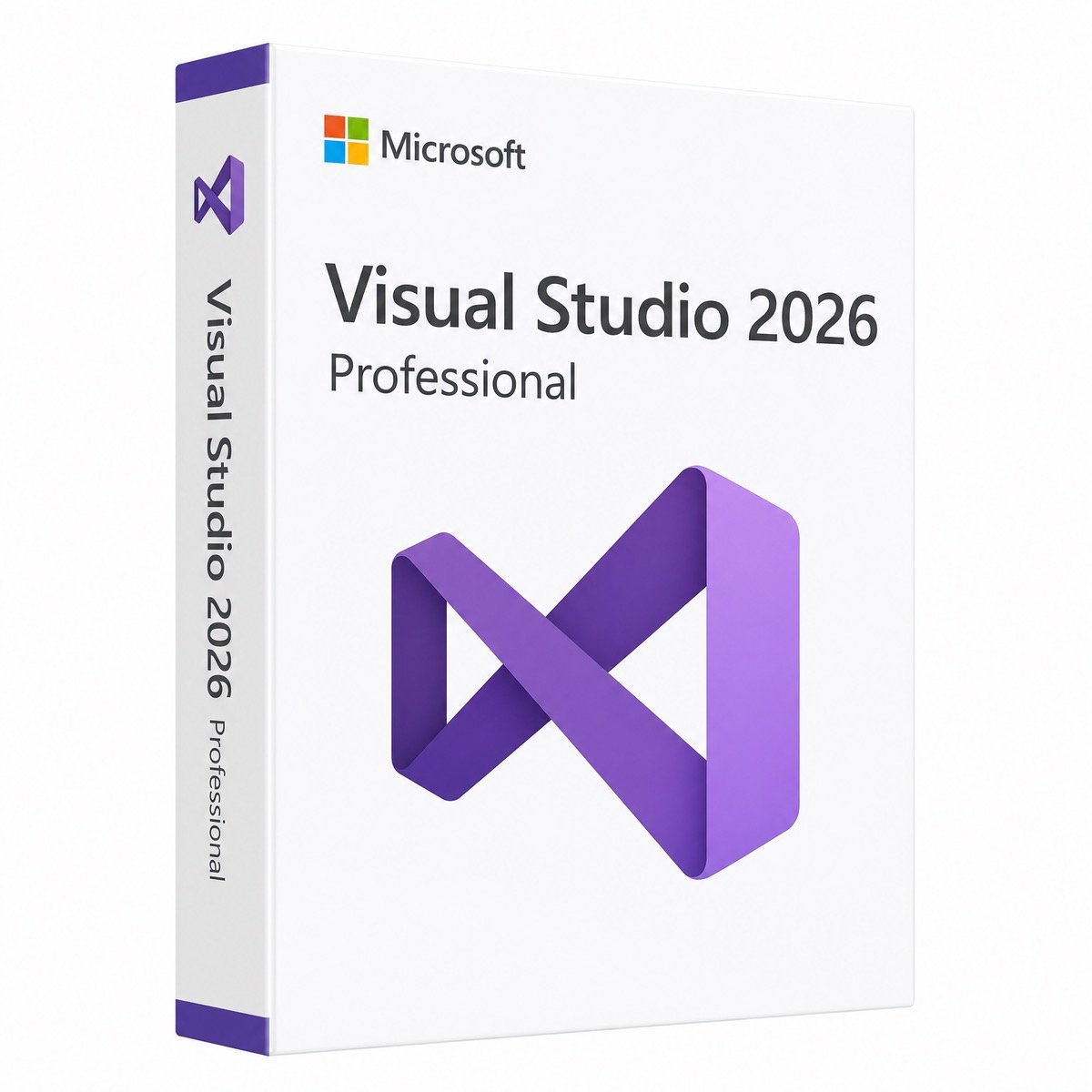
$55.00 Original price was: $55.00.$19.99Current price is: $19.99.
Instant email delivery — your key and download link arrive within minutes.
Microsoft’s newest IDE, licensed properly — Visual Studio Professional 2026 with a genuine perpetual key, no subscription.
100% secure payments with SSL encryption via Stripe

Activates on Microsoft’s servers

Buy a genuine Visual Studio Professional 2026 product key and put Microsoft’s newest development environment on your machine permanently. Released November 11, 2025, Visual Studio 2026 is built around embedded intelligence: AI agents that write and refactor C# and C++, a Profiler Agent that surfaces performance bottlenecks, a Debugger Agent that analyzes failing tests and proposes fixes, and GitHub Copilot woven through the whole workflow. Underneath, the engineering payoff is concrete — large solutions load roughly twice as fast as Visual Studio 2022, with about 30 percent less memory use and less than half the UI hangs.
Professional is the right license for most working developers, freelancers and small teams — the complete IDE with commercial rights. Step up to Visual Studio Enterprise 2026 when you need the advanced testing and architecture toolkit: Live Unit Testing, IntelliTest, snapshot and time-travel-style debugging, and architecture validation. Building or licensing the servers your code ships to? Our SQL Server 2022 and Windows Server licenses live in the same store.
| Area | What you get |
|---|---|
| AI agents | C# and C++ agents automate tasks and diagnose issues directly in the IDE |
| Profiler Agent | Highlights performance bottlenecks and suggests where to look first |
| Debugger Agent | Analyzes failing unit tests and proposes fixes automatically |
| Performance | About 2× faster solution loads, roughly 30% lower memory use, half the UI hangs of VS 2022 |
| Platform support | Full .NET 10, current C++ toolchain, web, cloud, desktop and mobile targets |
| Compatibility | VS 2022 projects, SDKs and 4,000+ extensions work without modification; new SLNX solution format interoperates with older versions |
Most developers already juggle enough monthly charges. This is a standalone Visual Studio Professional 2026 license: enter the product key in the IDE and it is activated permanently for one user, with commercial development rights included. No renewal date, no seat management portal, no lapse risk — the classic way Visual Studio has always been ownable, applied to the newest release.
| Component | Recommended |
|---|---|
| Operating system | Windows 11 (64-bit) or Windows 10 64-bit, current build |
| Processor | 4+ cores recommended |
| Memory | 8 GB minimum, 16 GB recommended |
| Storage | SSD recommended; space depends on selected workloads |
Visual Studio 2026 reached general availability on November 11, 2025, making it the current Visual Studio release at the very start of its support lifecycle under Microsoft’s fixed policy — the longest runway you can buy an IDE license on today. Teams still standardized on VS 2022 can adopt 2026 gradually: both versions install side by side, and projects round-trip between them.
Why buy from KYMakers? Genuine Microsoft license key, instant email delivery with the official download, 180-day money-back guarantee, lifetime license and free 24/7 activation support.
Step 1 — Get your key. Complete checkout and your genuine Visual Studio Professional 2026 product key arrives by email within minutes, with the official download link and these instructions.
Step 2 — Download and install. Run the official Visual Studio 2026 installer from the link in your email, pick your workloads (for example .NET desktop, ASP.NET, C++), and let the installer set everything up.
Step 3 — Enter the key in the IDE. Open Visual Studio, go to Help, Register Product, choose Enter a product key, and paste your key. The license activates permanently — no account sign-in required for licensing, no renewal ever.
Step-by-step guide: How to activate your Microsoft product key. Free 24/7 support until you’re building.
| Requirement | Recommended |
|---|---|
| OS | Windows 11 / Windows 10 (64-bit) |
| CPU / RAM | 4+ cores / 16 GB for comfortable large-solution work |
| Disk | SSD; size depends on workloads selected in the installer |
| Internet | Required for download; AI features use online services |
Tip: upgrading from VS 2022? Install 2026 side by side — your projects open in both, so you can migrate at your own pace with zero risk.
Before you buy
Good to know
Sorry, no reviews match your current selections
$55.00 Original price was: $55.00.$19.99Current price is: $19.99.
One-Time Payment · No Subscription
$55.00 Original price was: $55.00.$19.99Current price is: $19.99.




There was a minor issue during activation, but support resolved it the same day. Now everything is working perfectly, and I’m very pleased.
I was a little hesitant at first, but the license turned out to be completely legitimate. Very happy with my purchase.
I had an older version installed, which caused a small issue. After following the support instructions, everything worked perfectly.
I had a small activation issue at first, but support responded quickly and helped me get everything working. Great experience overall.
I accidentally downloaded the wrong installer, but customer support sent me the correct link. Everything activated successfully afterward.