Black FridaySale prices on every Windows & Office key. No code needed. Ends Dec 5. Shop the deals →

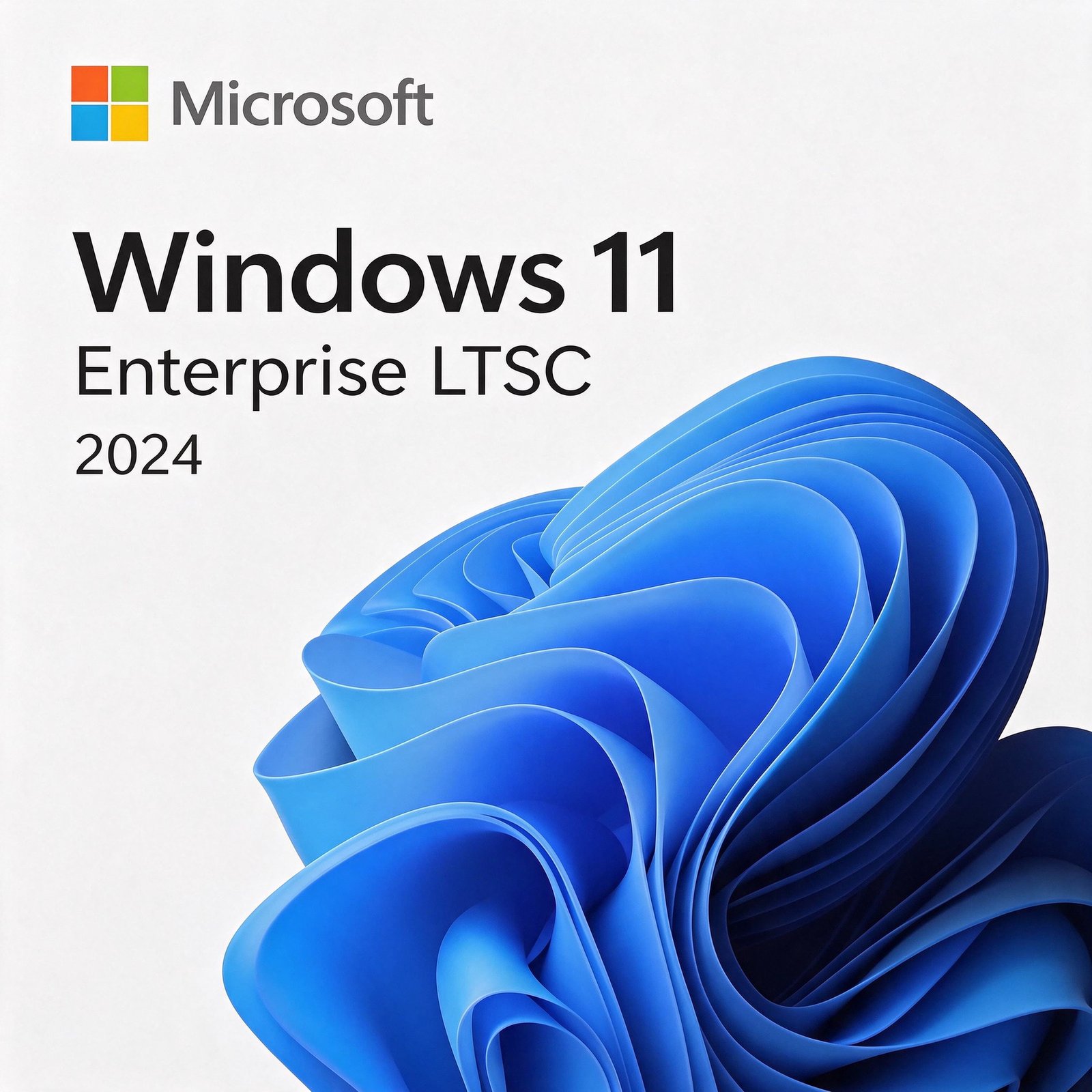
Microsoft Windows 11 Enterprise LTSC 2024 Product Key – 1 PC, 64-bit

$14.99

-
+

Instant email delivery — your key and download link arrive within minutes.

  • Windows 11 Enterprise LTSC 2024 product key for 1 PC (64-bit)
  • One-time purchase: no subscription and no yearly feature updates
  • Key and setup instructions by email, with free activation help

100% secure payments with SSL encryption via Stripe

Guarantee Safe Checkout​

Activates on Microsoft’s servers

Windows 11 Enterprise LTSC 2024 Product Key for 1 PC

Buy a Windows 11 Enterprise LTSC 2024 key and run the long-term edition of Windows 11. Your key and setup instructions arrive by email.

EditionWindows 11 Enterprise LTSC 2024 (not the IoT edition)
Based onWindows 11
Architecture64-bit (x64)
Devices1 PC
PaymentOne-time purchase, no subscription
Microsoft supportSecurity and quality updates until October 9, 2029
ActivationOnline with your 25-character key; telephone activation is available if needed
DeliveryBy email, usually within minutes
BrandMicrosoft

What you get

  • One Windows 11 Enterprise LTSC 2024 product key
  • Where to get the full installation ISO (the 90-day evaluation ISO will not work)
  • Step-by-step install and activation instructions
  • Free help from our support team if activation does not go through

Why people choose LTSC 2024

  • The feature set stays fixed, so the PC behaves the same year after year
  • Monthly security updates without interface changes
  • No Microsoft Store and far fewer bundled apps
  • Enterprise security and management: BitLocker, Credential Guard, App Control, Group Policy

Check before you buy

  • Your PC must meet the normal Windows 11 requirements, including TPM 2.0 and Secure Boot
  • Plan for a clean installation; back up your files first
  • Need support until 2034 or a PC without TPM? Look at Windows 11 IoT Enterprise LTSC 2024 instead
Not sure it is the right edition? Tell us what the PC is used for and we will point you to the right key, even if it is a cheaper one. Talk to our team.

Windows 11 Enterprise LTSC 2024: What You Are Buying

This listing is for one Windows 11 Enterprise LTSC 2024 product key for a single 64-bit PC. LTSC 2024 is the long-term edition of Windows 11, version 24H2. Microsoft released it on October 1, 2024 and services it until October 9, 2029 with monthly security and quality updates. It does not receive feature updates, so the Start menu, settings and built-in tools stay exactly as they were on the day you installed it.

People buy it for PCs that need to stay predictable: a workstation running validated software, a lab or production machine, a point-of-sale back office, or a personal PC whose owner simply wants Windows 11 without the extra apps and the yearly changes. You install it from an ISO file and activate it with the key in your order email.

In short: Windows 11 Enterprise LTSC 2024 is a stable, trimmed-down Windows 11 with security updates until October 9, 2029 and no feature updates. This key covers one PC, is paid for once, and comes with free activation help.

What Does LTSC Mean?

LTSC stands for Long-Term Servicing Channel. Regular Windows 11 editions get a feature update every year that can add apps, move settings and change the interface. An LTSC release is published only every few years and then left alone: it keeps the feature set it shipped with and receives the monthly security update, nothing more. For a PC that has been tested or documented in a particular state, that is the reason to choose it.

Microsoft is clear that LTSC is meant for special-purpose devices rather than every PC in an office. Because the feature set never changes, some newer apps and tools may stop supporting it over time. If you want the newest Windows features as they come out, Windows 11 Pro or Windows 11 Enterprise is the better choice.

Key Features of Windows 11 Enterprise LTSC 2024

Compared with Windows 10 Enterprise LTSC 2021, this release rolls up everything Microsoft added in Windows 11 versions 21H2 through 24H2. The highlights:

Stability and servicing

  • Fixed feature set for the whole support period: no annual feature updates
  • Monthly security and quality updates through Windows Update or WSUS
  • Smaller monthly downloads thanks to checkpoint cumulative updates (new in 24H2)

Security

  • Credential Guard turned on by default on capable hardware, protecting sign-in secrets with virtualization-based security
  • App Control for Business to decide which apps and drivers may run
  • BitLocker drive encryption and Personal Data Encryption for folders
  • Passkey support and Windows Hello for Business for password-free sign-in
  • Local Security Authority protection and Enhanced Phishing Protection in Microsoft Defender SmartScreen
  • SMB signing required by default, plus Windows LAPS with automatic account management

Management and deployment

  • Join the PC to Active Directory or Microsoft Entra ID and manage it with Group Policy or MDM
  • Windows protected print mode for a driverless, more secure print stack
  • Multi-app kiosk mode to lock a device to a set of approved apps
  • Sudo for Windows and Dev Drive for administrators and developers

Everyday use

  • The Windows 11 interface: centered Start menu, redesigned Task Manager and Settings
  • File Explorer with tabs and built-in support for 7-Zip and TAR archives
  • Wi-Fi 7 and Bluetooth LE Audio on hardware that supports them
  • Microsoft Edge is included as the default browser

What Is Not Included

  • Microsoft Store and most bundled consumer apps. You install software from normal .exe or .msi installers. Apps that depend on the Store may not work.
  • Feature updates. New Windows 11 features released after 24H2 do not arrive on LTSC 2024.
  • WordPad. Microsoft removed it from all editions starting with version 24H2.
  • A Microsoft Volume Licensing agreement or Software Assurance. This is a product key purchase; see License Information below.

License Information

What this product is, stated plainly:

  • One key, one PC. The key activates Windows 11 Enterprise LTSC 2024 on a single 64-bit PC.
  • One-time purchase. There is no subscription and nothing to renew. Microsoft’s security updates for this release end on October 9, 2029; the PC keeps working after that date, but it no longer receives fixes.
  • Edition-specific. The key works only with Windows 11 Enterprise LTSC 2024. It does not activate Windows 11 Home, Pro, standard Enterprise, IoT Enterprise LTSC, the “N” edition or older LTSC releases.
  • Volume-channel product. Microsoft publishes Enterprise LTSC through its Volume Licensing channel rather than as a retail box, so the key is a volume-type key. In practice that means online activation, with telephone activation as the fallback.
  • Digital delivery. You receive a product key and instructions by email. Nothing is shipped.
Buying for a company? This listing does not include a Microsoft Volume Licensing agreement, Software Assurance or licensing paperwork from Microsoft. Organizations that need those for compliance or audits should buy through a Microsoft licensing partner. Kymakers is an independent store and is not Microsoft.

Every order is covered by our 180-day money-back guarantee and replacement policy. If your key cannot be activated and our team cannot fix it, you choose a replacement key or a refund.

Windows 11 Enterprise LTSC 2024 vs IoT Enterprise LTSC vs Windows 11 Pro

Enterprise LTSC 2024IoT Enterprise LTSC 2024Windows 11 Pro
Feature updatesNoneNoneEvery year
Microsoft support endsOctober 9, 2029October 10, 2034Depends on the version you run
TPM 2.0 and Secure BootRequiredOptionalRequired
Microsoft StoreNot includedNot includedIncluded
BitLocker, Group Policy, domain joinYesYesYes
Credential GuardYesYesNo
Best forPCs that must stay unchanged for yearsKiosks, embedded and older hardwareEveryday home and office PCs

The two LTSC editions are the same Windows 11 24H2 underneath. The practical differences are how long Microsoft supports them and what hardware they need. If you want the longer support window or your PC has no TPM 2.0, choose Windows 11 IoT Enterprise LTSC 2024. For a full comparison, read Windows 11 LTSC 2024 explained: IoT vs Enterprise.

System Requirements

Windows 11 Enterprise LTSC 2024 uses the standard Windows 11 hardware requirements. (Only the IoT edition relaxes them.)

Processor1 GHz or faster, 2 or more cores, 64-bit, on Microsoft’s list of supported processors
Memory4 GB RAM or more
Storage64 GB or more
FirmwareUEFI with Secure Boot capability
TPMTrusted Platform Module (TPM) version 2.0
GraphicsDirectX 12 compatible with a WDDM 2.0 driver
Display720p or higher, larger than 9 inches
InternetNeeded for online activation and updates

Not sure about your PC? Press Windows + R, type tpm.msc and press Enter to see the TPM version, or read our guide to Windows 11 requirements.

Who Should Buy It, and Who Should Not

A good fit

  • Workstations running software that was validated against one Windows build
  • Lab, production, point-of-sale and other single-purpose PCs
  • Virtual machines and test systems that should not change between runs
  • Users who want a quiet Windows 11 with no Store and no yearly redesigns

Choose something else if

  • You want new Windows features as Microsoft releases them: pick Windows 11 Pro
  • You rely on Microsoft Store apps
  • Your PC does not have TPM 2.0, or you need updates beyond 2029: pick the IoT edition
  • You are currently on Windows 11 Home and only need Pro features such as BitLocker and Remote Desktop

How Long Is Windows 11 Enterprise LTSC 2024 Supported?

Microsoft supports Windows 11 Enterprise LTSC 2024 for five years under its Fixed Lifecycle Policy: from October 1, 2024 to October 9, 2029. There is no extended support period after that. For comparison, Windows 10 Enterprise LTSC 2021 reaches end of support on January 12, 2027, which is why many of those PCs are moving to this release now.

How to Download, Install and Activate Windows 11 Enterprise LTSC 2024

LTSC is installed from an ISO file. Microsoft’s Media Creation Tool and the regular Windows 11 download page do not offer it, so follow the steps below.

A. Get the Windows 11 Enterprise LTSC 2024 ISO

  1. Open your Kymakers order email. It contains your product key and the download source for the full Windows 11 Enterprise LTSC 2024 (64-bit) ISO.
  2. Save the ISO to your PC. It is roughly 5 GB, so allow some time.
  3. Do not use the 90-day evaluation ISO from Microsoft’s Evaluation Center for this license. An evaluation installation cannot be turned into a licensed one with a product key; it has to be reinstalled from full media.

Organizations with a Microsoft Volume Licensing agreement can also download the full ISO from the Microsoft 365 admin center, and Visual Studio subscribers can get it from their subscription downloads.

B. Create a bootable USB drive

  1. Insert a USB flash drive of 8 GB or more. Everything on it will be erased.
  2. Use a USB tool such as Rufus to write the ISO to the drive. Leave the default settings (GPT and UEFI) for a modern PC.
  3. Back up your files. This is a clean installation, so programs and data on the Windows drive are removed.

Step-by-step screenshots are in our guide to creating a bootable Windows 11 USB.

C. Install Windows

  1. Restart the PC and press the boot-menu key (usually F12, F9 or Esc) to start from the USB drive.
  2. Choose your language and keyboard, then select Install now.
  3. If setup asks for a key, enter it now or choose I don’t have a product key and activate later. If it asks for an edition, pick Windows 11 Enterprise LTSC.
  4. Accept the license terms, choose Custom, select the drive and let Windows install. The PC restarts a few times.
  5. Finish the setup screens and connect to the internet.

D. Activate

  1. Open Settings › System › Activation.
  2. Click Change product key, type the 25-character key from your email and click Next.
  3. Wait a few seconds. The page should read Windows is activated.

Prefer the command line? Open Command Prompt as administrator and run slmgr /ipk YOUR-KEY, then slmgr /ato.

E. If activation does not go through

First check Settings › System › About: the edition must read Windows 11 Enterprise LTSC. If Windows offers activation by phone, press Windows + R, type slui 4 and follow the prompts; our Get Confirmation ID tool turns the Installation ID into a Confirmation ID. For error codes see error 0xC004F074 and Windows key not working?, or reply to your order email with the exact error and we will sort it out.
Activating another product? See the Microsoft product key activation hub.
Before you buy
What is Windows 11 Enterprise LTSC 2024?
It is the Long-Term Servicing Channel release of Windows 11 Enterprise, based on version 24H2. It keeps the same features for its whole life and receives only monthly security and quality updates.
How long is Windows 11 Enterprise LTSC 2024 supported?
Until October 9, 2029. Microsoft gives this release five years of support and no extended support after that. The PC keeps running after the end date but stops receiving security fixes.
What is the difference between Windows 11 Enterprise LTSC and IoT Enterprise LTSC?
They are the same Windows 11 24H2 build. Enterprise LTSC is supported until 2029 and needs TPM 2.0 and Secure Boot. IoT Enterprise LTSC is supported until 2034 and treats TPM 2.0 and Secure Boot as optional. If you need the longer window, see Windows 11 IoT Enterprise LTSC 2024.
Windows 11 Pro vs Enterprise LTSC: which one do I need?
Pro is the everyday choice: it gets new features each year and includes the Microsoft Store. Enterprise LTSC is for PCs that should stay unchanged, and adds Enterprise security such as Credential Guard and App Control for Business. More detail in Windows 11 Enterprise vs Pro.
Does Windows 11 LTSC have the Microsoft Store?
No. The Store and most bundled consumer apps are not part of LTSC, so you install software from standard .exe or .msi installers. Microsoft Edge is included.
Does Windows 11 Enterprise LTSC 2024 require TPM 2.0?
Yes. It uses the standard Windows 11 requirements: a supported 64-bit processor, 4 GB RAM, 64 GB storage, UEFI with Secure Boot and TPM 2.0. Only the IoT edition makes TPM optional.
Is Windows 11 LTSC good for gaming or home use?
It runs desktop programs and games the way Windows 11 24H2 does, with fewer background apps. Keep in mind that Microsoft designs LTSC for special-purpose devices: there is no Microsoft Store, so Store-based apps and services need extra setup or may not work.
Is this the same as Windows 11 Enterprise N LTSC?
No. The N edition is a separate product without media features such as Media Player. This key is for the standard Windows 11 Enterprise LTSC 2024.
Download and install
Where do I download the Windows 11 Enterprise LTSC 2024 ISO?
The download source for the full ISO is in your order email, next to your key. LTSC is not available from the Media Creation Tool or the normal Windows 11 download page. Volume Licensing customers can also use the Microsoft 365 admin center.
Can I activate the Windows 11 Enterprise LTSC evaluation version with this key?
No. The 90-day evaluation from Microsoft’s Evaluation Center cannot be converted with a product key. Install from the full ISO instead; your order email tells you where to get it.
Can I upgrade from Windows 10 or Windows 11 Home/Pro without reinstalling?
Plan for a clean installation. Moving from a regular Windows edition to LTSC does not keep your apps and settings, so back up your files first and reinstall your programs afterward.
Which languages are available?
The ISO is language-specific; pick the language you want when you download it. Additional language packs can be added from Settings after installation.
Activation and license
How do I activate Windows 11 Enterprise LTSC 2024?
Open Settings › System › Activation, click Change product key, enter the 25-character key from your email and click Next. The PC needs an internet connection.
What if Windows asks me to activate by phone?
That can happen with this type of key and does not mean the key is bad. Press Windows + R, type slui 4, note the Installation ID and use our Get Confirmation ID tool, or reply to your order email and we will help.
How many PCs can I activate?
One. To license more PCs, buy one key for each.
Is this a subscription?
No. You pay once and there is nothing to renew. What ends is Microsoft’s update support for this release, on October 9, 2029.
Can I reinstall Windows on the same PC later?
Yes. Reinstall from the same ISO and enter your key again. If activation is refused after a reinstall or a hardware change, contact us with your order number.
Does this include Microsoft Volume Licensing or Software Assurance?
No. You are buying a product key, not a Microsoft Volume Licensing agreement. Companies that need licensing documentation or Software Assurance should buy through a Microsoft licensing partner.
What is your refund policy?
You can ask for a full refund within 180 days if the key has not been redeemed. If a key cannot be activated and we cannot fix it, you choose a replacement or a refund. Details are in our Refund and Returns Policy.
Add a review
Microsoft Windows 11 Enterprise LTSC 2024 Product Key – 1 PC, 64-bit Microsoft Windows 11 Enterprise LTSC 2024 Product Key – 1 PC, 64-bit
Rating*
0/5
* Rating is required
Your review
* Review is required
Name
* Name is required
0.0
Based on 0 reviews
5
0%
4
0%
3
0%
2
0%
1
0%
0 of 0 reviews

Sorry, no reviews match your current selections

⚡ Instant Email Delivery — KEY IN MINUTES
Microsoft Windows 11 Enterprise LTSC 2024 Product Key – 1 PC, 64-bit

$14.99

One-Time Payment · No Subscription​

-
+

Related products

$14.99

Win a 15% OFF Coupon Code

Play our Christmas Play & Win game and get a 15% OFF code for your Microsoft key by email.

Play & Win 15% OFFOne code per player every 30 days. Valid 7 days.