$43.50 Original price was: $43.50.$14.99Current price is: $14.99.
Instant email delivery — your key and download link arrive within minutes.
100% secure payments with SSL encryption via Stripe

Activates on Microsoft’s servers

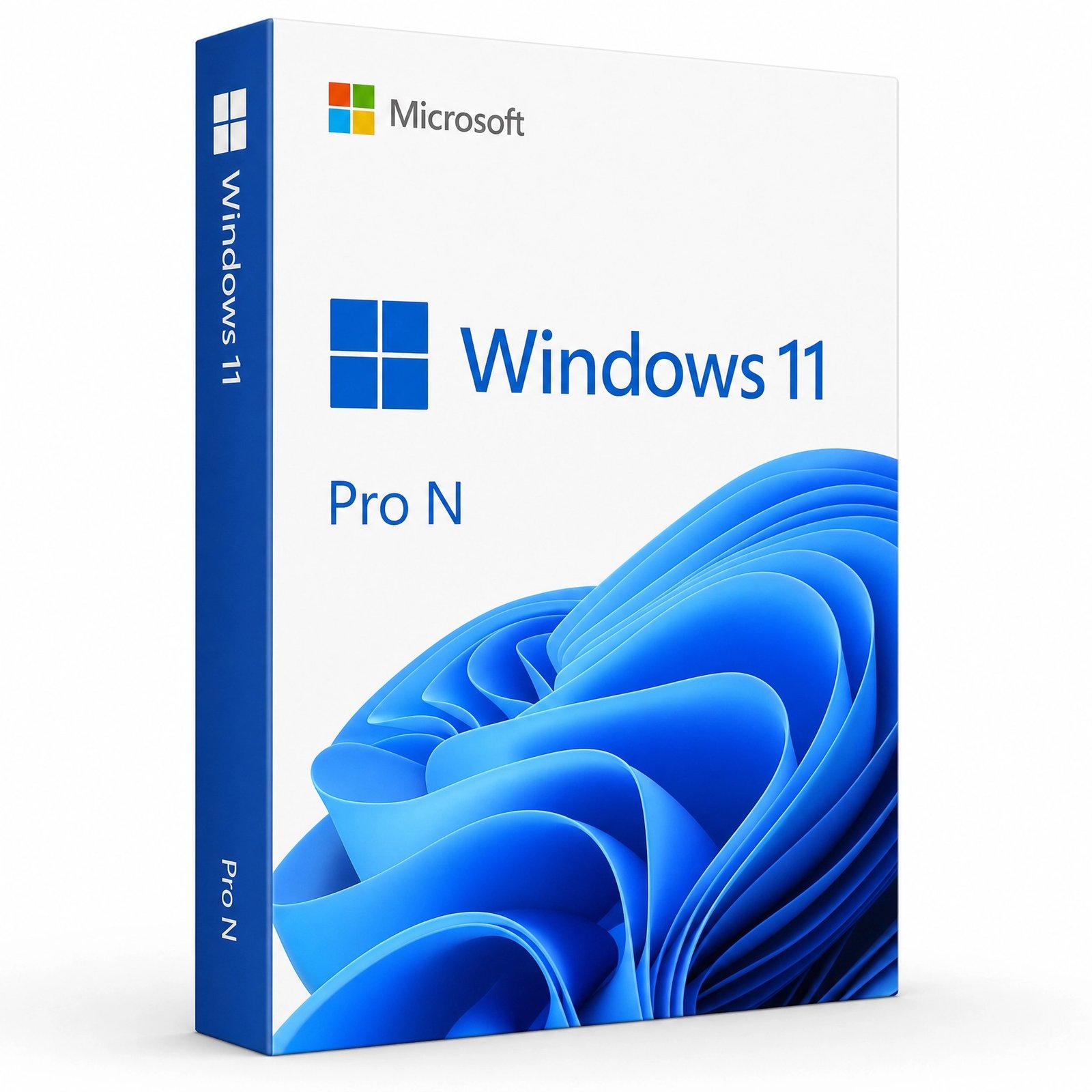
Windows 11 Pro without the bundled media apps, for N installations.
| Edition | Microsoft Windows 11 Pro N (not standard Pro) |
| Difference from Pro | No Media Player, Voice Recorder or codecs |
| Media apps | Restorable free with the Media Feature Pack |
| License term | Lifetime, one-time payment |
| Devices | 1 PC |
| Works for | Pro N clean install, or upgrading Home N |
| Delivery | Email with key, download link and guide |
Windows 11 Pro N is a version of Windows 11 Pro that Microsoft ships without its built-in media playback technology. This page sells one genuine Windows 11 Pro N product key, a lifetime license that activates Pro N on one PC. Every professional feature is present, from BitLocker to Hyper-V; what is left out is the media layer: Media Player, Voice Recorder and the codecs and components those apps depend on.
Pro N exists because of a 2004 European Commission competition ruling that required Microsoft to offer Windows without its bundled media player. N editions have accompanied every Windows release since, and they can be installed and activated anywhere. Most people end up with Pro N deliberately: their organization standardizes on N images, their PC shipped with Home N, or they prefer a system where media software is chosen rather than preinstalled.
The letter N is commonly explained as “not with Media Player”. In practice it marks an edition whose system code is identical to its standard sibling apart from a defined list of media components. Windows 11 Pro N therefore receives the same security patches, the same yearly feature updates and the same support timeline as Windows 11 Pro, and it looks and behaves the same until you try to play a video or record audio with Windows’ own tools.
| Feature | Windows 11 Pro | Windows 11 Pro N |
|---|---|---|
| BitLocker, Remote Desktop, Hyper-V, Sandbox | ✔ | ✔ identical |
| Group Policy, domain and Entra ID join | ✔ | ✔ identical |
| Media Player and Voice Recorder | Preinstalled | Not included |
| Windows media codecs (MP3, AAC, MPEG-4 and others) | Built in | Added by the Media Feature Pack |
| Apps that rely on Windows media components | Work out of the box | May need the Media Feature Pack |
| Security and feature updates | Same schedule | Same schedule |
| Product key | Activates Pro only | Activates Pro N only |
The last row matters most: Pro and Pro N keys are not interchangeable. A Pro N key will not activate a standard Pro installation, and a regular Pro key will not activate Pro N. If your PC runs standard Windows 11 Home or Pro today, the regular Windows 11 Pro product key is the better buy. If Settings already shows Pro N or Home N, this is the key that matches.
| Component | Status in Pro N | After the Media Feature Pack |
|---|---|---|
| Media Player and Windows Media Player Legacy | Not installed | Restored |
| Voice Recorder | Not installed | Restored |
| Media Foundation and Windows Media components | Removed | Restored |
| Audio and video codecs | Removed | Restored |
| Features built on them (some webcam, video-call and streaming functions) | May not work | Work normally |
The Media Feature Pack is free from Microsoft. Open Settings, go to Optional features (under System on current Windows 11 versions, under Apps on older builds), choose View features, search for Media Feature Pack, install it and restart. The edition still reports as Pro N afterwards; you simply have the media components back.
Most buyers should choose regular Pro. Pro N makes sense in a narrower set of cases, and it is worth being honest about them:
If none of these describe you, buy the standard Windows 11 Pro key. Need more headroom than Pro allows? Windows 11 Pro for Workstations supports up to 6 TB of RAM and four CPUs, while Windows 11 Enterprise adds IT-managed security; our Windows 11 Enterprise vs Pro article compares the last two.
Office, web browsers, business software, development tools and most games run exactly as they do on Pro. Problems appear only with programs that call Windows’ own media components: some games use them for cut-scenes, and certain video-editing, webcam and conferencing apps use them for capture and playback. Those apps typically show an error naming a missing media DLL or codec. Installing the Media Feature Pack fixes this without changing your edition or your activation.
Check before you order, because the wrong key simply will not activate. Press Windows + R, type winver and press Enter, or open Settings › System › About: the edition line ends in “N” on an N installation. Another quick clue is the Start menu: if there is no Media Player and no Voice Recorder on a fresh system, you are almost certainly on an N edition. Buying a new PC or reinstalling anyway? Then you get to choose, and for most people standard Pro is simpler.
It can be. Pro N supports the same management stack as Pro: Group Policy, Microsoft Entra ID join, Intune enrollment, Windows Update for Business and BitLocker policies all behave identically. IT teams that standardize on N usually do so to keep the base image lean and to install media components only on the machines that need them. Because the Media Feature Pack is an optional Windows feature, it can be added later through Settings, scripts or management tools, without a new license and without reinstalling Windows.
| Component | Requirement |
|---|---|
| Processor | 64-bit, 1 GHz or faster, 2 or more cores, on Microsoft’s supported list |
| Memory | 4 GB minimum |
| Storage | 64 GB minimum |
| Firmware and security | UEFI, Secure Boot capable, TPM 2.0 |
| Graphics | DirectX 12 compatible with a WDDM 2.0 driver |
| Display | 720p, more than 9 inches diagonally |
Pro N has exactly the same hardware requirements as Pro. Our Windows 11 requirements guide explains how to confirm TPM 2.0 and Secure Boot before you install, and what to change in the BIOS if either is switched off.
Yes. You pay once and the PC stays activated as Pro N through reinstalls and every Windows 11 feature update. The license applies to one computer, and a new motherboard is treated as a new device. Pro N follows the same Windows 11 servicing schedule as Pro, so it keeps receiving security fixes for as long as you install the yearly feature updates Microsoft releases.
Because N keys are less common, check the edition carefully before paying anywhere: some listings blur Pro N and Pro together, and the mismatch only shows up at activation. This page sells Pro N and states it plainly. Kymakers is operated by Makers Unity LLC, a Microsoft partner; unredeemed keys carry a 180-day refund, and you get a free replacement if the key ever stops working through no fault of yours. For general advice on spotting unreliable sellers, read is it safe to buy cheap Microsoft license keys?
| Product | Microsoft Windows 11 Pro N product key |
| Edition | N edition of Windows 11 Pro, without built-in media apps |
| License | Lifetime, one-time purchase, 1 PC |
| Version | Current Windows 11 release, 64-bit |
| Use | Clean install of Pro N, activating Pro N, or upgrading Home N |
| Media features | Free Media Feature Pack from Microsoft |
| Delivery | Email with key, download link and guide, usually within minutes |
| Support | Free activation help; 180-day refund on unredeemed keys |
Compare all editions in the Windows 11 category, or see how buying at Kymakers works.
Still deciding? Our guide covers what Windows 11 Pro N leaves out.
Your email includes the Pro N key, Microsoft’s download link and our guide; pick your starting point below.
The message “This edition can’t be activated with this key” almost always means standard Pro or Home is installed instead of an N edition, so reinstall and choose Pro N. To activate by phone, press Windows + R, type slui 4 and use our Get Confirmation ID tool. If you see 0xC004F074 or another code, our pages on error 0xC004F074 and Windows key not working? list the fixes; replying to your delivery email also gets you help.
 Microsoft Windows 11 Pro N Product Key – Lifetime License (1 PC)
Sorry, no reviews match your current selections
$43.50 Original price was: $43.50.$14.99Current price is: $14.99.
One-Time Payment · No Subscription
$43.50 Original price was: $43.50.$14.99Current price is: $14.99.





Got the activation code almost instantly — no waiting around. The key worked on the first attempt. Really pleased. Will definitely come back when I need another licence.
Key was delivered super fast, maybe 5 minutes after checkout. No issues at all with activation. Smooth process. Asked a question via chat and got a response pretty fast. Would buy from kymakers again.
Got the activation code almost instantly — no waiting around. Activation was straightforward — entered the key and it went through first try. Asked a question via chat and got a response pretty fast. Happy to recommend this to friends.
The key took a bit to come through, which was slightly frustrating, but it worked in the end. The activation steps weren’t totally clear but I figured it out. The product does work though, so can’t complain too much.
Not perfect but does the job. Had a minor hiccup during activation but a quick restart sorted it. The software runs perfectly, no issues to report. Might order again but would hope for a smoother experience.