$73.50 Original price was: $73.50.$14.99Current price is: $14.99.
Instant email delivery — your key and download link arrive within minutes.
100% secure payments with SSL encryption via Stripe

Activates on Microsoft’s servers

Plan schedules, resources and budgets on one Windows PC, with no subscription.
| Edition | Microsoft Project 2024 Professional (not Standard) |
| License term | Lifetime, one-time payment |
| Devices | 1 Windows PC |
| Works for | New install or reinstall |
| Platform | Windows 11 or 10, 32- or 64-bit; no Mac |
| Support | Security updates until Oct 9, 2029 |
| Activation | Online in Project; phone if needed |
| Delivery | By email, usually within minutes |
This page sells one genuine Microsoft Project 2024 Professional product key, the 25-character code that unlocks Microsoft’s full desktop scheduling application on one Windows PC. Project 2024 is the newest release of Microsoft Project that you can own outright. It was released together with Office 2024, and it is the version Microsoft will keep patching the longest. You pay once, install it from Microsoft’s servers and keep using it with no monthly fee and no per-user subscription.
The key arrives by email with the official download link and our activation guide. After activation the license stays with that computer, and Project keeps receiving Microsoft security and quality updates until October 9, 2029. It is a standalone app, so an Office suite is not required, although Project happily exchanges data with Excel, Outlook and PowerPoint when they are installed.
Microsoft Project is used to plan, schedule and track work that has dependencies, deadlines and shared people or equipment. You list the tasks, link them in order, assign resources and costs, and Project calculates the dates, the critical path and everyone’s workload. When something slips, you enter the actual progress and the whole schedule recalculates, which a spreadsheet or a simple task board cannot do reliably. The core tools are:
Microsoft sells Project 2024 in two desktop editions. Both share the same scheduling engine; Professional, the edition on this page, adds the tools aimed at teams and organizations.
| Feature | Project 2024 Standard | Project 2024 Professional |
|---|---|---|
| Gantt charts, critical path, baselines, timeline | ✔ | ✔ |
| Resource sheet, cost tracking and leveling | ✔ | ✔ |
| Team Planner view (drag-and-drop assignments by person) | — | ✔ |
| Inactive tasks for what-if scenarios | — | ✔ |
| Connect to Project Server or Project Online | — | ✔ |
| Resource requests and engagements | — | ✔ (through Project Server or Project Online) |
If you plan alone and never publish to a server, both editions schedule in the same way. Professional is the better pick when several managers share the same people, when your company runs Project Server, or when you want Team Planner to show at a glance who is overloaded. The server functions rely on an environment your organization provides; this key licenses the desktop client.
No. Microsoft Planner is a lightweight task board inside Microsoft 365 with cards, buckets, due dates and checklists, which is ideal for a small team’s to-do list. Project 2024 Professional is a scheduling engine that understands task dependencies, working calendars, resource capacity, costs and baselines, and it reworks the whole plan when one date moves. Microsoft’s cloud subscriptions for Project are a third option, billed per user every month.
| Option | How you pay | Desktop app | Best for |
|---|---|---|---|
| Microsoft Planner | Included with many Microsoft 365 plans | No (web, Teams and mobile) | Simple team task boards |
| Project cloud plans (Plan 1, 3 and 5) | Monthly, per user | Plan 3 and Plan 5 only, while subscribed | Organizations wanting cloud portfolio tools |
| Project 2024 Professional (this key) | Once, per PC | Yes, permanently licensed | Full scheduling without a recurring fee |
Our guide to Microsoft Planner vs Project explains which tool fits which kind of work, including when a team can stay on Planner and when it needs real scheduling.
You build a plan in five moves: set the start date, enter the tasks, link them, assign resources and save a baseline. In practice it looks like this:
| Project 2024 Professional | Project 2021 Professional | |
|---|---|---|
| Microsoft support ends | Oct 9, 2029 | Oct 13, 2026 |
| Core scheduling tools | Gantt, critical path, baselines, Team Planner | Largely the same set |
| Version family | Matches Office 2024 | Matches Office 2021 |
| Recommended for | New purchases | PCs that must stay on Office 2021 |
Feature-wise the two releases are close, so the real difference is time. Project 2021 stops receiving security updates on October 13, 2026, while Project 2024 is covered for three more years. Unless you need to match an existing Office 2021 installation, 2024 is the version to buy. The Project 2021 Professional key remains available for that specific case, and our Office 2021 vs Office 2024 article explains how the wider version families differ.
Usually, yes, but one Microsoft rule catches many buyers: Project 2024 must use the same installation technology and version family as any Office already installed. A common clash is a Microsoft 365 subscription installed with Click-to-Run meeting a volume-style Project package; an older MSI-based Office or an Office release from another year can cause the same problem. Setup then stops and reports that the products can’t be installed side by side.
The fix is to remove the conflicting Office from Settings › Apps, install Project 2024 and then reinstall Office from the matching family, with Office 2024 as the natural partner. The 32-bit and 64-bit editions can’t be mixed on one PC either. Our explainer on Microsoft Office Click-to-Run covers the background, and buyers who want everything in one go can use the Office 2024 Pro Plus + Visio + Project 2024 bundle, which installs all three products from a single configuration.
| Component | Requirement |
|---|---|
| Operating system | Windows 11 or Windows 10 (no macOS version) |
| Processor | 1.1 GHz or faster, 2 cores |
| Memory | 4 GB RAM (64-bit); 2 GB (32-bit) |
| Disk space | 4 GB available |
| Display | 1280 x 768 or higher |
| Other | Administrator rights; internet for download and activation |
Microsoft has never released Project for macOS. A Mac owner who needs it must run a licensed copy of Windows, for example in a virtual machine, and install Project there.
Lifetime means a perpetual license for Project 2024 Professional: you pay once, and the activated copy keeps working on that PC with no expiry date and no renewal. It includes every update Microsoft ships for the 2024 version, but not a future major release, which would be a separate purchase. Reinstalling Windows or Project on the same computer is fine, while a second workstation needs its own key.
For a single planner, usually yes over any multi-year period. Cloud plans that include the desktop client are charged per user every month, and the bill continues for as long as you need the software. A Project 2024 Professional key is paid once, at the price shown at the top of this page, and the app keeps running even after Microsoft support ends in 2029. Subscriptions make more sense for organizations that want web-based portfolio management for many users. Our comparison of one-time purchase vs Microsoft 365 works through the same math for the Office apps.
It is safe when the seller can be identified and stands behind the key after the sale. Kymakers is operated by Makers Unity LLC, a Microsoft partner, and every order comes with a 180-day refund on keys that have not been redeemed, a free replacement if a key ever stops working through no fault of yours, and free activation help by replying to your delivery email. Project licenses carry high list prices, which attracts sellers of keys that fail, so read is it safe to buy cheap Microsoft license keys? for the checks worth making before you order anywhere.
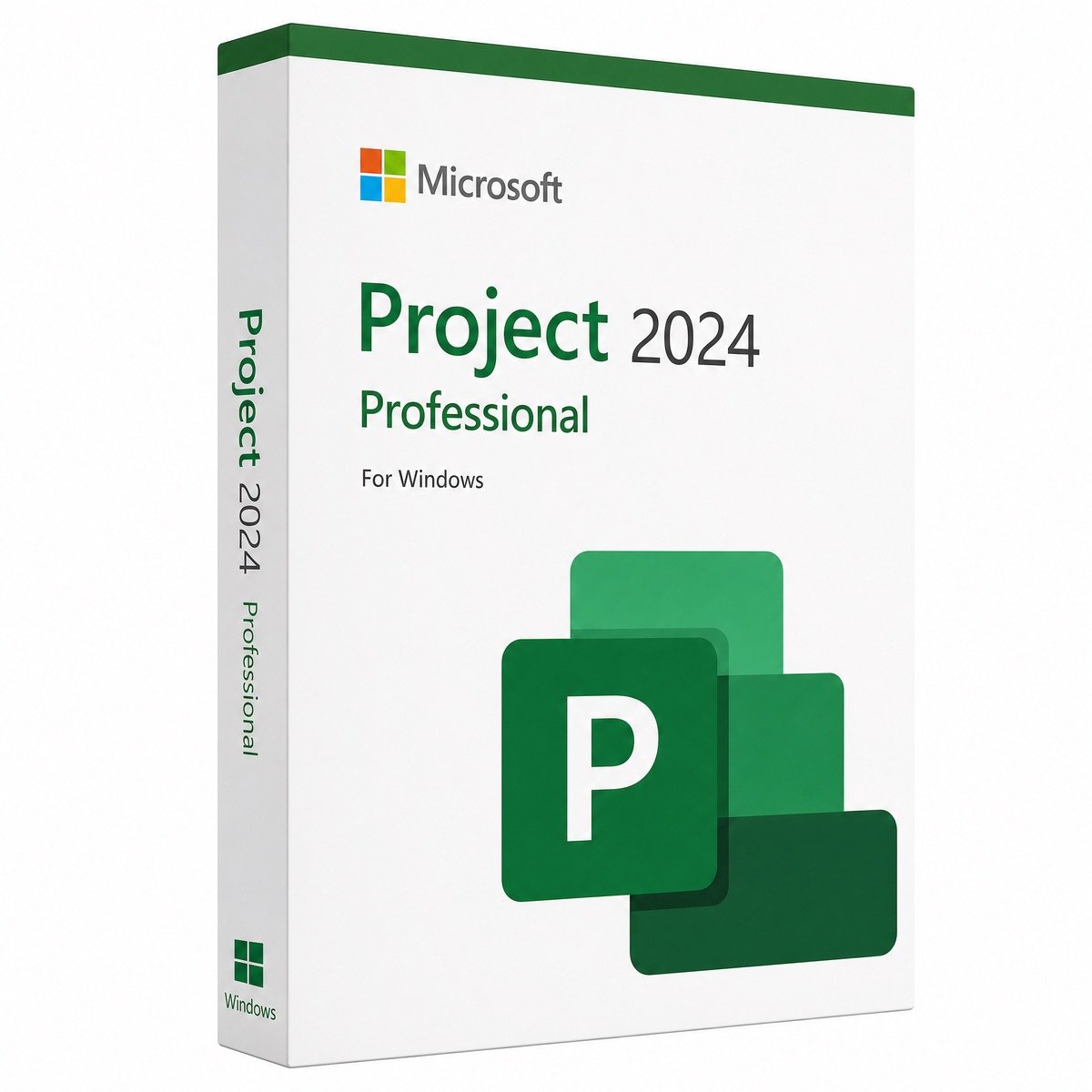
| Product | Microsoft Project 2024 Professional product key |
| License | Lifetime (perpetual), one-time payment, 1 PC |
| Platform | Windows 11 or Windows 10, 32-bit or 64-bit |
| Installation | Download link from your email or Microsoft’s Office Deployment Tool |
| Activation | File › Account › Change Product Key; phone activation available |
| Support lifecycle | Microsoft security updates until October 9, 2029 |
| Delivery and help | Email within minutes; free activation support; 180-day refund on unredeemed keys |
Need diagrams as well as schedules? See Visio 2024 Professional, browse the full Visio and Project category, or read how ordering works at Kymakers.
Still deciding? Our guide covers Project Standard vs Professional.
Your order email holds the Project 2024 Professional key, the download link and our guide; the whole setup takes about 15 minutes.
Project 2024 must match the installation technology and version family of the Office on the PC. If setup says the products can’t be installed side by side (typical with a Microsoft 365 Click-to-Run install, an MSI-based Office or an Office from another year), remove that Office under Settings › Apps or with Microsoft’s uninstall tool described in our SetupProd_OffScrub.exe guide, install Project 2024 first, then reinstall Office from the 2024 family in the same 32-bit or 64-bit edition.
If the key is refused, confirm that the installed product is Project 2024 Professional, not Standard or a trial. To see the license status, open Command Prompt as administrator in C:\Program Files\Microsoft Office\Office16 and run cscript ospp.vbs /dstatus; re-enter the key with /inpkey: and run /act. Offline PCs can use telephone activation from the activation wizard, and our Get Confirmation ID tool helps with that step. For install errors, see Office Click-to-Run explained. Still stuck? Reply to your delivery email and our team will help.
 Microsoft Project 2024 Professional Product Key – Lifetime License | 1 PC
Sorry, no reviews match your current selections
$73.50 Original price was: $73.50.$14.99Current price is: $14.99.
One-Time Payment · No Subscription
$73.50 Original price was: $73.50.$14.99Current price is: $14.99.





Key worked perfectly, and I was able to install Project 2024 right away. Customer support was friendly and helpful when I had a small question.
Purchased Project 2024 key and it activated perfectly. Very happy with the service and the instant delivery. Will buy again if needed.
Superb! Project 2024 installed without any issues. The key was legitimate, and everything works as expected. I’ll definitely buy from this store again.
I was hesitant at first, but buying Project 2024 here was seamless. The key works perfectly and the program is running smoothly. Very satisfied!
Bought the Visio 2024 key here and it worked perfectly! Installation was quick and smooth. I’m very happy with the purchase.”