$14.99
Instant email delivery — your key and download link arrive within minutes.
100% secure payments with SSL encryption via Stripe

Activates on Microsoft’s servers

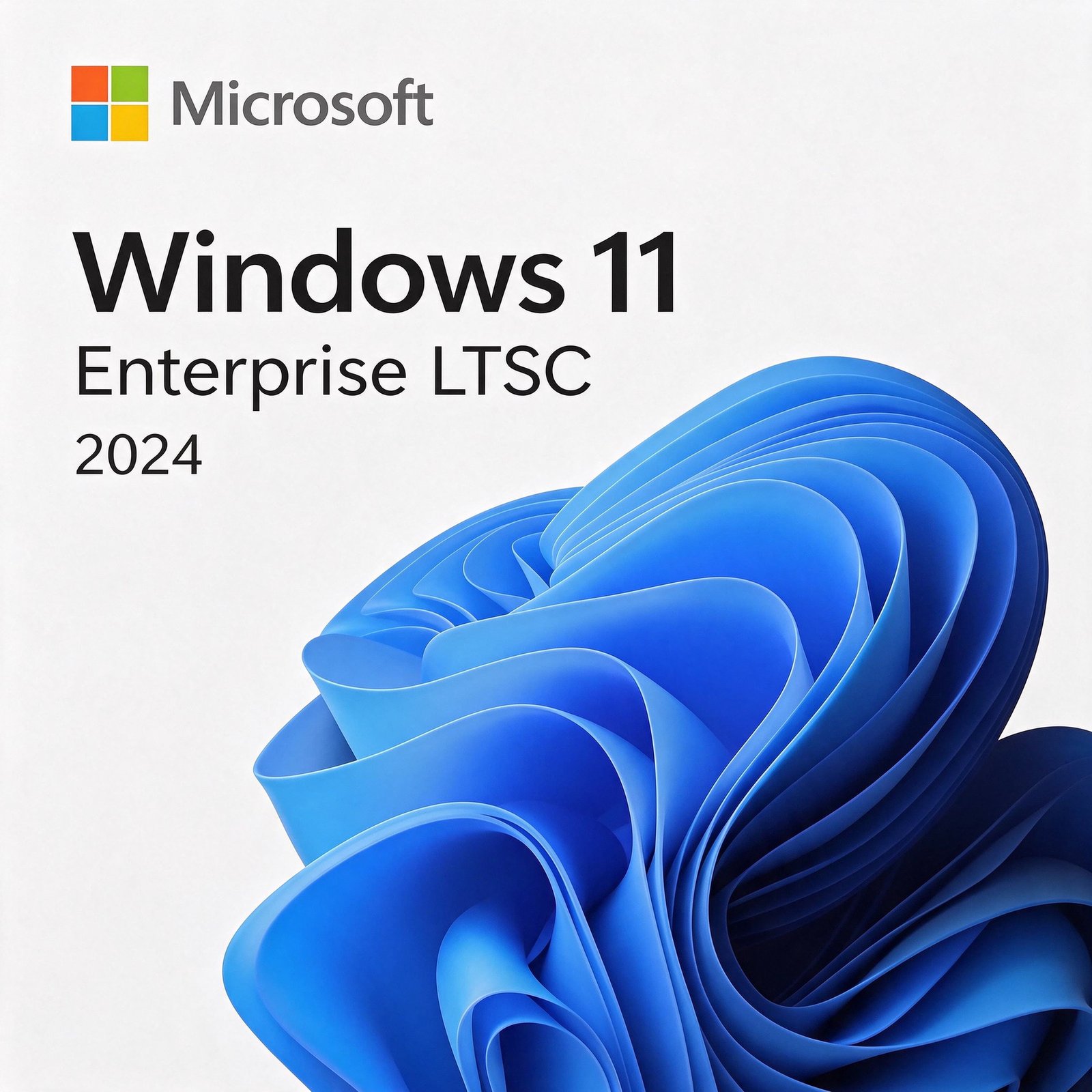
Buy a Windows 11 Enterprise LTSC 2024 key and run the long-term edition of Windows 11. Your key and setup instructions arrive by email.
| Edition | Windows 11 Enterprise LTSC 2024 (not the IoT edition) |
| Based on | Windows 11 |
| Architecture | 64-bit (x64) |
| Devices | 1 PC |
| Payment | One-time purchase, no subscription |
| Microsoft support | Security and quality updates until October 9, 2029 |
| Activation | Online with your 25-character key; telephone activation is available if needed |
| Delivery | By email, usually within minutes |
| Brand | Microsoft |
This listing is for one Windows 11 Enterprise LTSC 2024 product key for a single 64-bit PC. LTSC 2024 is the long-term edition of Windows 11, version 24H2. Microsoft released it on October 1, 2024 and services it until October 9, 2029 with monthly security and quality updates. It does not receive feature updates, so the Start menu, settings and built-in tools stay exactly as they were on the day you installed it.
People buy it for PCs that need to stay predictable: a workstation running validated software, a lab or production machine, a point-of-sale back office, or a personal PC whose owner simply wants Windows 11 without the extra apps and the yearly changes. You install it from an ISO file and activate it with the key in your order email.
LTSC stands for Long-Term Servicing Channel. Regular Windows 11 editions get a feature update every year that can add apps, move settings and change the interface. An LTSC release is published only every few years and then left alone: it keeps the feature set it shipped with and receives the monthly security update, nothing more. For a PC that has been tested or documented in a particular state, that is the reason to choose it.
Microsoft is clear that LTSC is meant for special-purpose devices rather than every PC in an office. Because the feature set never changes, some newer apps and tools may stop supporting it over time. If you want the newest Windows features as they come out, Windows 11 Pro or Windows 11 Enterprise is the better choice.
Compared with Windows 10 Enterprise LTSC 2021, this release rolls up everything Microsoft added in Windows 11 versions 21H2 through 24H2. The highlights:
What this product is, stated plainly:
Every order is covered by our 180-day money-back guarantee and replacement policy. If your key cannot be activated and our team cannot fix it, you choose a replacement key or a refund.
| Enterprise LTSC 2024 | IoT Enterprise LTSC 2024 | Windows 11 Pro | |
|---|---|---|---|
| Feature updates | None | None | Every year |
| Microsoft support ends | October 9, 2029 | October 10, 2034 | Depends on the version you run |
| TPM 2.0 and Secure Boot | Required | Optional | Required |
| Microsoft Store | Not included | Not included | Included |
| BitLocker, Group Policy, domain join | Yes | Yes | Yes |
| Credential Guard | Yes | Yes | No |
| Best for | PCs that must stay unchanged for years | Kiosks, embedded and older hardware | Everyday home and office PCs |
The two LTSC editions are the same Windows 11 24H2 underneath. The practical differences are how long Microsoft supports them and what hardware they need. If you want the longer support window or your PC has no TPM 2.0, choose Windows 11 IoT Enterprise LTSC 2024. For a full comparison, read Windows 11 LTSC 2024 explained: IoT vs Enterprise.
Windows 11 Enterprise LTSC 2024 uses the standard Windows 11 hardware requirements. (Only the IoT edition relaxes them.)
| Processor | 1 GHz or faster, 2 or more cores, 64-bit, on Microsoft’s list of supported processors |
| Memory | 4 GB RAM or more |
| Storage | 64 GB or more |
| Firmware | UEFI with Secure Boot capability |
| TPM | Trusted Platform Module (TPM) version 2.0 |
| Graphics | DirectX 12 compatible with a WDDM 2.0 driver |
| Display | 720p or higher, larger than 9 inches |
| Internet | Needed for online activation and updates |
Not sure about your PC? Press Windows + R, type tpm.msc and press Enter to see the TPM version, or read our guide to Windows 11 requirements.
Microsoft supports Windows 11 Enterprise LTSC 2024 for five years under its Fixed Lifecycle Policy: from October 1, 2024 to October 9, 2029. There is no extended support period after that. For comparison, Windows 10 Enterprise LTSC 2021 reaches end of support on January 12, 2027, which is why many of those PCs are moving to this release now.
LTSC is installed from an ISO file. Microsoft’s Media Creation Tool and the regular Windows 11 download page do not offer it, so follow the steps below.
Organizations with a Microsoft Volume Licensing agreement can also download the full ISO from the Microsoft 365 admin center, and Visual Studio subscribers can get it from their subscription downloads.
Step-by-step screenshots are in our guide to creating a bootable Windows 11 USB.
Prefer the command line? Open Command Prompt as administrator and run slmgr /ipk YOUR-KEY, then slmgr /ato.
First check Settings › System › About: the edition must read Windows 11 Enterprise LTSC. If Windows offers activation by phone, press Windows + R, type slui 4 and follow the prompts; our Get Confirmation ID tool turns the Installation ID into a Confirmation ID. For error codes see error 0xC004F074 and Windows key not working?, or reply to your order email with the exact error and we will sort it out.
 Microsoft Windows 11 Enterprise LTSC 2024 Product Key – 1 PC, 64-bit
Sorry, no reviews match your current selections
$14.99
One-Time Payment · No Subscription
$14.99
Play our Christmas Play & Win game and get a 15% OFF code for your Microsoft key by email.
Play & Win 15% OFFOne code per player every 30 days. Valid 7 days.