$93.00 Original price was: $93.00.$48.00Current price is: $48.00.
Instant email delivery — your key and download link arrive within minutes.
100% secure payments with SSL encryption via Stripe

Activates on Microsoft’s servers

Desktop Office for older Intel Macs that newer versions leave behind.
| Edition | Office Home & Business 2016 for Mac |
| Apps included | Word, Excel, PowerPoint, Outlook, OneNote |
| Devices | 1 Intel Mac |
| License term | Lifetime, one payment |
| Best fit | Intel Macs on macOS 10.10 to 10.15 (check the guide) |
| Apple silicon | Not native, not supported |
| Microsoft support | Ended Oct 13, 2020 |
| Delivery | Key and guide by email |
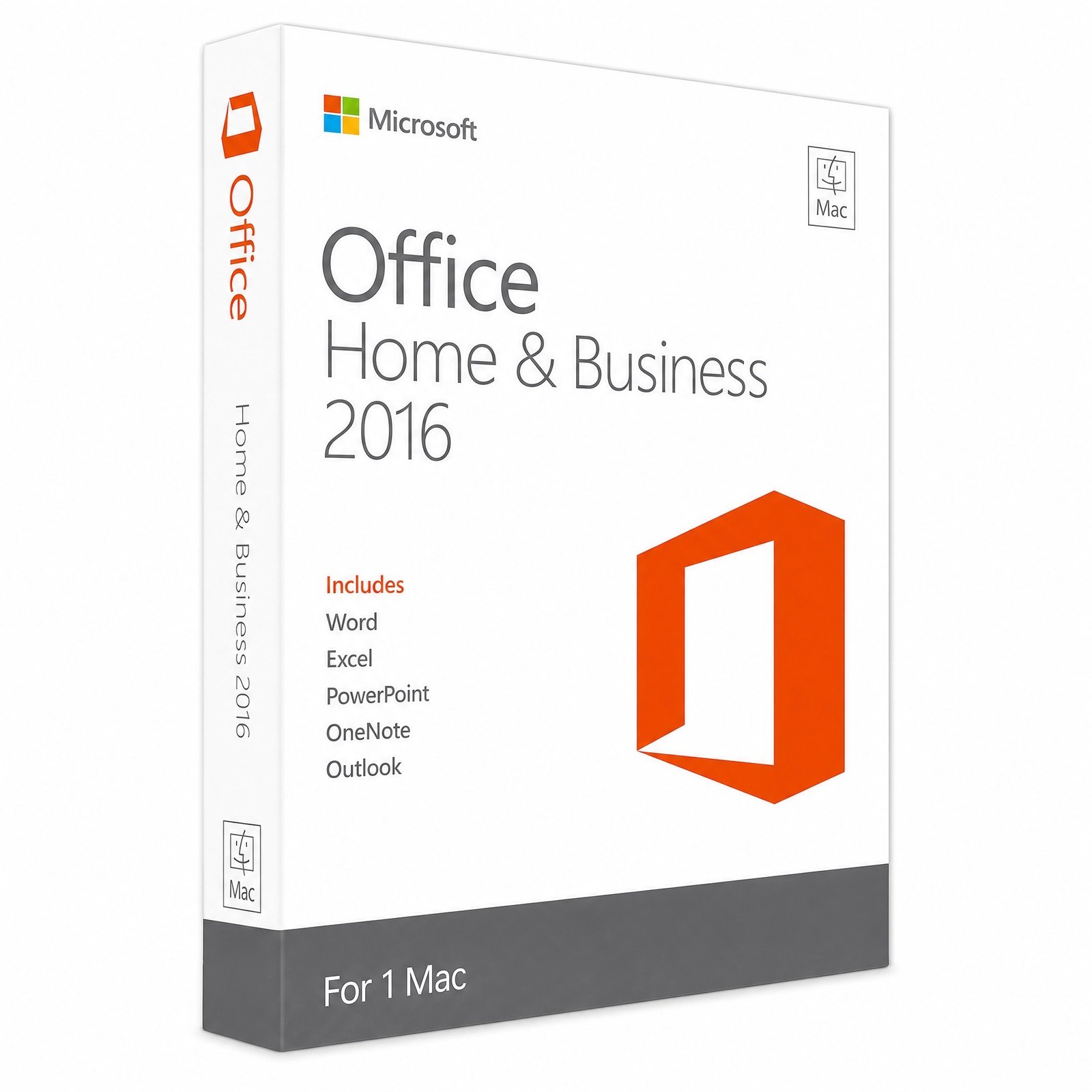
This is a genuine Office 2016 for Mac product key for Home and Business, covering Word, Excel, PowerPoint, Outlook and OneNote on one Mac. It is the oldest and simplest Mac suite we sell, aimed at a specific machine: an Intel Mac running an older macOS that newer Office releases no longer install on. You redeem the key with a Microsoft account, download from Microsoft and pay once.
Please read this page before ordering, because Office 2016 for Mac is not a good fit for most Macs bought in the last few years. Microsoft ended its support on October 13, 2020. It was never built for Apple silicon (M1 and newer), and it was never tested on macOS 11 Big Sur or anything later. On those Macs it may refuse to install, crash or misbehave, and we would rather point you to a version that works.
The license does not expire. Once activated, Office 2016 keeps opening and saving documents on that Mac with no renewal. Support is a separate matter: Microsoft stopped all updates for Office 2016 for Mac on October 13, 2020, so it has now gone six years without security patches. That is the main risk to weigh, especially for Outlook, which handles incoming email every day.
The Windows edition of Office 2016 was supported until October 14, 2025, which sometimes causes confusion; the Mac edition’s support simply ended five years earlier. For background on how the Office releases and their dates line up, see Microsoft Office versions explained.
Office 2016 for Mac was supported on macOS 10.10 Yosemite and later until its end of support in 2020, which in practice means up to macOS 10.15 Catalina. It is an Intel-only app. Use this table to decide, and check the guide if your Mac sits near a boundary:
| Your Mac | Will Office 2016 for Mac run? | What we suggest |
|---|---|---|
| Intel Mac on macOS 10.10 Yosemite to 10.15 Catalina | Yes, this is the range it was built and tested for | Good fit: this is who it is for |
| Intel Mac on macOS 11 Big Sur to 13 Ventura | Not supported; it may install but can misbehave | Office 2019 for Mac (check the guide) |
| Intel Mac on macOS 14 Sonoma or newer | Not reliable | Office 2021 for Mac or Office 2024 |
| Apple silicon Mac (M1 or newer) | Not native; Rosetta only, unsupported | Office 2024 Home and Business |
Find your details under Apple menu › About This Mac: Intel Macs list an Intel processor, while Apple silicon Macs list a chip such as M1, M2 or M3. If you are unsure, read the Office 2016 for Mac guide or ask us before you buy.
Every M-series Mac shipped with macOS Big Sur or later, which is already beyond the range Office 2016 was tested on. The 2016 apps are Intel code, so they would depend on Apple’s Rosetta 2 translation layer, an arrangement Microsoft never supported for this version. Even if it launches, you would be running unsupported software on an unsupported macOS. For these Macs the right answer is a Universal suite: Office 2021 for Mac if you need it for a fixed period, or Office 2024 Home and Business for support until 2029.
Documents use the same .docx, .xlsx and .pptx formats as current Office, so files you create open anywhere. Going the other way, files from newer versions open too, but features added after 2016, such as XLOOKUP formulas, newer chart types or real-time co-authoring, are missing or show as errors.
Yes to both. Microsoft no longer sells Office 2016, but genuine product keys like this one are still available, and they are one-time purchases with no subscription attached. You pay the price shown at the top of this page once. There are no renewal fees and, equally, no upgrades: moving to a newer version later means buying a new license.
| Office 2016 for Mac (this key) | Office 2019 for Mac | Office 2021 for Mac | |
|---|---|---|---|
| Microsoft support | Ended Oct 13, 2020 | Ended Oct 10, 2023 | Ends Oct 13, 2026 |
| Apple silicon | Not native | Native in later builds | Native |
| macOS sweet spot | 10.10 to 10.15 | 12 to 14 | The three most recent versions |
| OneNote | Included | Free download | Free download |
| Pick it when | Your Intel Mac cannot run newer macOS | Your Mac stays on macOS 12 to 14 | You want a current, native suite |
When you eventually replace this Mac, plan on a new license rather than carrying Office 2016 across, because a new Mac will almost certainly use Apple silicon and a macOS release that Office 2016 never supported. Your documents need no conversion: copy them over and open them in Office 2021 or 2024. Outlook data is the one item to prepare. Export your mailbox to an .olm archive from the File menu in Outlook 2016 before retiring the old machine, then import that archive into Outlook on the new Mac. Templates and custom dictionaries can be copied across by hand.
| Component | Requirement |
|---|---|
| Processor | Intel only |
| macOS | 10.10 Yosemite or later, supported up to 10.15 Catalina (check the guide) |
| Memory | 4 GB RAM |
| Storage | 6 GB free disk space |
| Display | 1280 × 800 or higher |
| Account | Free Microsoft account for redemption |
Because compatibility is the biggest question with this version, our terms are designed to let you check first. Makers Unity LLC, a Microsoft partner, operates Kymakers. Until you redeem the key, you can claim a full refund for 180 days under our refund and returns policy. After activation, a key that stops working through no fault of yours is replaced free, and our team helps by email with installation questions. For a neutral view of what to look for in any key seller, read is it safe to buy cheap Microsoft license keys?
| Product | Microsoft Office Home and Business 2016 for Mac |
| Apps | Word, Excel, PowerPoint, Outlook, OneNote |
| License | Lifetime license for 1 Mac, paid once, commercial use OK |
| Compatibility | Intel Macs on macOS 10.10 to 10.15; not for Apple silicon |
| Support | Microsoft support ended October 13, 2020 |
| Activation | Redeemed at setup.office.com, then activated by Microsoft account sign-in |
| Delivery | Email delivery with guide, normally within minutes |
Browse Microsoft Office 2016 or Microsoft Office for Mac, or see how ordering works at Kymakers.
Still deciding? Our guide covers Office 2016 and 2019 end of support.
Before you start, confirm your Mac is an Intel model on a macOS version Office 2016 supports (see the Features tab). Activation runs through a Microsoft account in three short stages.
An error saying the app cannot be opened or is not supported usually means the Mac runs a macOS newer than Office 2016 can handle, or it uses Apple silicon; a newer suite is the fix, and an unredeemed key qualifies for our 180-day refund. Activation that keeps returning to the sign-in screen generally points to the wrong Microsoft account. See how to create a Microsoft account for account setup, and reply to your delivery email for help.
 Microsoft Office 2016 Home and Business for Mac – Lifetime License
Sorry, no reviews match your current selections
$93.00 Original price was: $93.00.$48.00Current price is: $48.00.
One-Time Payment · No Subscription
$93.00 Original price was: $93.00.$48.00Current price is: $48.00.





Got the activation code almost instantly — no waiting around. The key worked on the first attempt. Really pleased. Support team was helpful when I had a quick question before buying. Recommended.
The key landed in my inbox within a few minutes of paying. Followed the instructions on the site and it activated without problems. Support team was helpful when I had a quick question before buying. 10/10 would order again.
Got the activation code almost instantly — no waiting around. Activated without a hitch. Everything validated fine. Support team was helpful when I had a quick question before buying. 10/10 would order again.
The download link and key showed up in my email really fast. Installation and activation took maybe 10 minutes total. The team answered my query quickly and clearly. Recommended.
No complaints at all — everything worked as described. The savings compared to the official price are significant. All the features I needed are there and working fine. Will definitely come back when I need another licence.