$108.00 Original price was: $108.00.$26.99Current price is: $26.99.
Instant email delivery — your key and download link arrive within minutes.
100% secure payments with SSL encryption via Stripe

Activates on Microsoft’s servers

Includes Publisher. Office 2021 support ends October 13, 2026.
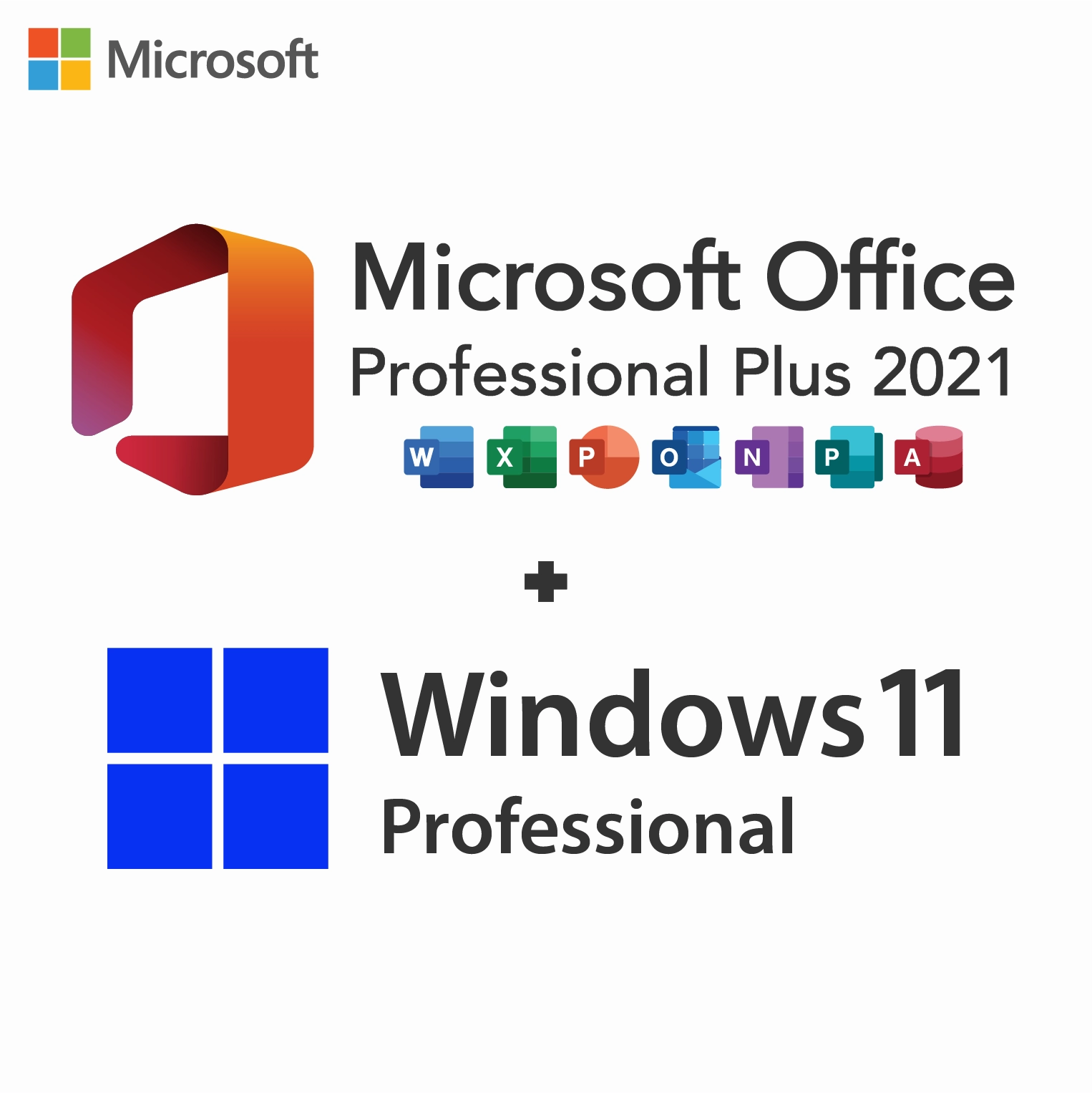
| Bundle contents | Windows 11 Pro key + Office 2021 Pro Plus key |
| Office apps | Word, Excel, PowerPoint, Outlook, OneNote, Access, Publisher |
| License term | Lifetime, one-time payment per key |
| Devices | 1 PC per key |
| Office support | Ends October 13, 2026; apps keep working |
| Works for | New PC, clean install or Home → Pro upgrade |
| Activation | Online; phone option for Windows |
| Delivery | Both keys by email, within minutes |
This bundle contains two genuine product keys sold together: one for Windows 11 Pro and one for Office 2021 Professional Plus. Each is a separate 25-character key that licenses one PC for life, and both are sent in the same email with download links and our installation guide. You pay once for the pair.
Before you buy, know the date that matters most. Microsoft’s support for Office 2021 ends on October 13, 2026. After that, Word, Excel and the other 2021 apps continue to open and save files, but they receive no further security updates. The Windows 11 Pro half of the bundle is unaffected and keeps getting Windows updates. If you want Office updates for years to come, the Windows 11 Pro + Office 2024 bundle is the long-term choice.
The license is; the support is not. Office 2021 Professional Plus is a perpetual license, so the apps never ask for a renewal and never stop working because time has passed. What ends is Microsoft’s maintenance: from October 13, 2026 there are no more security fixes, bug fixes or technical support for Office 2021. Documents keep opening, macros keep running and nothing is deleted, but newly discovered vulnerabilities in the apps will stay unpatched. Our article on Office 2021 end of support explains what that means in practice.
You can, and this bundle is one way to do it. It remains a reasonable choice in three situations:
If none of these applies, you are better served by Office 2024, which Microsoft supports until October 9, 2029. Whichever version you run, be careful with attachments from unknown senders once an app is out of support.
Office 2021 Professional Plus installs seven desktop apps:
Windows 11 Pro adds the business tools that Windows 11 Home lacks: BitLocker drive encryption, Remote Desktop hosting, Hyper-V virtual machines, Windows Sandbox, Group Policy, and domain or Microsoft Entra ID join for company networks. Our Windows 11 Home vs Pro guide goes through each difference.
| Question | Windows 11 Pro + Office 2021 (this page) | Windows 11 Pro + Office 2024 |
|---|---|---|
| Office security updates until | October 13, 2026 | October 9, 2029 |
| Publisher | Included | Not included |
| Access, Outlook and OneNote | Included | Included |
| Excel functions | XLOOKUP, LET and dynamic arrays | All of those plus TEXTSPLIT, VSTACK and IMAGE |
| Windows edition | Windows 11 Pro | Windows 11 Pro |
| Recommended for | Publisher users and Office 2021 offices | Most buyers |
The Windows half of both bundles is identical, so the choice comes down to Office. Read our Office 2021 vs Office 2024 comparison for app-by-app changes, then choose the Office 2024 bundle unless Publisher or version matching keeps you on 2021.
Install and activate Windows 11 Pro first, then Office. Our bundle guide uses Microsoft’s Office 2021 Pro Plus installer image: mount ProPlus2021Retail.img, run setup, and enter the Office key under File › Account › Change Product Key once Word opens. If you prefer to link Office to your Microsoft account, redeeming the key at setup.office.com works as well. Every click is listed on the How to Download tab.
If you are buying a PC for a student or a relative who simply needs Word and Excel, this is not the bundle to choose: for them, three extra years of Office security updates in the 2024 version are worth more than Publisher.
Keep using it sensibly. Leave Protected View switched on so attachments from the internet open read-only, keep macros disabled unless they come from a source you trust, and save important work to a backed-up location. When you are ready for a supported Office, you only need a new Office key: the Windows 11 Pro license in this bundle carries on unchanged, so moving to Office 2024 later means uninstalling Office 2021 and installing the newer version on the same PC. Word, Excel and PowerPoint files created in Office 2021 open normally in Office 2024. Publisher files are the exception, because Office 2024 has no Publisher.
| Requirement | Windows 11 Pro | Office 2021 Professional Plus |
|---|---|---|
| CPU | 64-bit, 1 GHz, dual-core, on Microsoft’s supported list | 1.1 GHz or faster, 2 cores |
| RAM | 4 GB minimum | 4 GB (64-bit) or 2 GB (32-bit) |
| Disk | 64 GB | 4 GB available |
| Security | TPM 2.0 and Secure Boot | Not required |
| Display | 720p | 1280 × 768 |
| Architecture | 64-bit only | 32-bit or 64-bit |
Not sure your PC qualifies for Windows 11? The Windows 11 requirements guide shows how to check TPM 2.0 and Secure Boot and what to do if a setting is turned off.
Both keys are one-time purchases for one PC each. Windows 11 Pro stays activated through reinstalls and Windows 11 feature updates. Office 2021 stays activated too, but its version is fixed: there is no free move to Office 2024, and after October 13, 2026 the copy you install is the copy you keep, without new patches. Replacing the PC or its motherboard generally means new keys, as our OEM vs retail article explains.
Both products are also sold individually as the Windows 11 Pro key and the Office 2021 Professional Plus key. The bundle costs less than buying the two separately, with one checkout and one delivery email. Buy them separately only if you need Office 2021 for a PC that already has an activated copy of Windows 11 Pro.
Yes, from a store that stays accountable after checkout; ours belongs to Makers Unity LLC, a Microsoft partner. Each key in this bundle carries our 180-day refund if it has not been redeemed, a free replacement if it stops working through no fault of yours, and free activation support when you reply to your order email. For warning signs to watch for at any seller, read is it safe to buy cheap Microsoft license keys?.
| Products | Windows 11 Pro + Office 2021 Professional Plus (two keys) |
| License | Lifetime, one-time purchase, 1 PC per key |
| Office apps | Word, Excel, PowerPoint, Outlook, OneNote, Access, Publisher |
| Office support | Ends October 13, 2026; no security updates afterwards |
| Windows support | Current Windows 11 Pro, updated through Windows Update |
| Activation | Windows in Settings or with slmgr; Office under File › Account |
| Delivery | Both keys, download links and guide in one email |
Browse the Microsoft Office 2021 and Windows 11 categories, or see how ordering works at Kymakers.
Your email has both keys, the download links and our bundle guide. Complete Part 1 (Windows) before Part 2 (Office).
Windows activation error? Confirm that Pro is installed, then try phone activation with slui 4 and our Get Confirmation ID tool; error 0xC004F074 and Windows key not working? cover the common codes. Office key will not activate? Uninstall Microsoft 365 trials and older Office copies with SetupProd_OffScrub, and read Microsoft Office Click-to-Run if the installer stalls. Our team also helps when you reply to your delivery email.
Sorry, no reviews match your current selections
$108.00 Original price was: $108.00.$26.99Current price is: $26.99.
One-Time Payment · No Subscription
$108.00 Original price was: $108.00.$26.99Current price is: $26.99.




The download link and key showed up in my email really fast. No issues at all with activation. Smooth process. Asked a question via chat and got a response pretty fast. Already recommended it to a colleague.
Had to wait a bit longer than I hoped for the email, but it arrived. Had a minor hiccup during activation but a quick restart sorted it. The product does work though, so can’t complain too much.
Would recommend this to anyone looking for a cost-effective licence. Followed the instructions on the site and it activated without problems.
Delivery was quick. Had the code in my email before I even made a coffee. No issues so far after a few weeks of use. 10/10 would order again.
It worked out in the end. Took me a couple attempts to get it activated but it worked eventually. Runs smoothly with no compatibility problems. Might order again but would hope for a smoother experience.