SQL Server

Buy Genuine Microsoft License Keys

Browse our complete collection of genuine, one-time-purchase Microsoft license keys. Whether you are securing a lifetime license for Office 2024 Professional Plus, upgrading to Windows 11 Pro, or deploying Windows Server 2025 for your business — every key is delivered to your email within minutes, activates on Microsoft’s own servers, and is backed by our 180-day money-back guarantee with free 24/7 support.

Why 10,000+ Customers Buy From KYMakers

Genuine, Audited Keys​

Every key activates on Microsoft’s own servers. No gray-market surprises — authorized-channel stock only.​

180-Day Money-Back Guarantee

Six full months of protection on every order — if a key fails, we fix it or refund you. No questions, no forms.

Real 24/7 Human Support

Stuck during activation? Our team walks you through it free — nights and weekends included.

Instant Email Delivery

Your product key, official Microsoft download link and step-by-step installation instructions arrive in your inbox within minutes of checkout — 24/7/365, no shipping, no waiting.

Lifetime, One-Time Purchase

Every license is a one-time purchase, never a subscription. Pay once for Windows, Office or Windows Server and own it for the lifetime of your device — no renewals, no monthly Microsoft 365 fees.

Worldwide Activation, Any Language

Keys activate in any country with no regional locks, and you download the software directly from Microsoft in the language you choose. One store, usable everywhere.

Questions Before You Buy?

Yes — every key we sell is a genuine Microsoft license sourced through authorized volume channels. It activates against Microsoft’s own servers, exactly like a retail box, and stays activated for life.

Within minutes of checkout. Your key, official download link and step-by-step activation instructions arrive in one email — most customers are installed and activated within the hour.

Our support team fixes or replaces it free, 24/7 — and every order is covered by a 180-day money-back guarantee. You are never left with a dead key.

Never. Everything in this store is a one-time purchase with lifetime activation — no subscriptions, no renewals, no recurring charges.

We buy licenses in volume through authorized distribution channels, where unused and surplus stock trades at a fraction of retail, and we sell online only — no boxes, stores or shipping. That is why cheap Windows keys and cheap Microsoft Office keys from KYMakers are the same genuine licenses found in retail packaging: they activate on Microsoft servers, receive official updates and stay yours for life. The full explanation: <a href=”https://kymakers.com/is-it-safe-to-buy-cheap-microsoft-license-keys/”>Is it safe to buy cheap Microsoft license keys?</a>


Yes — every Microsoft Office product key here is a one-time purchase with a lifetime license: Office 2024 Professional Plus, Office 2021 Professional Plus, Office 2019 and Office 2016, for Windows and Mac, in 1 PC and 5 PC packs. Pay once, activate on Microsoft servers, and never pay a subscription. Compare versions: Office 2021 vs Office 2024.

Yes. All licenses are worldwide with no geographical restrictions, and the software installs in any language available for that product — you download it directly from Microsoft in the language you prefer. Wherever you are, activation happens on Microsoft servers within minutes of purchase.


Yes. Your license is valid for the lifetime of your device: format, reinstall Windows or Office on the same machine and activate again with the same product key. If reactivation is ever blocked after a big hardware change, our 24/7 support team fixes it free — see how to activate your Microsoft product key.

Checkout is fully encrypted and supports Visa, Mastercard, American Express, Discover and JCB, plus Apple Pay and Google Pay. Card details are handled by the payment provider — we never store them. KYMakers is operated by Makers Unity LLC, United States, and every order is covered by the 180-day money-back guarantee.


Yes. Beyond single-PC keys we stock multi-device packs (Windows 10 Pro 5 PC, Office Pro Plus 5 PC), the full Windows Server range — Server 2025, 2022 and 2019 in Standard and Datacenter, 16-core and 32-core packages — plus RDS CALs for user access and SQL Server for production databases. For larger volumes, contact support and we will size the licensing with you.

Microsoft SQL Server

Powerful Database Management for Business

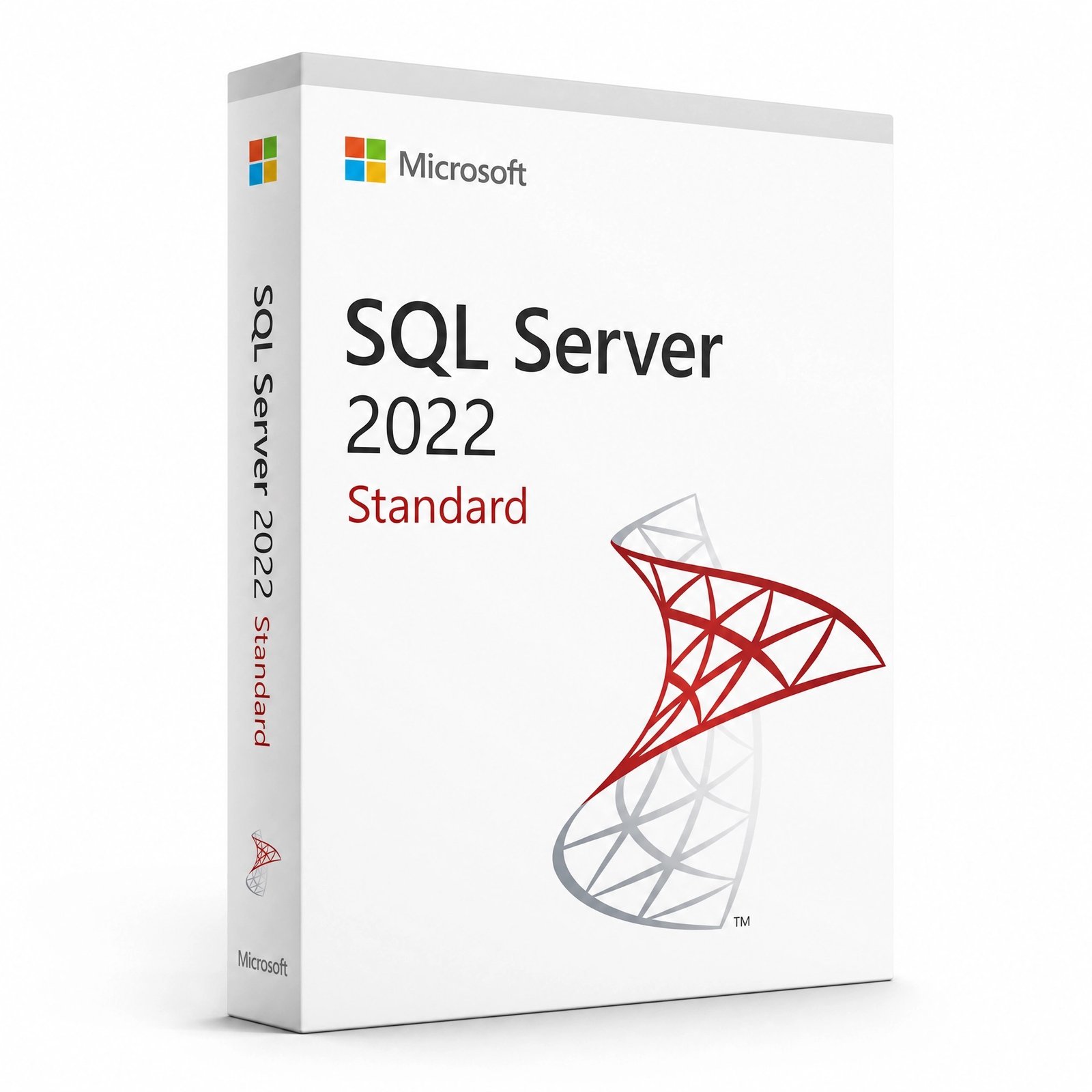
Microsoft SQL Server is a professional relational database management system used by businesses, developers, IT departments, and enterprise applications to store, manage, protect, and analyze data. It is widely used for business software, websites, reporting systems, analytics platforms, internal applications, and mission-critical databases.

At Kymakers, you can buy Microsoft SQL Server license keys with instant digital delivery, giving your organization access to reliable database technology for professional data management.


What Is SQL Server Used For?

SQL Server is used to create and manage databases for many types of applications, including:

  • Business management systems
  • Accounting software
  • Customer relationship management systems
  • Inventory systems
  • Websites and web applications
  • Reporting platforms
  • Data warehouses
  • Internal company tools
  • Enterprise applications
  • E-commerce platforms
  • Analytics and business intelligence workflows


Who Needs SQL Server?

SQL Server is ideal for:

  • Database administrators
  • Software developers
  • IT departments
  • Small and medium businesses
  • Enterprise organizations
  • Web application teams
  • Data analysts
  • Reporting teams
  • SaaS application developers
  • Companies managing structured business data


SQL Server Editions Available at Kymakers

Edition Best For
SQL Server Standard Small and medium businesses, departmental databases, production workloads
SQL Server Enterprise Large organizations, high-performance workloads, mission-critical databases
SQL Server with CALs Businesses needing licensed user/device access
SQL Server 2019 / 2022 Different deployment and compatibility needs


SQL Server Standard vs Enterprise

Feature Area Standard Enterprise
Business databases
Production workloads
High availability Good Advanced
Performance features Good Best
Large-scale enterprise workloads Limited
Advanced analytics and data management Limited
Best for SMBs and regular business databases Large companies and mission-critical systems

Choose SQL Server Standard for most business applications. Choose SQL Server Enterprise when you need maximum performance, availability, scalability, and advanced enterprise features.


SQL Server Licensing Basics

SQL Server licensing can vary depending on product type and business needs. Common license models include:

  • Core-based licensing — Based on server CPU cores
  • Server + CAL licensing — Server license plus Client Access Licenses for users or devices
  • Standard edition licensing — Common for small and medium business deployments
  • Enterprise edition licensing — For high-scale enterprise systems

If you are unsure which license fits your environment, Kymakers support can help guide you before purchase.


Key Features of SQL Server

  • Relational Database Engine — Store and manage structured data
  • High Performance Queries — Run fast database operations
  • Security Tools — Protect business data with authentication and permissions
  • Backup and Restore — Safeguard databases against data loss
  • Reporting Support — Build business reports and dashboards
  • Integration Support — Connect with applications and services
  • Data Warehousing — Manage larger data workloads
  • Developer Tools — Work with SQL Server Management Studio and development environments
  • Scalability — Support growing business data needs
  • Enterprise Reliability — Designed for production workloads


SQL Server vs Microsoft Access

Feature Microsoft Access SQL Server
Best for Small desktop databases Business and enterprise databases
Multi-user support Limited Strong
Server-based operation
Large datasets Limited Advanced
Security Basic Advanced
Performance Good for small apps High performance
Best use Small internal tools Production business systems

Use Access for small desktop databases. Use SQL Server for scalable, secure, multi-user business database systems.


How to Install and Activate SQL Server

  1. Choose Your SQL Server Edition — Select Standard, Enterprise, or another available version.
  2. Purchase From Kymakers — Complete your order securely.
  3. Receive Your Key by Email — Product key/license information is delivered digitally.
  4. Download SQL Server Installer — Use official Microsoft installation media.
  5. Run Setup — Choose installation type and features.
  6. Configure Instance — Set instance name, authentication mode, and admin users.
  7. Install SQL Server Management Studio — Use SSMS to manage databases.
  8. Activate/Apply License — Enter or apply your license depending on the version.
  9. Create Your Database — Start building or restoring databases.


Why Buy SQL Server From Kymakers?

  • Instant digital delivery
  • Genuine SQL Server licenses
  • Standard and Enterprise options
  • Suitable for business and developer use
  • Affordable pricing
  • Installation support available
  • Great for production databases and internal systems
  • Lifetime license options depending on product


Frequently Asked Questions

What is SQL Server used for? SQL Server is used to store, manage, and secure business data for applications, websites, reports, and enterprise systems.

What is the difference between SQL Server Standard and Enterprise? Standard is suitable for most business databases, while Enterprise is designed for large-scale, high-performance, mission-critical systems.

Do I need CALs for SQL Server? That depends on the licensing model. Some SQL Server licenses use Server + CAL licensing, while others use core-based licensing.

Is SQL Server the same as Microsoft Access? No. Access is a desktop database tool, while SQL Server is a professional server-based database platform.

Can developers use SQL Server? Yes. Developers commonly use SQL Server for application backends, testing, reporting, and business software.

Can Kymakers help me choose the right SQL Server license? Yes. If you are unsure, contact support before buying.


Your Cart (0)
Empty Cart Your Cart is Empty!

It looks like you haven't added any items to your cart yet.

Browse Products
Subtotal
Shipping & taxes calculated at checkout.
$0.00
Checkout Now