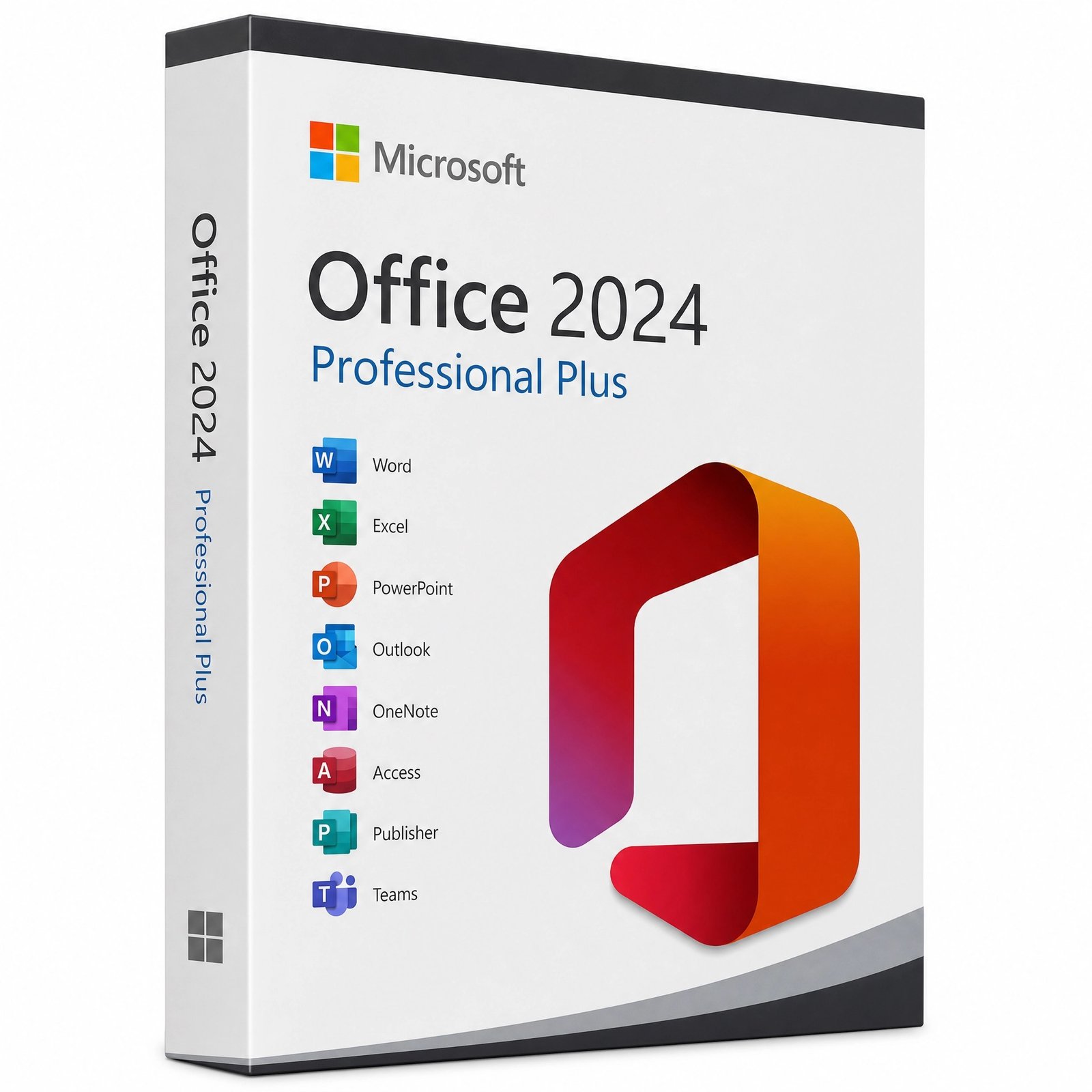
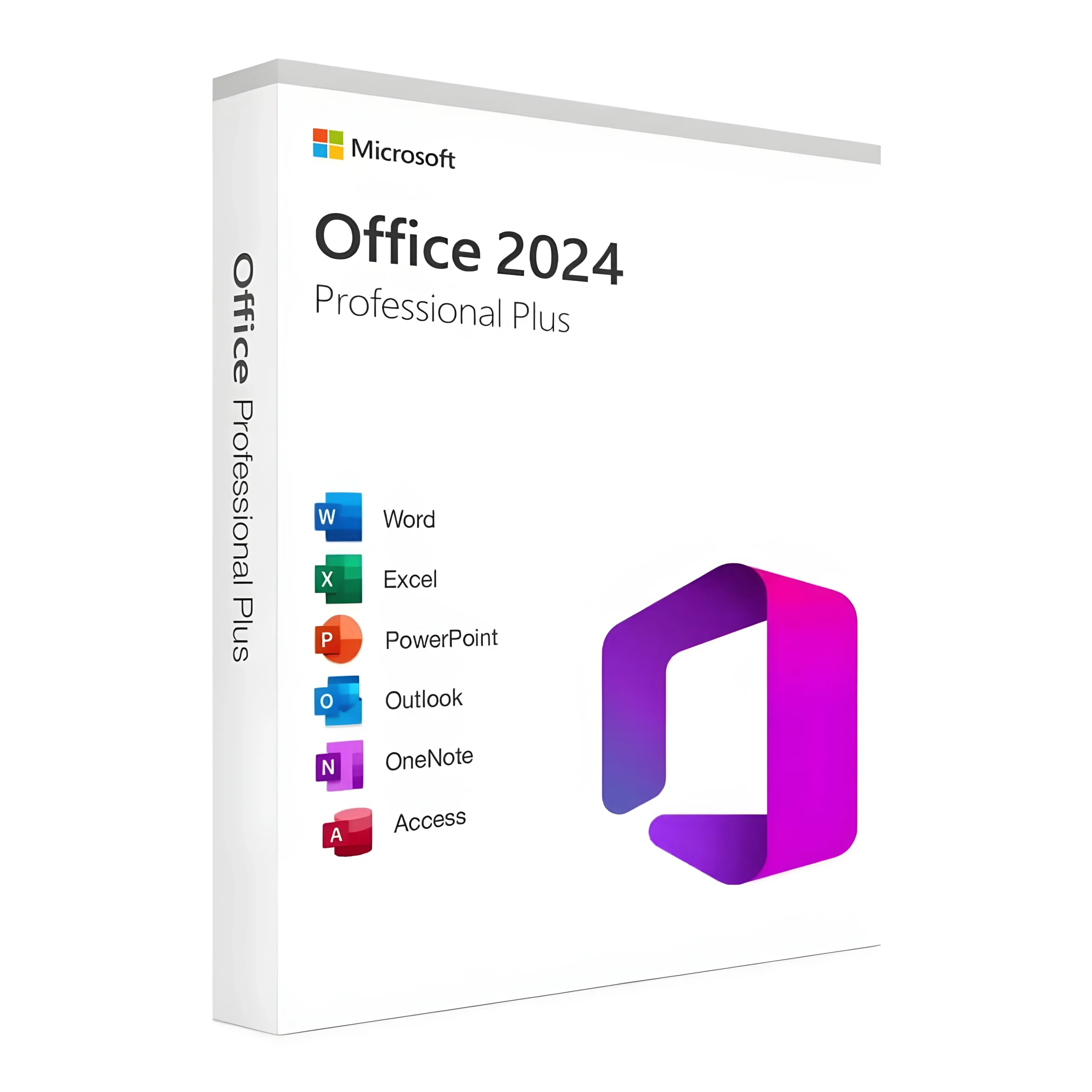
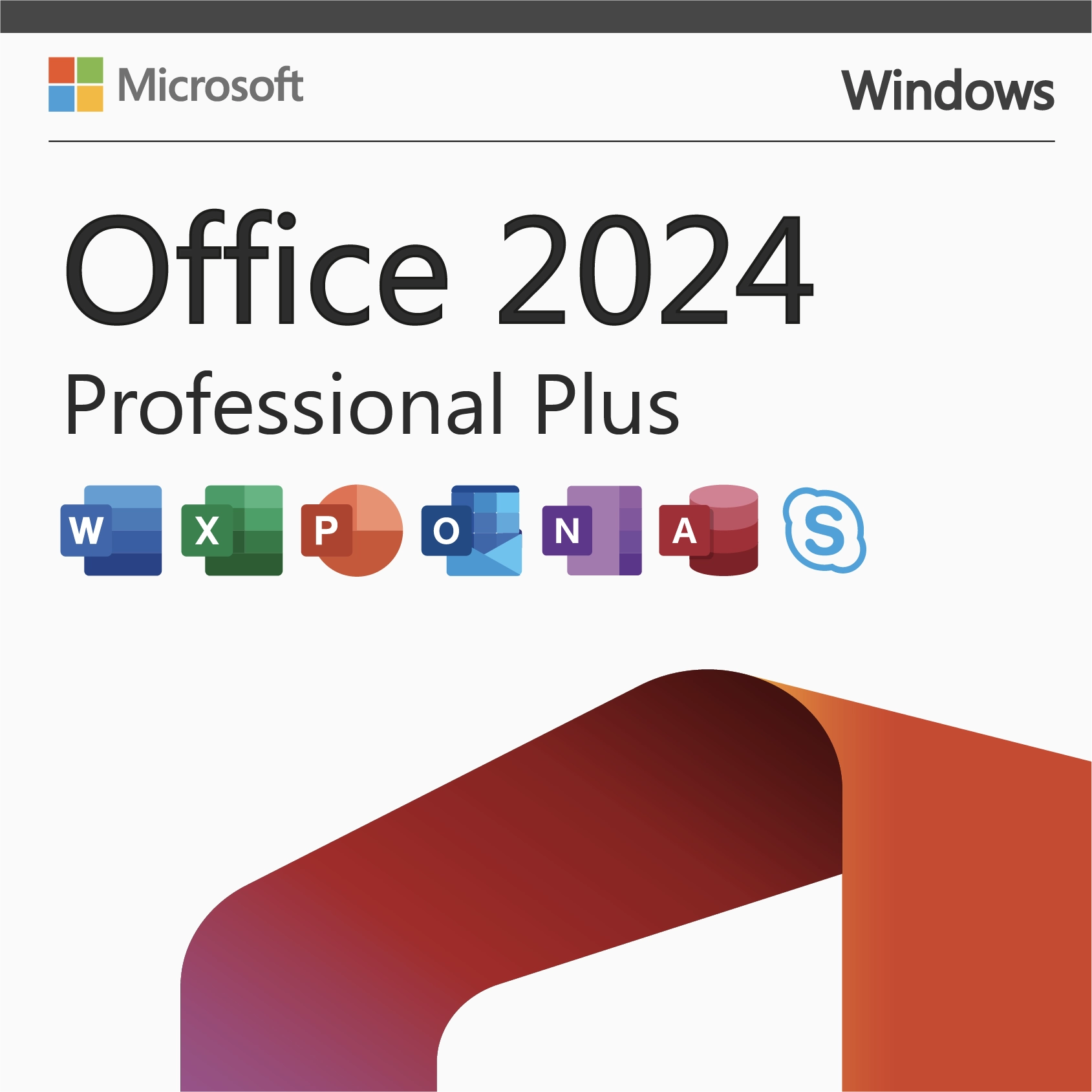


Microsoft Office 2024

Buy Genuine Microsoft License Keys

Browse our complete collection of genuine, one-time-purchase Microsoft license keys. Whether you are securing a lifetime license for Office 2024 Professional Plus, upgrading to Windows 11 Pro, or deploying Windows Server 2025 for your business — every key is delivered to your email within minutes, activates on Microsoft’s own servers, and is backed by our 180-day money-back guarantee with free 24/7 support.

Why 10,000+ Customers Buy From KYMakers

Genuine, Audited Keys​

Every key activates on Microsoft’s own servers. No gray-market surprises — authorized-channel stock only.​

180-Day Money-Back Guarantee

Six full months of protection on every order — if a key fails, we fix it or refund you. No questions, no forms.

Real 24/7 Human Support

Stuck during activation? Our team walks you through it free — nights and weekends included.

Instant Email Delivery

Your product key, official Microsoft download link and step-by-step installation instructions arrive in your inbox within minutes of checkout — 24/7/365, no shipping, no waiting.

Lifetime, One-Time Purchase

Every license is a one-time purchase, never a subscription. Pay once for Windows, Office or Windows Server and own it for the lifetime of your device — no renewals, no monthly Microsoft 365 fees.

Worldwide Activation, Any Language

Keys activate in any country with no regional locks, and you download the software directly from Microsoft in the language you choose. One store, usable everywhere.

Questions Before You Buy?

Yes — every key we sell is a genuine Microsoft license sourced through authorized volume channels. It activates against Microsoft’s own servers, exactly like a retail box, and stays activated for life.

Within minutes of checkout. Your key, official download link and step-by-step activation instructions arrive in one email — most customers are installed and activated within the hour.

Our support team fixes or replaces it free, 24/7 — and every order is covered by a 180-day money-back guarantee. You are never left with a dead key.

Never. Everything in this store is a one-time purchase with lifetime activation — no subscriptions, no renewals, no recurring charges.

We buy licenses in volume through authorized distribution channels, where unused and surplus stock trades at a fraction of retail, and we sell online only — no boxes, stores or shipping. That is why cheap Windows keys and cheap Microsoft Office keys from KYMakers are the same genuine licenses found in retail packaging: they activate on Microsoft servers, receive official updates and stay yours for life. The full explanation: <a href=”https://kymakers.com/is-it-safe-to-buy-cheap-microsoft-license-keys/”>Is it safe to buy cheap Microsoft license keys?</a>


Yes — every Microsoft Office product key here is a one-time purchase with a lifetime license: Office 2024 Professional Plus, Office 2021 Professional Plus, Office 2019 and Office 2016, for Windows and Mac, in 1 PC and 5 PC packs. Pay once, activate on Microsoft servers, and never pay a subscription. Compare versions: Office 2021 vs Office 2024.

Yes. All licenses are worldwide with no geographical restrictions, and the software installs in any language available for that product — you download it directly from Microsoft in the language you prefer. Wherever you are, activation happens on Microsoft servers within minutes of purchase.


Yes. Your license is valid for the lifetime of your device: format, reinstall Windows or Office on the same machine and activate again with the same product key. If reactivation is ever blocked after a big hardware change, our 24/7 support team fixes it free — see how to activate your Microsoft product key.

Checkout is fully encrypted and supports Visa, Mastercard, American Express, Discover and JCB, plus Apple Pay and Google Pay. Card details are handled by the payment provider — we never store them. KYMakers is operated by Makers Unity LLC, United States, and every order is covered by the 180-day money-back guarantee.


Yes. Beyond single-PC keys we stock multi-device packs (Windows 10 Pro 5 PC, Office Pro Plus 5 PC), the full Windows Server range — Server 2025, 2022 and 2019 in Standard and Datacenter, 16-core and 32-core packages — plus RDS CALs for user access and SQL Server for production databases. For larger volumes, contact support and we will size the licensing with you.

Microsoft Office 2024

The Latest Generation of Productivity

Office 2024 is Microsoft’s newest one-time-purchase productivity suite, released as the successor to Office 2021. It brings a refreshed, modern interface aligned with Windows 11’s design language, plus meaningful improvements to every core app — Word, Excel, PowerPoint, Outlook, OneNote, and more — while introducing new features previously reserved for Microsoft 365 subscribers.

For users who prefer owning their software outright instead of paying monthly for Microsoft 365, Office 2024 is the ideal choice — offering the latest features with a one-time payment and lifetime license through Kymakers.

What’s New in Office 2024?

Office 2024 introduces several major upgrades over Office 2021:

  • Refreshed Modern Interface — Cleaner design aligned with Windows 11’s aesthetic
  • Improved Performance — Faster load times and better responsiveness on modern hardware
  • New Excel Functions — Additional formulas, better data types, improved charts, and new visualization options
  • Enhanced PowerPoint — New transitions, better collaboration features, improved recording tools
  • Better Word Features — Improved editing tools, enhanced accessibility, better tracking and commenting
  • Modernized Outlook — Updated interface, better search, improved calendar management
  • Improved OneNote Integration — Better sync and cross-app functionality
  • Accessibility Improvements — Enhanced screen reader support and inclusive design features
  • Extended Security — Better protection against modern threats and phishing

Office 2024 Editions Available at Kymakers

EditionApps IncludedBest For
Home & Student 2024Word, Excel, PowerPoint, OneNoteStudents, home users, basic productivity
Home & Business 2024Word, Excel, PowerPoint, OneNote, OutlookSmall business, professionals
Standard 2024Word, Excel, PowerPoint, Outlook, PublisherBusinesses needing publishing tools
Professional Plus 2024All apps + Access + Publisher + Skype for BusinessPower users, enterprises, IT departments


Office 2024 System Requirements

Before installing, make sure your system meets these minimum requirements:

  • Operating System: Windows 10 or Windows 11 (Windows Server 2019/2022 supported)
  • Processor: 1.6 GHz or faster, 2-core
  • RAM: 4 GB (64-bit), 2 GB (32-bit)
  • Hard Disk: 4 GB available space
  • Display: 1280 x 768 screen resolution
  • Graphics: DirectX 9 or later with WDDM 2.0 driver for Windows 10
  • Internet: Required for initial activation and updates

Step-by-Step: How to Install Office 2024

  1. Purchase Your Key — Choose the Office 2024 edition that matches your needs.
  2. Receive Your Key Instantly — Genuine product key delivered via email within minutes.
  3. Uninstall Previous Office Versions — Remove any existing Office installations to prevent conflicts.
  4. Go to setup.office.com — Sign in with (or create) a free Microsoft account.
  5. Enter Your Product Key — Input the 25-character key from Kymakers to bind it to your account.
  6. Download the Installer — The Office 2024 installer will start downloading automatically.
  7. Run the Installer — Double-click the downloaded file and follow the on-screen instructions.
  8. Wait for Installation — Office 2024 installs in about 10-20 minutes depending on your internet speed.
  9. Launch and Activate — Open any Office app; sign in with your Microsoft account to complete activation.
  10. Verify Activation — Go to File > Account in any Office app to confirm “Product Activated.”


Office 2024 vs Office 2021: Should You Upgrade?

Upgrade to Office 2024 if:

  • You want the newest features and interface improvements
  • You need the longest possible support timeline (Microsoft supports Office versions ~5 years)
  • You’re running Windows 11 and want tighter integration
  • You use Excel heavily and want the new functions and data tools
  • You collaborate frequently and want the latest sharing features

Stay with Office 2021 if:

  • Your current Office 2021 setup works perfectly and you don’t need new features
  • You’re on a strict budget (Office 2021 is now more affordable)
  • You have legacy add-ins or workflows built around Office 2021
  • You prefer stability over cutting-edge features

Office 2024 vs Microsoft 365

Office 2024 is a one-time purchase — you buy it once and own it forever. Microsoft 365 is a subscription that provides ongoing updates and cloud services but requires monthly or annual payments. For users who want:

  • A single, permanent purchase → Office 2024
  • Continuous feature updates + 1TB cloud storage → Microsoft 365


Over 3-5 years, Office 2024 typically costs significantly less than an equivalent Microsoft 365 subscription.


Key Features by App in Office 2024

Word 2024

  • Improved co-authoring and commenting
  • Better accessibility tools
  • Enhanced editing suggestions
  • Modernized reading view

Excel 2024

  • New functions (IMAGE, TEXTSPLIT, TEXTBEFORE/AFTER, VSTACK, HSTACK, and more)
  • Improved dynamic arrays
  • Better data types and Power Query enhancements
  • New chart types and visualization options

PowerPoint 2024

  • New transitions and animations
  • Improved recording and export features
  • Better collaboration and co-authoring
  • Enhanced Cameo and presenter tools

Outlook 2024

  • Redesigned modern interface
  • Improved search and inbox management
  • Better calendar features
  • Enhanced security against phishing

Why Choose Kymakers for Office 2024?

  • Genuine, Microsoft-verified product keys
  • Instant email delivery — no shipping delays
  • Lifetime activation — no subscriptions or renewals
  • Full range of Office 2024 editions available
  • Expert installation support included
  • Money-back activation guarantee


Frequently Asked Questions

What’s the difference between Office 2024 and Microsoft 365?

Office 2024 is a one-time purchase for lifetime use, while Microsoft 365 is a subscription with continuous updates and cloud storage. Office 2024 is more cost-effective over 3+ years.

Do I need Windows 11 to run Office 2024?

No — Office 2024 works on both Windows 10 and Windows 11, though the interface integrates most seamlessly with Windows 11.

Can Office 2024 open documents from older Office versions?

Yes, Office 2024 is fully backward compatible with documents from Office 2010, 2013, 2016, 2019, and 2021.

Does Office 2024 include Teams?

No — Teams is not part of the standalone Office 2024 suite. Microsoft 365 subscriptions include Teams, but you can download Teams separately for free.

Can I use Office 2024 offline?

Yes — once activated, all Office 2024 apps work fully offline. Only initial activation requires an internet connection.

Is Office 2024 available for Mac?

Yes, Office 2024 for Mac is available in Home & Business editions with Word, Excel, PowerPoint, OneNote, and Outlook.

How long will Office 2024 be supported?

Microsoft typically supports Office versions for approximately 5 years with security updates, making Office 2024 supported through around 2029.

Can I install Office 2024 on multiple devices?

Standard licenses cover one device. Multi-device licenses are available for users needing multiple installations.


Your Cart (0)
Empty Cart Your Cart is Empty!

It looks like you haven't added any items to your cart yet.

Browse Products
Subtotal
Shipping & taxes calculated at checkout.
$0.00
Checkout Now