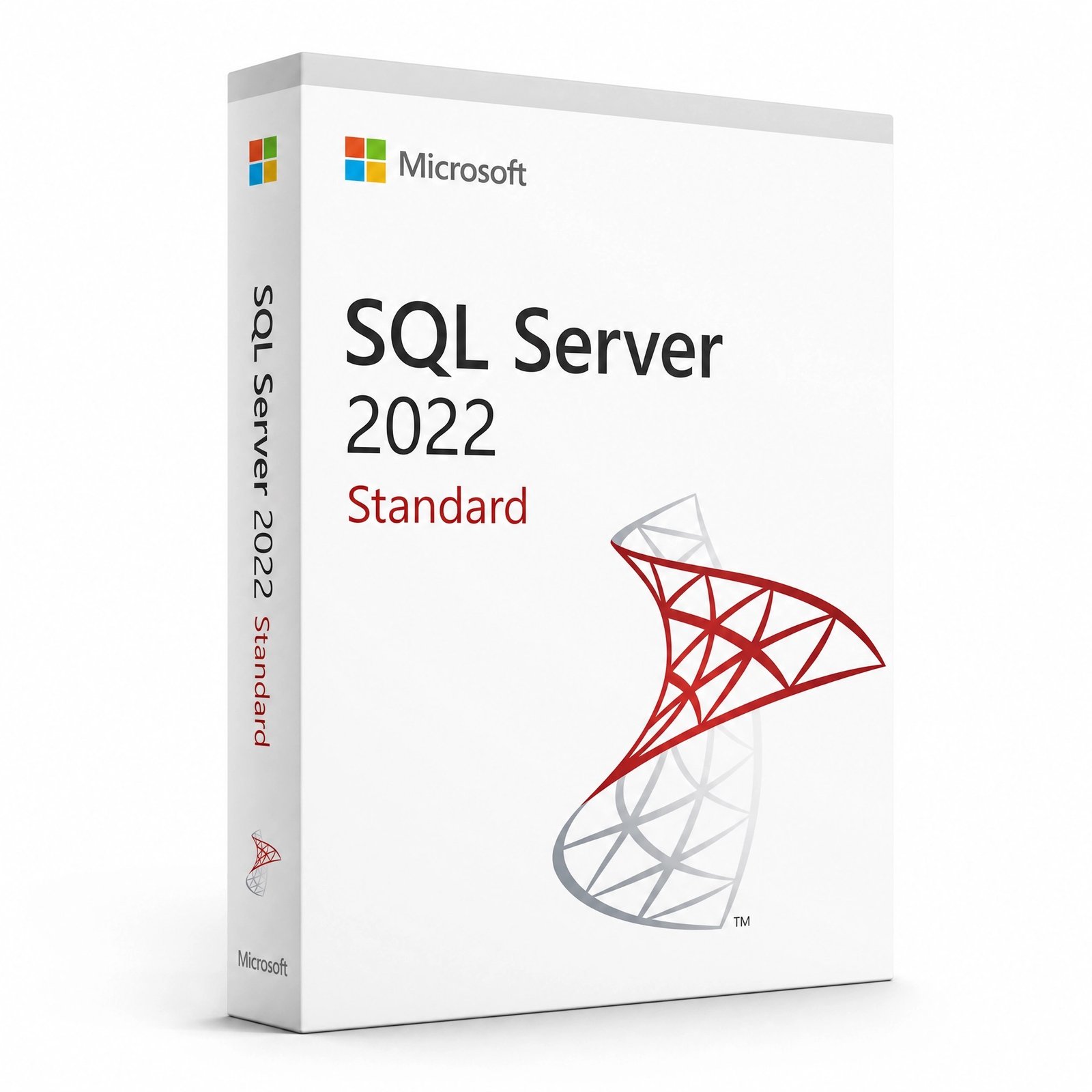
Microsoft SQL Server 2022 Standard – Product Key (Lifetime)

Original price was: $195.00.Current price is: $52.00.

-
+

Instant email delivery — your key and download link arrive within minutes.

  • Genuine SQL Server 2022 Standard key for production databases, entered during setup
  • Lifetime license: up to 24 cores and 128 GB buffer pool, per core or Server + CAL
  • Key, official download link and guide by email in minutes, with free activation help

100% secure payments with SSL encryption via Stripe

Guarantee Safe Checkout​

Activates on Microsoft’s servers

Genuine SQL Server 2022 Standard Product Key – Lifetime License

The full SQL Server 2022 database engine for departmental and mid-size workloads.

EditionMicrosoft SQL Server 2022 Standard
License termLifetime, one-time payment (no Software Assurance)
Compute limitsLesser of 4 sockets or 24 cores; 128 GB buffer pool
Licensing modelsPer core, or Server + CAL (CALs separate)
PlatformWindows Server, Windows 10/11 or Linux, 64-bit
ActivationKey entered on the Product Key page of setup
DeliveryBy email, usually within minutes

What you get

  • SQL Server 2022 Standard product key
  • Official Microsoft download link
  • Install and edition-upgrade guide
  • Free activation support

Standard features you unlock

  • Production-licensed relational database engine
  • Basic availability groups and two-node failover clusters
  • Reporting Services and Integration Services
  • Ledger tables and Microsoft Entra authentication

Buy with confidence

  • 180-day refund on unredeemed keys
  • Free replacement if a key ever stops working
  • Operated by Makers Unity LLC, a Microsoft partner
Weighing Standard against Enterprise? See the comparison in the Features tab.

SQL Server 2022 Standard: What You Are Buying

This is a genuine SQL Server 2022 Standard product key. You enter it on the Product Key page of the SQL Server 2022 setup wizard (or in Edition Upgrade on an existing installation), and setup installs or converts the instance to the licensed Standard edition. Unlike the free Express and Developer editions, Standard is licensed for production use with no 10 GB database cap, so it is the edition most small and mid-size companies run their ERP, accounting, CRM and line-of-business databases on.

The key is a one-time purchase. There is no subscription and no yearly renewal, and the edition keeps running permanently on the server you install it on. Along with the key, your order email carries the official Microsoft download link and our installation guide. Because SQL Server activates during setup rather than through an online activation server, the key also works on servers that are isolated from the internet.

In short: a SQL Server 2022 Standard product key from Kymakers is a lifetime license for the Standard edition of Microsoft’s database server. It is entered during setup or through Edition Upgrade, runs on Windows Server, Windows or Linux, supports up to 24 cores and a 128 GB buffer pool, and comes with free activation support.

What’s New in SQL Server 2022?

SQL Server 2022 is the version Microsoft calls its most Azure-enabled release so far, but most of its improvements matter just as much on a single on-premises server:

  • Ledger tables keep a cryptographically verifiable history of changes, so you can prove that financial or audit data has not been tampered with.
  • Query Store on by default for new databases, plus Query Store hints that let you fix a bad query plan without changing application code.
  • Microsoft Entra ID authentication lets users sign in to the database with their organization accounts.
  • Backup and restore to S3-compatible object storage in addition to disk, tape and Azure Blob storage.
  • New T-SQL functions such as GREATEST, LEAST, DATE_BUCKET, GENERATE_SERIES and JSON helpers that simplify everyday queries.
  • Link to Azure SQL Managed Instance for replicating a database to the cloud for reporting or disaster recovery.

Is SQL Server 2022 Standard Enough, or Do I Need Enterprise?

For most single-server workloads, Standard is enough. The decision comes down to the size of the machine and how much downtime you can tolerate. Standard uses up to 24 cores and 128 GB of buffer pool memory, which comfortably serves the databases of a typical small or mid-size business. Enterprise removes those caps and adds the high-availability and online-maintenance features that 24/7 systems depend on.

CapabilitySQL Server 2022 StandardSQL Server 2022 Enterprise
Compute per instanceLesser of 4 sockets or 24 coresOperating system maximum
Buffer pool memory128 GBOperating system maximum
High availabilityBasic availability groups (two replicas, one database each), two-node failover clustersAlways On availability groups with multiple, readable secondaries
Index maintenanceOffline index rebuildsOnline index operations
Licensing modelsPer core or Server + CALPer core only
VirtualizationLicense each VM (4-core minimum)Unlimited VMs only with all physical cores licensed plus Software Assurance

If your server has more than 24 cores, needs more than 128 GB for caching data, or must stay online while indexes are rebuilt, look at the SQL Server 2022 Enterprise key. Otherwise Standard delivers the same database engine, the same T-SQL and the same management tools for a much lower license cost.

How Much Is SQL Server 2022? Core Licenses vs Server + CAL

SQL Server Standard can be licensed in two ways, and the right one depends on how many people use the database:

  • Per core: every physical core in the server is licensed. Core licenses are sold in 2-core packs, with a minimum of 4 core licenses per physical processor, or per virtual machine when you license VMs individually. No CALs are needed, so this suits web applications and databases with many or unknown users.
  • Server + CAL: the server gets one Server license and every user or device that accesses SQL Server needs a SQL Server CAL. This is often cheaper for a small, known team. SQL Server CALs are separate licenses and are not included with this key.

You can see what this key costs at the top of this page. Before you order, count the cores in your server (or VM) and the people who will use the database, and contact us if you are unsure which licensing model your deployment needs. For virtual machines, Microsoft’s SQL Server 2022 licensing guide sets additional conditions, so check it before licensing individual VMs.

Is SQL Server Free? Express, Developer and Standard Compared

Two editions of SQL Server 2022 are free, and both have clear limits. Express may be used in production but caps each database at 10 GB and uses only a small amount of memory and compute (the lesser of 1 socket or 4 cores). Developer has every Enterprise feature but is licensed for development and testing only, never for production. Once a production database outgrows Express, or you need SQL Server Agent jobs, larger memory and proper high availability, Standard is the usual next step.

Who Should Buy SQL Server 2022 Standard?

  • Small and mid-size businesses running ERP, accounting, inventory or CRM software that requires a full SQL Server edition.
  • Software vendors and integrators deploying an application database at a customer site.
  • Teams outgrowing Express whose databases are approaching the 10 GB limit or need scheduled Agent jobs.
  • Departments that want their own reporting database with Reporting Services and Integration Services.
  • Organizations on SQL Server 2016 or 2017 that need a supported version before their old instance runs out of security updates.

Can SQL Server 2022 Run on Windows Server 2019 or 2022?

Yes. SQL Server 2022 is supported on Windows Server 2016 and newer, including 2019, 2022 and 2025, as well as Windows 10 and Windows 11 for smaller or test installations. It also runs on supported Linux distributions and in containers.

ComponentMinimumRecommended for production
Operating systemWindows Server 2016, Windows 10 (1607) or later; supported LinuxWindows Server 2022 or 2025
Processorx64, 1.4 GHz2.0 GHz or faster, 4+ cores
Memory1 GB4 GB or more, sized to your data
Disk space6 GB for setupSeparate SSD volumes for data, logs and tempdb
Framework.NET Framework 4.7.2 (Windows)Same

Need the server operating system as well? A Windows Server 2025 Standard 16 Core license covers a typical database host, and Windows Server 2022 Standard remains a solid choice for existing environments.

What “Lifetime” Means and SQL Server 2022 Support Dates

The license is perpetual for SQL Server 2022 Standard: you pay once and the instance stays licensed for as long as you run it, including every cumulative update Microsoft releases for SQL Server 2022. It does not include Software Assurance, so upgrades to a future SQL Server version, license mobility and the SA virtualization rights are not part of this purchase. Microsoft provides mainstream support for SQL Server 2022 until January 11, 2028 and extended security support until January 11, 2033, which gives a new deployment many years of updates.

Is It Safe to Buy a SQL Server Key Online?

Yes, provided the seller is accountable. Kymakers belongs to Makers Unity LLC, a Microsoft partner, and every SQL Server key comes with a 180-day refund if it has not been redeemed, a free replacement if it ever stops working through no fault of yours, and help from our team if setup does not accept it. Our buyer’s checklist, is it safe to buy cheap Microsoft license keys?, works for any store.

SQL Server 2022 Standard License Details

ProductMicrosoft SQL Server 2022 Standard product key
LicenseLifetime, one-time purchase; Software Assurance not included
Edition limitsLesser of 4 sockets or 24 cores; 128 GB buffer pool memory
LicensingPer core or Server + CAL; SQL Server CALs sold separately
PlatformsWindows Server 2016 or later, Windows 10/11, supported Linux
ActivationProduct Key page in setup, or Edition Upgrade in SQL Server Installation Center
DeliveryEmailed within minutes in most cases: key, Microsoft download link, setup guide
SupportActivation help at no charge; refund within 180 days if unredeemed

Compare both editions in our SQL Server category, browse Windows Server licenses for the host, or see what happens after you order.

Still deciding? Our guide covers SQL Server 2022 licensing explained.

How to Download, Install and Activate SQL Server 2022 Standard

Everything arrives in one email: the SQL Server 2022 Standard key, Microsoft’s official download link and our guide. Follow the scenario below that fits your server.

A. New installation (about 30 minutes)

  1. Run the SQL Server 2022 installer from the link in your email (also on Microsoft’s SQL Server downloads page), choose Download Media and save the ISO.
  2. Mount the ISO and run setup.exe. The SQL Server Installation Center opens.
  3. Select Installation › New SQL Server stand-alone installation.
  4. On the Product Key page choose Enter the product key, paste your Standard key and click Next. Setup now installs the Standard edition.
  5. Accept the license terms, select Database Engine Services and any other features, set the instance name, service accounts, authentication mode and administrators, then click Install.
  6. Install SQL Server Management Studio, a free separate download, to manage the server.

B. Convert an Evaluation or Developer instance to Standard

  1. Run setup.exe from SQL Server 2022 media on the server that hosts the instance.
  2. In the Installation Center open Maintenance › Edition Upgrade.
  3. Enter your Standard key, accept the terms, select the instance and click Upgrade. Databases and settings stay in place; first confirm they do not rely on features or limits beyond Standard.

C. Upgrade from SQL Server 2019, 2017 or 2016

  1. Take full backups of every database and note the current edition and instance name.
  2. Run setup.exe and choose Installation › Upgrade from a previous version of SQL Server.
  3. Enter the 2022 Standard key, select the instance to upgrade and follow the wizard to the end.

Troubleshooting

If setup says the key is invalid, make sure you are running SQL Server 2022 media, not 2019 or a newer release, and that the key was pasted without spaces. A Standard key cannot activate Enterprise, and an Edition Upgrade from Evaluation or Developer can fail if a database uses Enterprise-only features. If setup still refuses the key, answer the delivery email and a support agent will work through it with you.

Activation help for every product: Microsoft product key activation hub →
Preparing a new database host? See How to Download, Install & Activate Windows Server 2025 Standard.
Before you buy
When will I get my SQL Server 2022 Standard key?
In most cases a few minutes after payment, by email, around the clock. That email bundles the key, Microsoft’s download link and our installation guide; if nothing shows up, check your junk mail before contacting us.
Is this key genuine and licensed for production use?
Yes. You receive a genuine Microsoft product key for SQL Server 2022 Standard, which is a production edition, and we replace it free if it ever stops working through no fault of yours.
Is SQL Server 2022 Standard enough, or do I need Enterprise?
Standard suits most single-server databases up to 24 cores and 128 GB of buffer pool. Choose SQL Server 2022 Enterprise for bigger hardware, multiple readable secondaries or online index operations.
Is SQL Server 2022 Standard sold as a subscription here?
No. You buy SQL Server 2022 Standard once and never renew. Software Assurance and upgrades to future SQL Server versions are not part of it.
Do I need CALs or core licenses?
Standard can be licensed per core (2-core packs, minimum 4 per processor or VM) or as Server + CAL, where each user or device needs a SQL Server CAL. CALs are not included, so ask us if you are unsure which model fits.
How much is SQL Server 2022 Standard?
Our current price is shown at the top of this page and includes delivery, the download link and activation support. Your total license need depends on your cores or user count.
Is SQL Server free?
Express is free for small production databases up to 10 GB each, and Developer is free for development and testing only. Production databases beyond those limits need a licensed edition such as Standard.
Install, activation & troubleshooting
Can SQL Server 2022 run on Windows Server 2019 or 2022?
Yes. It is supported on Windows Server 2016 and later, including 2019, 2022 and 2025, and on Windows 10/11 and supported Linux distributions.
How do I install SQL Server 2022 Standard edition?
Run setup.exe, choose New SQL Server stand-alone installation and enter the key on the Product Key page. Every click is listed in the How to Download tab.
Can I restore databases from SQL Server 2019, 2017 or 2016?
Yes. Backups from those versions restore directly onto SQL Server 2022, and the databases keep their compatibility level until you raise it.
Are SSMS and Reporting Services included?
SQL Server Management Studio is a free separate download from Microsoft. Reporting Services 2022 is also a separate download, licensed with your SQL Server Standard key for a server licensed for SQL Server.
Can I run SQL Server 2022 Standard in a virtual machine?
Yes, on Hyper-V, VMware or a cloud VM. Per-core licensing of a VM needs at least 4 core licenses, and Microsoft’s licensing guide sets further conditions for virtual machines.
Does activation need an internet connection?
No. The key is validated by setup itself, so SQL Server 2022 Standard installs and activates on servers with no internet access.
What if setup rejects my key?
Check that you are using SQL Server 2022 media and that no spaces were copied with the key. If the problem continues, email us back from your order and we will get it working or exchange the key under our refund and replacement policy.
Add a review
Currently, we are not accepting new reviews
4.7
Based on 15 reviews
5
73
73%
4
27
27%
3
0%
2
0%
1
0%
1-5 of 15 reviews
  1. ZF
    Worked perfectly, very happy

    The download link and key showed up in my email really fast. The key worked on the first attempt. Really pleased. Would buy from kymakers again.

  2. VK
    Excellent value and service

    Received the code pretty quickly after the payment went through. Does exactly what it says on the tin. Recommended.

  3. ZK
    Legit key, activated without problems

    Key arrived fast, much quicker than I expected. Runs smoothly with no compatibility problems.

  4. EW
    Exactly as described

    Very happy with how this went. Installation and activation took maybe 10 minutes total.

  5. OR
    Highly recommended

    Key was delivered super fast, maybe 5 minutes after checkout. No issues so far after a few weeks of use. Happy to recommend this to friends.

⚡ Instant Email Delivery — KEY IN MINUTES
Microsoft SQL Server 2022 Standard – Product Key (Lifetime)

Original price was: $195.00.Current price is: $52.00.

One-Time Payment · No Subscription​

-
+

Related products

Original price was: $195.00.Current price is: $52.00.





