$33.00 Original price was: $33.00.$14.49Current price is: $14.49.
Instant email delivery — your key and download link arrive within minutes.
100% secure payments with SSL encryption via Stripe

Activates on Microsoft’s servers

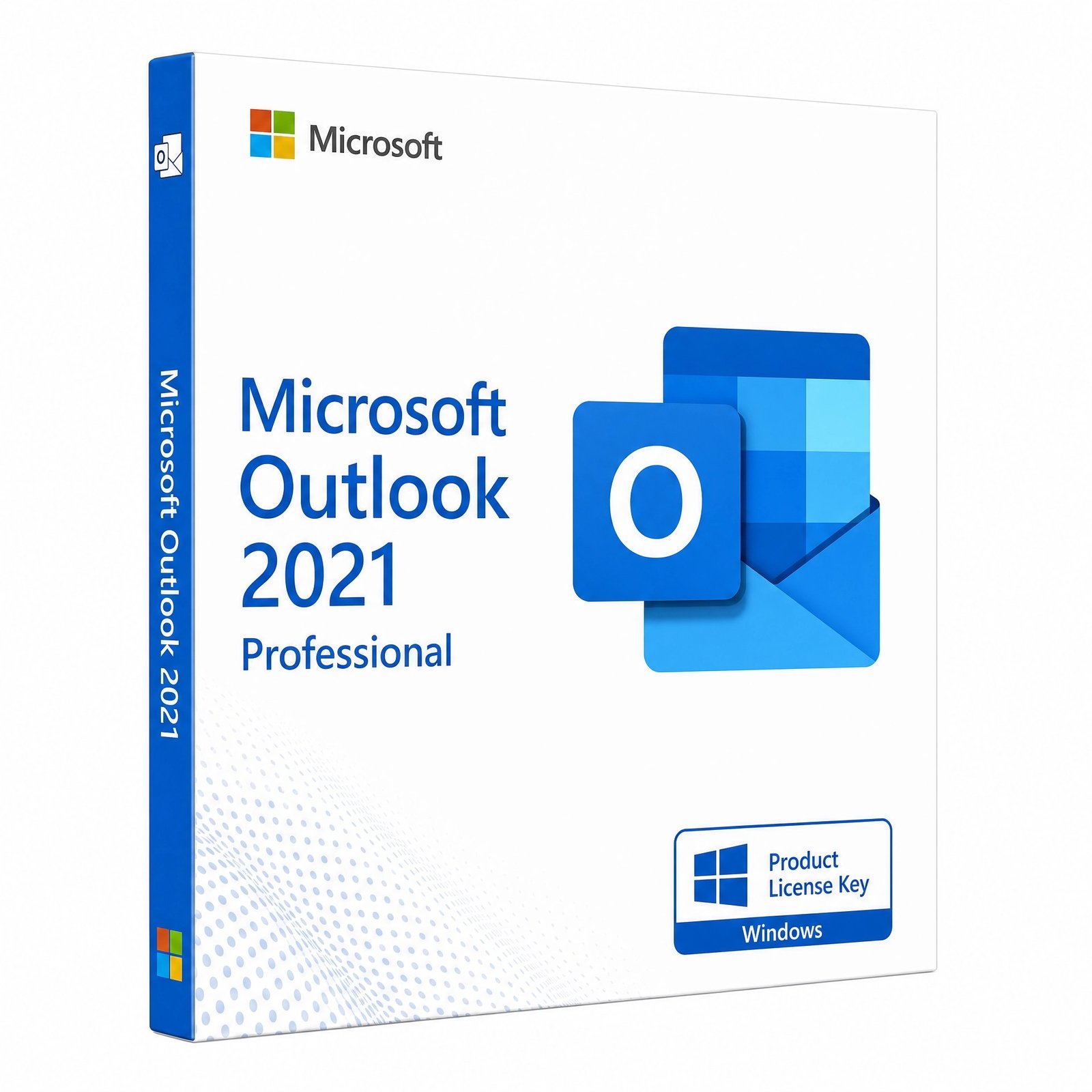
Classic desktop Outlook for Windows without a subscription. Microsoft support stops October 13, 2026.
| Edition | Microsoft Outlook 2021 (standalone classic desktop app) |
| License term | Lifetime, single payment |
| Devices | 1 Windows PC |
| Works with | Outlook.com, Gmail, Yahoo, iCloud, IMAP/POP and Exchange |
| Microsoft support | Ends Oct 13, 2026 (Outlook 2024 suites: 2029) |
| Activation | setup.office.com, or File › Office Account in Outlook |
| Delivery | Email, usually within minutes |
This page offers one genuine Outlook 2021 product key that activates Microsoft’s classic desktop email, calendar and contacts app on one Windows PC. It is standalone Outlook, sold without Word or Excel, under a one-time perpetual license instead of a subscription. The key, the official Microsoft download link and a setup guide arrive by email.
Please read this before ordering: Microsoft support for Outlook 2021 ends on October 13, 2026. Outlook will still send and receive mail after that date, but it will no longer get security updates, and an email client is the app most exposed to malicious attachments and links. If you need Outlook for years to come, the safer choice is an Office 2024 suite that includes Outlook, supported until October 9, 2029.
Outlook brings email, calendar, contacts and tasks together in one desktop window. These are the most common reasons people still buy the classic app:
Basic Outlook is. Outlook.com in a browser and the new Outlook for Windows app cost nothing for personal email. The classic desktop Outlook, which is what this key activates, is a paid program. People choose it for capabilities the free versions handle differently or not at all, such as COM add-ins, full PST archive management and extensive offline work. If the free new Outlook already covers what you do, you do not need to buy anything.
Yes. This standalone Outlook 2021 key is exactly that: Outlook alone, without the rest of the suite. Kymakers does not sell a standalone Outlook 2024, so if you want Outlook with Microsoft support beyond 2026, pick a suite that includes it. The table shows your choices:
| Product | Outlook version | Other apps included | Microsoft support until |
|---|---|---|---|
| Outlook 2021 (this key) | Outlook 2021 | None | Oct 13, 2026 |
| Office 2024 Home & Business | Outlook 2024 | Word, Excel, PowerPoint | Oct 9, 2029 |
| Office 2024 Standard | Outlook 2024 | Word, Excel, PowerPoint, OneNote | Oct 9, 2029 |
| Office 2024 Professional Plus | Outlook 2024 | Word, Excel, PowerPoint, OneNote, Access | Oct 9, 2029 |
| Office 2021 Professional Plus | Outlook 2021 | Word, Excel, PowerPoint, Access, Publisher | Oct 13, 2026 |
For most small businesses, Office 2024 Home & Business is the natural replacement: it covers Outlook plus the three core apps, allows commercial use and installs on either a PC or a Mac.
Outlook 2021 introduced these improvements over Outlook 2019:
Outlook 2024 goes further with improved search, an option to shorten meetings automatically so attendees get a break, and a refreshed theme. Those arrive with the Office 2024 suites listed above. None of these changes affect how your existing mail, rules or PST files work, so moving up from Outlook 2021 later is straightforward.
Yes. Outlook 2021 signs in to Gmail through Google’s own login window, so you do not have to weaken your account security, and it sets up Outlook.com, Hotmail and Microsoft 365 mailboxes automatically. Yahoo, iCloud and most hosting companies work over IMAP, often with an app password created in the provider’s security settings. Each account gets its own folder tree in the left pane, and the calendar can show several calendars side by side or overlaid. POP remains available for providers that only offer it, downloading mail into a local data file on your PC.
| Capability | Outlook 2021 (classic) | New Outlook for Windows |
|---|---|---|
| Price | One-time license | Free with Windows |
| COM add-ins | ✔ | Web add-ins only |
| PST archive files | Full support | Limited |
| Offline work | Full, with cached mailboxes | More limited |
| POP and IMAP accounts | ✔ | ✔ |
| Security updates | Until Oct 13, 2026 | Ongoing |
Microsoft is steadily moving home users to the new Outlook, while the classic app remains the choice for people who depend on add-ins, archives or heavy offline use. Pick the one that matches how you actually work.
Everyone else, and especially anyone handling customer or financial email, should choose an Outlook 2024 suite for its longer security coverage. Our Office 2021 end-of-support article explains the risks in more detail.
| Component | Minimum |
|---|---|
| Operating system | Windows 11 or Windows 10 |
| Processor | 1.6 GHz, 2 cores |
| RAM | 4 GB for 64-bit Outlook, 2 GB for 32-bit |
| Disk | 4 GB free, plus room for your mailbox data |
| Display | 1280 × 768 |
| Connection | Internet for setup, activation and mail |
Outlook 2021 is a Windows application, and Mac users can get Outlook as part of Office 2024 Home & Business instead. Mailboxes grow quickly, so an SSD with plenty of free space keeps search and archiving fast.
Your Outlook 2021 license is perpetual: one payment, no renewals, and an activation that does not expire. After October 13, 2026 the app continues to work with standard IMAP, POP and Exchange accounts, but Microsoft no longer fixes newly found vulnerabilities, and Microsoft 365 services may stop accepting connections from unsupported versions over time. The license does not upgrade to Outlook 2024 either. See Office 2021 vs Office 2024 for what you gain by moving up.
Microsoft 365 includes a continuously updated Outlook alongside Word, Excel, PowerPoint and cloud storage, for a recurring fee. Outlook 2021 is paid once, at the price at the top of this page, and adds nothing else. If you only need a desktop mail client for a known, limited period, the one-time license can be the economical option; for ongoing business email, a supported version is worth the extra. Our comparison of one-time purchase vs Microsoft 365 walks through the costs.
Kymakers is the store of Makers Unity LLC, a Microsoft partner. Your purchase is protected by a 180-day refund window for unredeemed keys, a free replacement if the key stops working through no fault of yours, and free activation support whenever you reply to the delivery email. Our buyer checklist, is it safe to buy cheap Microsoft license keys?, applies to any store you consider.
| Product | Microsoft Outlook 2021 product key (standalone) |
| License | Perpetual single-PC license, paid once |
| Operating system | Windows 11 or Windows 10 |
| Download | setup.office.com, or the direct link from your email |
| Activation | Online with Microsoft |
| Microsoft support | Ends October 13, 2026 |
| Delivery | Email with link and guide, usually within minutes |
More email and calendar options are in our Microsoft Outlook category, and you can read how ordering at Kymakers works.
Still deciding? Our guide covers buying Word or Excel without Office.
One email brings your Outlook 2021 key, the official download link and our guide. Installation follows the same method as our Office 2021 Professional Plus guide, after which you add your email account.
If installation stops with a conflict, an older Office release is still present; follow our SetupProd_OffScrub cleanup guide and try again. Messages that mention Click-to-Run are explained in our Click-to-Run article. If Outlook keeps asking for a password, check that your email provider allows IMAP access or needs an app password. For activation errors, reply to your order email and our team will help.
 Microsoft Outlook 2021 Product Key – Lifetime License | 1 PC
Sorry, no reviews match your current selections
$33.00 Original price was: $33.00.$14.49Current price is: $14.49.
One-Time Payment · No Subscription
$33.00 Original price was: $33.00.$14.49Current price is: $14.49.





Bought this for my home office and it’s been rock solid. It ran smoothly alongside everything else I already had installed. Highly recommend to anyone looking for the same thing.
Honestly one of the easier tech purchases I’ve made. On top of that, the instructions that came with it were clear and easy to follow, and the order page was clear about what I was buying, no surprises at checkout. Would definitely buy from here again.
I’ll keep this short, it just worked. On top of that, this was way cheaper than I expected and still fully legit, and the activation guide made the whole thing painless. Ending on a high note, this was worth every penny.
Really glad I decided to go with this. Getting it installed was about as simple as it gets. The instructions that came with it were clear and easy to follow. This is going to be my go-to from now on.
No complaints at all here. Ordered through Kymakers on a recommendation and it paid off. The setup process was straightforward from start to finish. This won me over as a repeat customer.