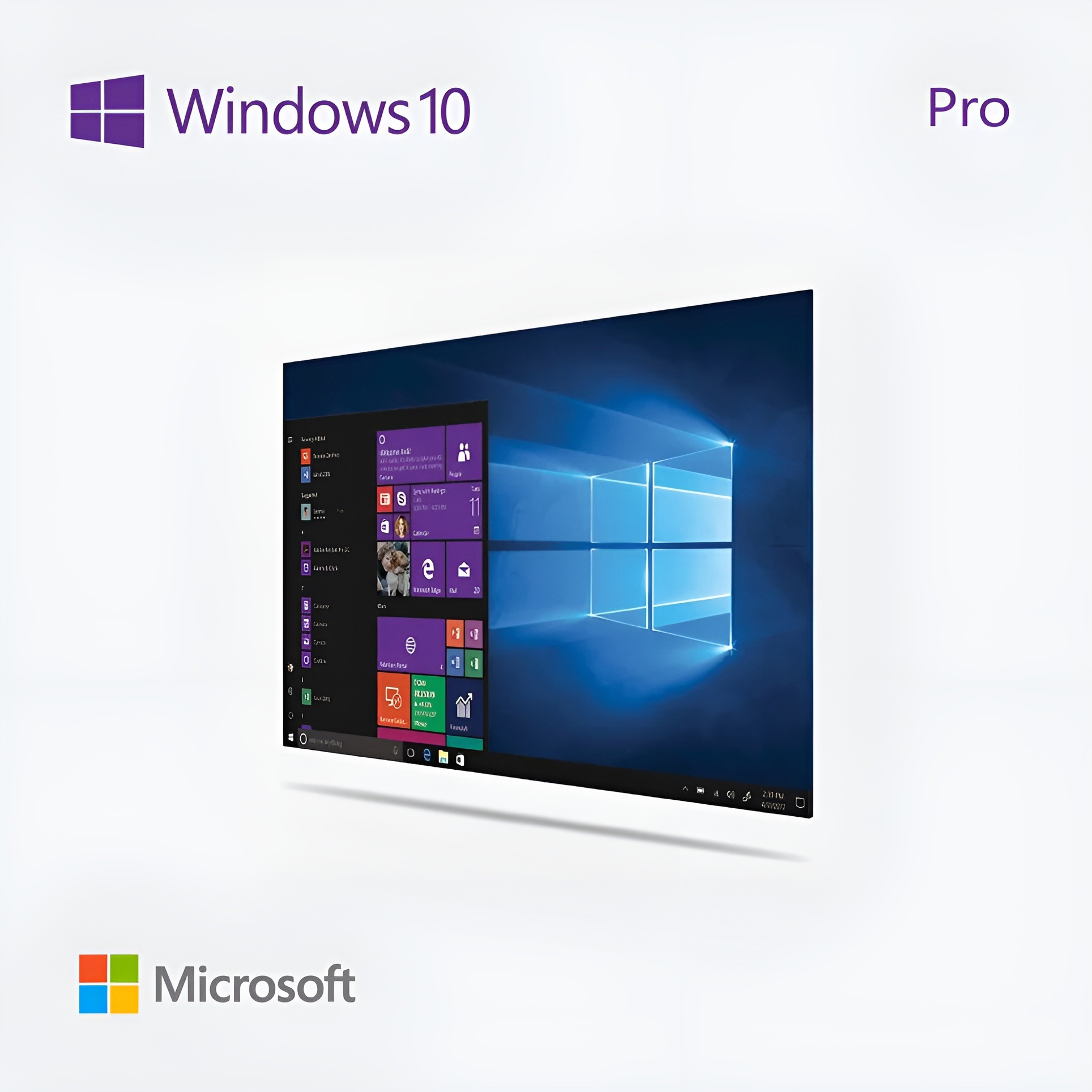
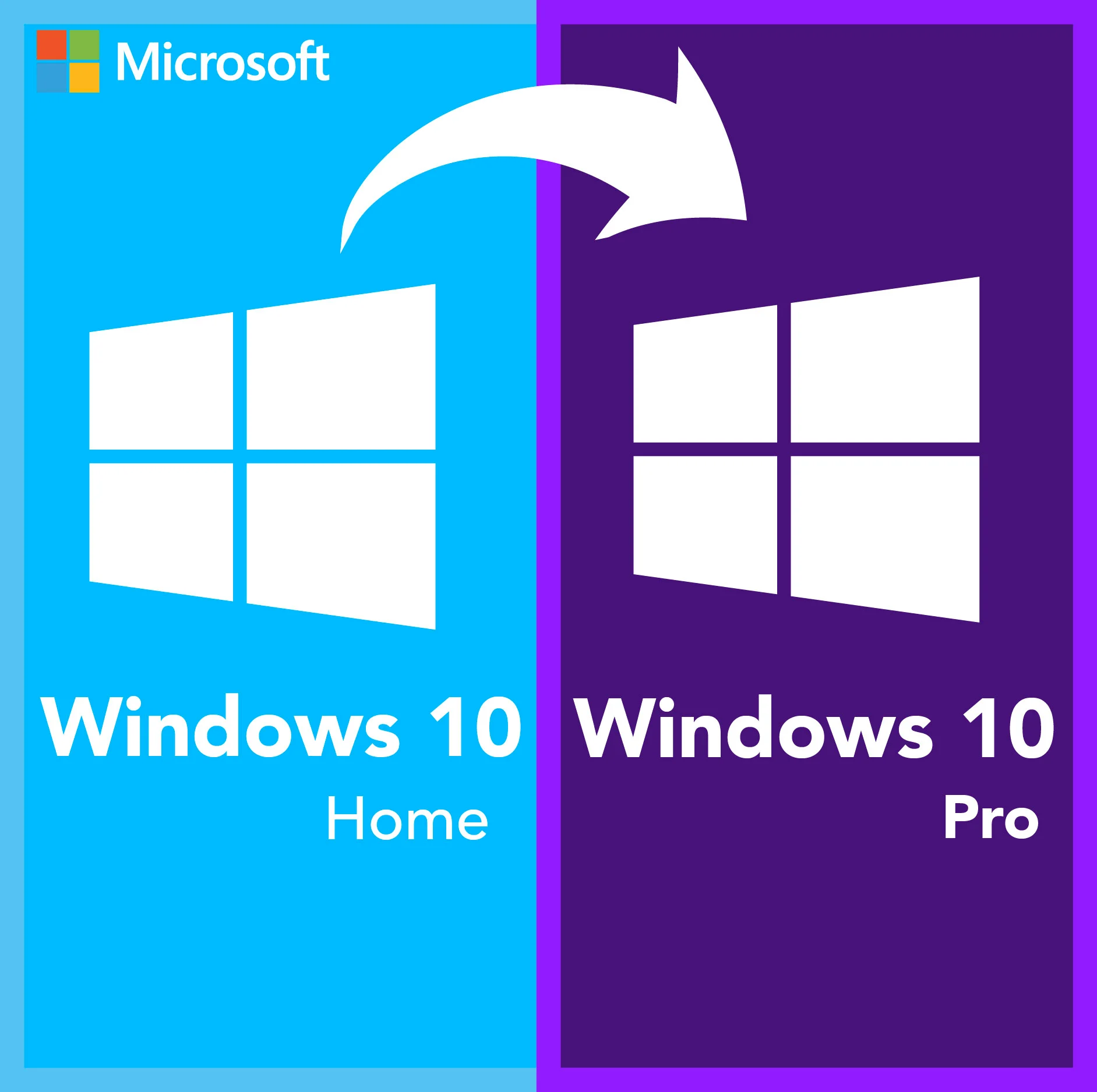
Microsoft Windows 10 Home to Pro Upgrade Key – Lifetime License 1 PC No Reinstall

Original price was: $38.50.Current price is: $11.95.

Upgrade Windows 10 Home to Windows 10 Pro instantly with a genuine upgrade product key. Unlock professional features your Home edition is missing — BitLocker device encryption, Remote Desktop, Hyper-V virtualization, Windows Sandbox, and Group Policy management. No reinstall required: your files, apps, and settings stay exactly where they are. The upgrade applies directly to your existing Windows 10 Home installation. Your license key and official Microsoft download link are delivered by email within seconds of purchase. Activate online in minutes — no technical skills required. Sold by Makers Unity LLC. Genuine Microsoft license activated directly on Microsoft servers. One-time purchase, no subscription or recurring fees. Backed by our money-back guarantee and friendly customer support.

This is an upgrade key only. It upgrades an existing Windows 10 Home installation to Pro — files, apps, and settings are fully preserved. You must already have Windows 10 Home installed and activated. For a full Windows 10 Pro clean-install license, see our Windows 10 Pro full license.

Pro Features You Unlock

BitLocker Encryption Encrypt your drives and protect data from theft
Remote Desktop Access your PC from anywhere, on any device
Hyper-V Run virtual machines directly on your PC
Windows Sandbox Test apps in an isolated environment safely
Group Policy Full control over users, devices, and security settings
Domain & Azure AD Join Connect to corporate networks and Microsoft infrastructure

Windows 10 Home vs Pro — What Changes

Feature Home Pro (After Upgrade)
BitLocker Drive Encryption No Yes
Remote Desktop No Yes
Hyper-V (Virtual Machines) No Yes
Windows Sandbox No Yes
Group Policy Management No Yes
Domain & Azure AD Join No Yes
Windows Update for Business No Yes
Files & programs preserved Yes — in-place upgrade

License Details

Key Type Upgrade key — Windows 10 Home to Pro only
Delivery License key by email within seconds of purchase
License Type Lifetime — one-time purchase, no subscription
Architecture 32-bit and 64-bit compatible
Requirement Must have Windows 10 Home already installed and activated
Devices 1 PC — single device upgrade
Language Globally valid — any language version of Windows 10
Guarantee 180-day money-back — working key or full refund

How to Upgrade

1
Check your email Your upgrade key arrives in your inbox within seconds of purchase.
2
Open Windows Settings Go to Settings → Update & Security → Activation → Change product key.
3
Enter your upgrade key Type your 25-character key and click Next. Windows upgrades to Pro instantly online. No reinstall, no data loss. A quick restart completes the upgrade.

Ideal For

Business Professionals Who need BitLocker, Remote Desktop, and Group Policy
IT Administrators Managing devices on a business network with Domain Join
Developers Using Hyper-V or Windows Sandbox for testing
Home Users on Win 10 Home Who want Pro features without buying a new license

Our Guarantee

Genuine Key
Activates on Microsoft servers
Instant Delivery
Key in your inbox in seconds
180-Day Refund
Working key or full refund
Global License
Any country, any language

Frequently Asked Questions

Will I lose my files or programs after upgrading?
No. This is an in-place upgrade — your files, installed applications, and personal settings are completely preserved. The upgrade only changes your Windows edition from Home to Pro.
What do I need before purchasing?
You must already have Windows 10 Home installed and activated on your PC. This key upgrades Home to Pro — it does not work as a standalone installation key for a clean install.
Does this work on Windows 10 N, S, or Education editions?
This key is specifically for upgrading Windows 10 Home to Windows 10 Pro. It is not compatible with Windows 10 N, S Mode, Education, or Enterprise editions.
Is this a lifetime license?
Yes. Once activated, your Windows 10 Pro license is permanent — no renewal fees, no subscription required.
Should I upgrade to Windows 10 Pro or move to Windows 11?
If your PC meets Windows 11 requirements (TPM 2.0, 64-bit CPU), upgrading to Windows 11 Pro gives you a more modern OS with longer support. See our Windows 11 Home to Pro upgrade key. If your PC does not meet Windows 11 requirements .
What if the key does not work?
Contact us at Support@kymakers.com. We replace your key or issue a full refund within 24 hours — guaranteed.

Buy Upgrade from Windows 10 Home to Windows 10 Professional – Upgrade Key

Enhance your computing experience by upgrading from Windows 10 Home to Windows 10 Professional. The upgrade key allows you to unlock advanced features designed for business professionals, providing better security, enhanced productivity, and superior performance.

Key Features

  • BitLocker: Secure your data with BitLocker encryption, which provides an extra layer of security to keep your information safe from unauthorized access.
  • Remote Desktop: Access your PC from anywhere with Remote Desktop, enabling you to connect to your device and work from virtually anywhere.
  • Group Policy Management: Gain greater control over your PC with Group Policy Management, allowing you to manage and configure multiple users and computers within your network easily.
  • Hyper-V: Run virtual machines on your Windows 10 Professional PC with Hyper-V, enabling you to run multiple operating systems simultaneously.
  • Enterprise Mode Internet Explorer: Improve compatibility with web applications using Enterprise Mode Internet Explorer, designed for legacy applications.
  • Assigned Access: Restrict user access to specific applications, ensuring a controlled and secure environment for kiosk setups or shared PCs.
  • Windows Update for Business: Stay up to date with the latest security features and improvements with Windows Update for Business, designed to provide better control over update deployments.
  • Domain Join: Connect your device to a corporate or school network with Domain Join, making it easier to manage devices within an organization.

Benefits

  • Enhanced Security: Protect your data and devices with advanced security features like BitLocker, ensuring that your information remains secure.
  • Increased Productivity: Utilize powerful tools like Remote Desktop and Hyper-V to enhance productivity and manage tasks more efficiently.
  • Better Device Management: Use Group Policy Management and Domain Join to streamline the management of multiple devices within your organization.
  • Improved Compatibility: Use Enterprise Mode Internet Explorer for better compatibility with older web applications, ensuring seamless functionality.
  • Controlled Environment: Implement Assigned Access to restrict user access to specific applications, providing a secure and focused environment.

Ideal For

The upgrade from Windows 10 Home to Windows 10 Professional is ideal for business professionals, IT administrators, and power users who need advanced features, enhanced security, and better device management. Whether you’re working remotely, managing a network, or running virtual machines, Windows 10 Professional provides the tools and features necessary to boost productivity and ensure a secure computing environment.

 

Your Cart (0)
Empty Cart Your Cart is Empty!

It looks like you haven't added any items to your cart yet.

Browse Products
Subtotal
Shipping & taxes calculated at checkout.
$0.00
Checkout Now