How to Download, Install & Activate Your Microsoft License
Bought a genuine license from Kymakers? Follow our simple step-by-step guides to download your software, install it on your PC, and activate it with your product key in minutes.
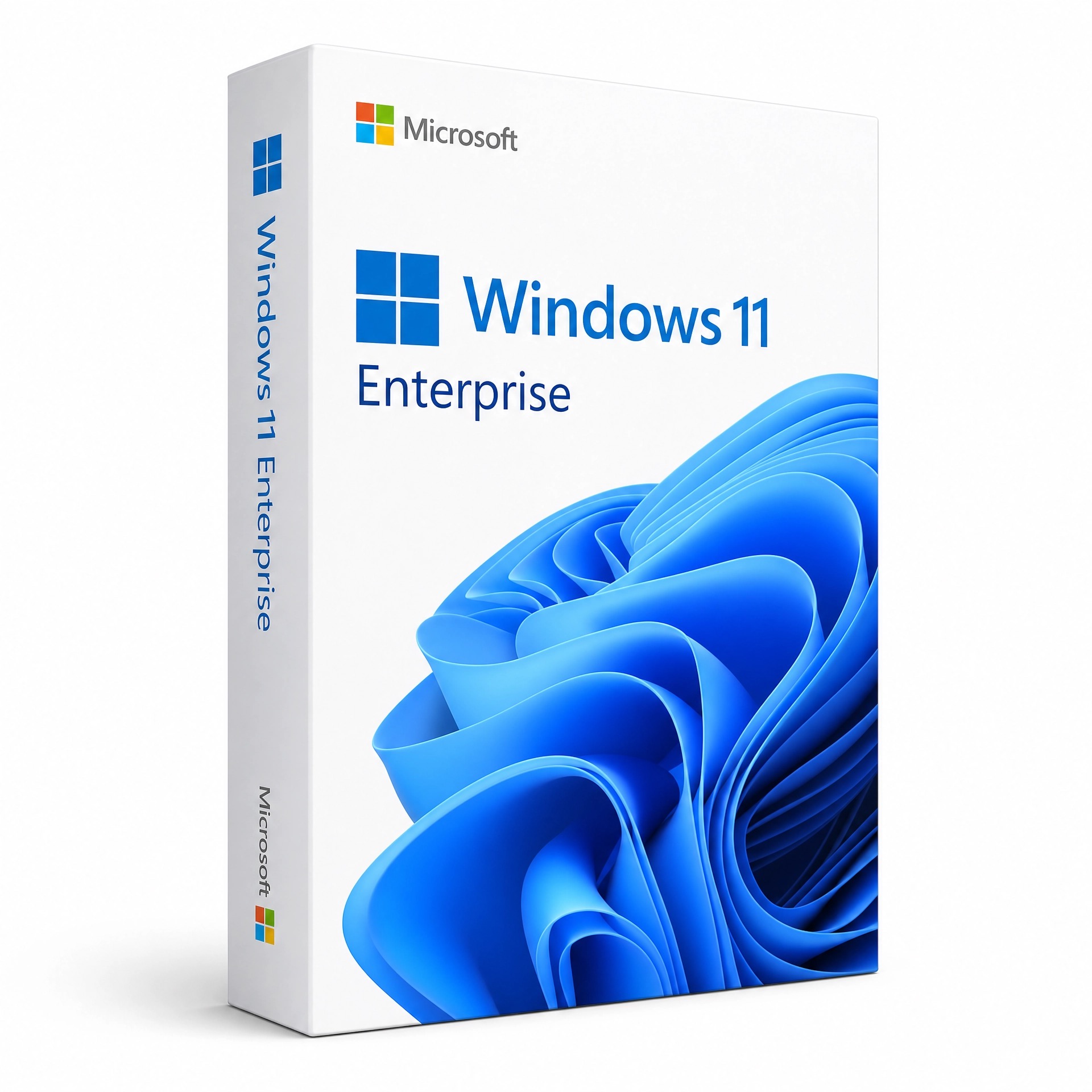
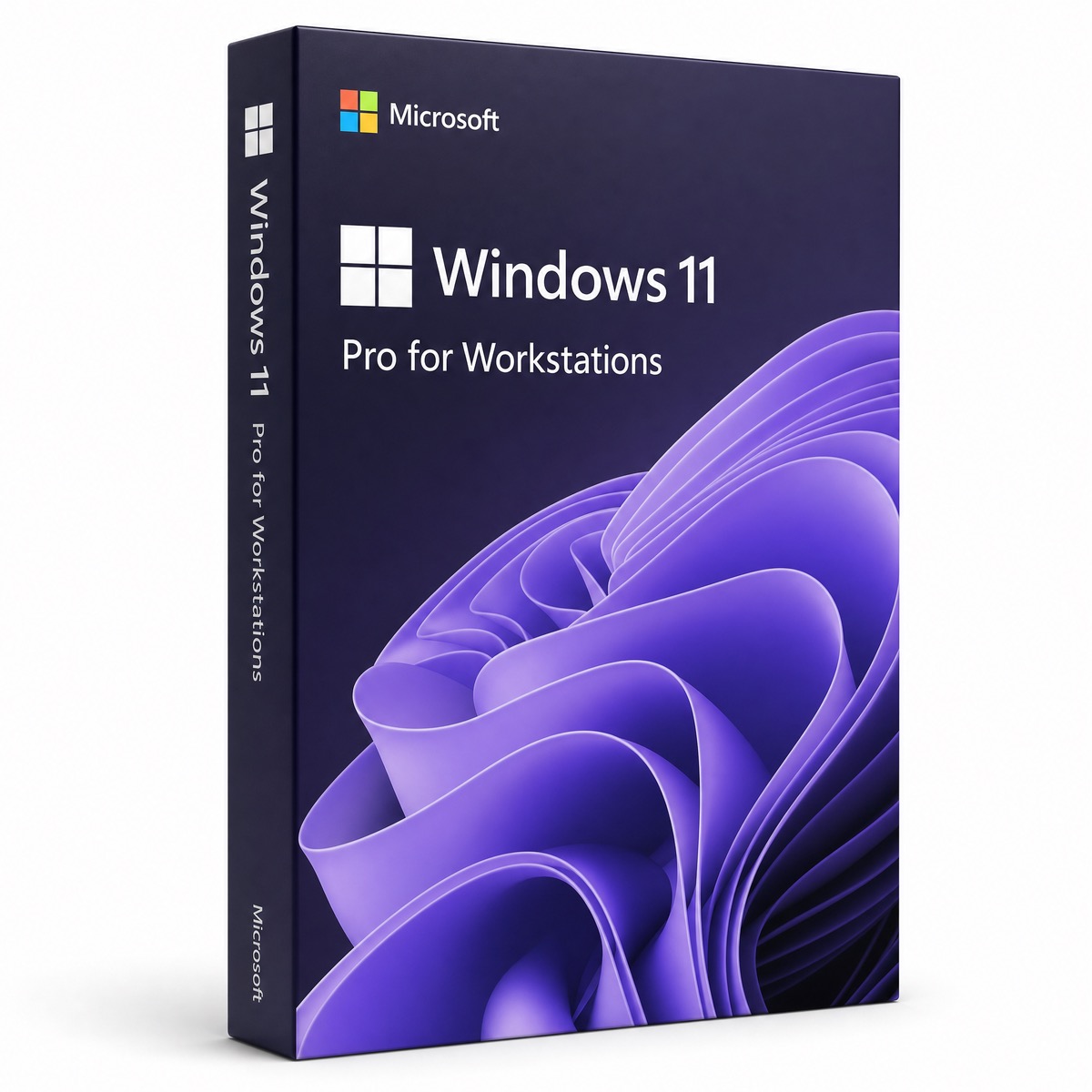
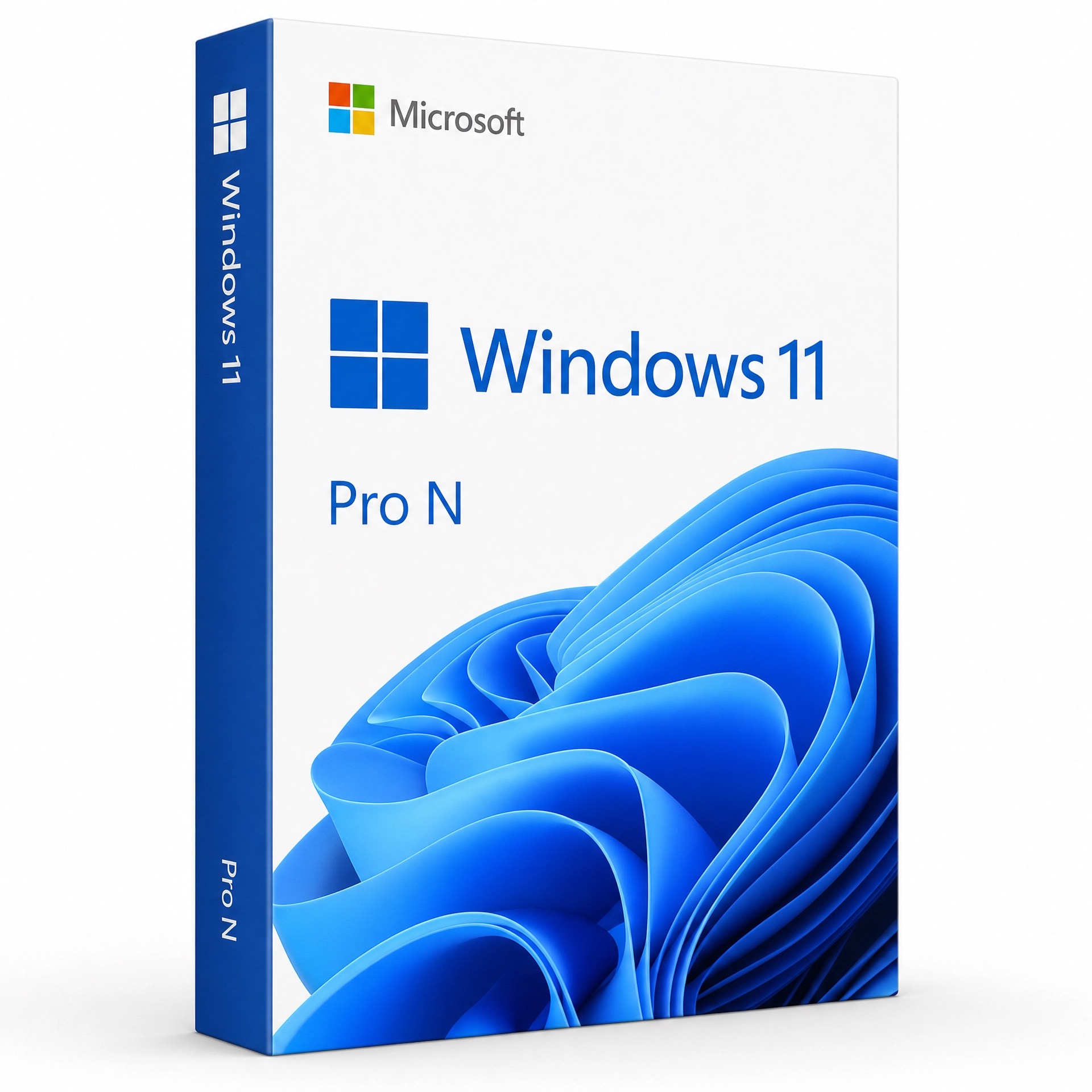
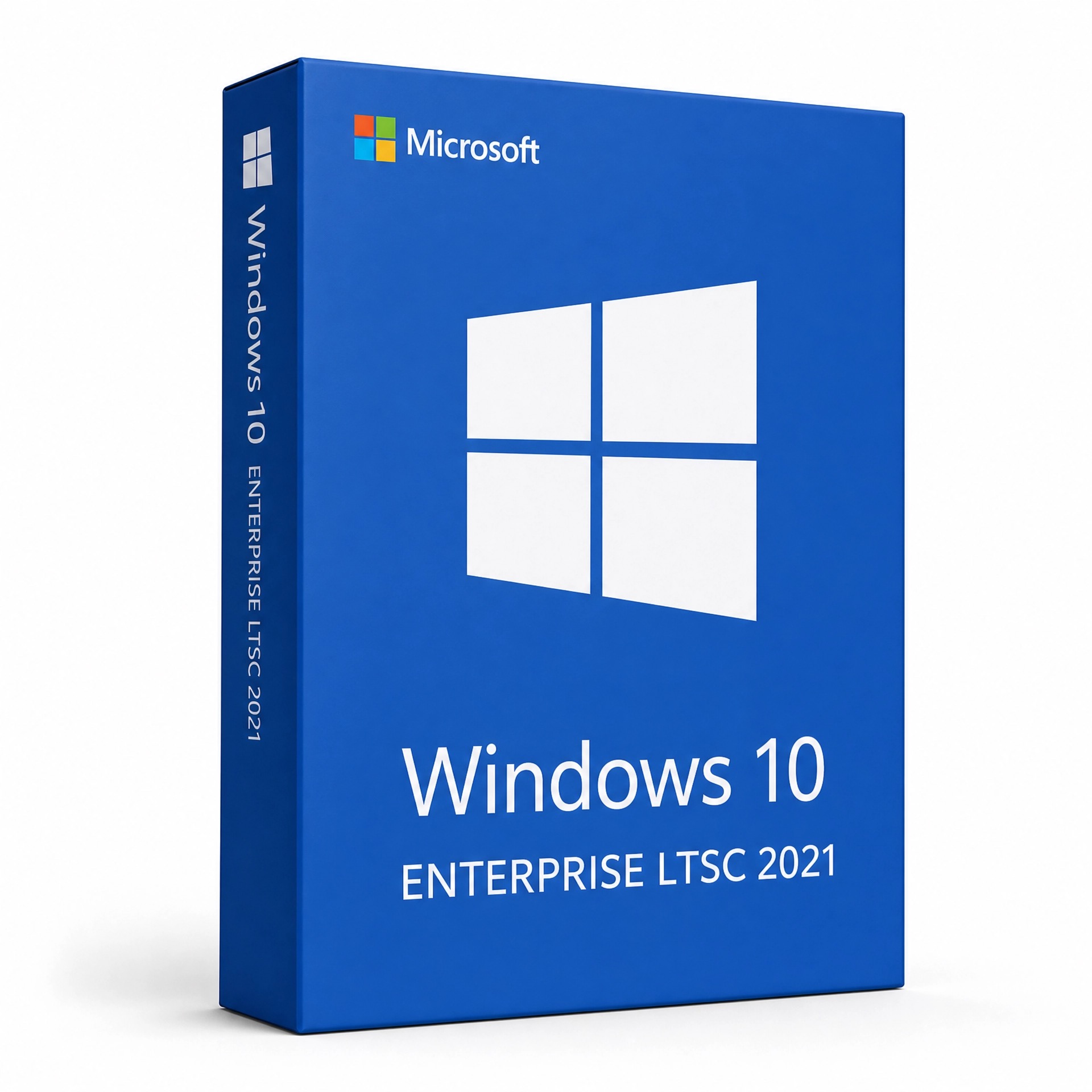
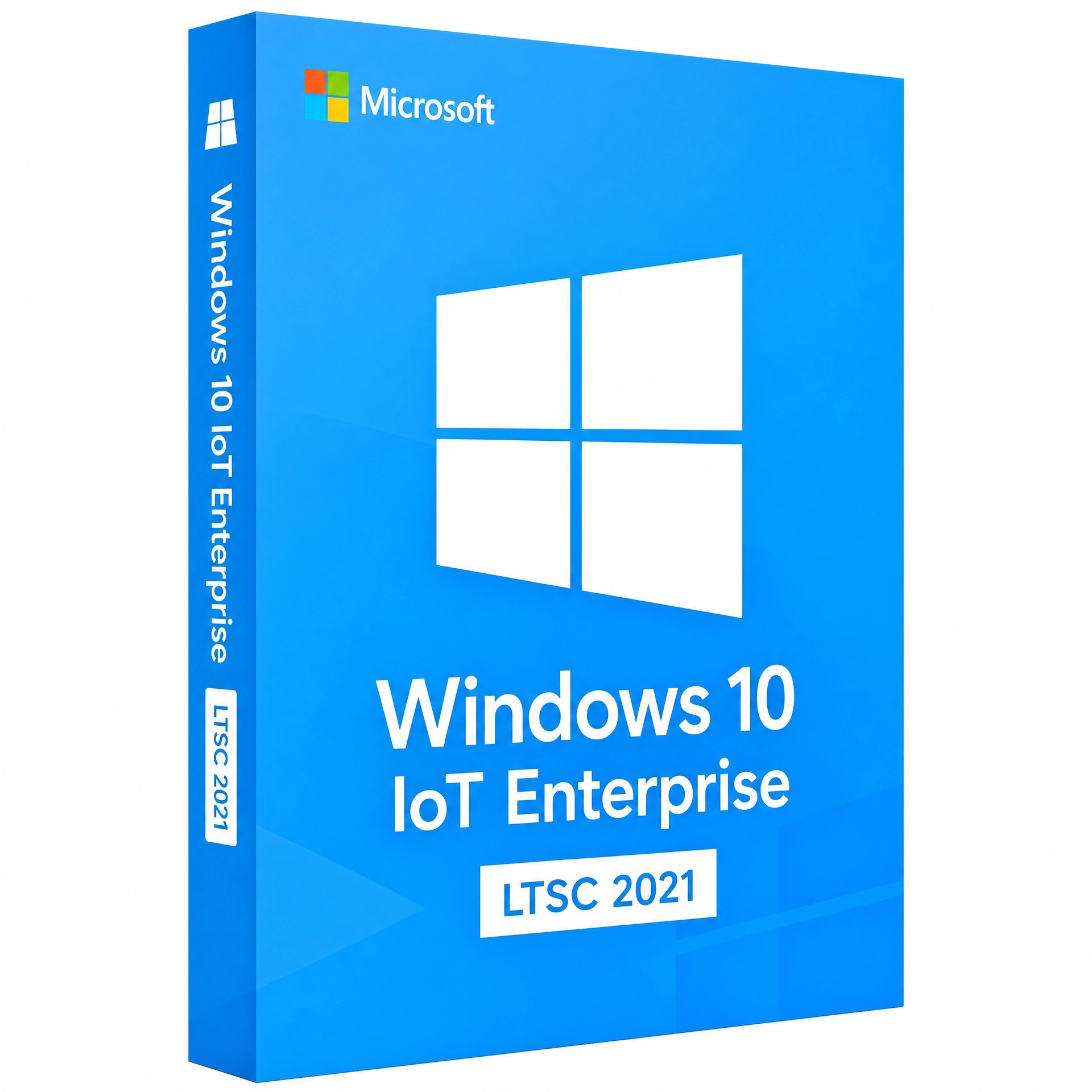
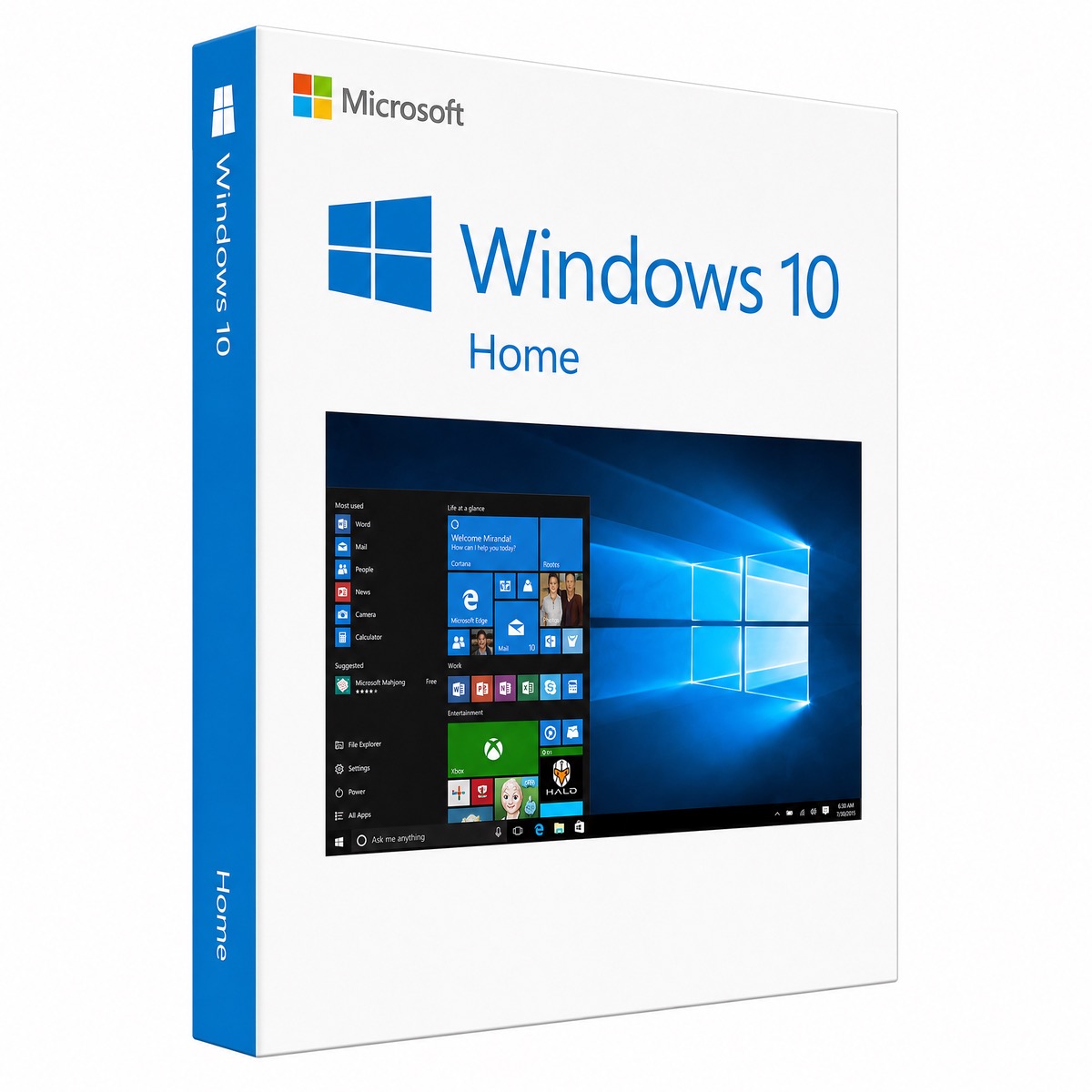
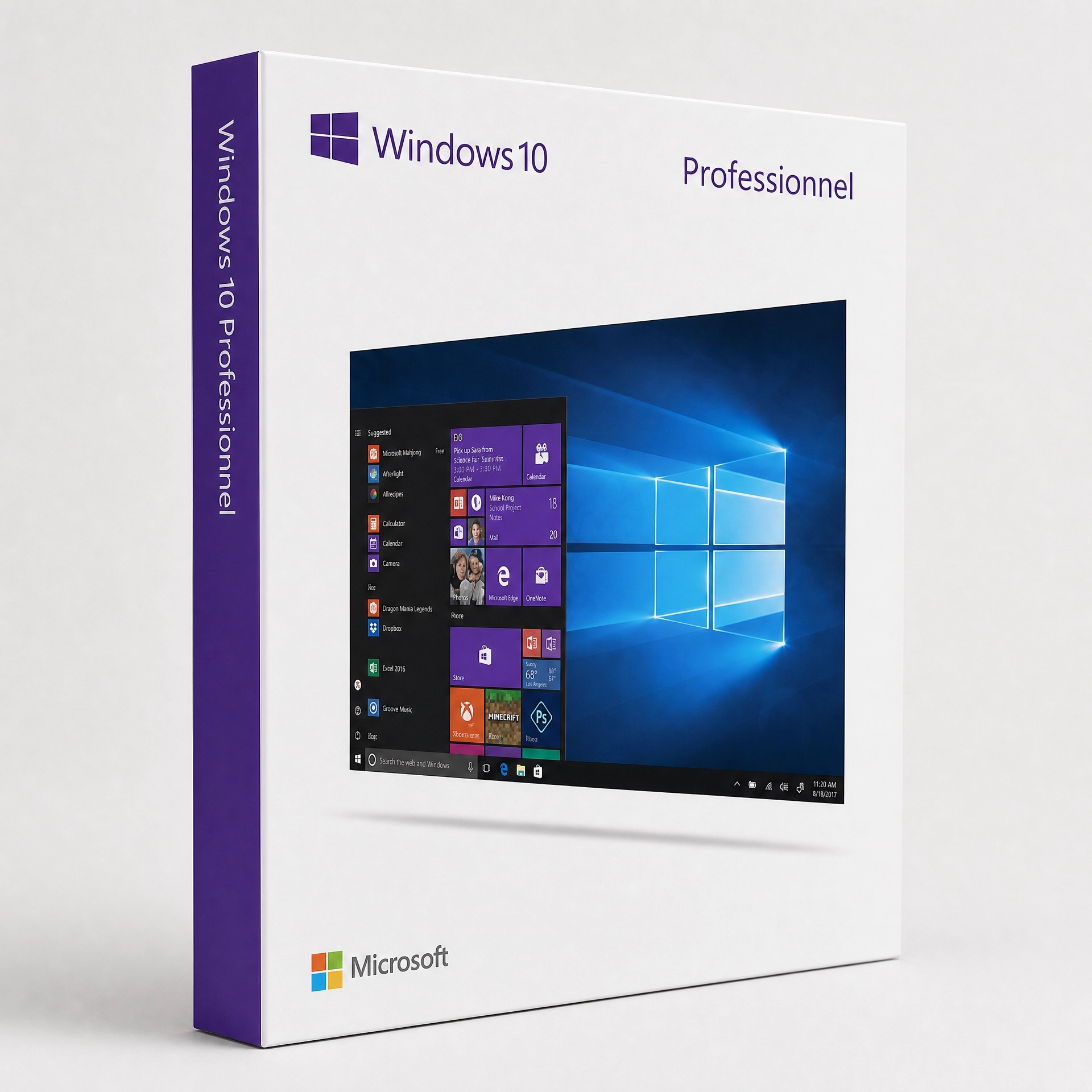
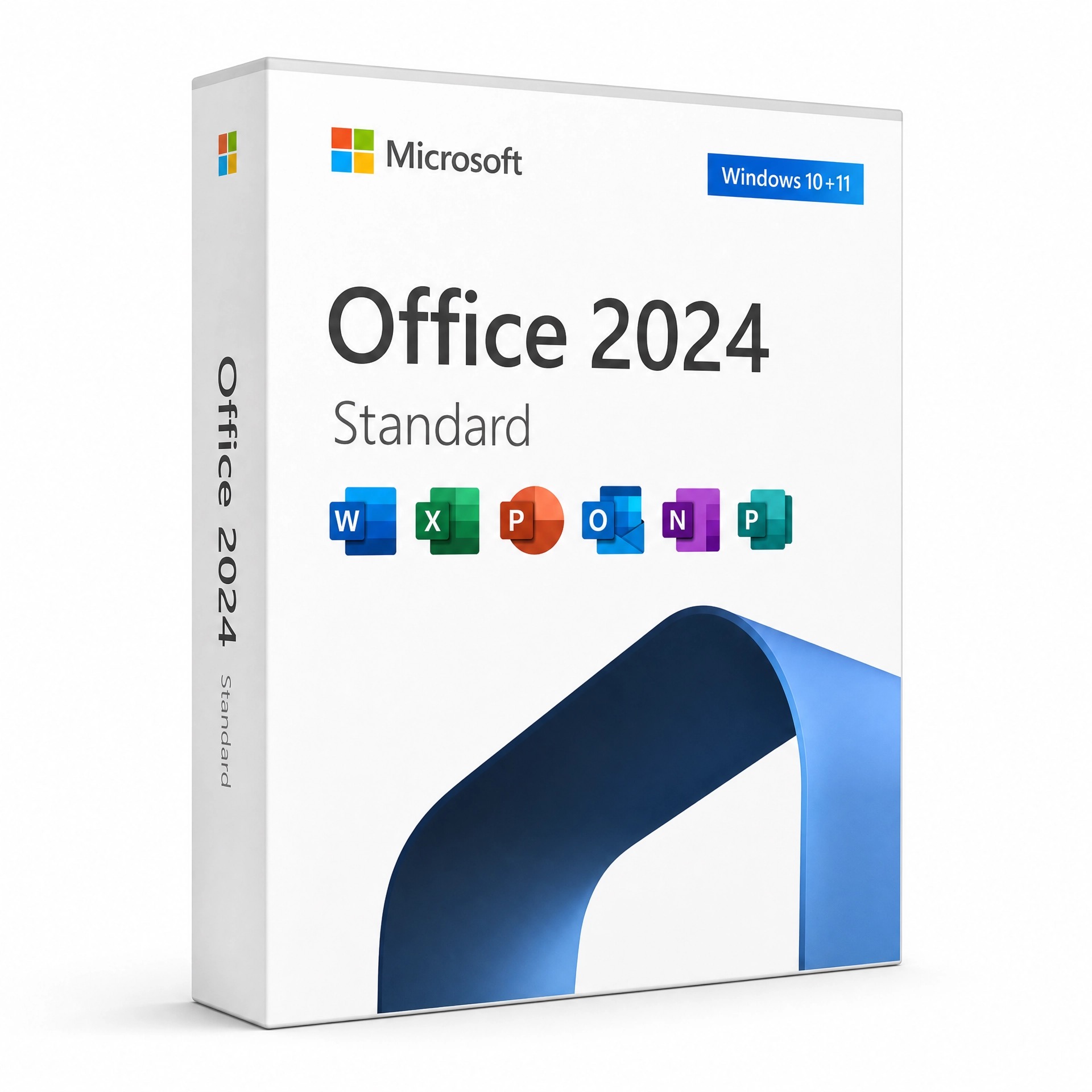
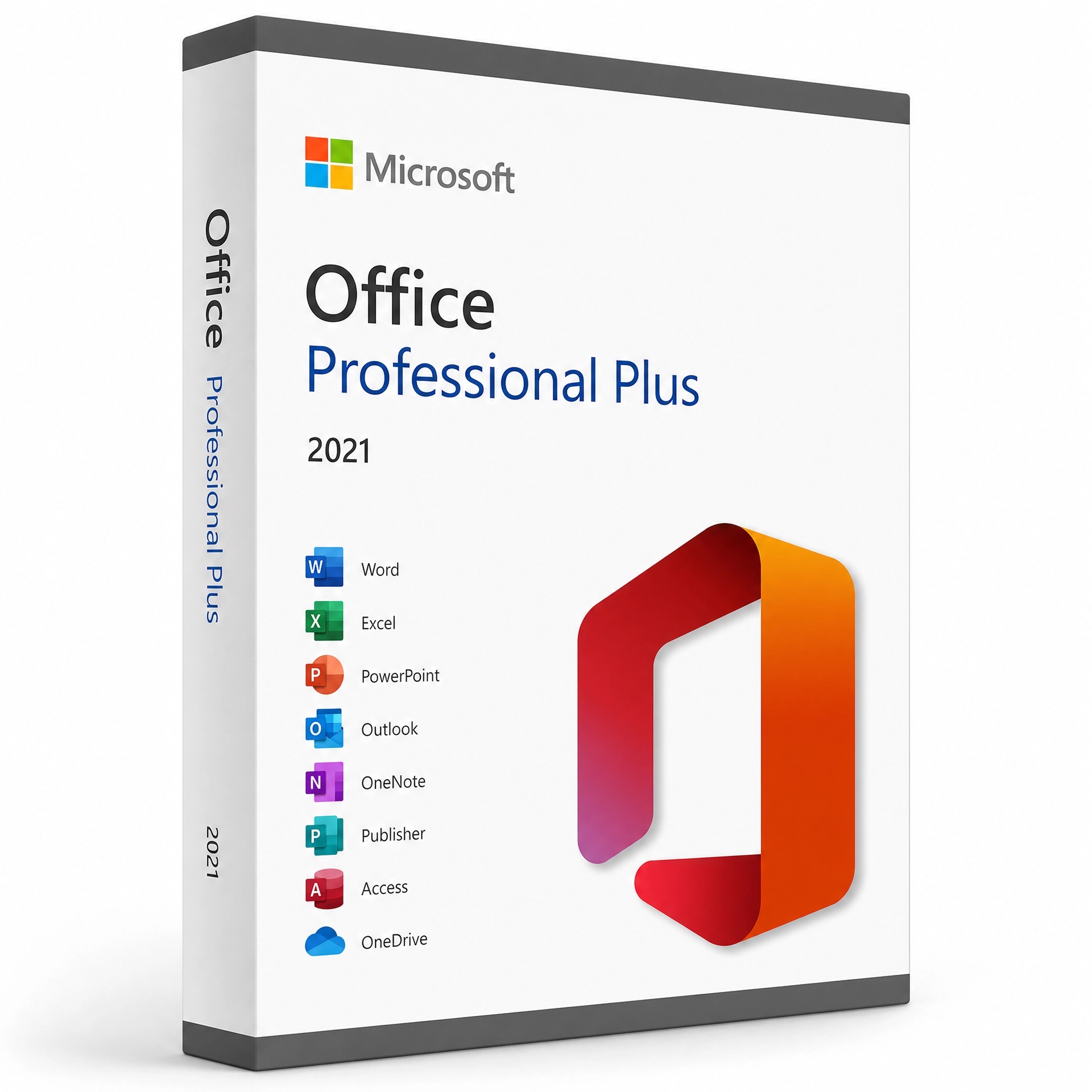
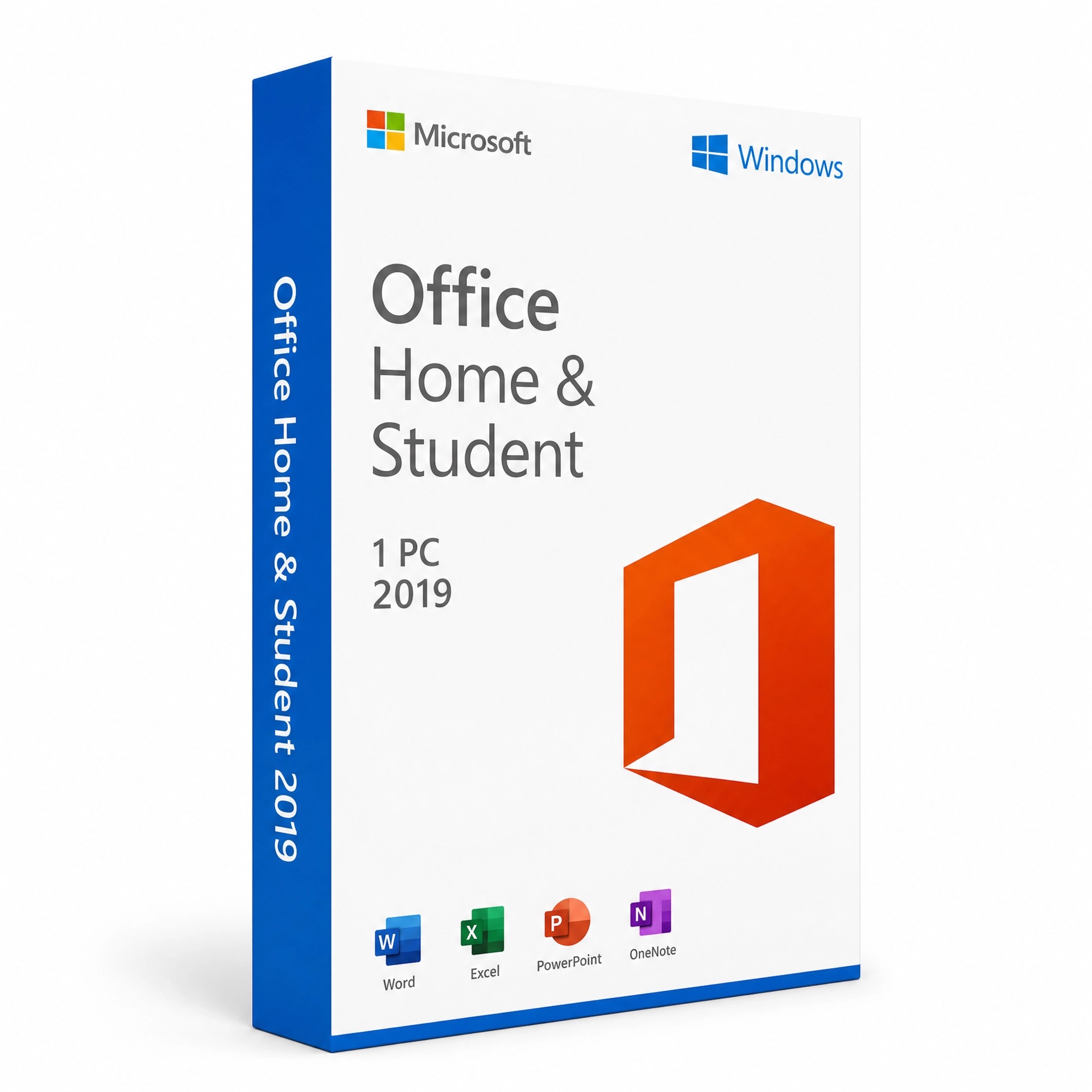
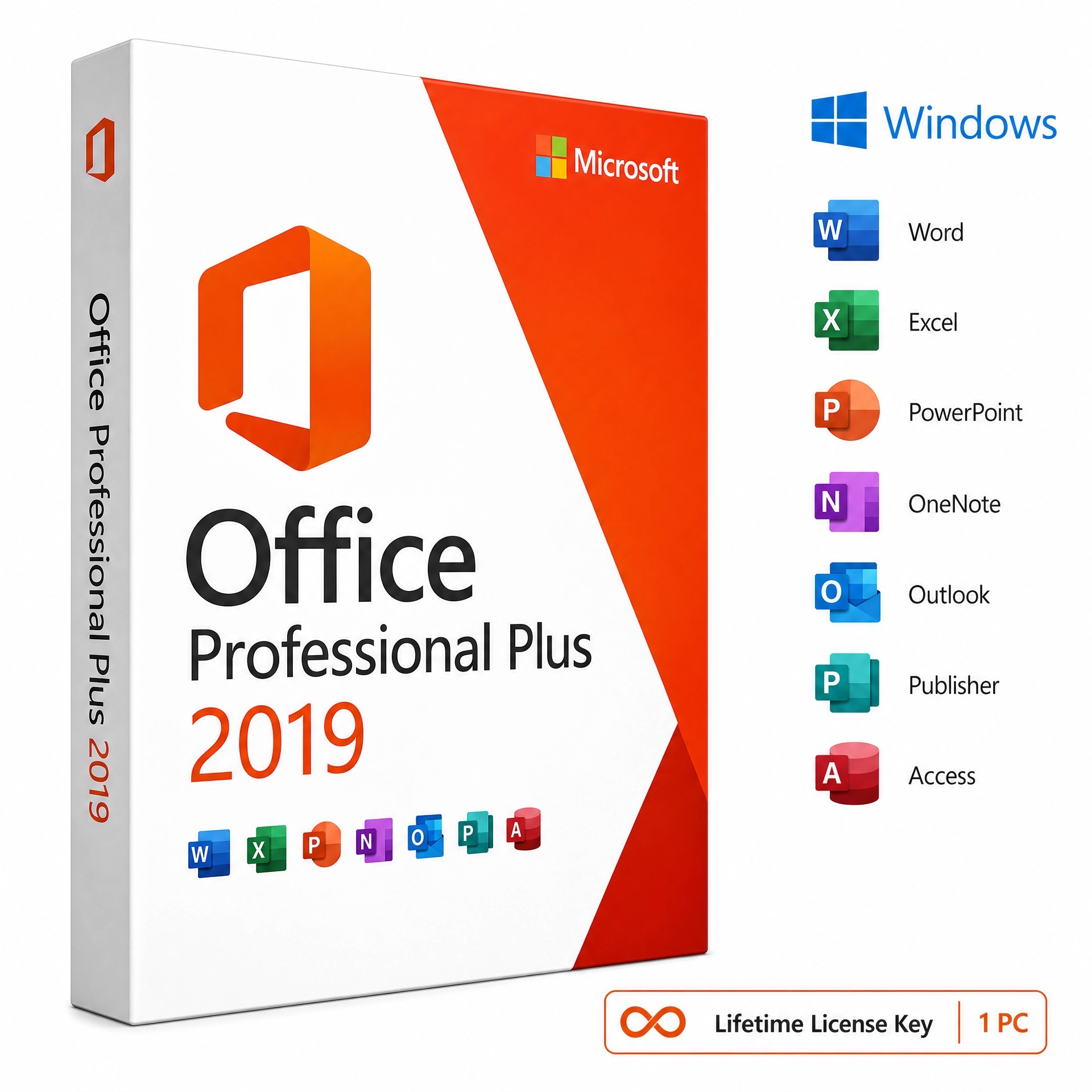
Bought a genuine Microsoft license from Kymakers? This page shows you exactly how to download, install and activate your Microsoft product — whether it’s Windows 11, Windows 10, a Windows Server edition, or Microsoft Office. Pick your product below to open a full step-by-step guide: download the official Microsoft files, install them on your PC, and activate your genuine lifetime license key in minutes. Every guide uses official Microsoft download methods and safe, legitimate activation steps.
Three Simple Steps
Every Kymakers product follows the same easy process. Pick your product below for a detailed guide.
Download
Get the official Microsoft installation file safely from the trusted source in the guide.
Install
Run the installer and follow the on-screen prompts to set up your software.
Activate
Enter the product key you received by email to unlock your lifetime license.
Choose Your Product
Select your Microsoft product to open its dedicated download, install & activation guide.
How do I download, install and activate my Microsoft license key?
Choose your exact product from the list above, then follow its step-by-step guide. Each guide walks you through downloading the official Microsoft installer, installing it on your PC, and activating with your 25-character product key.
How do I activate Microsoft Office with a product key?
Install Office, open any app such as Word, then go to File → Account → Change Product Key, enter your key and activate. See the guide for your exact Office version above.
How do I activate Windows with a product key?
Open Settings → System → Activation → Change product key and enter your key, or run slmgr /ipk YOUR-KEY then slmgr /ato in Command Prompt. Full steps are in each Windows guide.
Where can I download Microsoft Office or Windows safely?
Every guide here uses official Microsoft download sources — the Media Creation Tool or ISO for Windows, and the Microsoft Office CDN or setup.office.com for Office — so your download is genuine and safe.
Are Kymakers license keys genuine and lifetime?
Yes. Kymakers keys are genuine, one-time-purchase lifetime licenses delivered instantly by email, with 24/7 support if you need help activating.
0
Your Cart
(0)
−
+
(Save %)
Your Cart is Empty!
It looks like you haven't added any items to your cart yet.