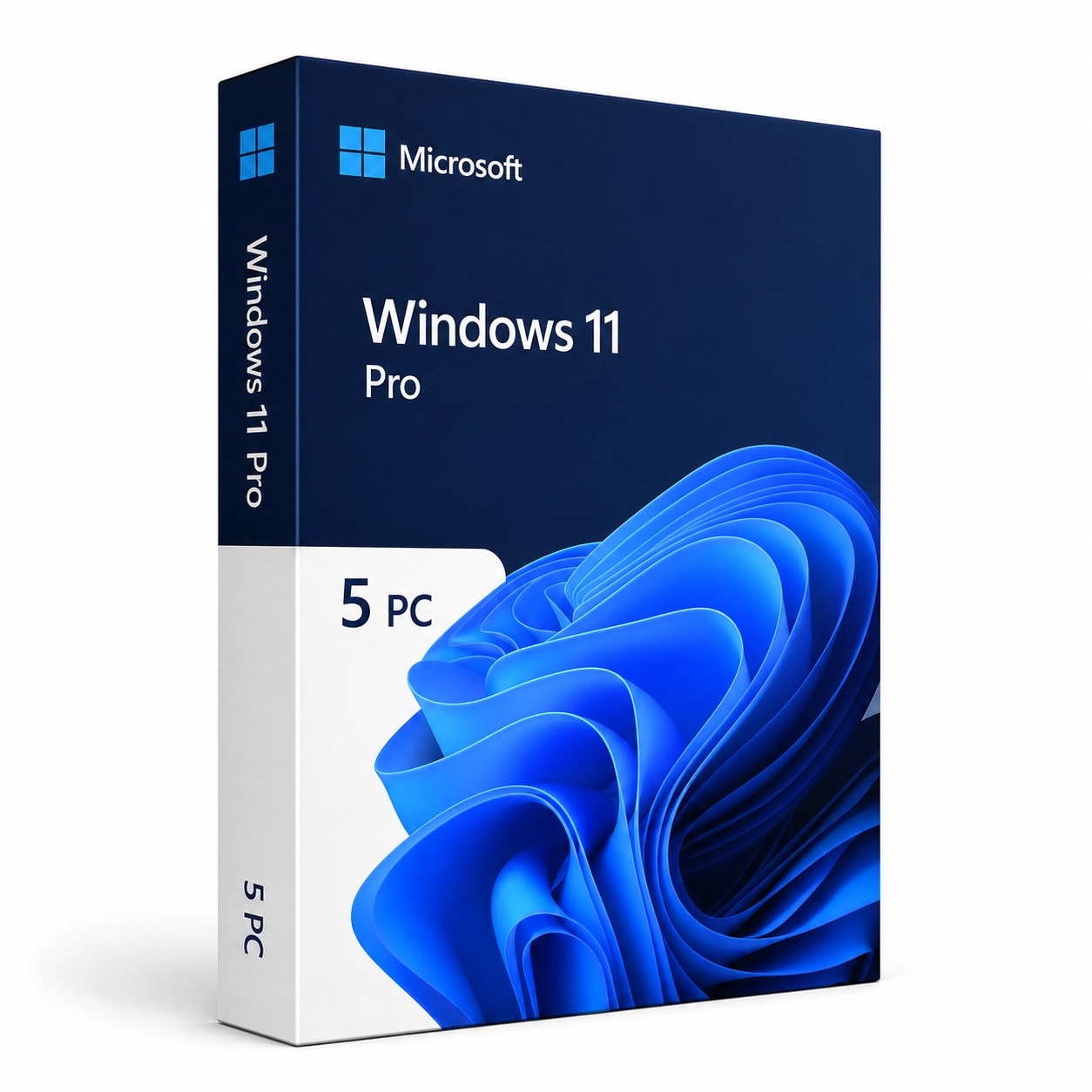
Microsoft Windows 11 Pro for 5 PC | Product Key | Lifetime License

Original price was: $75.00.Current price is: $24.99.

Get a genuine lifetime license key for Windows 11 Pro — licensed for 5 PCs. Advanced security, business tools, and professional features including BitLocker, Remote Desktop, and Hyper-V. One-time purchase, no subscription.

Key Features

5 PC LicenseActivate on five computers
BitLockerFull-disk encryption
Remote DesktopHost remote sessions
Hyper-VBuilt-in virtualization
Windows SandboxSafe app testing
Group PolicyCentralized management
Domain JoinActive Directory support
Snap LayoutsModern productivity UI

License Details

Delivery License key + Microsoft download link by email within seconds
Product Name Microsoft Windows 11 Pro
License Type Lifetime — one-time purchase, no subscription
Devices 5 PCs per license
Delivery Method Instant digital delivery via email — product key + official Microsoft download link + step-by-step guide
Installation New install, reinstall, or in-place upgrade from Windows 10 or Windows 11 Home
Language Globally valid — any language version
Guarantee 180-day money-back — working key or full refund

System Requirements

Processor 1 GHz or faster with 2 or more cores on a compatible 64-bit processor
RAM 4 GB minimum
Storage 64 GB or larger
Firmware UEFI, Secure Boot capable
TPM TPM version 2.0
Graphics DirectX 12 compatible with WDDM 2.0 driver

How to Activate

1
Check your emailYour license key and official Microsoft download link arrive within seconds of purchase.
2
Install Windows 11 ProDownload and install from the official Microsoft link provided, or upgrade an existing Windows installation in place.
3
Enter your product keyEnter the key during setup, or go to Settings → System → Activation → Change product key. Repeat on each of your 5 PCs.

Ideal For

Small Teams & OfficesOne license covers 5 workstations
Families & Multi-PC HomesEquip every computer in the household
IT AdministratorsDomain join and Group Policy management
Security-Conscious UsersBitLocker encryption on every device
Developers & Power UsersHyper-V, Windows Sandbox, and Remote Desktop
New PC BuildsFresh installs and Windows 10 upgrades

Our Guarantee

Genuine Key
Activates on Microsoft servers
Instant Delivery
Key in your inbox in seconds
180-Day Refund
Working key or full refund
Global License
Any country, any language

Frequently Asked Questions

Can I install this on 5 different computers?
Yes. This license activates Windows 11 Pro on 5 separate PCs. Install and activate on each machine using the same product key.
What does Windows 11 Pro add over Home?
Pro adds BitLocker device encryption, Remote Desktop hosting, Hyper-V virtualization, Windows Sandbox, Group Policy management, and Active Directory domain join — the professional and business features that Home does not include.
Can I upgrade from Windows 10 or Windows 11 Home?
Yes. Enter this product key in Settings → System → Activation → Change product key. Windows upgrades in place — your files, apps, and settings stay exactly where they are. No reinstall required.
Will my PC meet the requirements?
Windows 11 requires a compatible 64-bit processor, 4 GB RAM, 64 GB storage, UEFI with Secure Boot, and TPM 2.0. Check your hardware against the system requirements above before purchasing.
Is this a lifetime license?
Yes. This is a one-time purchase with permanent activation on 5 PCs — no monthly or annual subscription required.
What if the key does not work?
Contact us at Support@kymakers.com. We replace your key or issue a full refund within 24 hours — guaranteed.

Buy Microsoft Windows 11 Professional 5PC

Microsoft Windows 11 Professional is the latest version of the Windows operating system, designed to provide a modern and productive computing experience. With a sleek new interface, enhanced performance, and robust security features, Windows 11 Professional is perfect for professionals and businesses. This license allows installation on up to 5 PCs.

Key Features

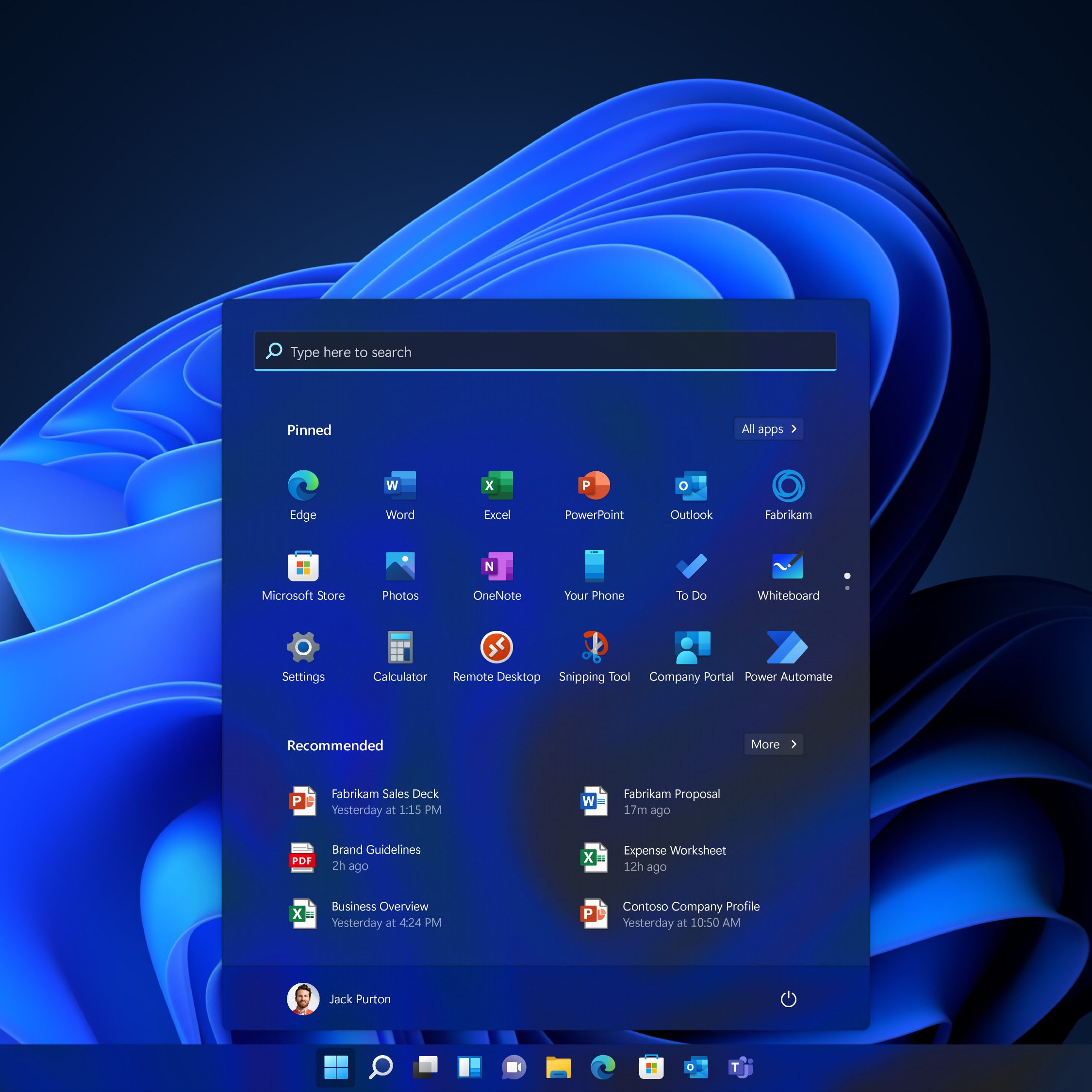
  • Modern Interface: Experience a fresh and intuitive user interface with a centered Start menu, new taskbar, and redesigned windows for a clean and efficient workspace.
  • Enhanced Performance: Enjoy faster boot times, improved performance, and efficient multitasking with the latest system optimizations.
  • Virtual Desktops: Create and manage multiple virtual desktops to organize your work and personal tasks separately.
  • Snap Layouts and Snap Groups: Easily organize open windows with Snap Layouts and Snap Groups, enhancing productivity and workflow.
  • Microsoft Teams Integration: Stay connected with colleagues and clients through the integrated Microsoft Teams app, allowing for seamless communication and collaboration.
  • Advanced Security: Protect your data and privacy with built-in security features like BitLocker, Windows Hello, and advanced malware protection.
  • Compatibility: Run your favorite apps and games with improved compatibility and support for the latest hardware technologies.
  • Remote Desktop: Access your PC from anywhere with Remote Desktop, ensuring you stay productive even when working remotely.

Benefits

  • Productivity Boost: Increase your productivity with new features designed to streamline your workflow and optimize your work environment.
  • Enhanced Security: Keep your data and personal information secure with robust security features and regular updates.
  • Seamless Collaboration: Collaborate easily with built-in tools and integration with Microsoft Teams.
  • Flexibility: Use Windows 11 Professional on up to 5 PCs, making it a cost-effective solution for small businesses and home offices.
  • Modern Experience: Enjoy a modern and aesthetically pleasing interface that enhances your overall computing experience.

Ideal For

Microsoft Windows 11 Professional 5PC is ideal for professionals, small businesses, and home offices that require a reliable, secure, and productive operating system. Whether you are managing multiple tasks, collaborating with a team, or ensuring data security, Windows 11 Professional provides the tools and features needed to meet your computing needs.Not sure how to activate your key? Read our step-by-step installation guide → Click Here
Free Installation Guides → How to Enable Secure Boot & Boot from USB — Windows 10/11

Your Cart (0)
Empty Cart Your Cart is Empty!

It looks like you haven't added any items to your cart yet.

Browse Products
Subtotal
Shipping & taxes calculated at checkout.
$0.00
Checkout Now